Nuvon - a Synology-powered file storage and sync cloud service

Self-hosting has gained significant importance in recent years, giving the impression of a technological throwback. While public cloud services remain dominant, especially as AI pushes the boundaries of modern hardware, they are unlikely to disappear soon.
Nevertheless, we are observing a notable shift in the mindset of individuals and businesses regarding data ownership, privacy, and decentralization. Incidents such as security breaches targeting large data centers, data leaks, and rising costs are fueling the renewed emphasis on maintaining control over our data.
For the past 25 years, Synology has championed the concept of private cloud—if we can term it that—regardless of their commercial cloud offerings. These services are simply extensions of their core business: scalable, local storage solutions.
Their extensive portfolio caters to a wide range of users, from home enthusiasts to Fortune 500 corporations. Consequently, some companies are not only reselling Synology products and services but also building their own businesses on top of this infrastructure.
Last year, I had the privilege of meeting Felipe Baez, CEO of Nuvon Cloud s.r.o., to discuss what Nuvon is and the reasons behind its creation.
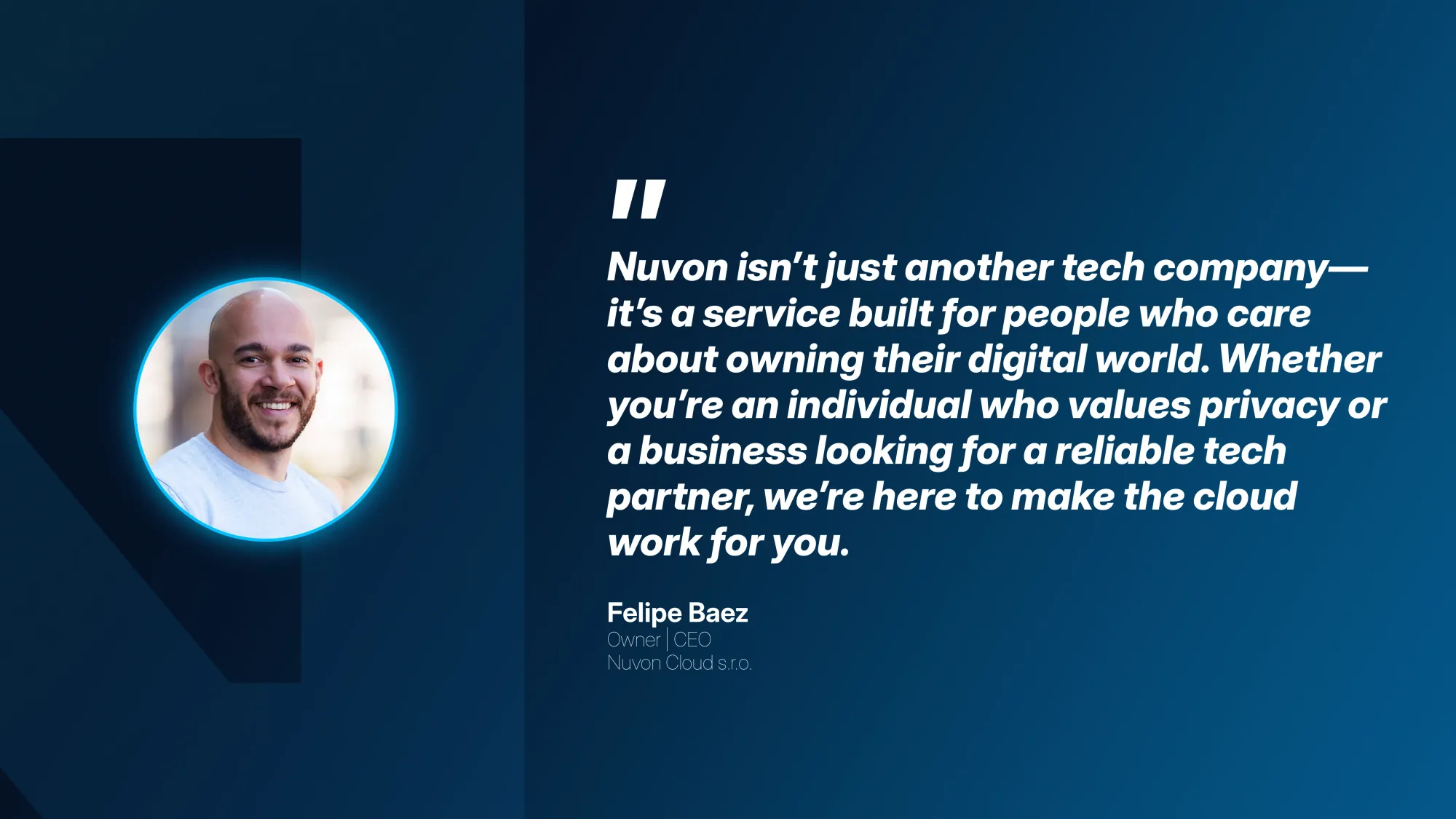
Felipe Baez is a workflow architect, post-production consultant, and the CEO/CTO of Nuvon, a privacy-focused European cloud services company. Based in Prague and working globally, he designs high-performance media workflows, hybrid cloud infrastructures, and scalable creative tech systems for studios, agencies, and production teams.
With two decades of experience across the US, Brazil, Ireland, and the Czech Republic—including roles at Apple, Accenture, and McKinsey—Felipe specializes in bridging creative needs with robust technical engineering.As the founder of Nuvon, he helps clients streamline their operations, modernize their infrastructure, and work securely from anywhere in the world.
Although Nuvon is a newly established company, it is backed by over two decades of experience. Felipe and his team possess extensive expertise in media workflows and creative studio systems, which motivated the development of a private, EU-based cloud platform designed to eliminate common frustrations that can disrupt the creative process.
Built on Synology's SA series hardware housed in the MasterDC EU data center in Brno, Czechia, which offers a 99.9% uptime, Nuvon provides services such as Nuvon Drive and Nuvon Photos. These services are primarily based on Synology Drive and Synology Photos packages.
Nuvon Drive offers:
- Real-time sync, versioning, offline access
- Team folders, permission, audit logs
- Private by default
- Cross-platform clients (Win/macOS/Linux/iOS/Android/Web)
- Unlimited traffic
- Powered by Synology Drive Server
- 2 user accounts included
- Optional – Your company branded NextCloud portal from subscriptions starting at 5TB/month
Pricing:
- €20/TB/month (monthly plan) - includes 2 user accounts
- €10/user/month (monthly plan) - from the 3rd user
Since Synology Drive client apps are available on all major mobile and desktop platforms, compatibility will pose no issues. Accessing drive.nuvon.io through the web or the apps will provide seamless access to the platform.
Sign-up process and login
Registering with the company starts at https://auth.nuvon.io, where the creation of the future SSO account will begin.
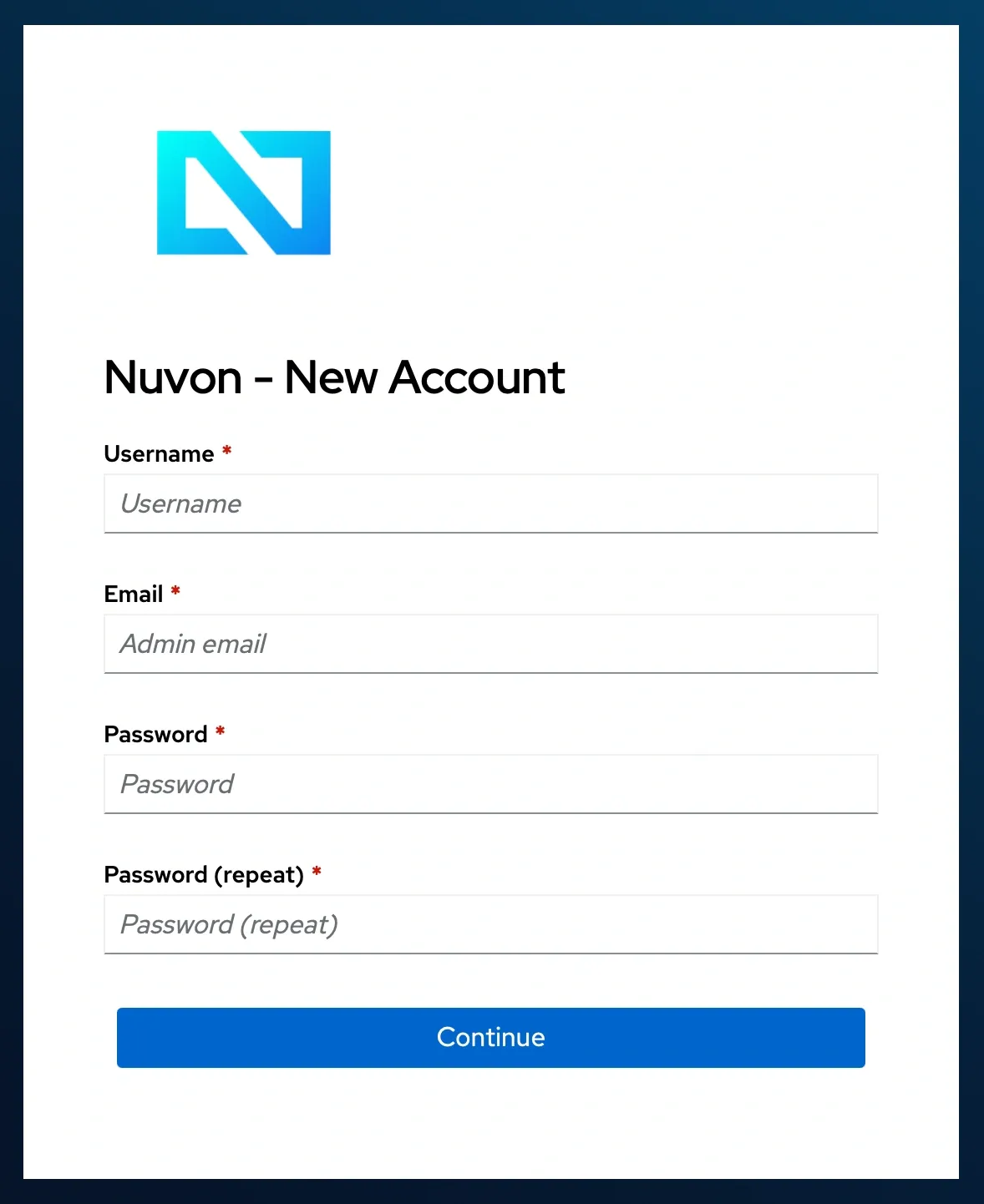
Upon successful registration, a welcome email will be sent containing all the necessary details to start using the platform. For those unfamiliar with the Synology ecosystem, the video tutorials will be very helpful.
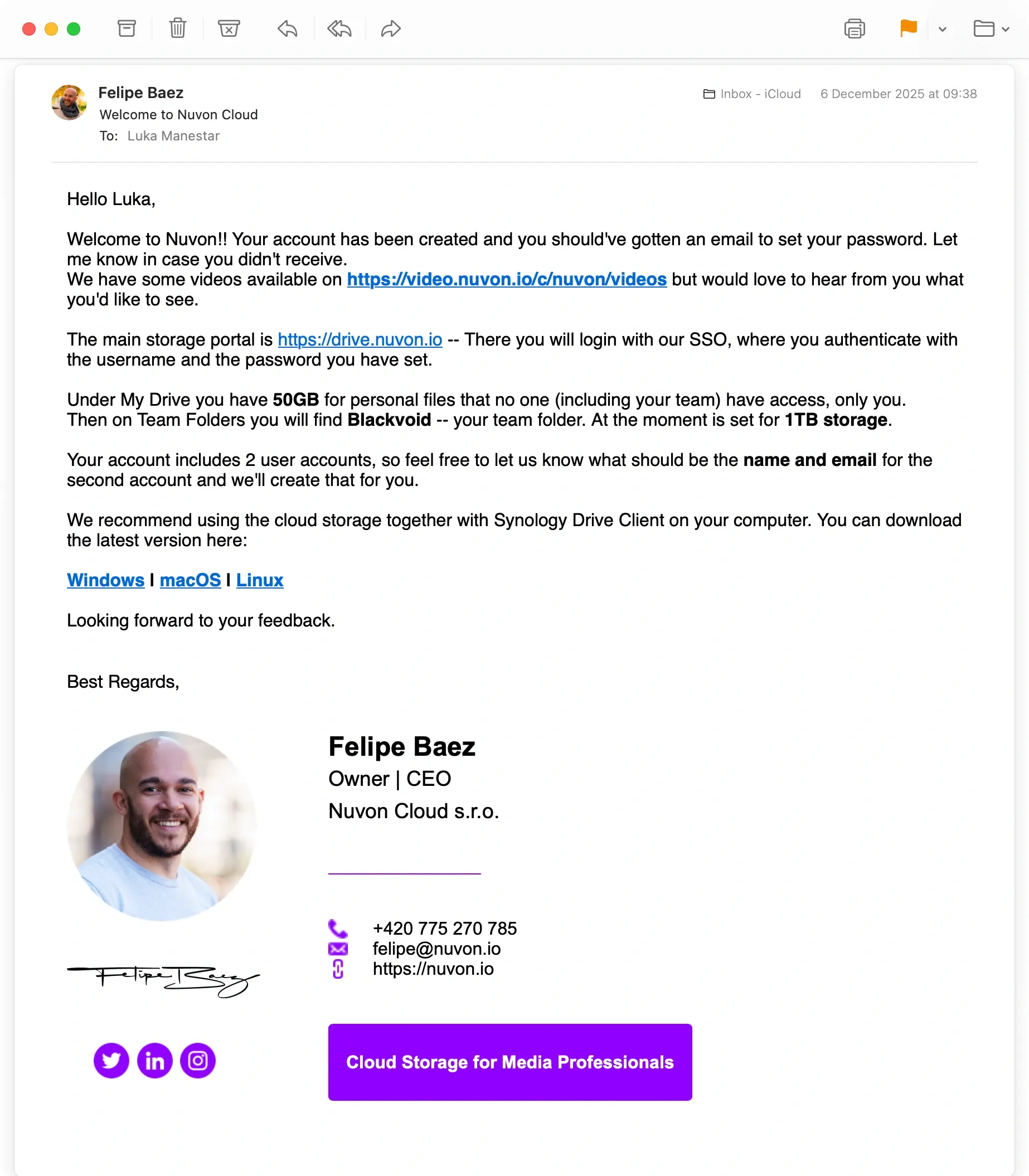
The initial registration covers the main account, and the service offers two accounts in the monthly subscription. This means that upon registering, an additional account can be requested as indicated in the welcome email.
Once the account is created, you can log in to the platform at drive.nuvon.io. The default SSO authentication process will automatically log you in.
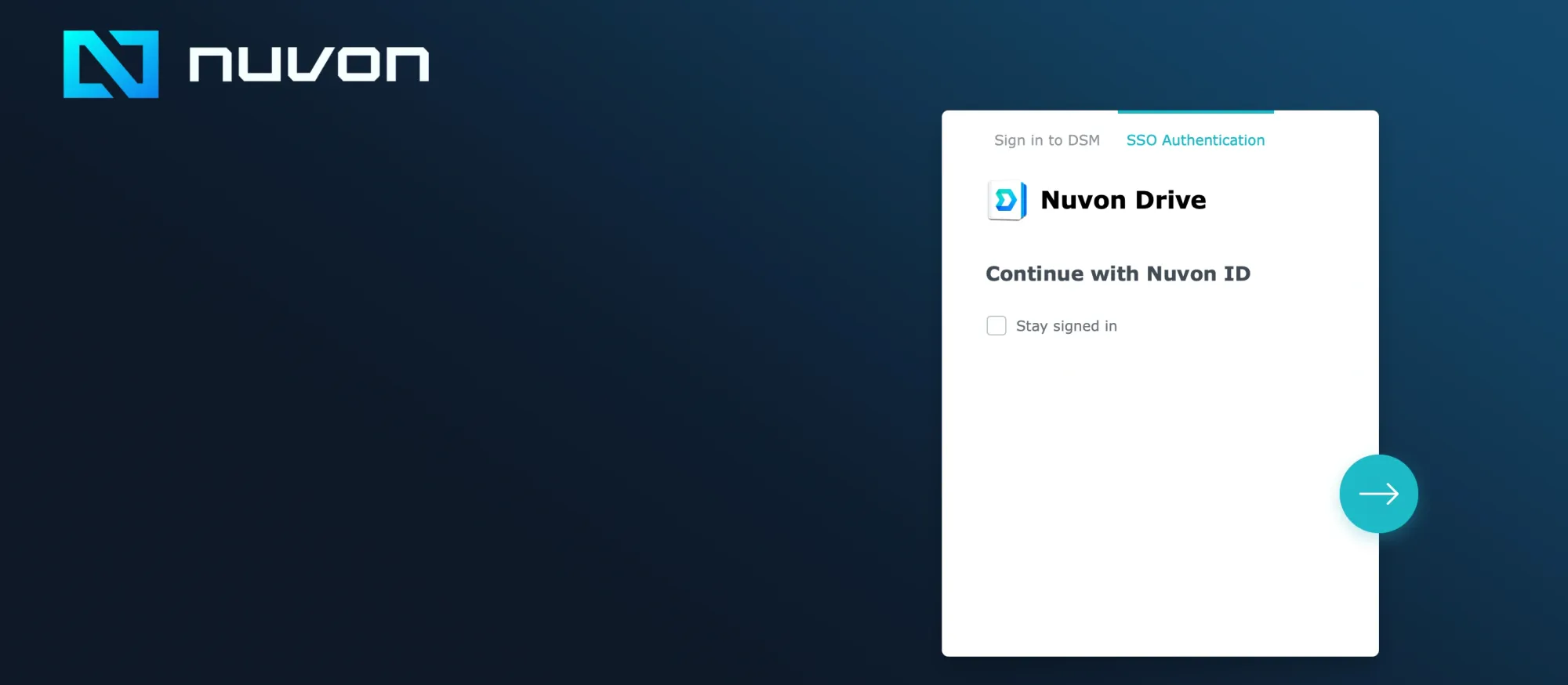
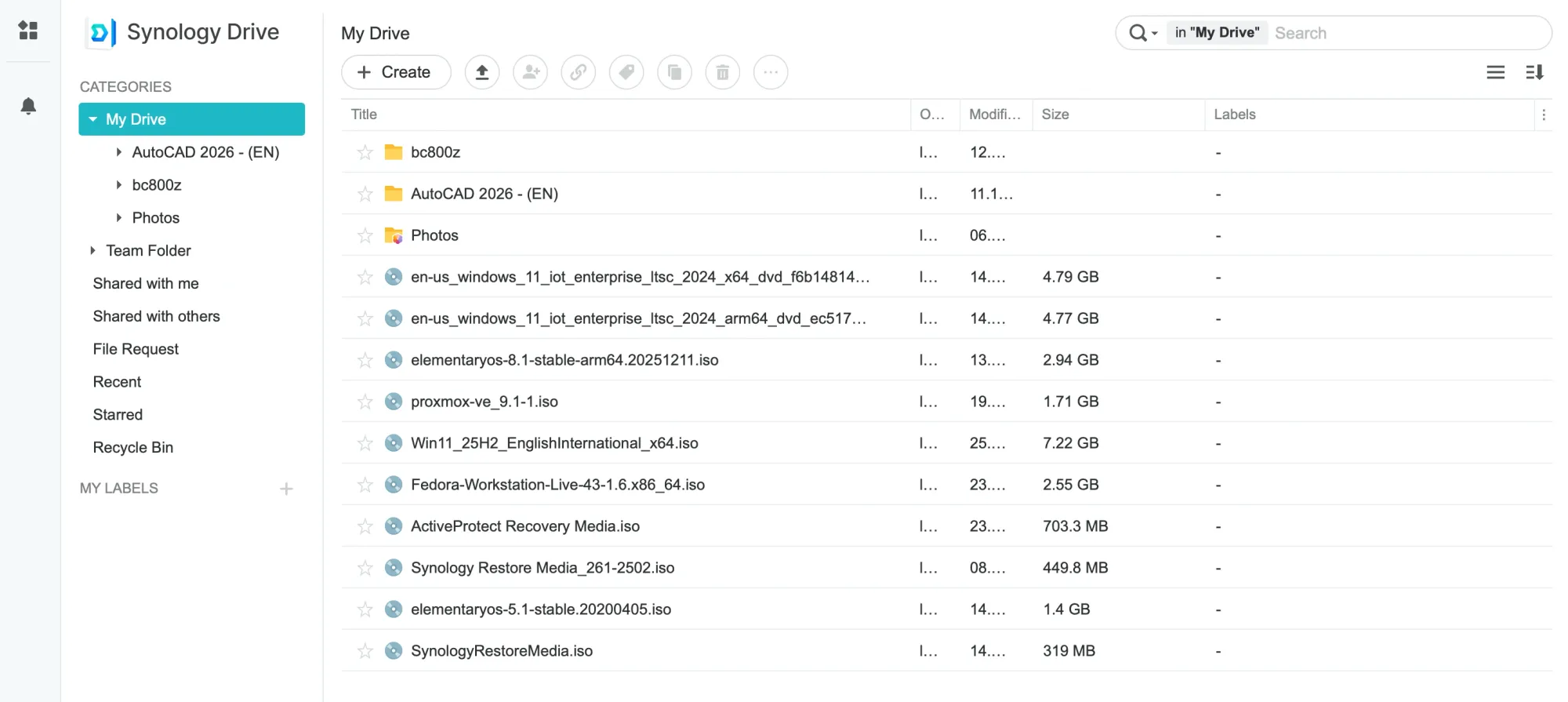
Similar to most cloud platforms, the interface is designed to be user-friendly, even for complete novices with no prior experience with the Synology platform. In terms of speed, the platform provides ample bandwidth, with potential for expansion in the future.
Depending on the device, infrastructure, and geo-location, speeds of up to 2.5G can be expected.
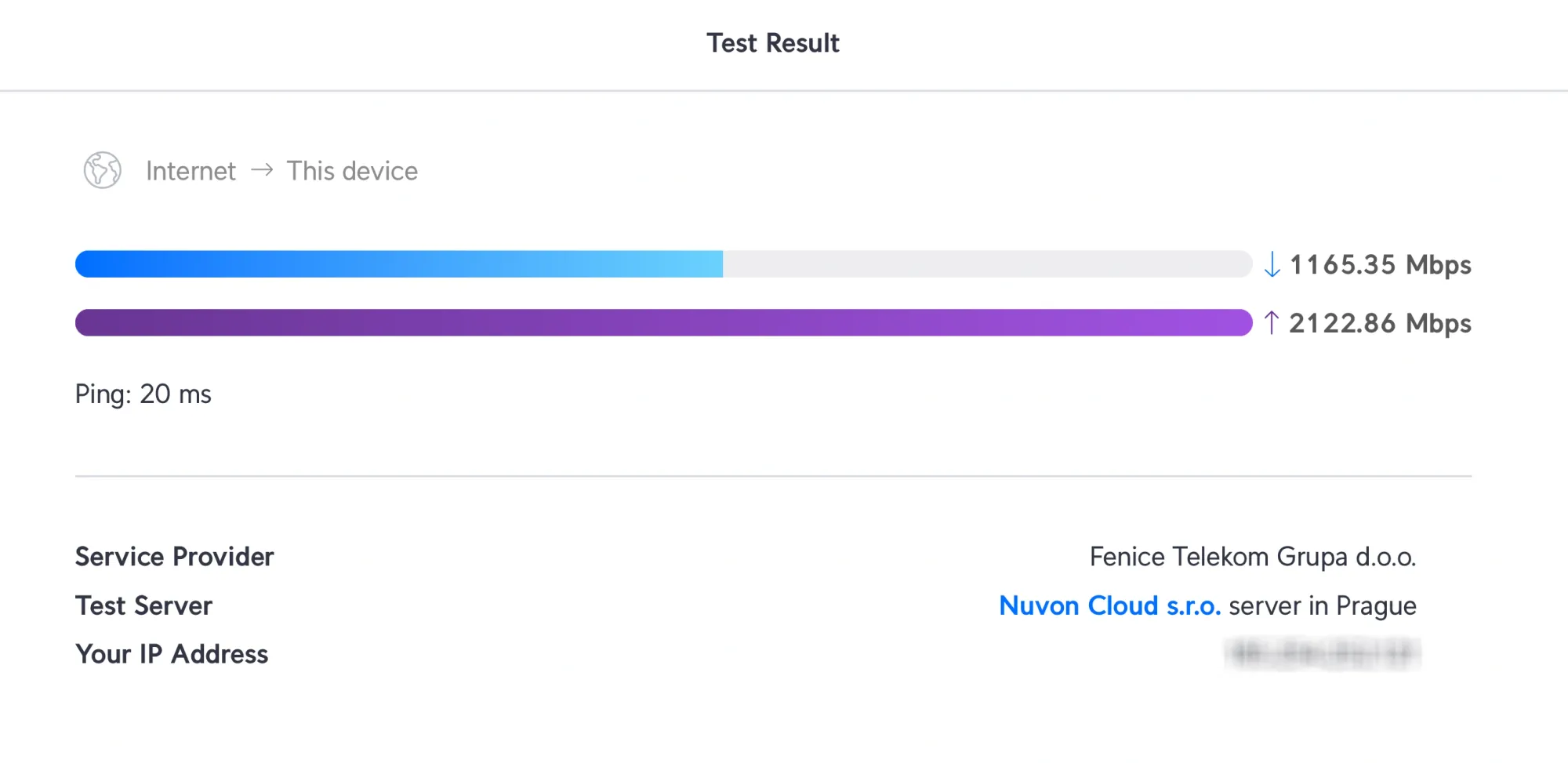
My ping round-trip from Croatia to the data center was clocked at 20ms with speeds up to 2.2G, which is consistent with the distance from the DC.

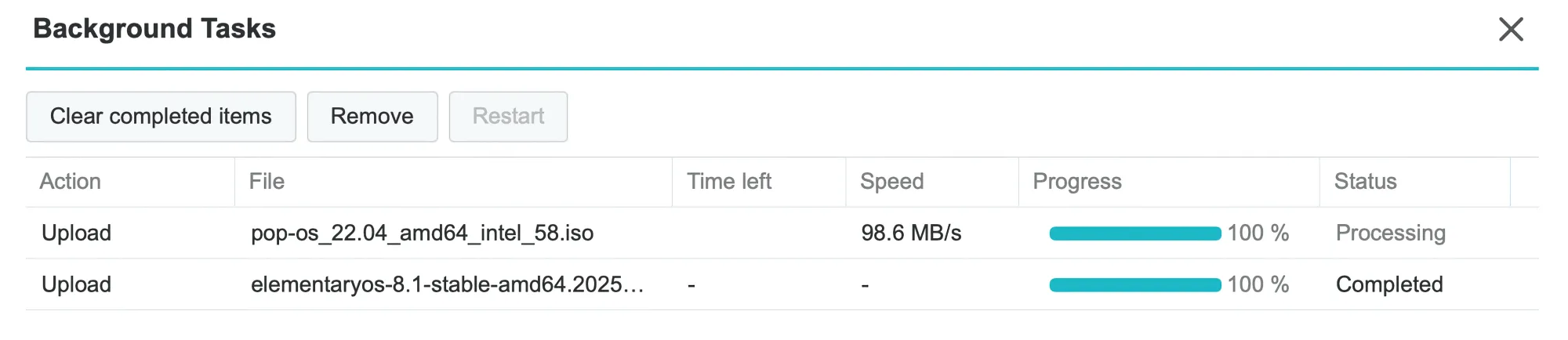
These are clear examples of large single files. Although there is no official limit to file size— as I have tested with files up to 10GB— Synology Drive has traditionally been used primarily for managing small files and computer backups. With a sufficiently fast connection, using it as a daily tool should result in minimal delays.
Synology Drive is highly regarded for its stability and functionality. With Nuvon Drive, individuals and small teams can now enjoy the best of both worlds: a fast, stable platform without the complexity and overhead of maintaining on-premise infrastructure.
Configuring Nuvon Drive sync and backup
Using the browser offers flexibility for accessing the platform, but to fully unlock its potential, it is highly recommended to use the client apps.
Nuvon Drive utilizes the default Synology Drive client, making installation straightforward—simply download it through the provided links and follow the installation wizard.
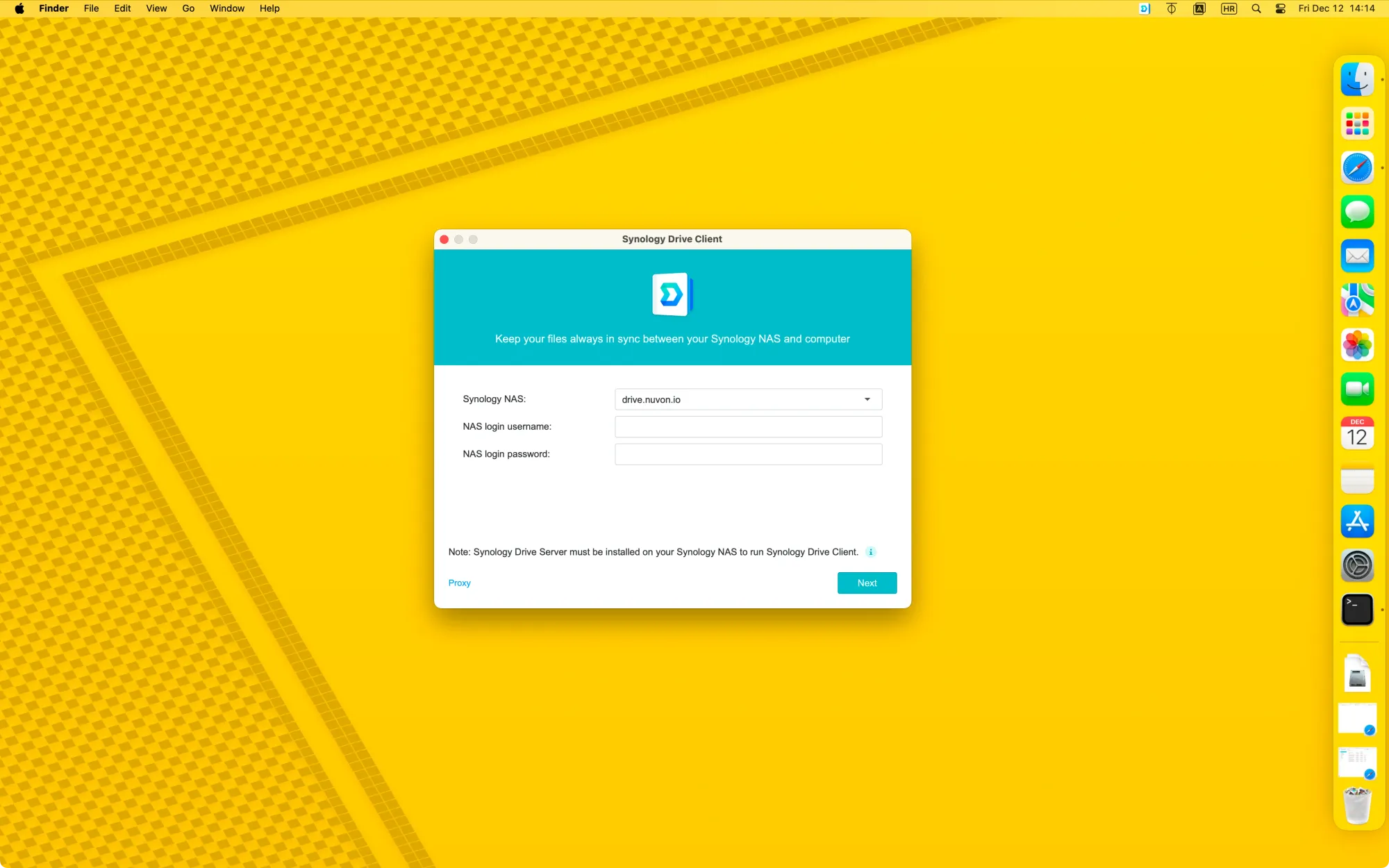
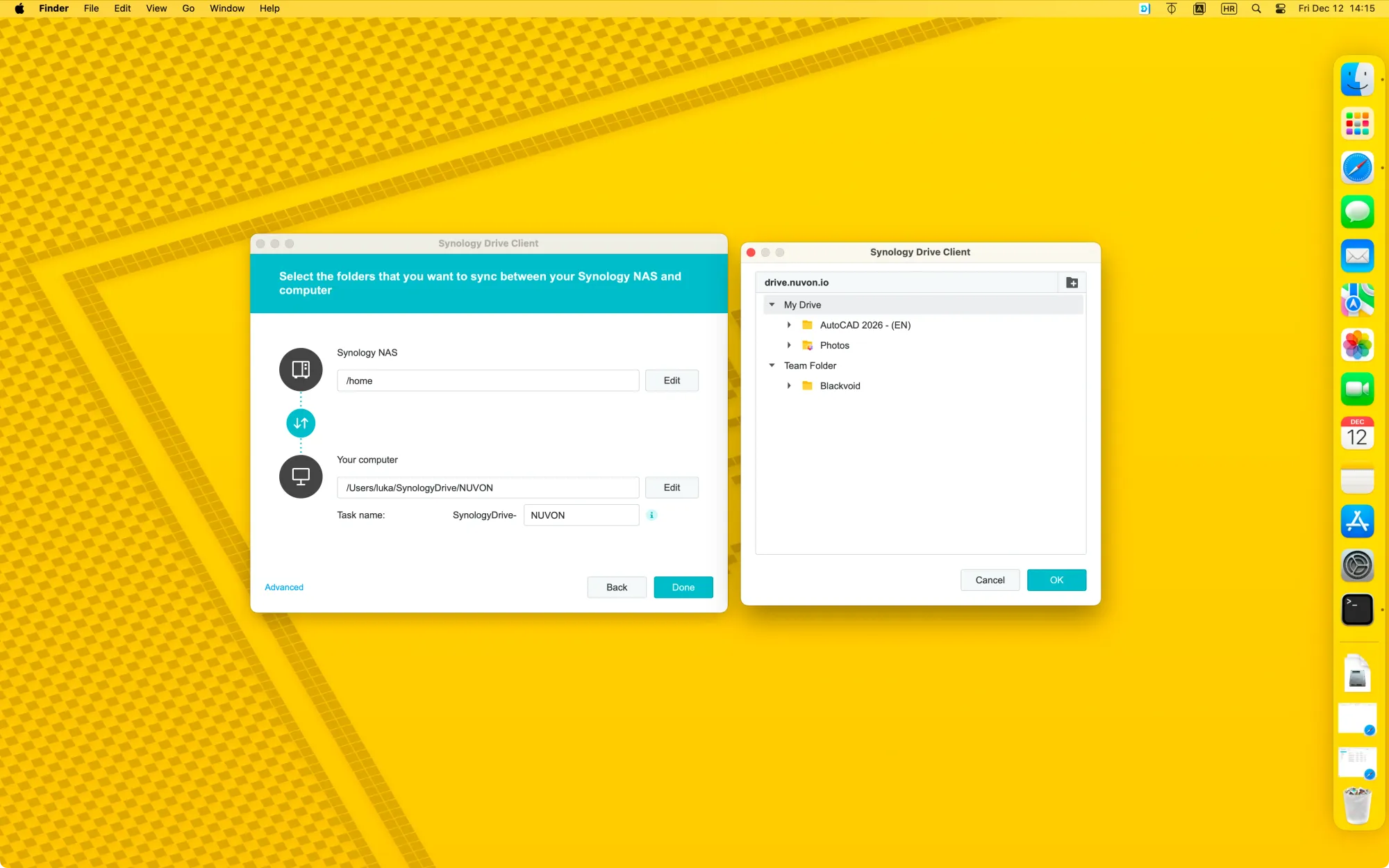
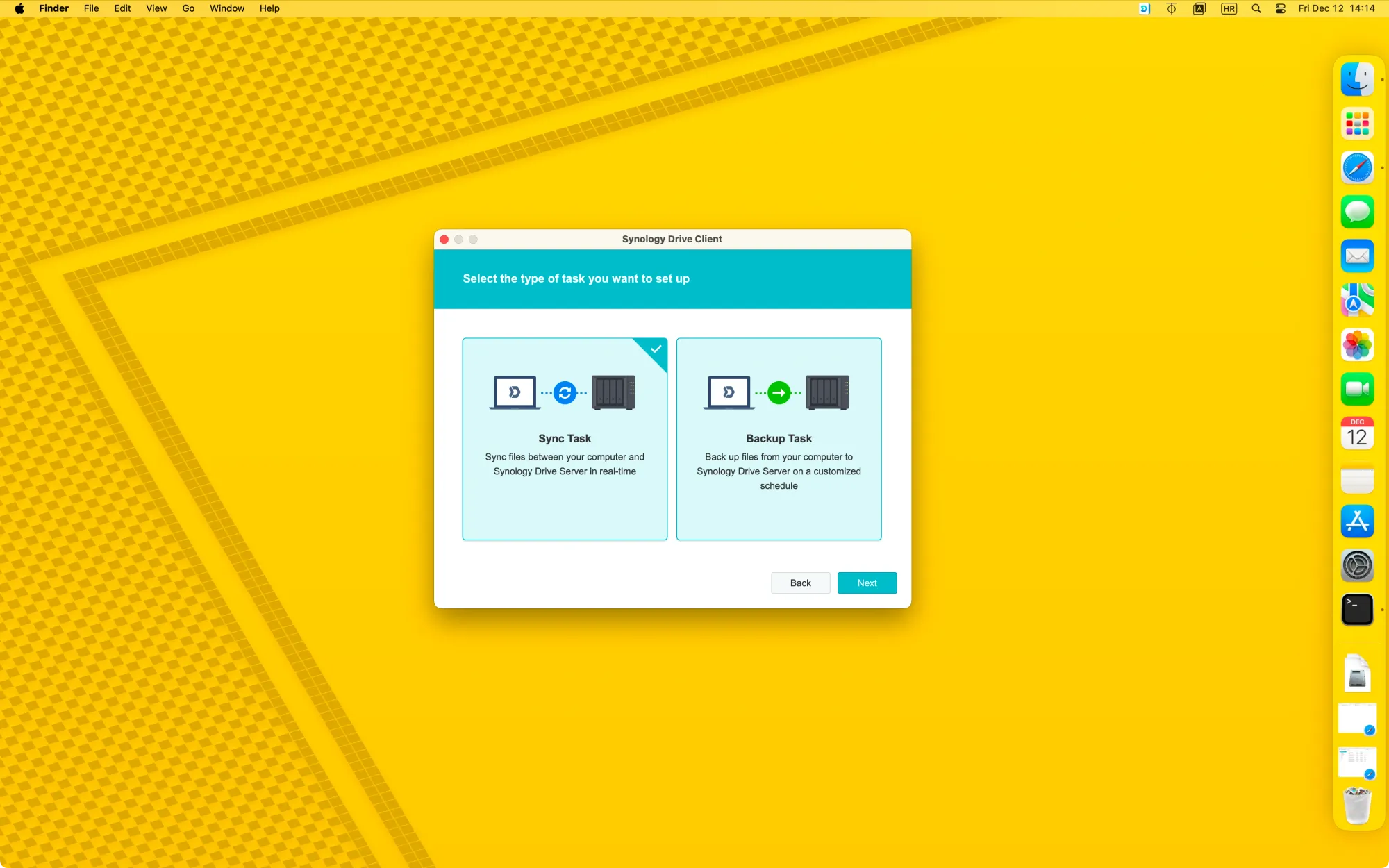
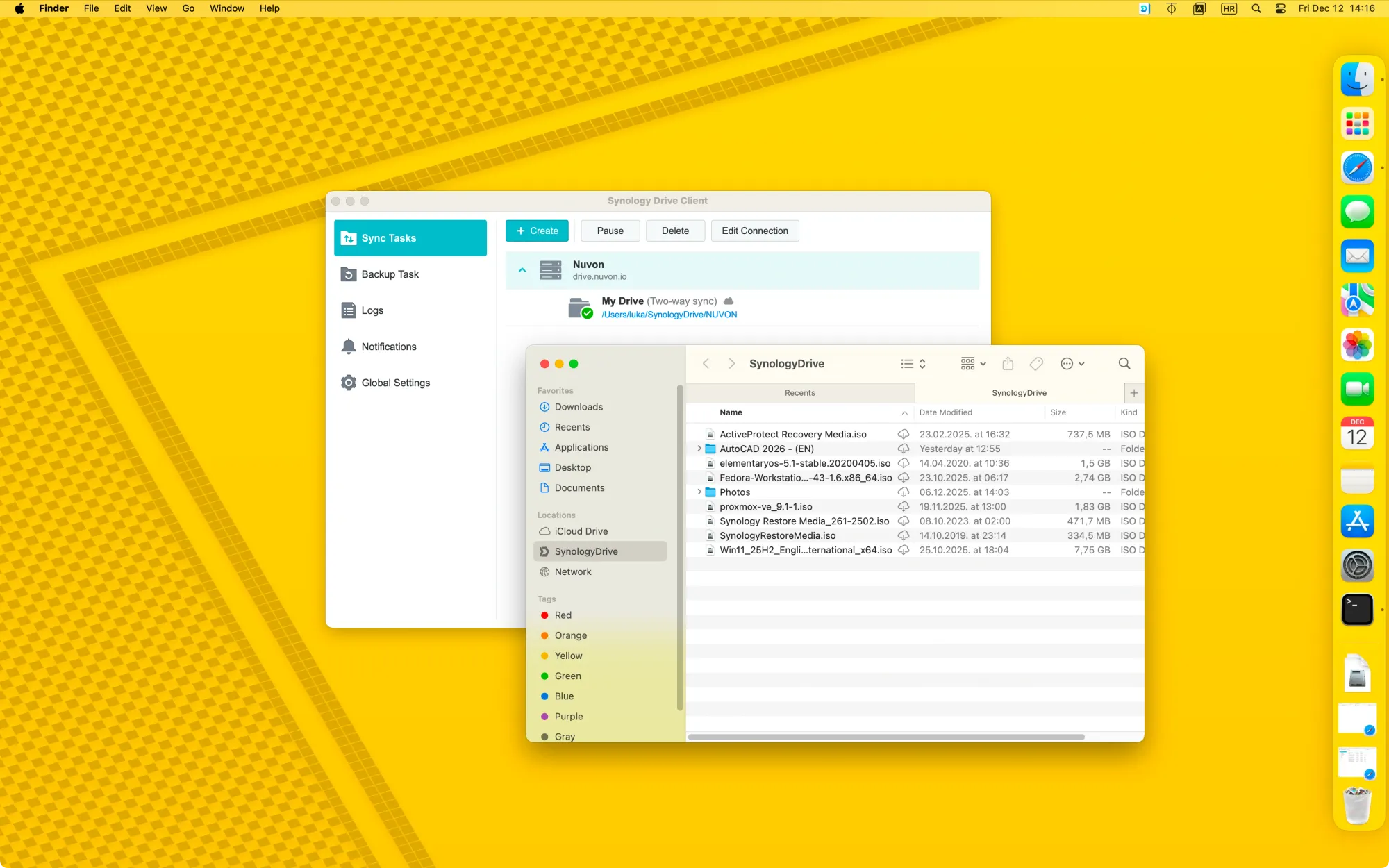
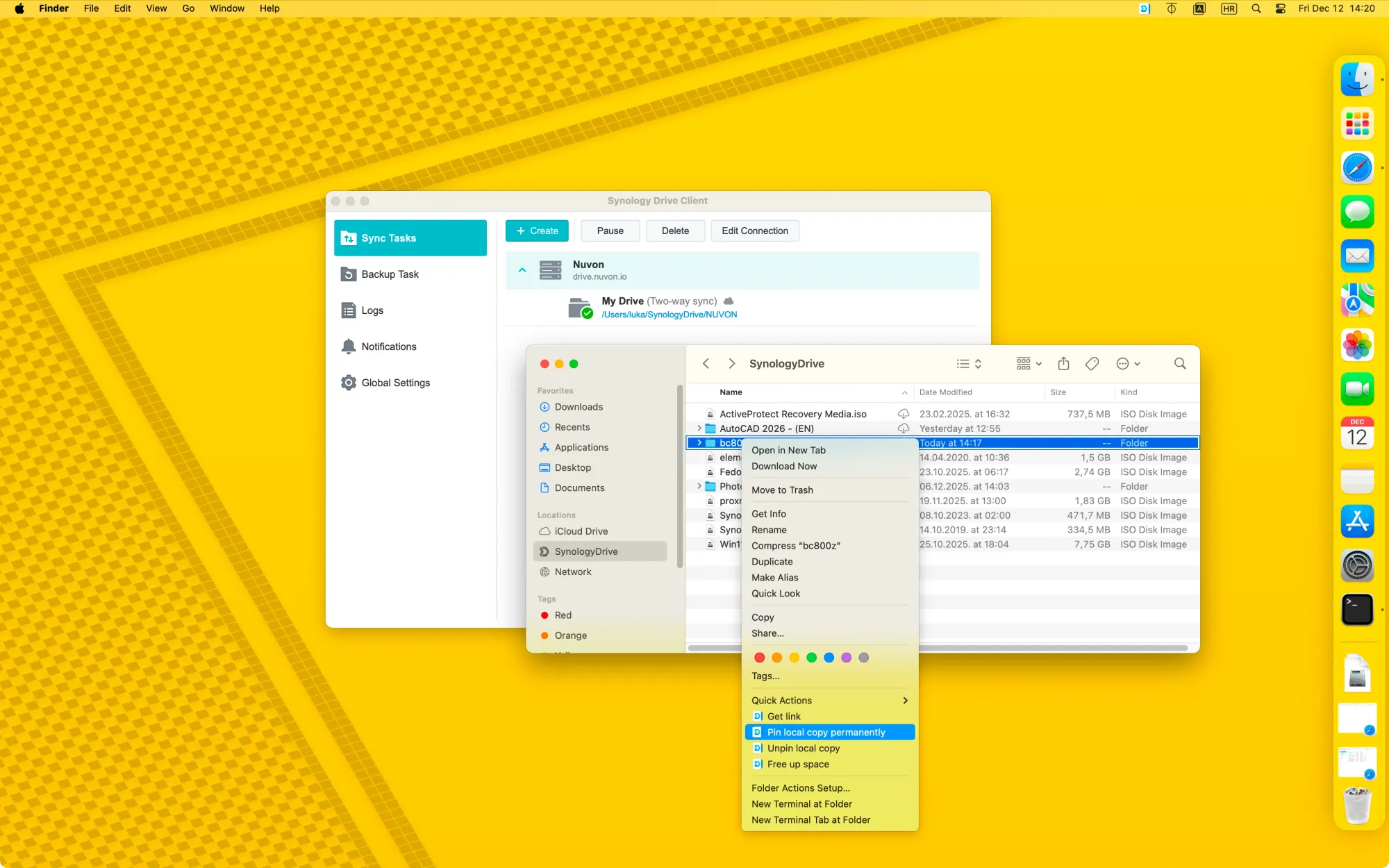
The default setup is a two-way sync, enabling access via the web or any remote location, as well as from connected local devices, whether desktop or mobile.
Using the Drive client, it is also possible to configure backup jobs. The wizard guides you through options to set up continuous, scheduled, or manual backup tasks.

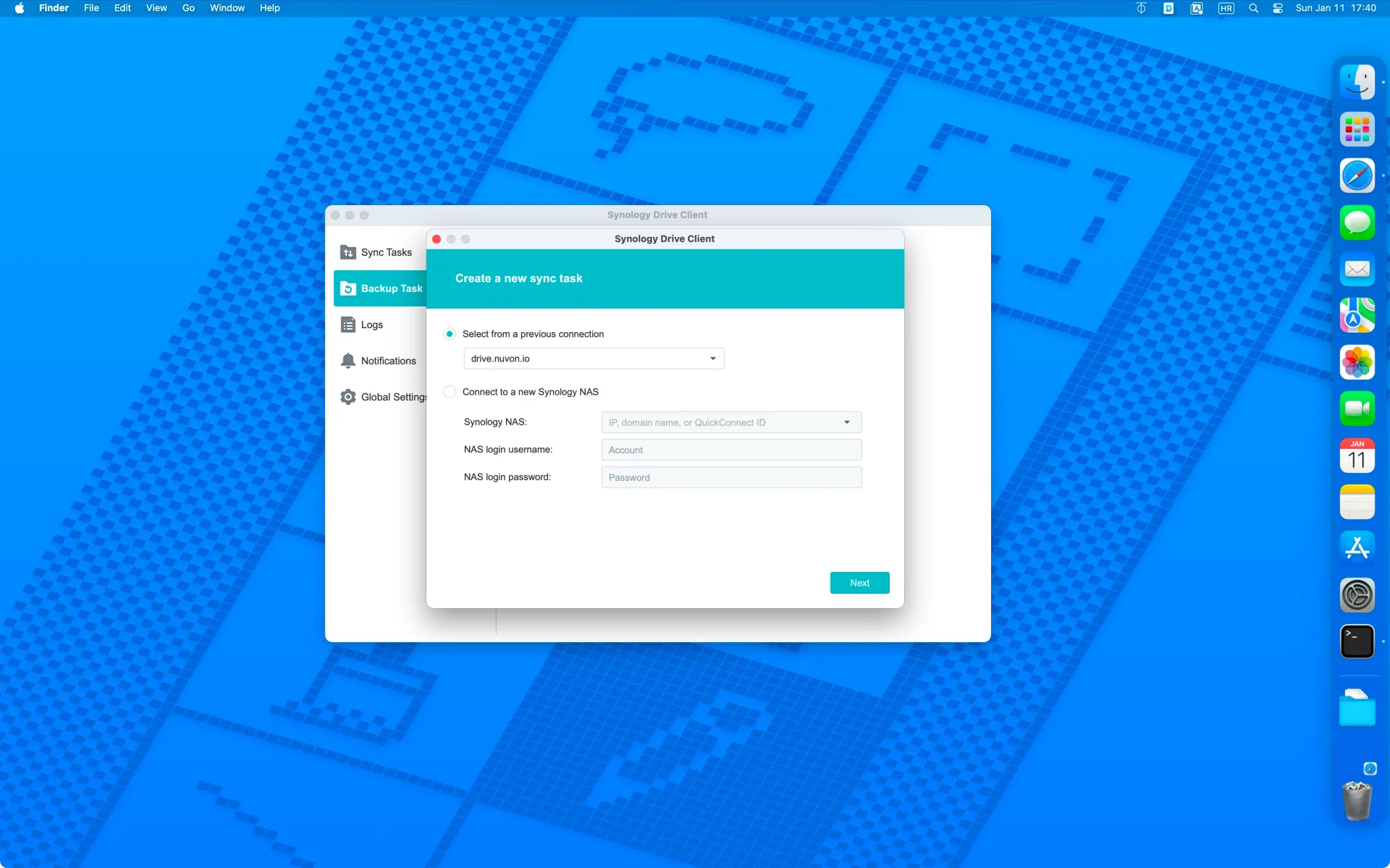
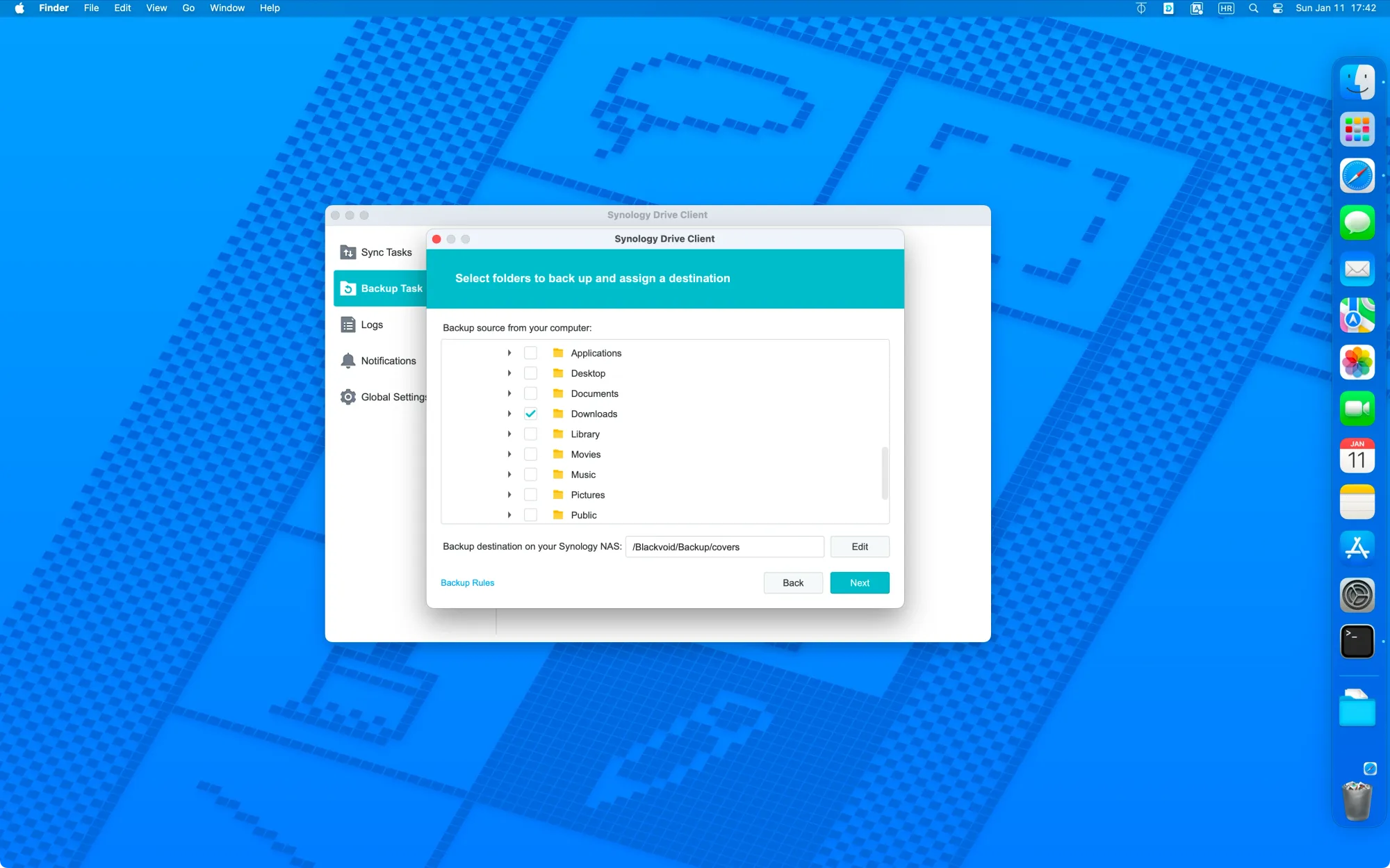
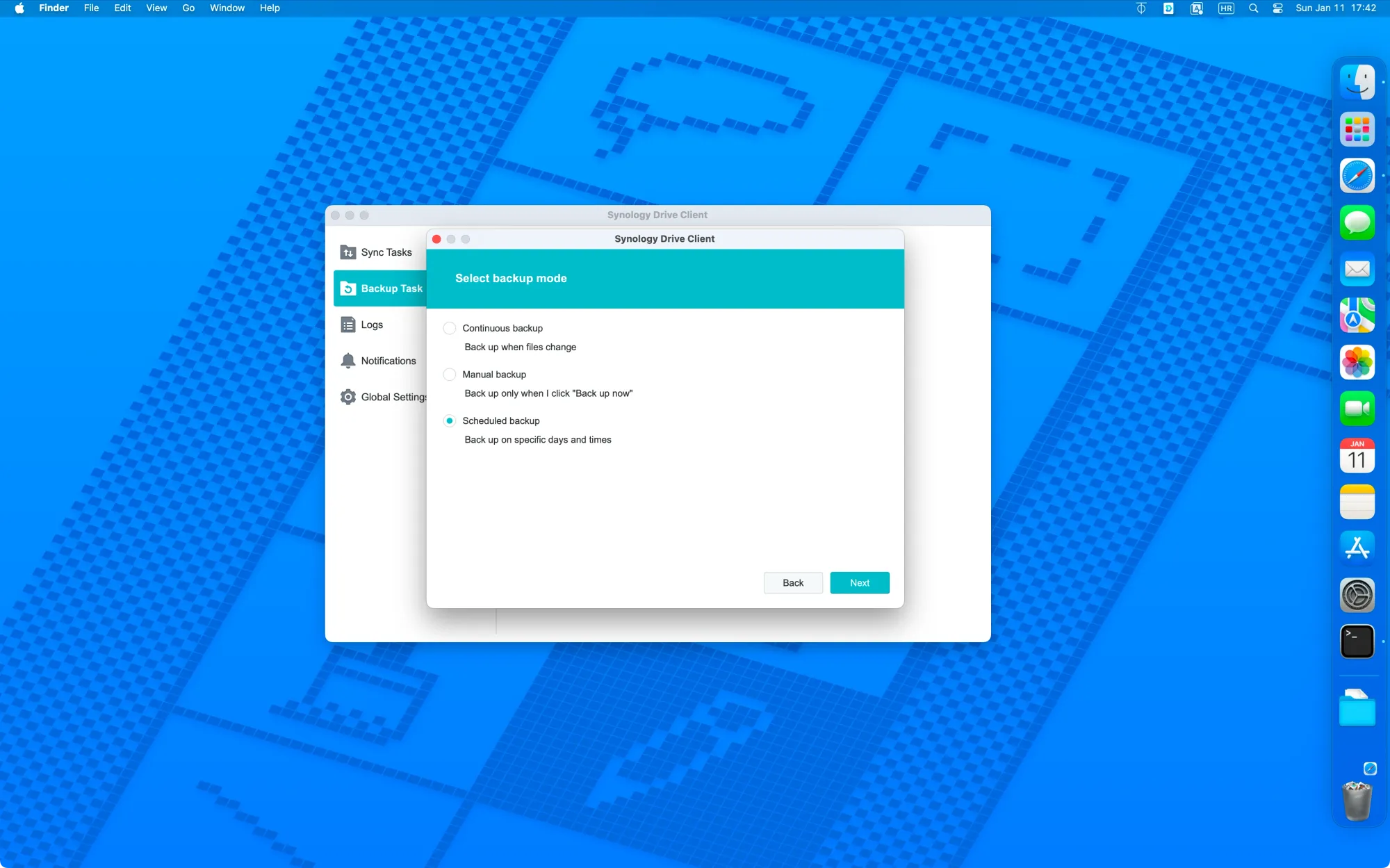
Nuvon Drive backup task configuration
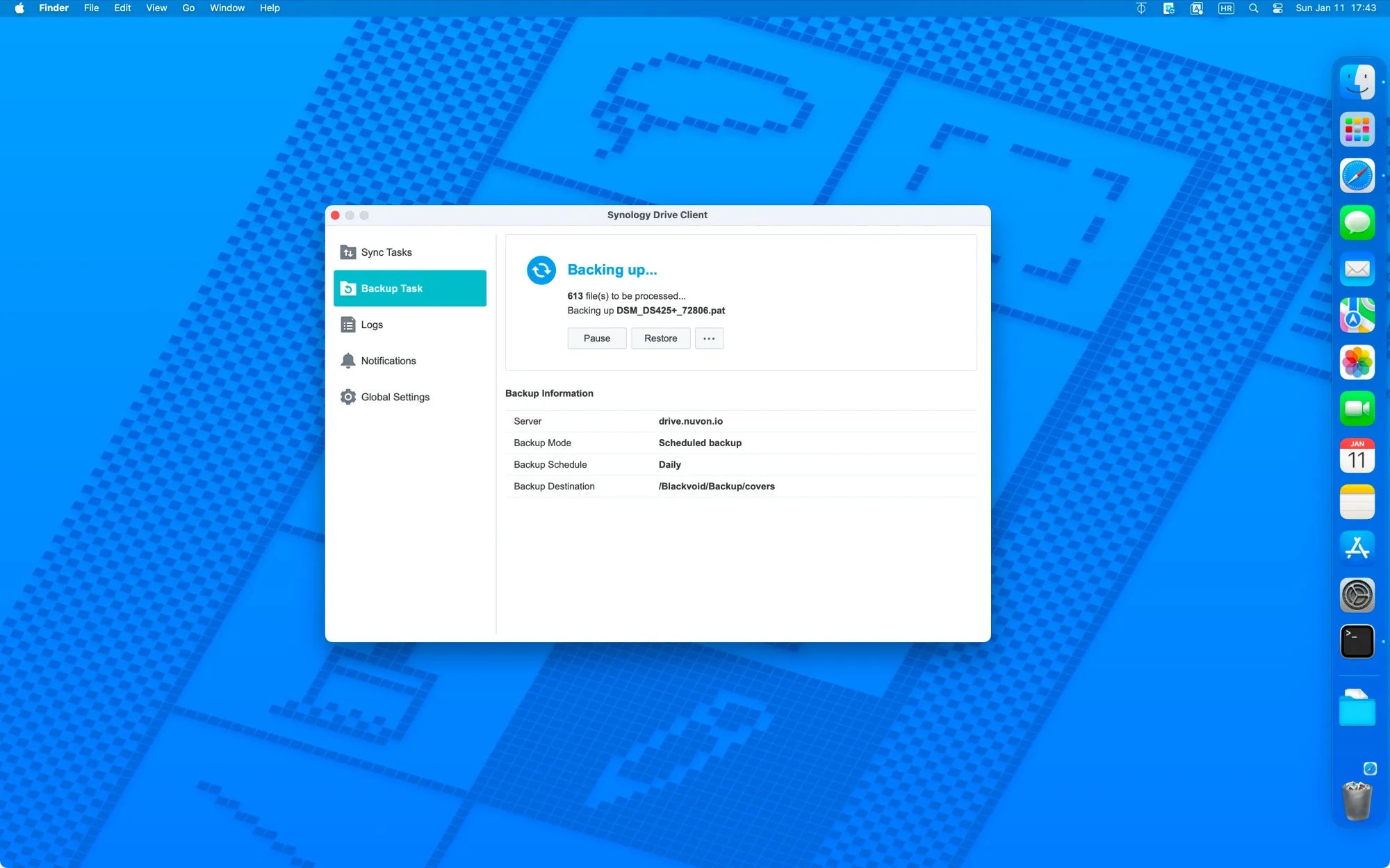
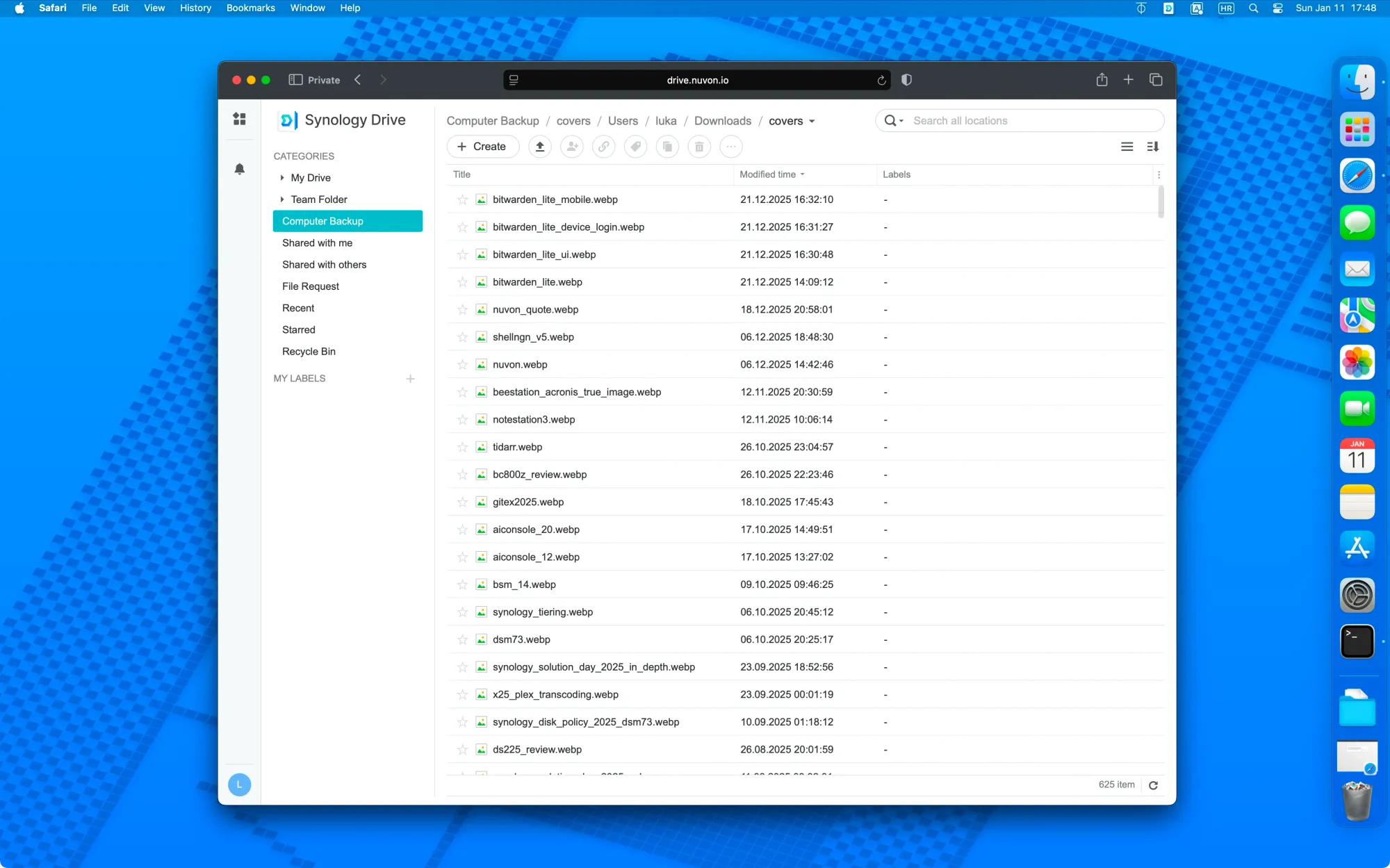
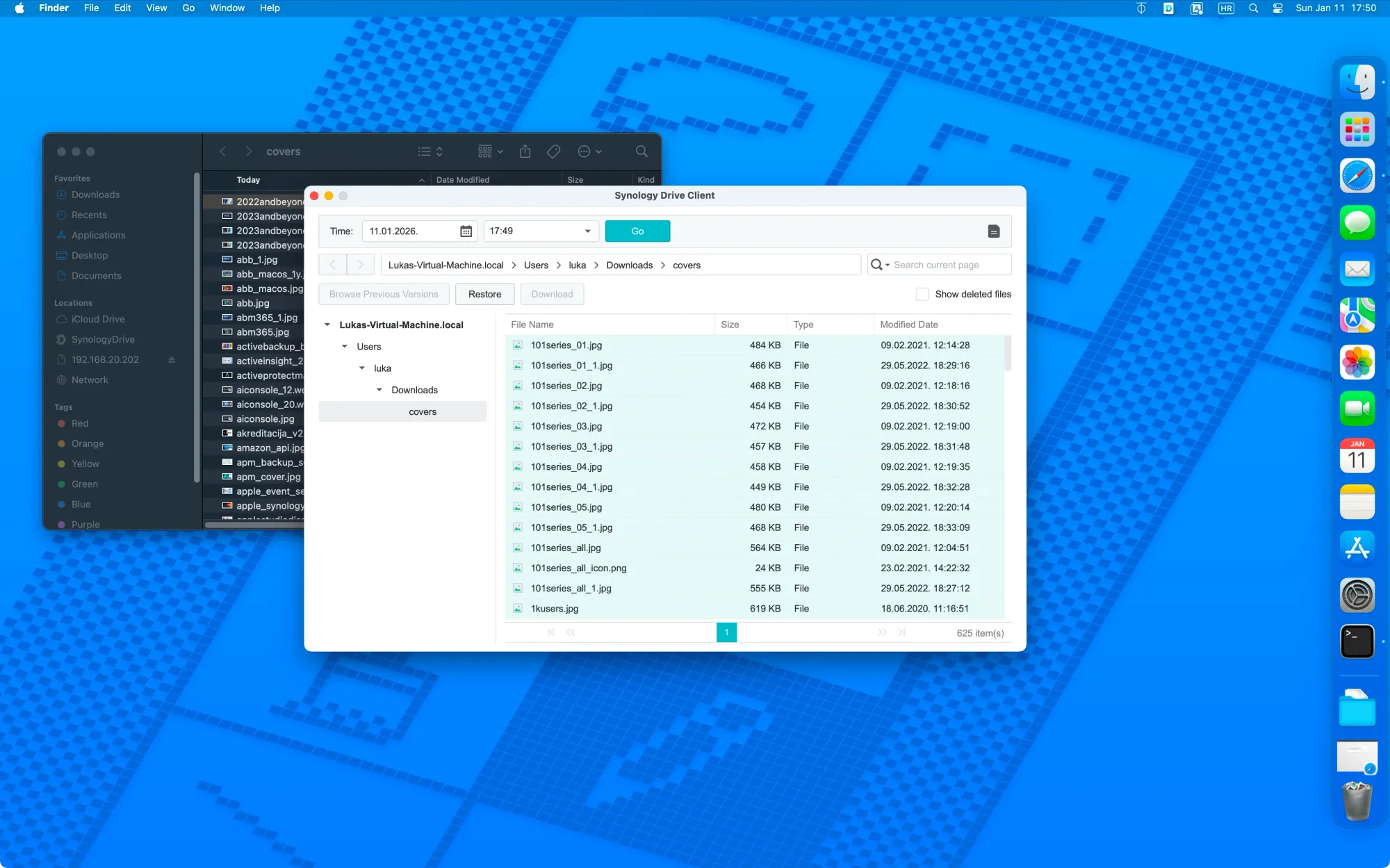
Backup and sync processes will naturally take some time due to the number of files—particularly when dealing with many small files—as well as versioning, which is supported by the Drive platform.
As mentioned earlier, users familiar with Synology packages will find that the client’s functionality is standard and support is fully within Synology’s ecosystem. This ensures the service works as expected, given its basis on a proven platform and the availability of resources in a reliable data center.
From a technical perspective, using a well-established platform provides a robust and dependable service. As the platform grows, it is likely to evolve, offering new features and services, some of which are already in the pipeline.
At 20€ per month (via Stripe) for two accounts and 1TB of enterprise-grade storage on a proven platform, it represents a very attractive option for those seeking a private, EU-governed space for their data. While it is not a self-hosted solution and remains a commercial public cloud service, Nuvon could be an ideal fit for users looking for trust and compliance without sacrificing convenience.
Currently, remote backup from an existing Synology NAS to Nuvon using Hyper Backup is not supported, although it cannot be ruled out as a future feature. The service, as it stands, is designed primarily for creative or productivity workflows for individuals and small teams, not as a replacement for Synology's own C2 Backup service.
If you're curious about how Synology Drive setup works and whether it fits your needs, Nuvon offers the same benefits without the need to purchase and configure your own NAS. With no contractual obligations—only a simple subscription—Nuvon Cloud could be the solution you're looking for.
For all the details, be sure to visit nuvon.io.