UniFi 5G Max outdoor - ISP failover via GSM

Two years ago, a significant milestone was achieved with the deployment of 10G LAN and WAN equipment. This upgrade has greatly enhanced the self-hosting experience for all visitors to this site and has improved the performance of the services running behind it.
 Luka Manestar
10G Unifi upgrade for both LAN and WAN
Besides the WIFI 7 upgrade last year with the introduction of the U7Pro, we will now be exploring another recent addition to the Unifi product line: the Unifi 5G Max modem.
Why 5G Max?
Due to the current global trend of hyperscalers aggressively acquiring infrastructure and other resources, prices have risen significantly. This has, in a somewhat surprising manner, made self-hosting increasingly attractive for many who want to keep their data and privacy closer to home.
However, a major challenge with self-hosting is ensuring redundancy across multiple levels—power, connectivity, high availability of services, and more. Depending on the environment, budget, and individual requirements, many seek to bridge these gaps and minimize downtime whenever possible.
While fiber remains the primary internet connection in many cases, there are situations when internet access can become problematic. For example, in my own experience, occasional ISP downtimes—either planned or unplanned—can directly affect resource availability for both myself and the wider audience.
To address this, the new Unifi 5G Max device has been integrated into the existing infrastructure, providing an alternative internet access point through a different provider and technology.
Overview
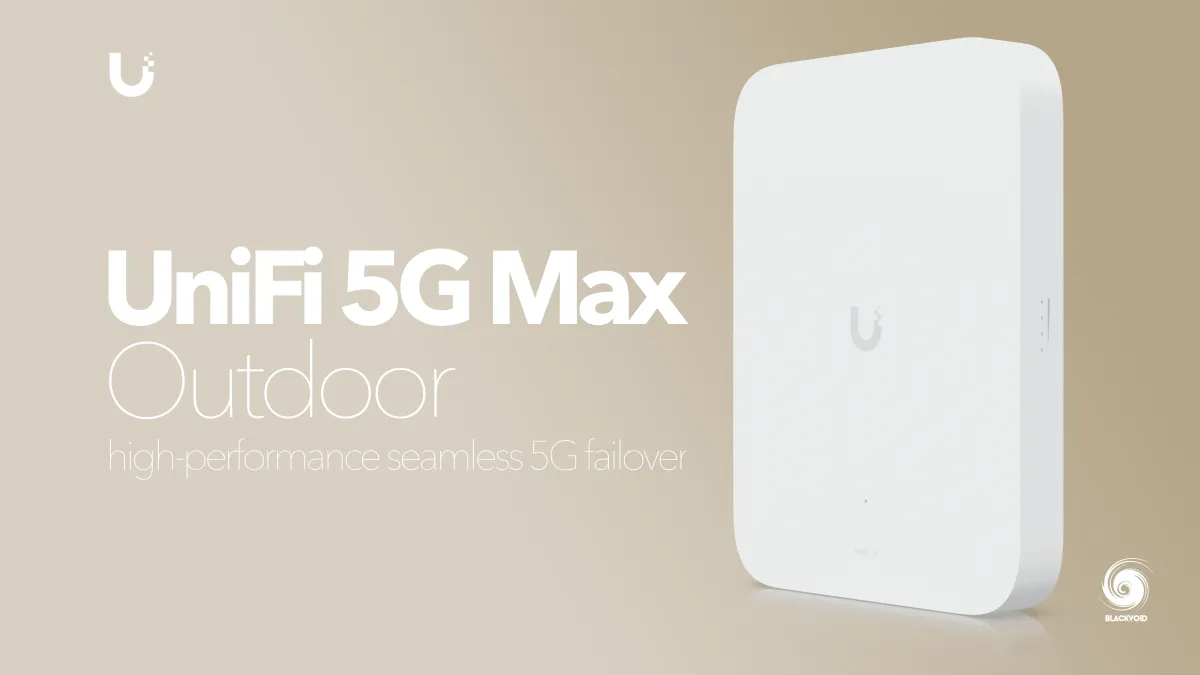
The model is priced the same for both the indoor and outdoor versions. Given that my house's surroundings offer ample space and that the indoor option would limit GSM reception, I have decided to go with the outdoor version.
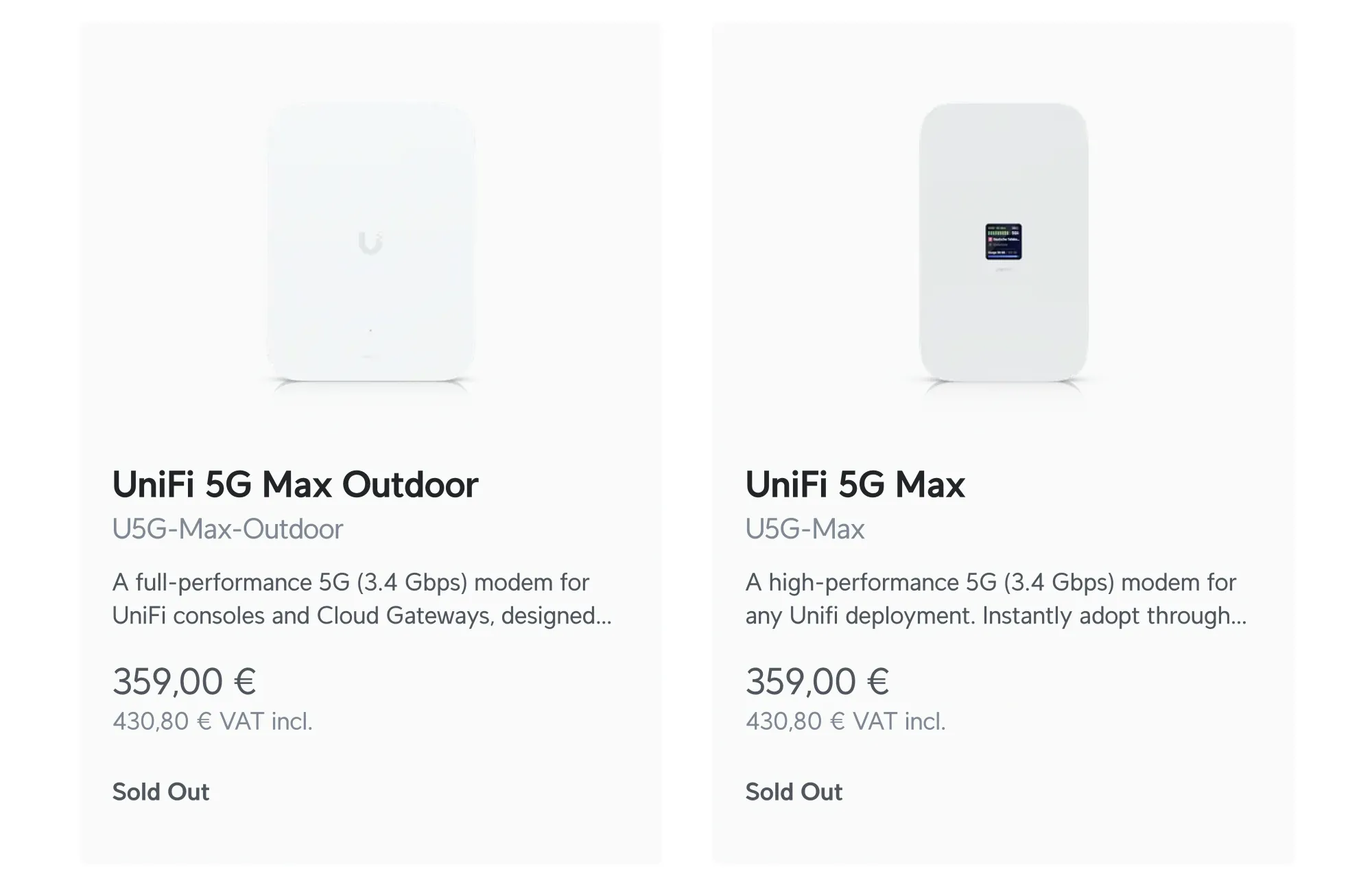
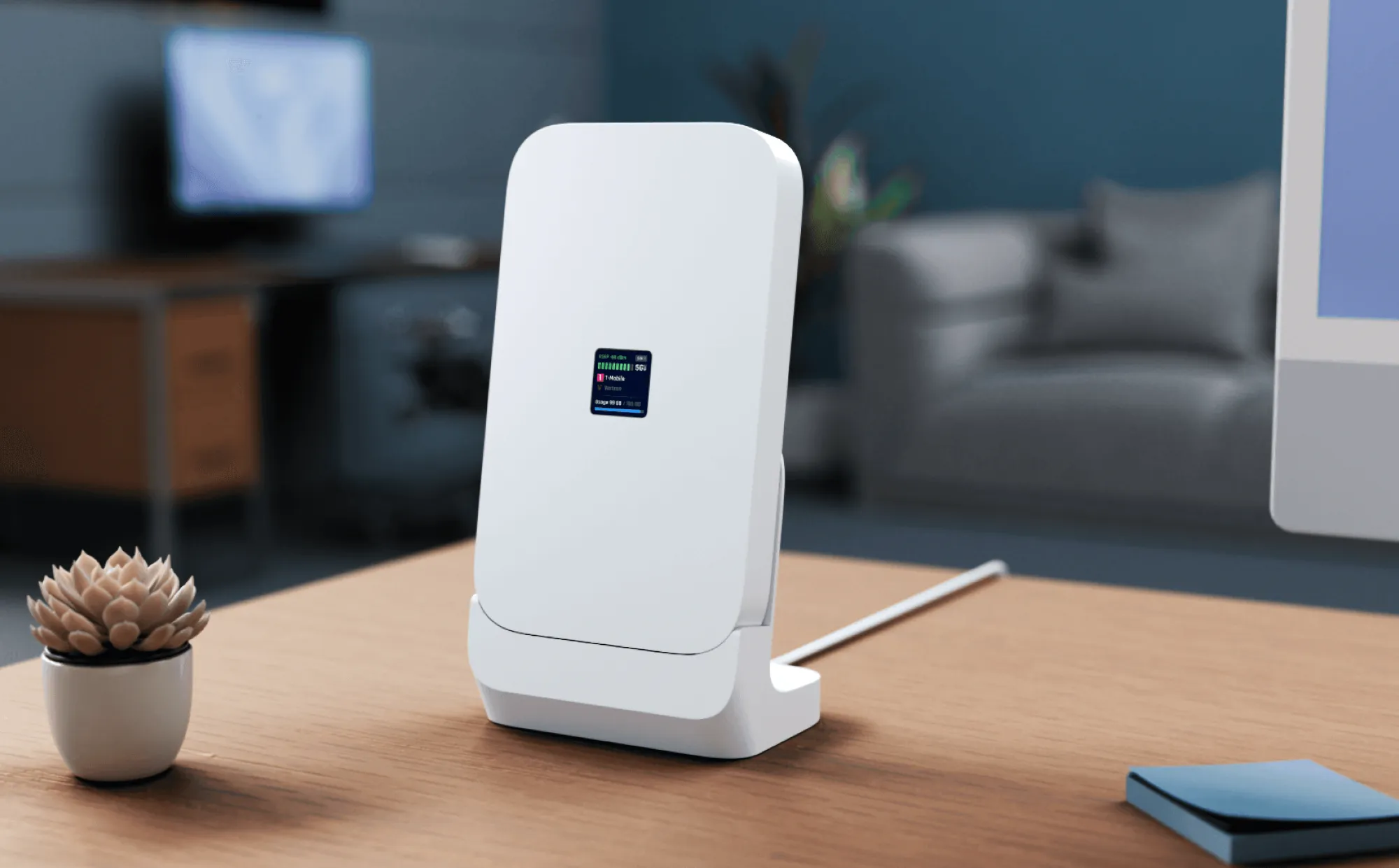
With its slightly larger size, the 5G Max model supports both wall and pole mounting, allowing for adjustable horizontal and vertical positioning after installation. It can be securely fixed in place using the included Allen (hex) key.
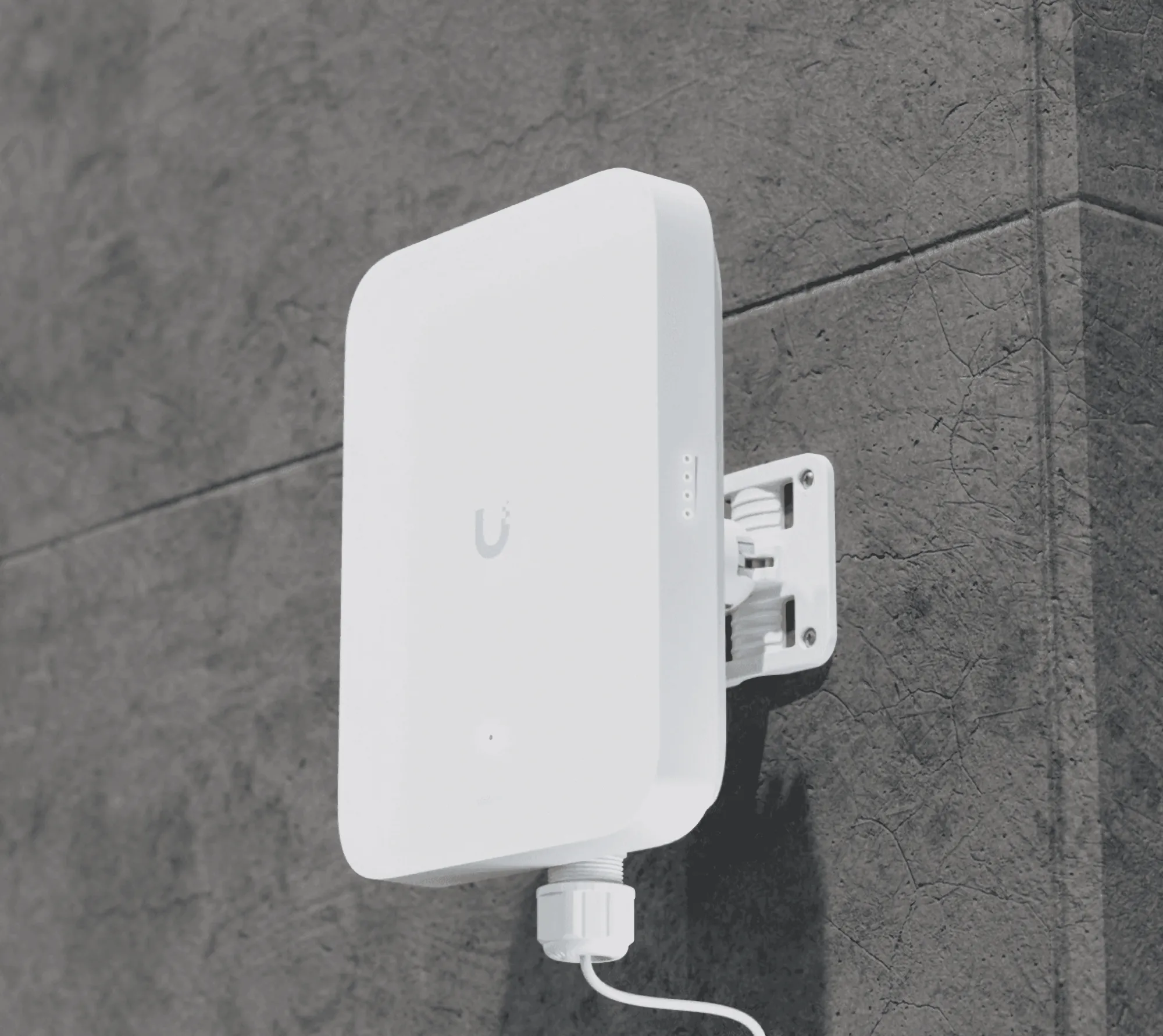
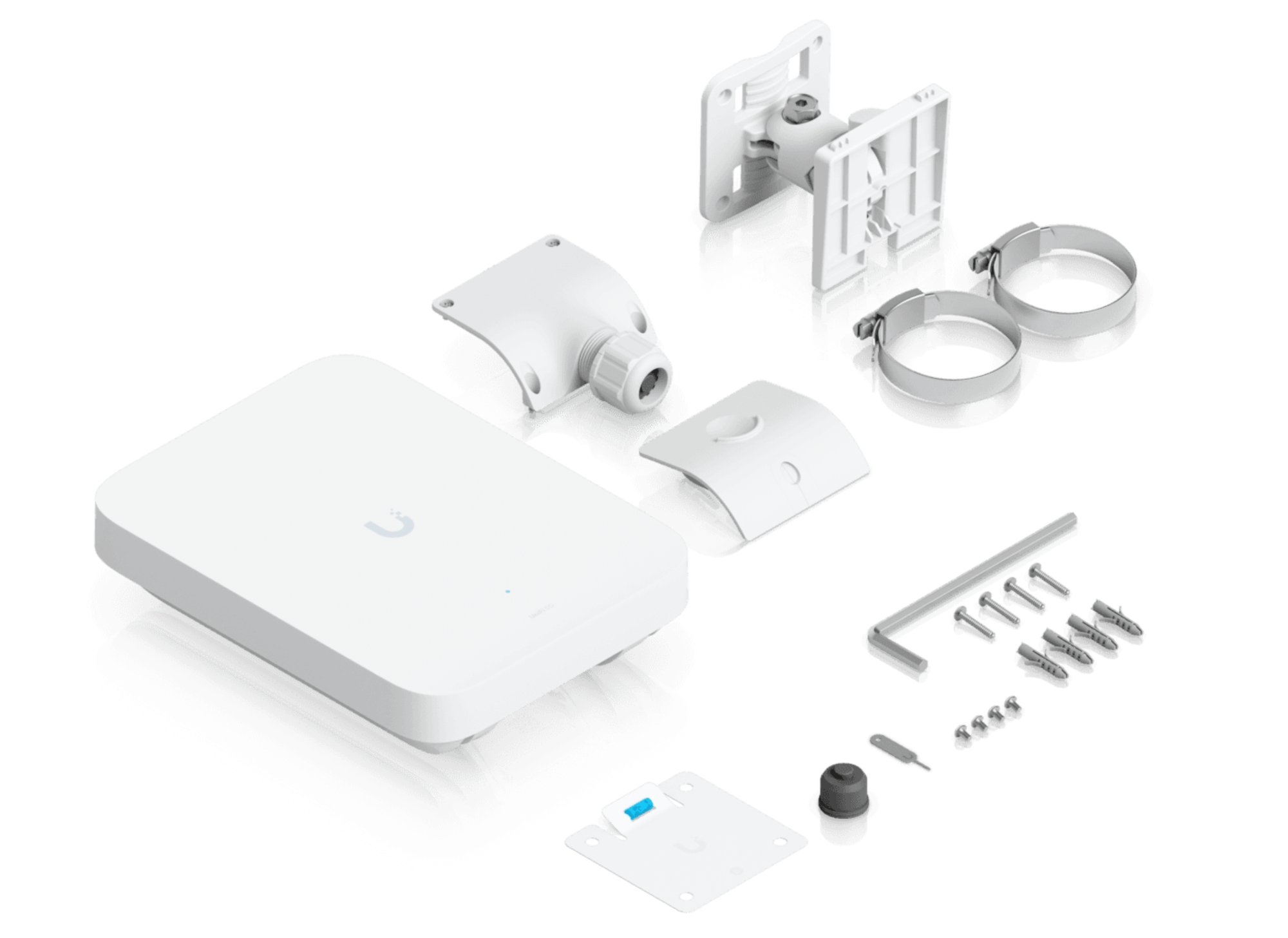
By default, the back side of the unit, which protects the 2.5GbE interface and SIM slots, is rated IPX6. It can be upgraded to an IP67 cable-gland kit, providing additional protection against dust and water, depending on the environmental conditions the unit will be exposed to.
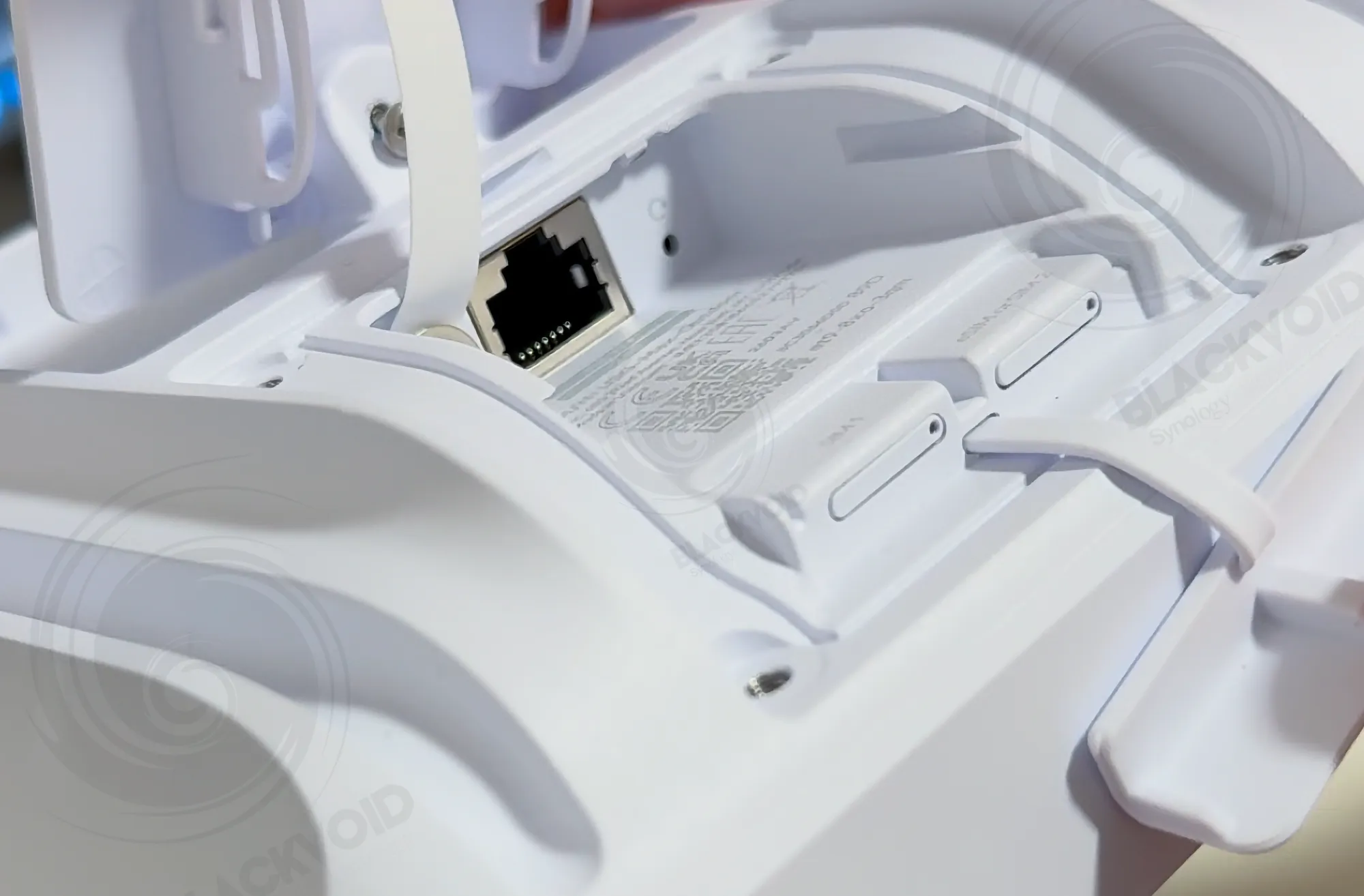
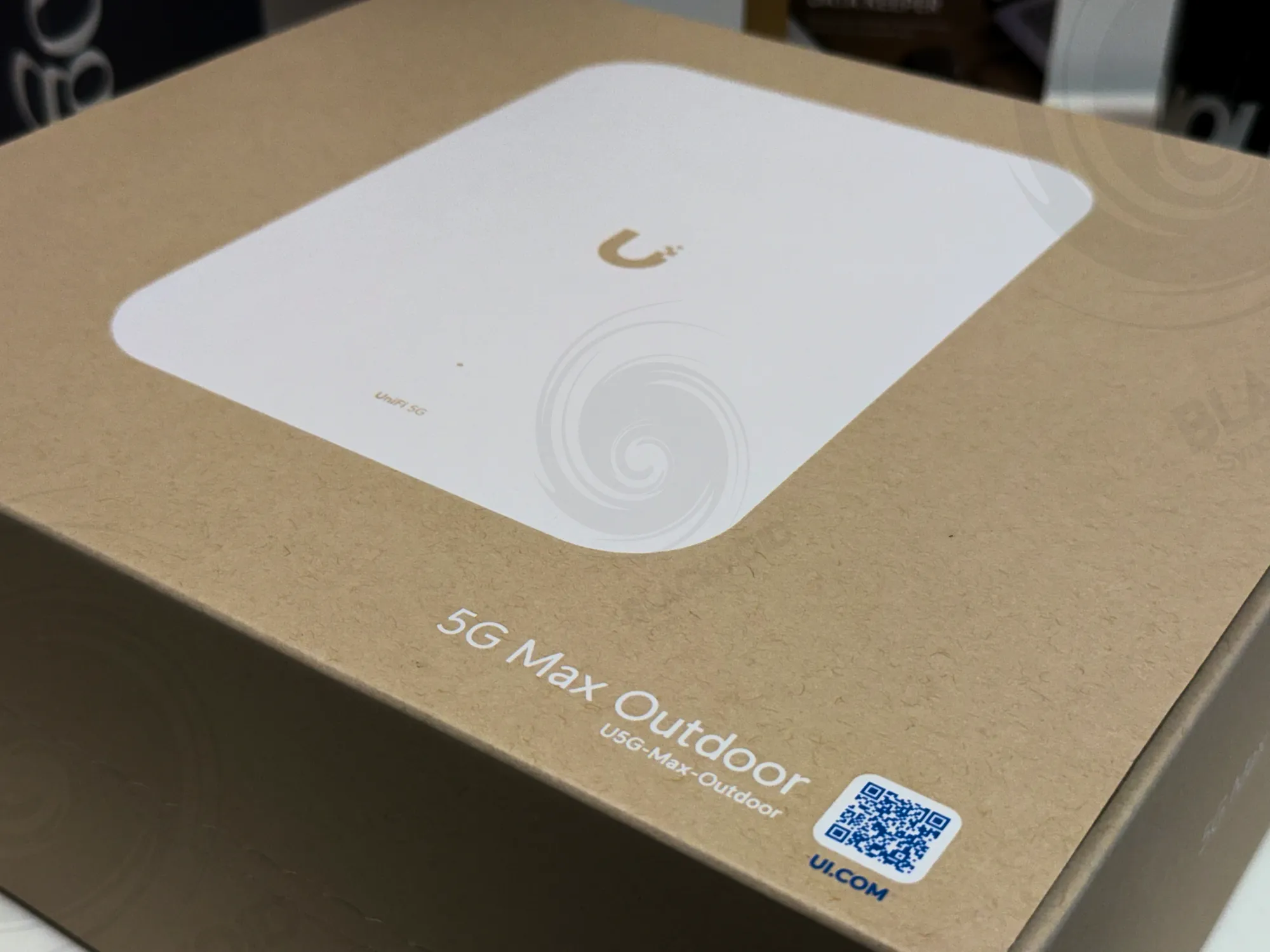
Both the unit and the mount are constructed from aluminum-alloy-based UV-stabilized polycarbonate, with a total weight just under 1.5 kg. Supporting 5G connectivity, the device can reach speeds of up to approximately 3.4 Gbps for downloads and 560 Mbps for uploads, with a maximum power consumption of around 14.5W. In idle mode, when not used as the primary modem, the 5G Max typically consumes about 5W over PoE.
Configuration and implementation
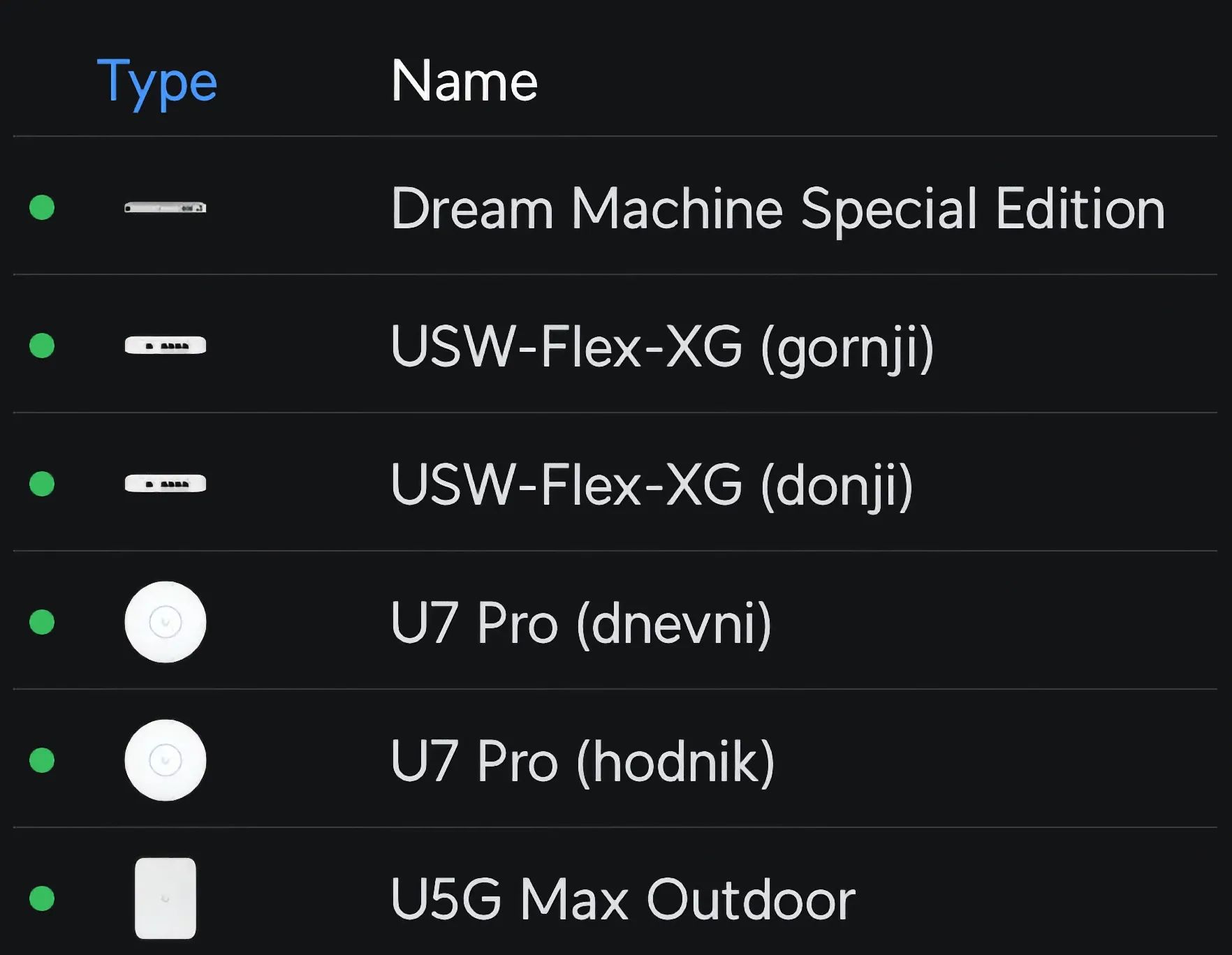
Pairing the device with a compatible router, such as the UDM SE (Special Edition), is straightforward. After detection and adoption into the ecosystem, the 5G Max was configured and ready to go.
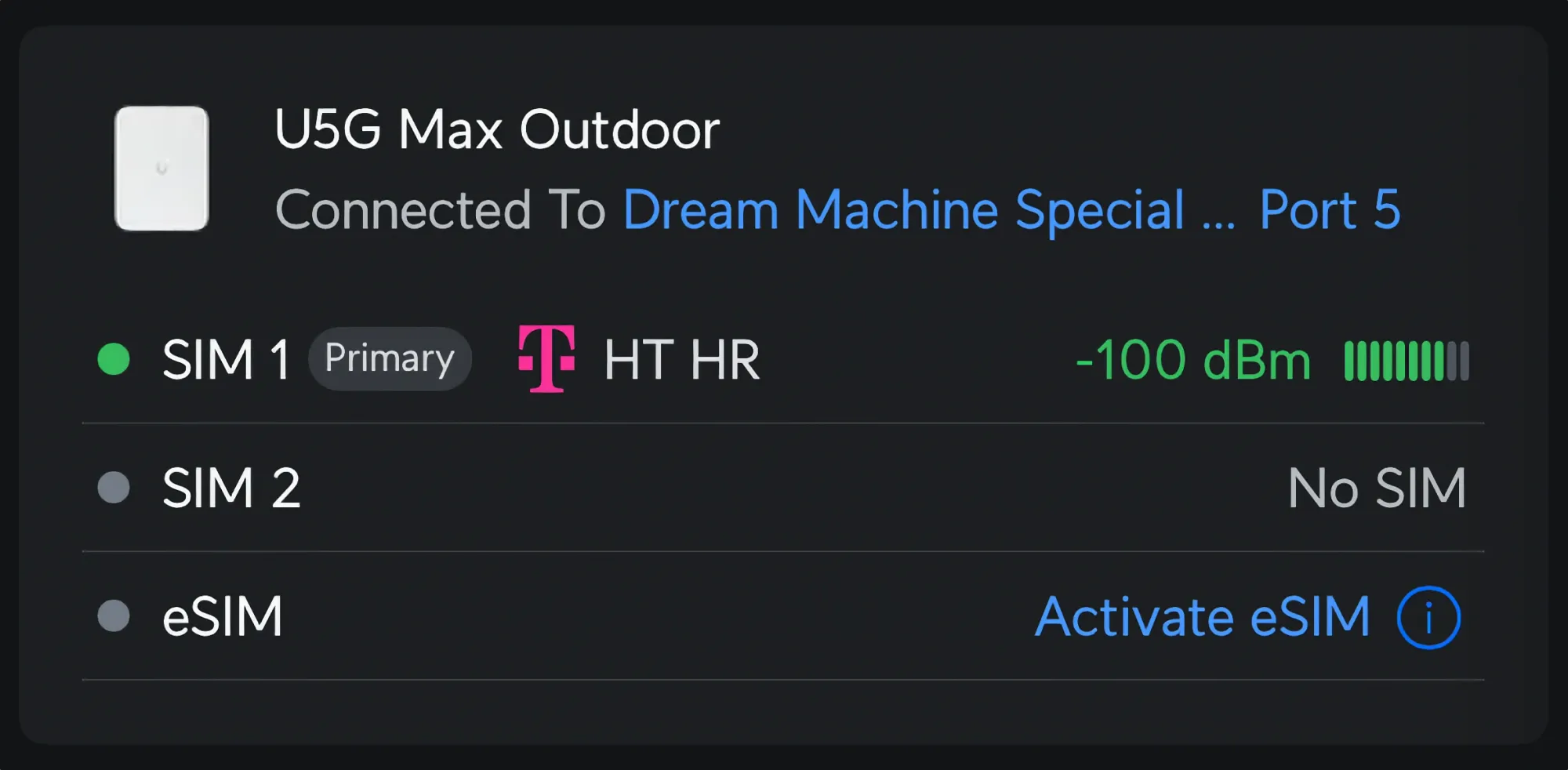
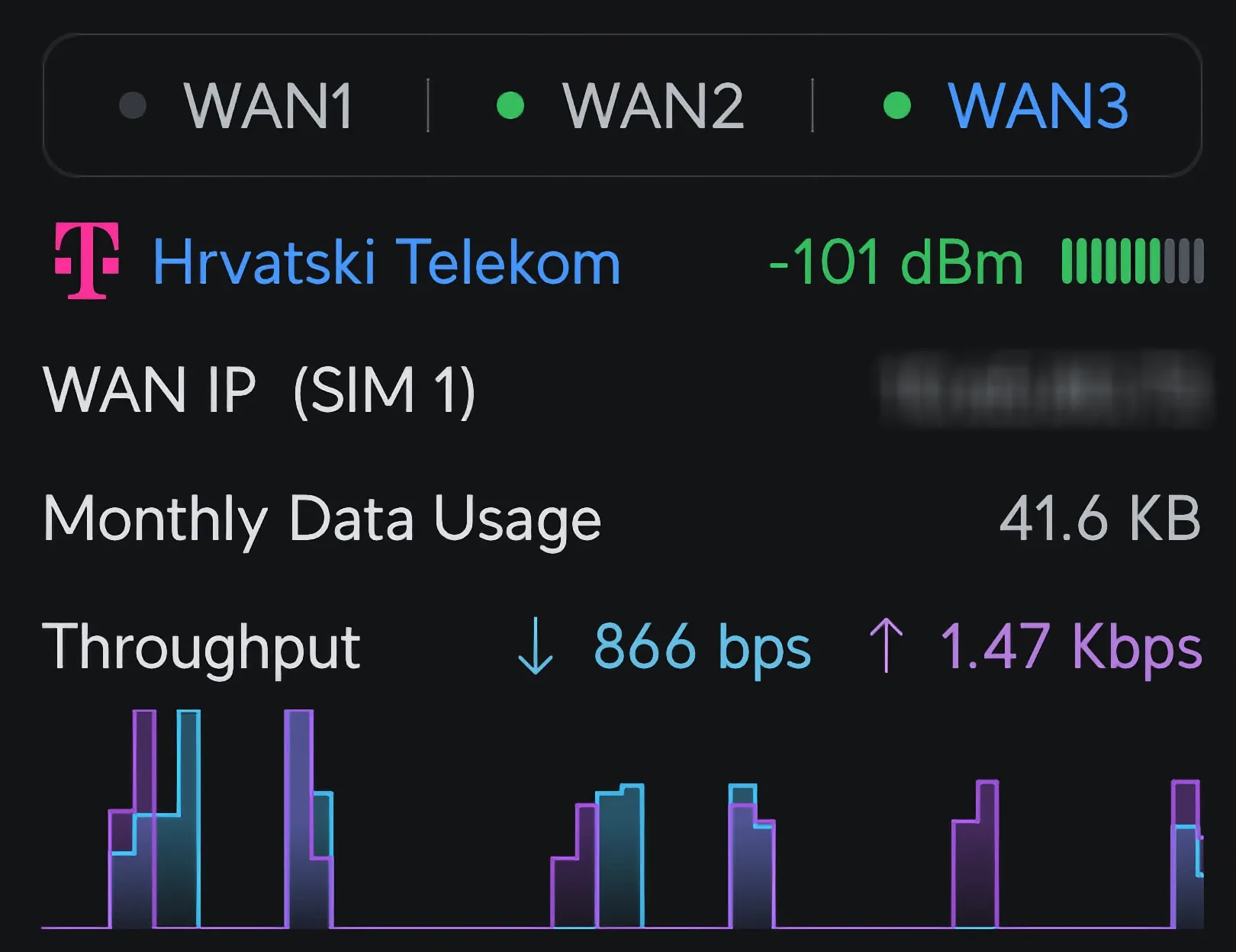
The only remaining step was to insert the SIM card and position the device. While it features two SIM slots, there is also an option to use an eSIM instead of SIM2, along with an internal failover mechanism. This means the device can serve as a failover for the primary link and can also switch between two pre-configured GSM providers if needed.
As mentioned earlier, an eSIM can be activated through the Unifi UI with just a few clicks. However, only one additional physical SIM can be active in slot 1 at a time, allowing for a maximum of two concurrent active SIMs.
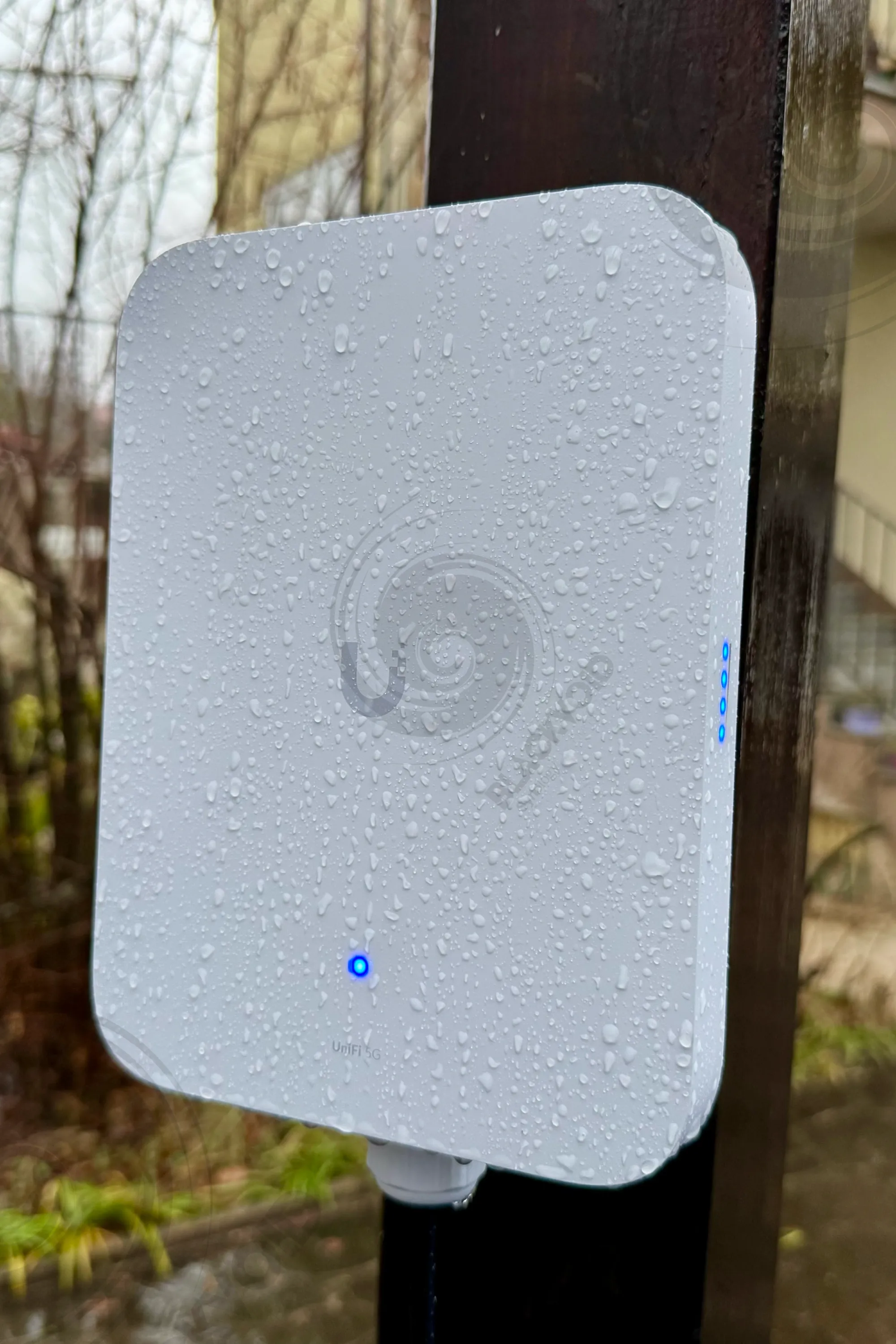
As an outdoor IP67-rated device, it is designed to withstand submersion in water. Given the heavy rainfall in this area, it will serve as an ideal candidate for ongoing testing.
The installation process on the mounting point, along with the Ethernet cable setup, is straightforward. The cable can pass through the secure screw on the bottom with an attached RJ45 connector, eliminating the need to do so during the installation process.
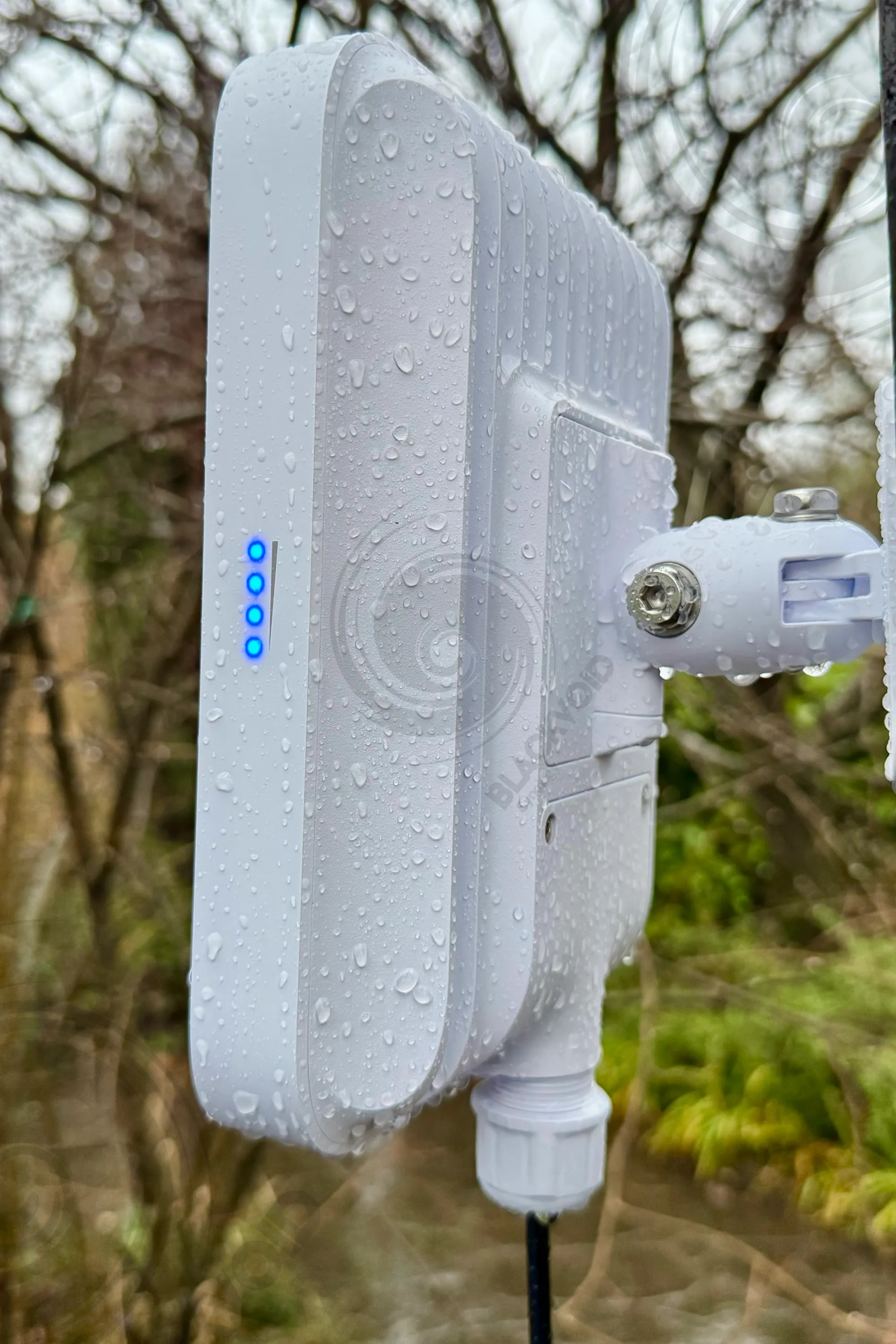
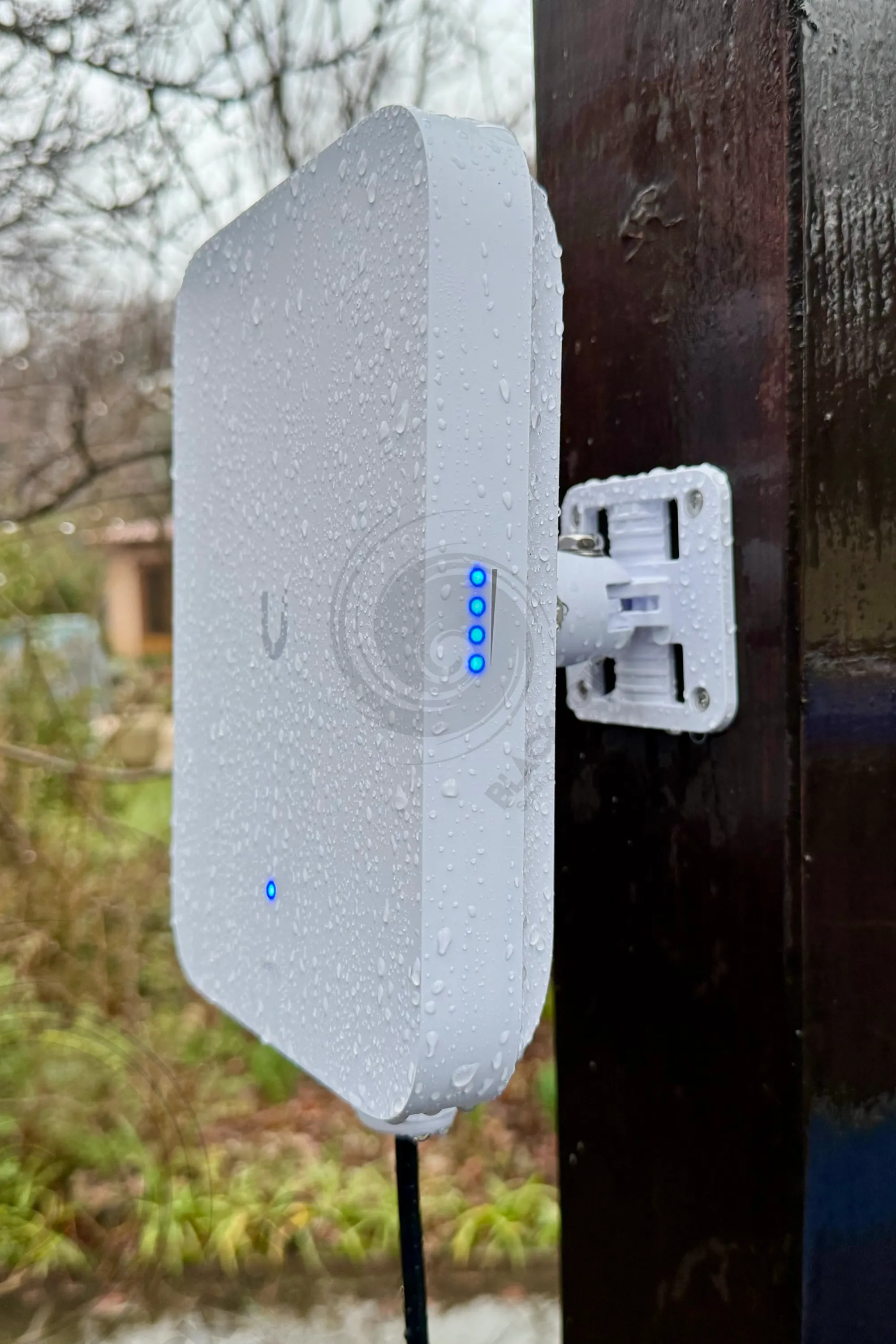
The hex screws are reasonably accessible, but depending on the distance from the mounting surface (such as a wall), it may be somewhat challenging to lock and secure the device in place. It is recommended to first position and secure the mount separately, then attach the device to it for easier installation.
Testing
With a straightforward installation and minimal initial configuration, testing the unit is as simple as disconnecting the main connection and waiting for the failover to activate.
By default, the device is set up for failover, but it can also be configured for load-balancing WAN mode if desired. Additionally, policy-based routing can be used to direct specific traffic to particular WAN ports.
Depending on factors such as location, GSM signal strength, network congestion, and other variables, speeds will fluctuate. On average, the device can deliver close to 200 Mbps for downloads and nearly the same for uploads, though most operational scenarios will typically see speeds around 150/30 Mbps.

The failover process from the primary link to the GSM connection takes approximately 10 pings in both directions. For a failover device, this performance is more than adequate. While it cannot match the speeds of a 2.5G+ fiber connection, in scenarios where uptime and reliable access are critical, speed becomes a secondary concern.
I hope I won't need to rely on it frequently. In the past, that was the case, but even ISPs need to perform maintenance on their infrastructure, which can sometimes cause downtime. Since I use a very local ISP, certain situations can still disrupt the fiber link. This is the trade-off for having the fastest internet in the country, but living in rural areas comes with its own set of challenges.
Overall, Unifi has provided an up-to-date device that mitigates the limitations of the UDM, which lacks built-in GSM failover. This enhancement reduces a single point of failure in my self-hosted setup.