ShellNGN v5 - refreshed web-based SSH client platform

A few years ago, I discovered ShellNGN, an excellent web-based SSH client that I frequently use for my daily tasks. Acting as a bastion host, it allows me to perform remote SSH operations from any device, regardless of my location or network environment.
 Luka Manestar
While VPN and alternative macOS terminal clients work well, my work environment often involves a closed and secure network that does not permit third-party VPN clients or software. In such cases, secure web-based access, like ShellNGN, provides a reliable solution for remote SSH tasks.
This is where ShellNGN comes into play. In 2021, I published a brief overview of the platform when it was in version 3/4. Today, we will explore their latest release, version 5, which was launched last week.
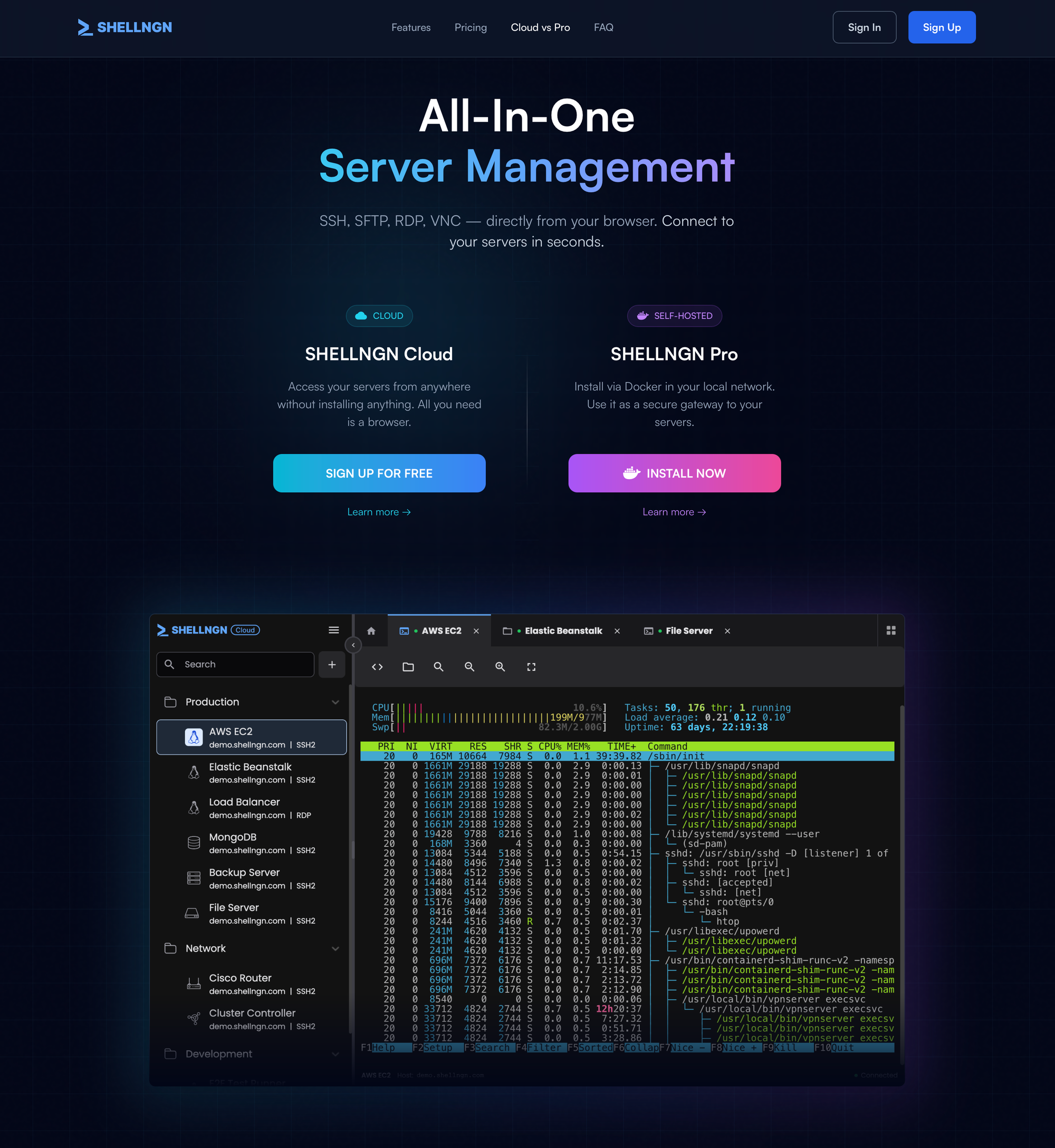
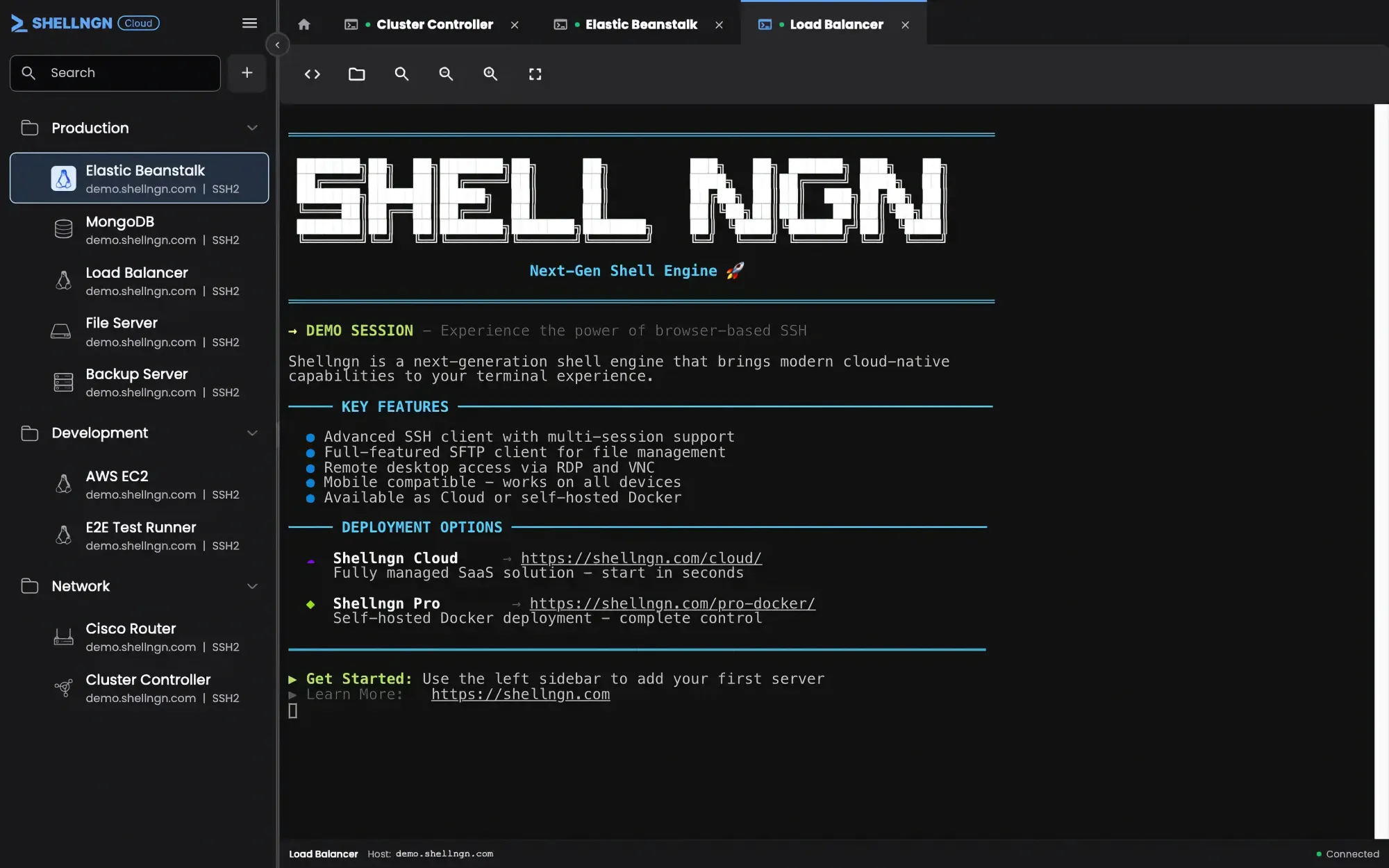
The purpose of this article is not to rewrite the previous overview but to highlight several new features and upgrades. The user interface remains familiar, with operational tabs across the top and an optional side menu on the left-hand side.
Nothing too elaborate; the core concept remains unchanged and continues to serve its purpose. Existing users will likely notice only one difference at a glance: a new color theme.
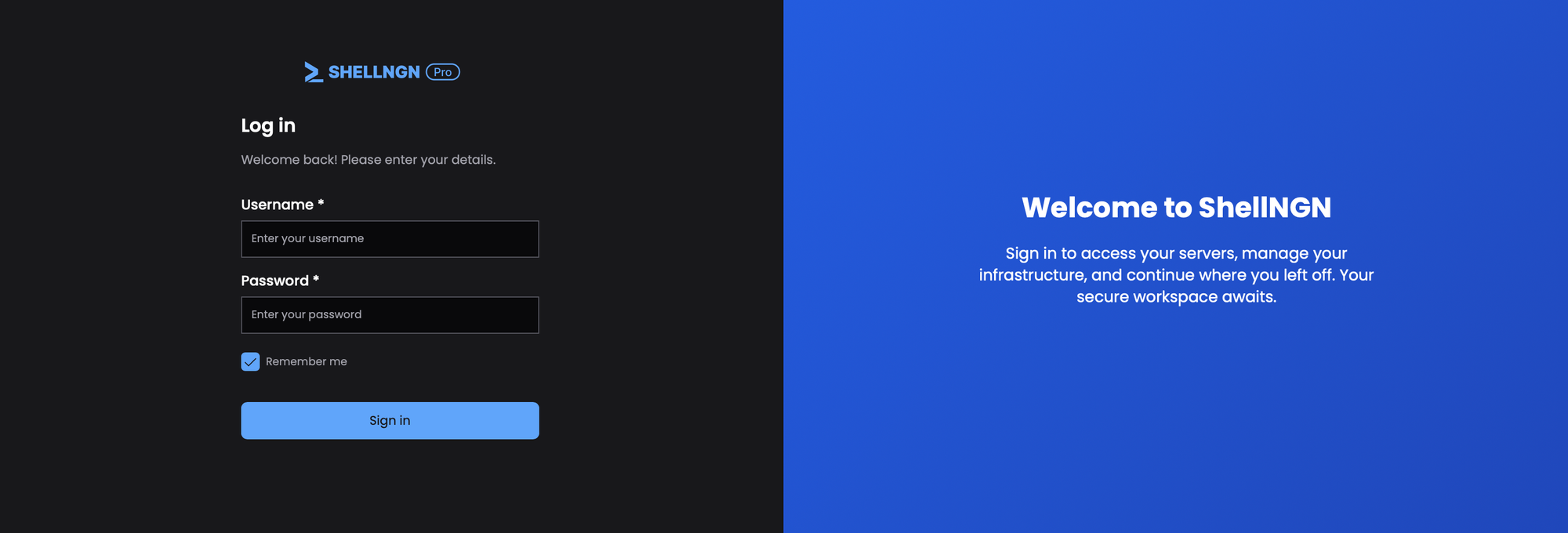
Departing from the previous grey and deep red combination, the latest version introduces support for light and dark modes, now featuring a deep gray and blue color scheme. As before, theme customization is limited to these preset options—light, dark, or system settings—so the blue design may not appeal to everyone. However, personally, I find it quite appealing.
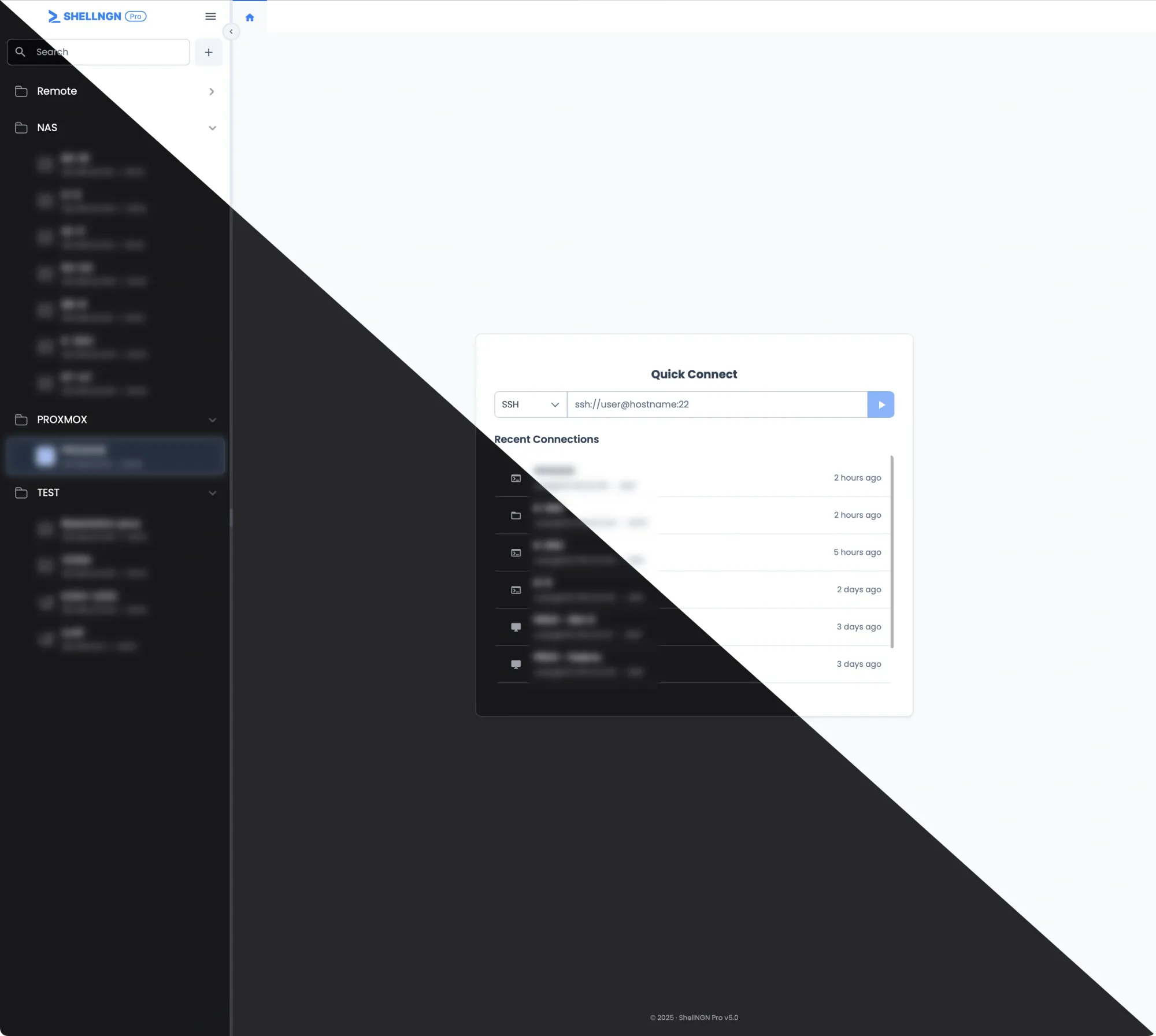
While the updated color scheme may not be revolutionary, it is nonetheless a welcome change. Regarding new features, version 5 introduces several enhancements—some of which are upcoming in future updates—including a brand new QuickConnect (recent) window.
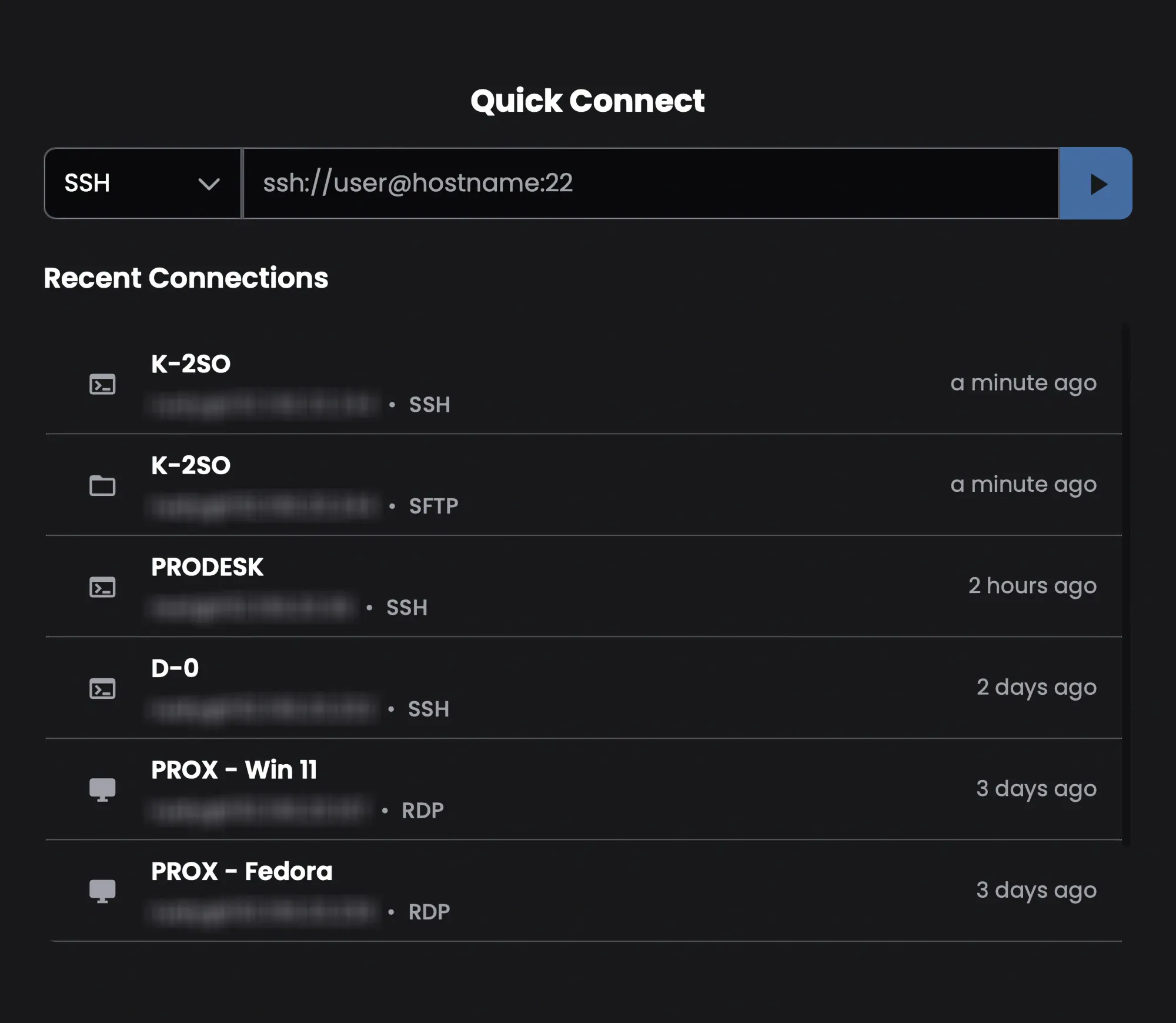
This small addition nearly eliminates the need for the side menu, especially for users who frequently connect to the same hosts. It's one of those features you didn't realize you needed—until you start using it, and then you'll wonder how you managed without it.
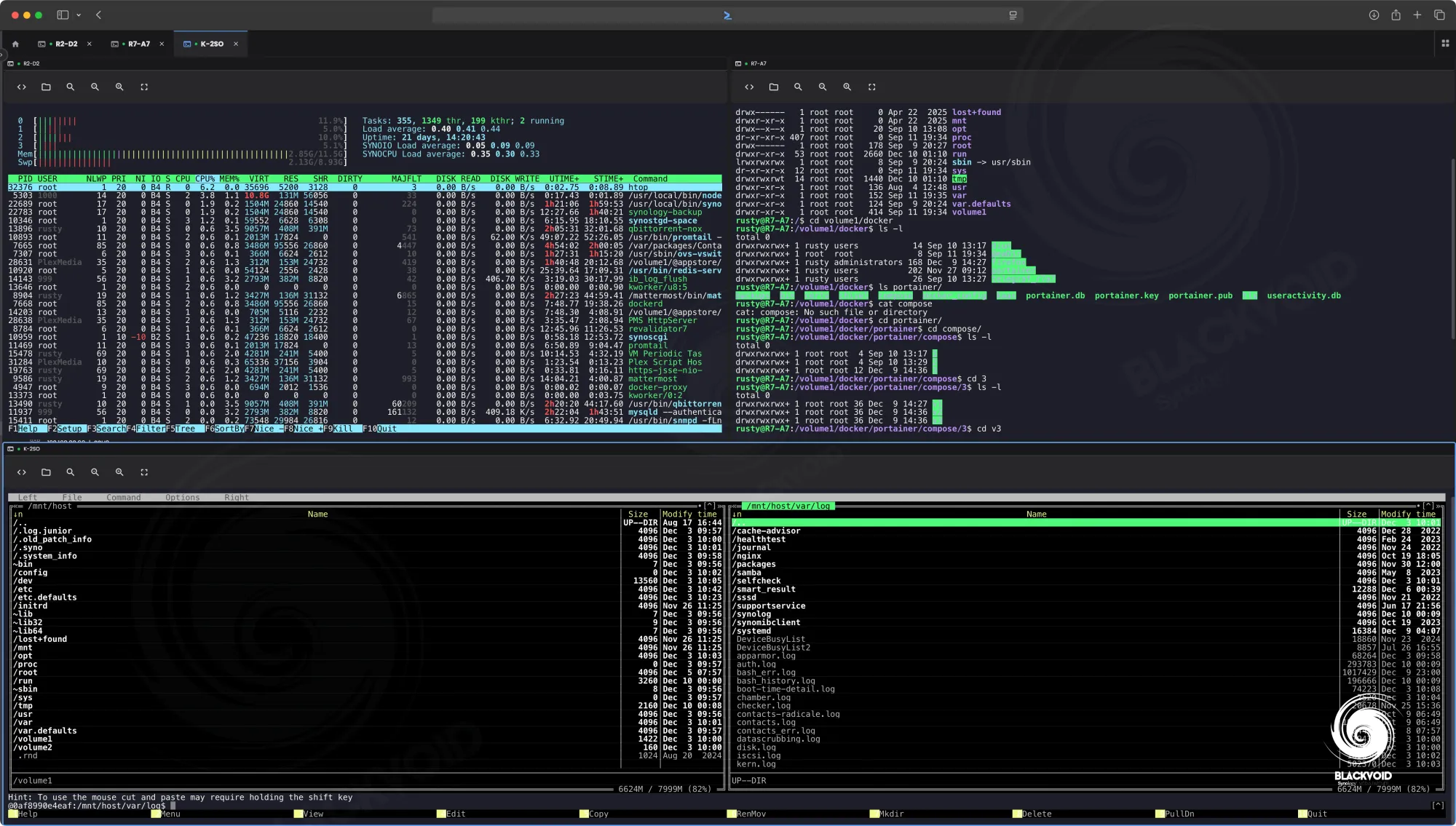
ShellNGN continues to support its versatile multi-column view, which allows up to four columns simultaneously, each with a full-screen resize option as needed. An upcoming feature, announced and soon to be implemented, is the broadcast keystroke. This functionality will enable a single input window to send the same command to all connected terminals simultaneously, ideal for executing identical actions across multiple hosts in parallel.
Regarding recent and upcoming enhancements, here are the major changes introduced in or planned for version 5.
Major version 5 changes:
- ShellNGN was completely rewritten using the latest technologies while maintaining full backward compatibility
- Many bug fixes and major performance improvements
- Quick Connect and Recent Connections added
- Improved audit logging system (can be enabled via the LOG_LEVEL environment variable)
- Much better mobile and tablet experience
- Smarter and more powerful autocomplete (intellisense)
- Faster SFTP transfers
- Snippets on login
- Broadcast keystrokes to multiple terminals
- Better documentation
Mobile experience
While the platform was primarily designed for use via desktop browsers, accessing ShellNGN on mobile devices such as smartphones and tablets is now mainstream. ShellNGN performs well in this regard. Although mobile support is not a new feature, the user experience has improved compared to previous versions.
Nonetheless, some limitations remain, which can vary depending on the device and the specific task at hand.
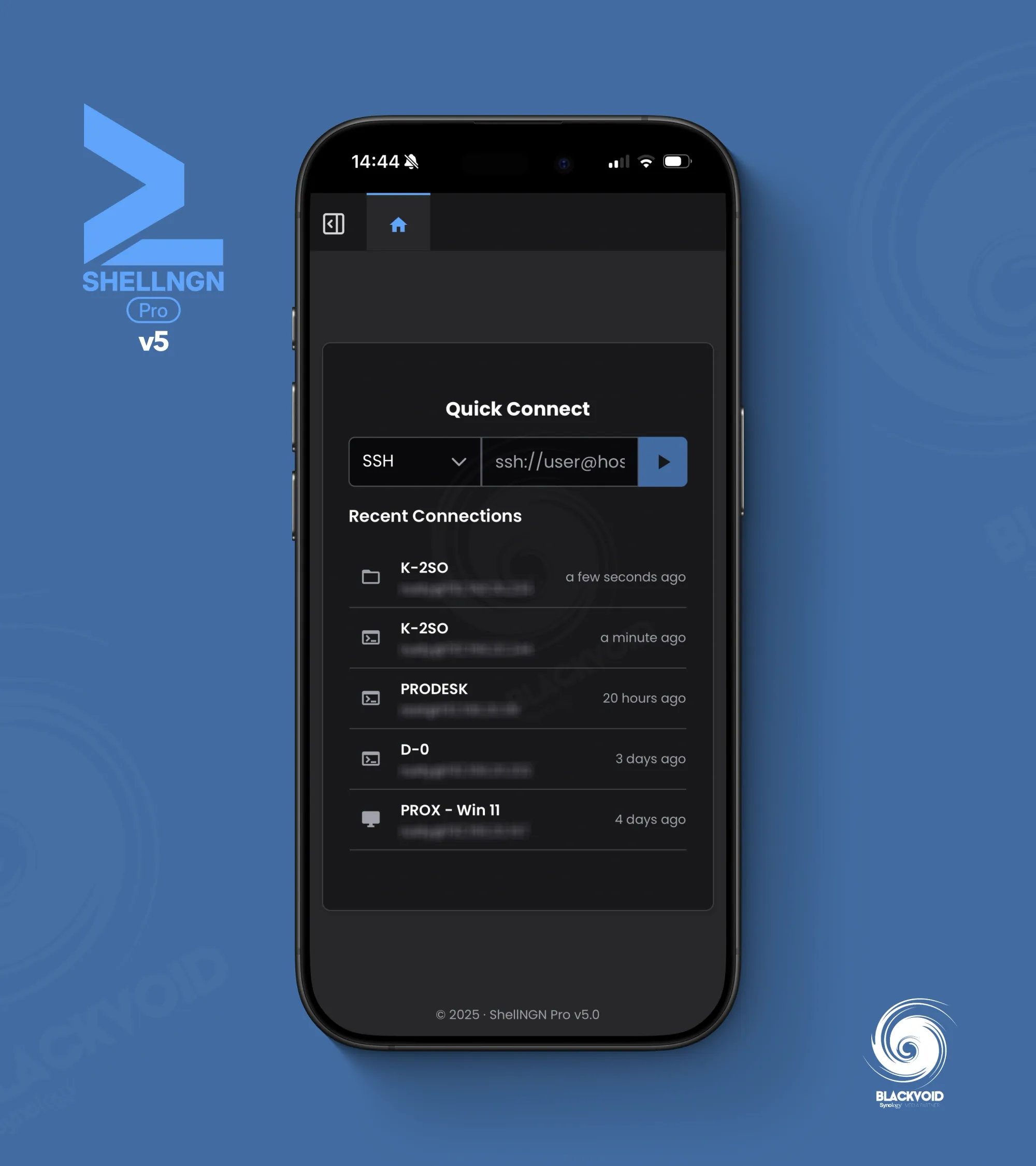
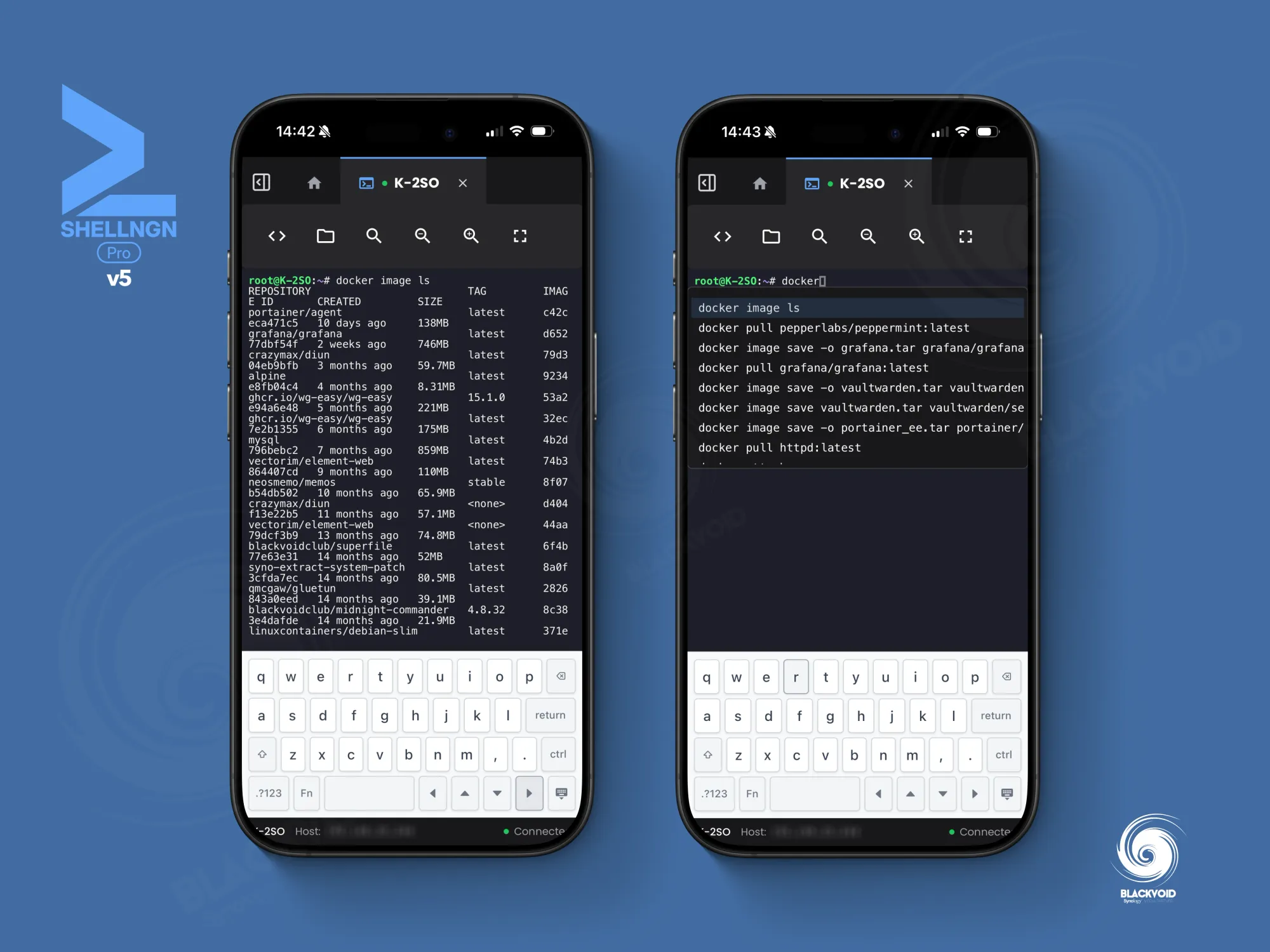
One example is using SFTP access on a smartphone. Even in landscape mode, not all tools and features are visible and accessible, making it somewhat cumbersome to use. However, as soon as we move that task over to a larger device such as a tablet, the experience is exactly as it should be.
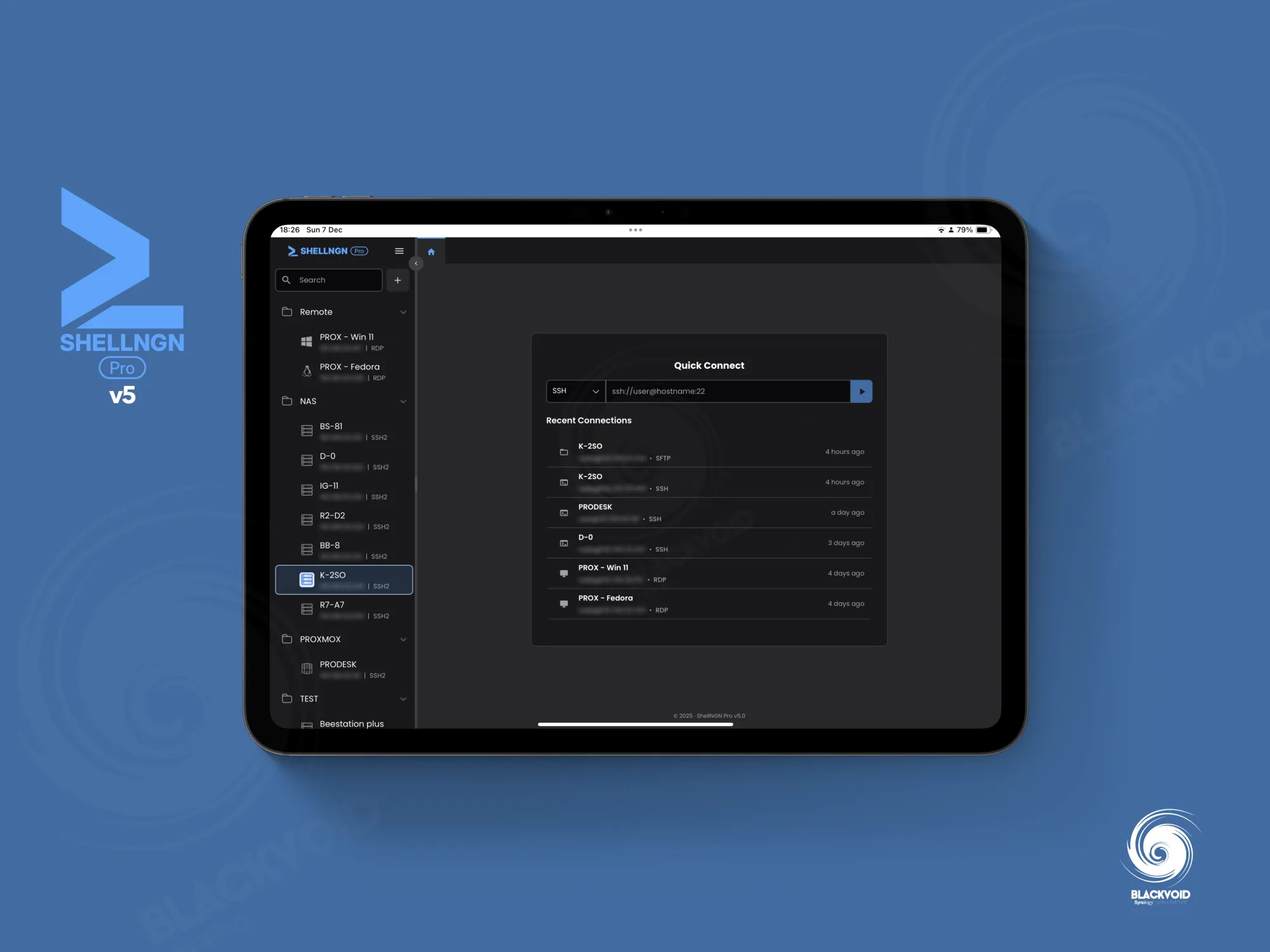
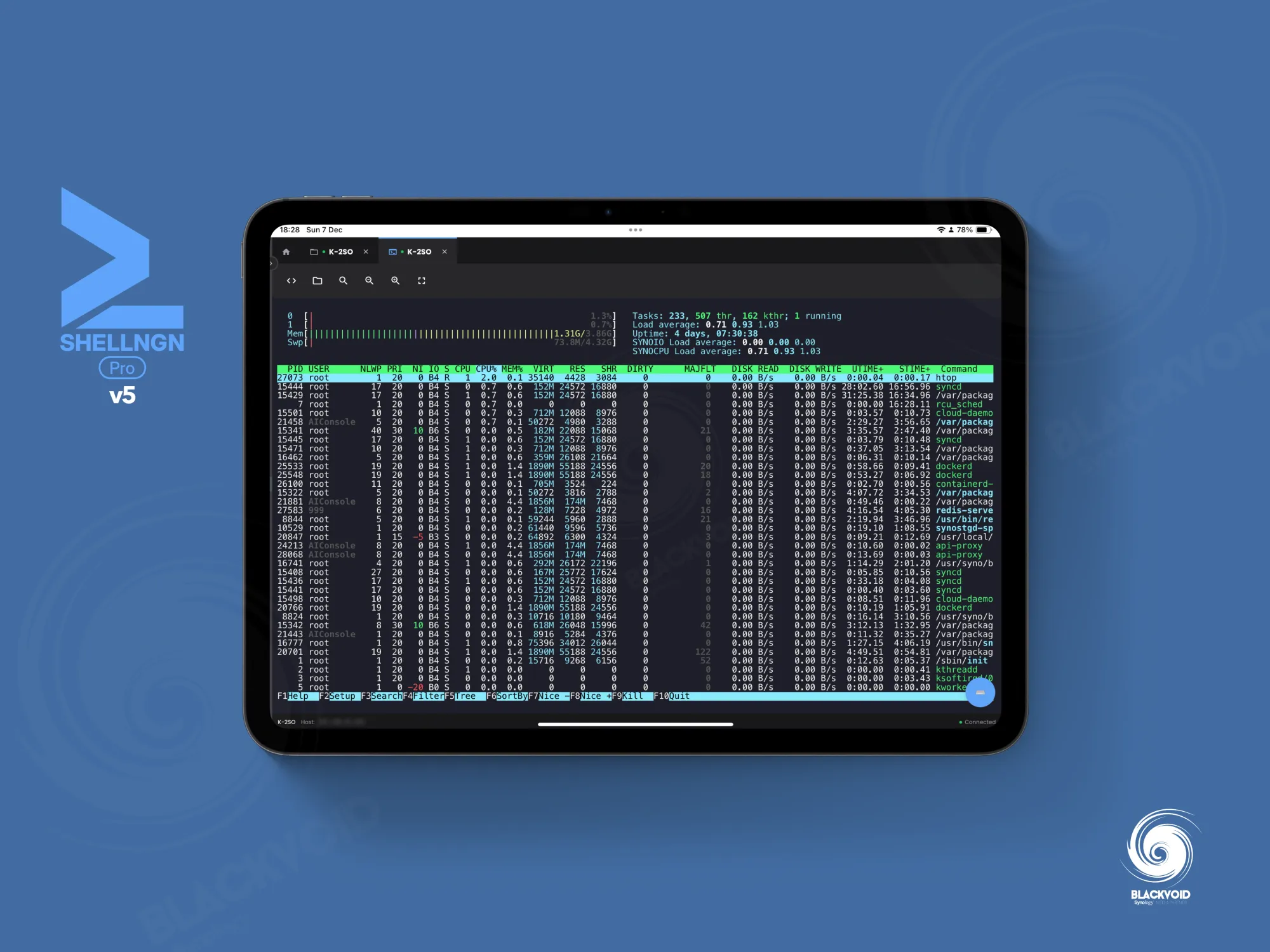
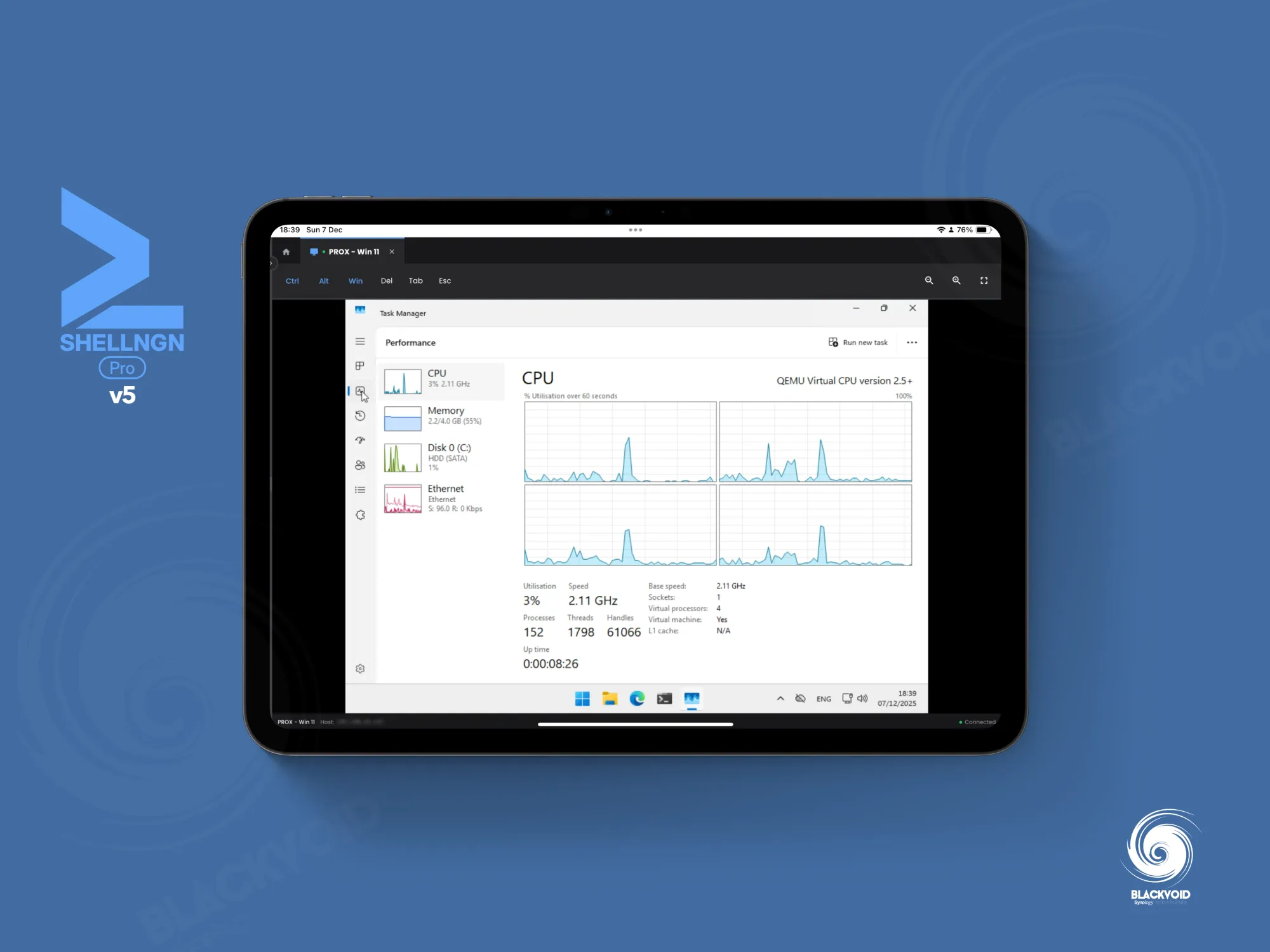
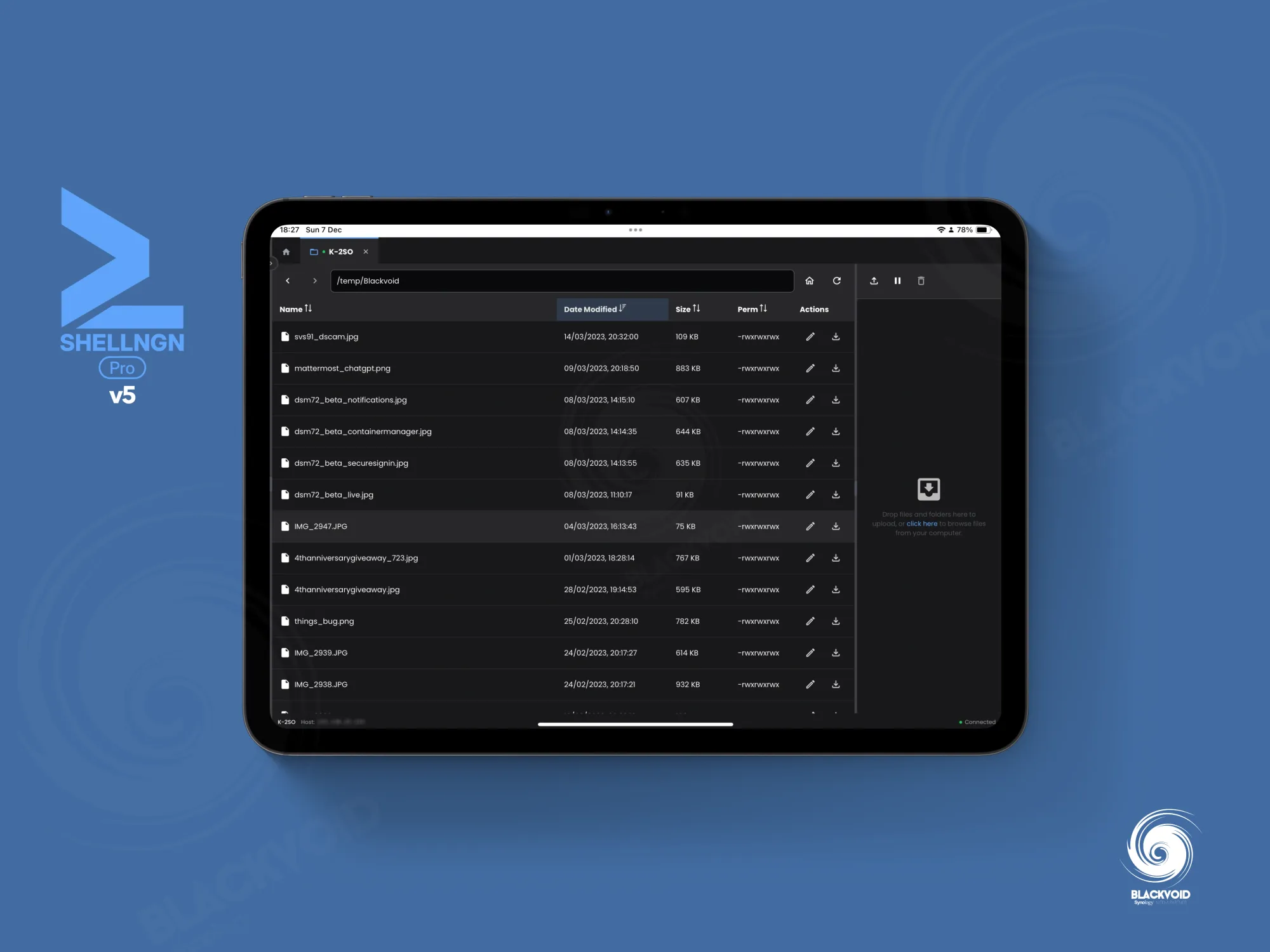
ShellNGN on a tablet such as an iPad will be able to support almost all the benefits and features that we can expect on the desktop side of things. RDP is not 100% there, but very close
The RDP view still presents challenges, even when using a pen, as some operations may not function as expected. However, it’s reasonable to consider that there are more effective methods to access a full, feature-rich remote machine experience.
Pricing
For the past four years that I have used the platform (via Docker), the price has not changed at all, and it is still $39/year for a single-user license.
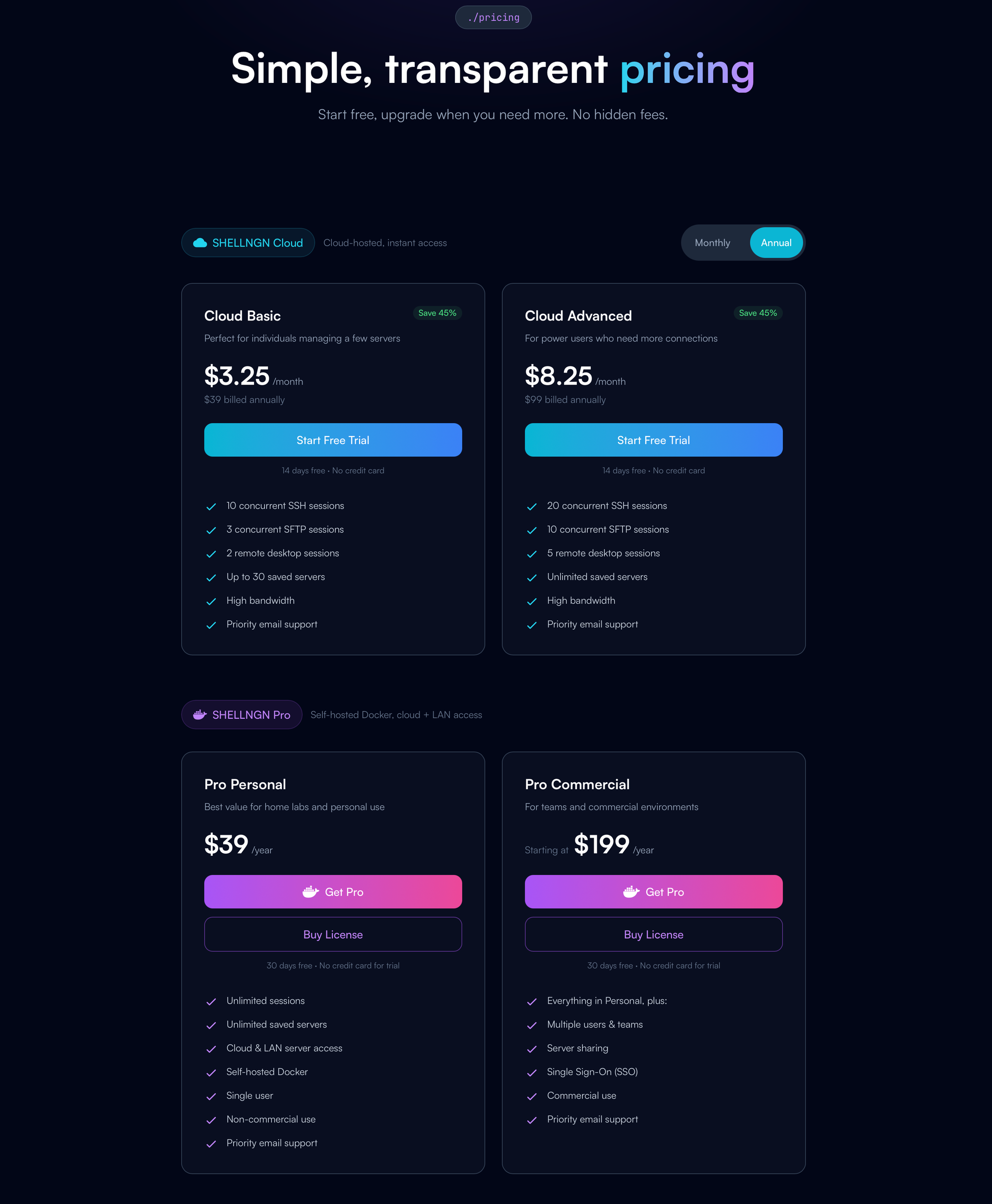
ShellNGN is available as a cloud-based PaaS service starting at just $3.90 per month, as well as a self-hosted solution via Docker. In addition to several log enhancements introduced in this new version, the Docker deployment remains unchanged from the previous release. For more details, please refer to the linked article.
While competition exists in this segment, it is not as extensive or as densely populated as ShellNGN. The ability to run the platform independently, even with a subscription, is a significant advantage, providing a reliable and stable product with ongoing support and new features over time. ShellNGN is an ideal solution for remote and secure access in scenarios where VPNs, local terminals, or RDP options are not feasible, now enhanced with additional features that remain lightweight and efficient.