Synology FS200T review

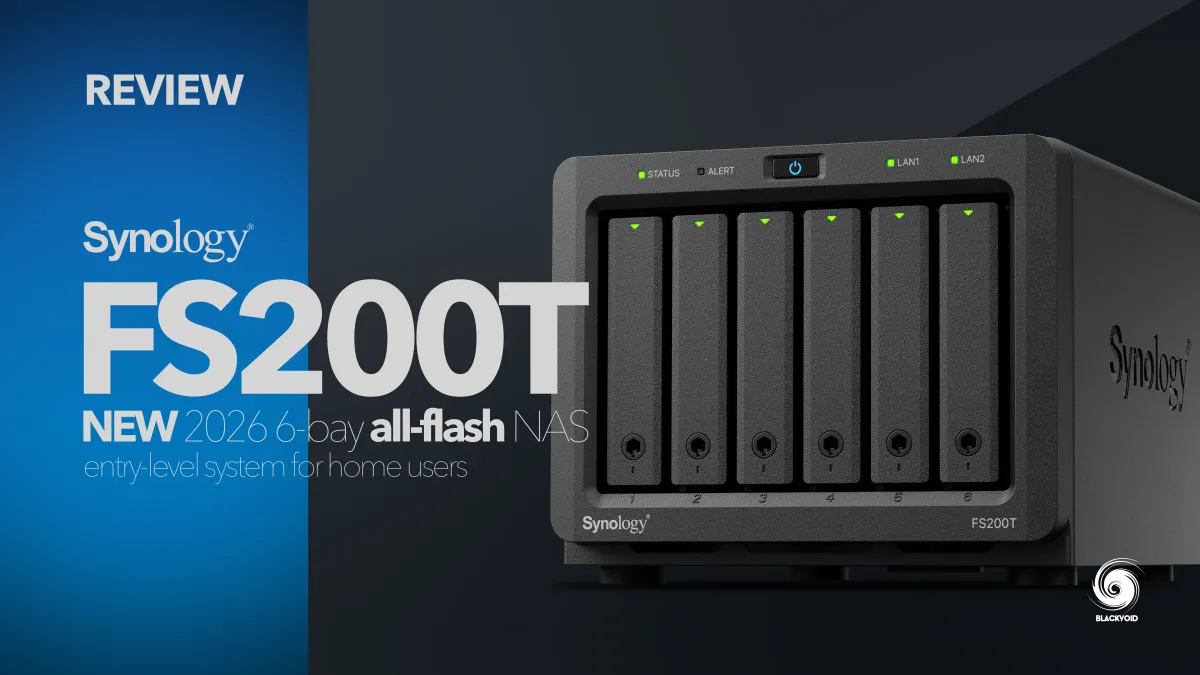
It has been a year and a half since the first mention of the new 6-bay all-flash model for 2026, back in May of 2025 at Computex.
It took another whole year, and this year's Computex expo for Synology to finally announce and release the new FS200T.
 Luka Manestar
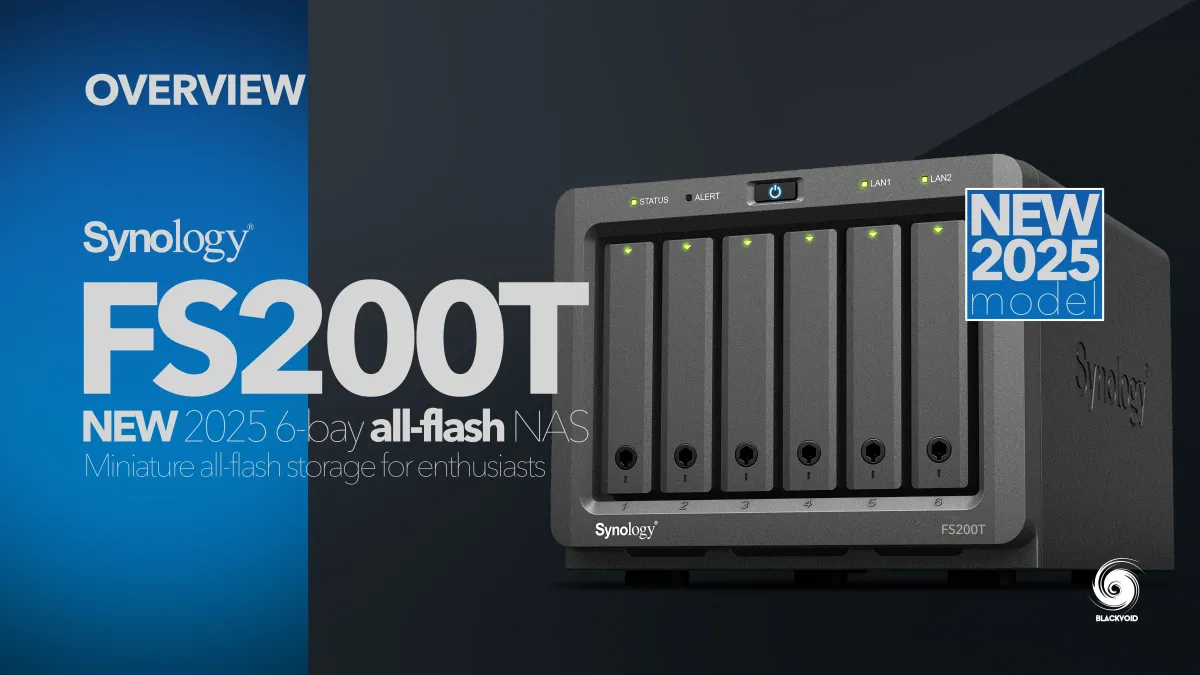
Initial overview of the upcoming FS200T
 Luka Manestar
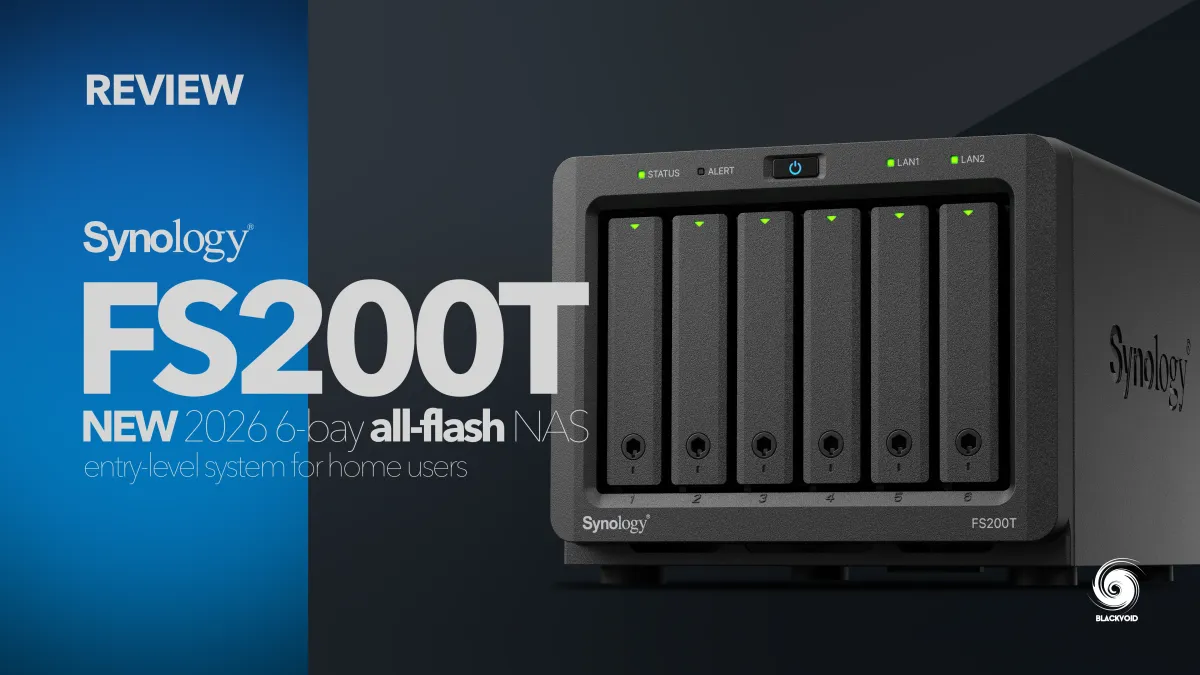
2026 overview update of the upcoming FS200T
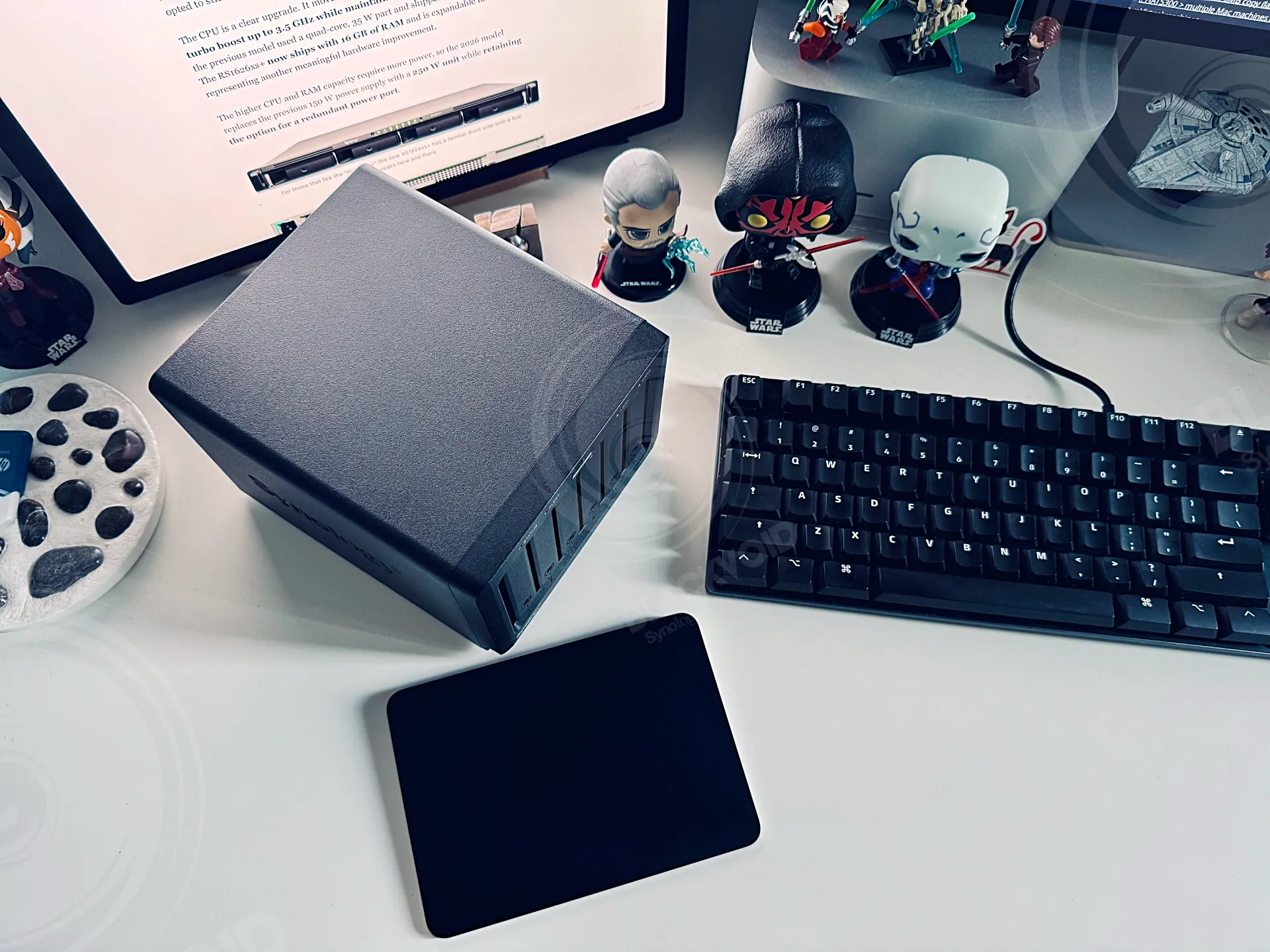
Today, we finally have it in for testing. The successor of the DS620slim, under a new name, and Synology's FS segment of products. Advertised as an all-flash entry-level system for home users, the FS200T arrived after five years with some hardware upgrades, as well as the same key advantage over some other models, like portability and small form factor.
Synology's FS200T represents a strategic shift from its predecessor, transitioning away from the traditional DS (Disk Station) series toward a new FS (Flash Station) product segment. This repositioning emphasizes the device's design as a purpose-built, all-flash storage solution, considering it no longer supports 2.5" HDDs, only SATA SSDs.
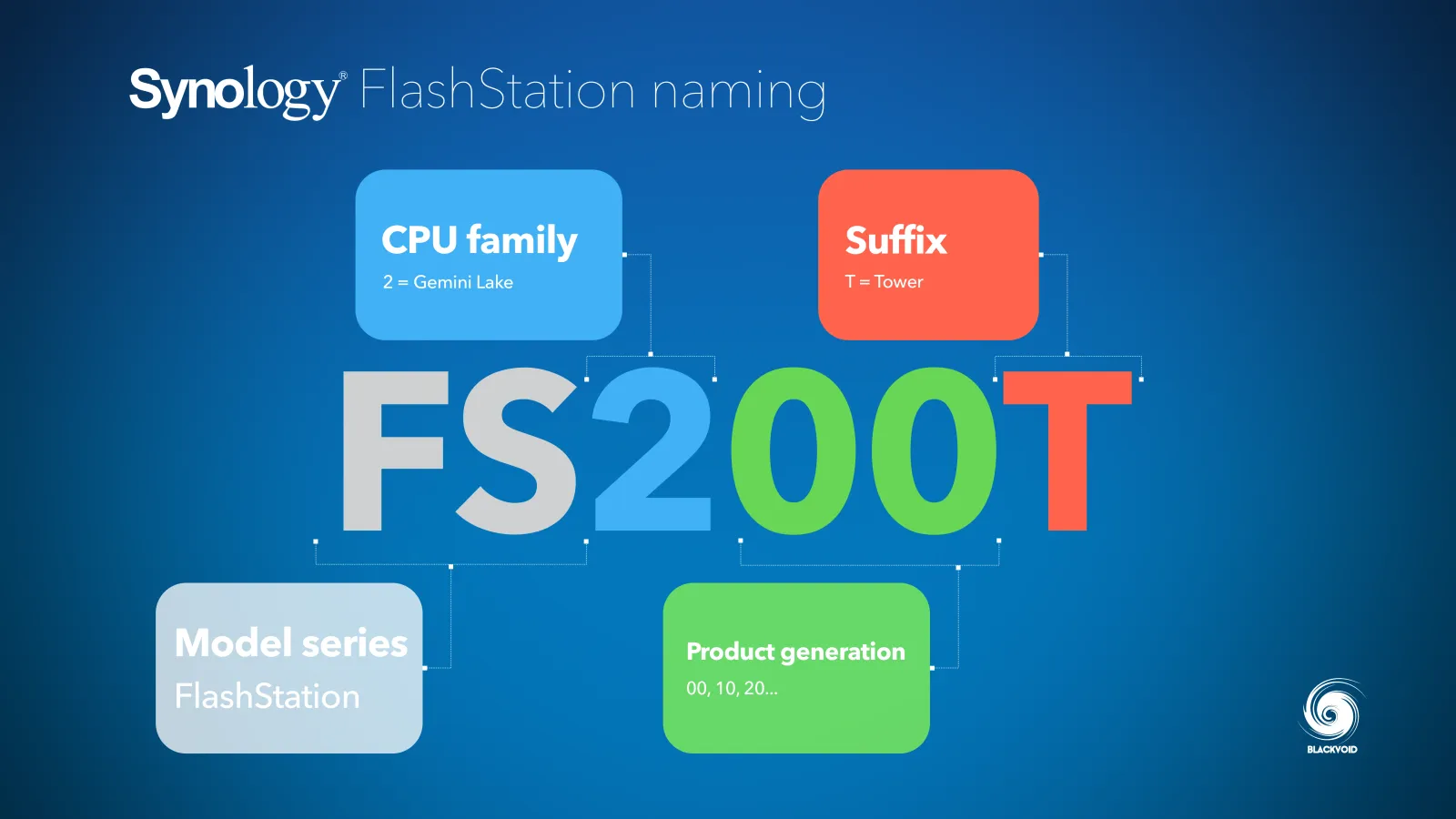
Speaking of disk support, there was some concern that, being now an FS model, it would fall under the same policy of "Synology-branded drives only", however, this is not the case. While the HCL 5.0 rules have stricter rules compared to the 3.0 and 4.0 versions, there is one exception.
All 2025 and newer DS models, including the desktop version of the FS-lineup, meaning the FS200T, can support both Synology-branded and any 3rd party drives. Because of this, the FS200T will not, in fact, be super expensive in today's economy and disk prices, thanks to the support of 3rd party drives.
While the testing model did arrive with 2TB SAT5221 Synology drives, we will test some very early SATA SSDs to prove that there are no compatibility issues at all.
Table of Contents
: Intro
: Unboxing and setup
: Tests
: Conslusion
Intro
The FS200T's hardware remains largely unchanged from expectations. Though initially scheduled for 2025, Synology delayed the launch to the summer of 2026 without implementing any significant refinements that had been anticipated.
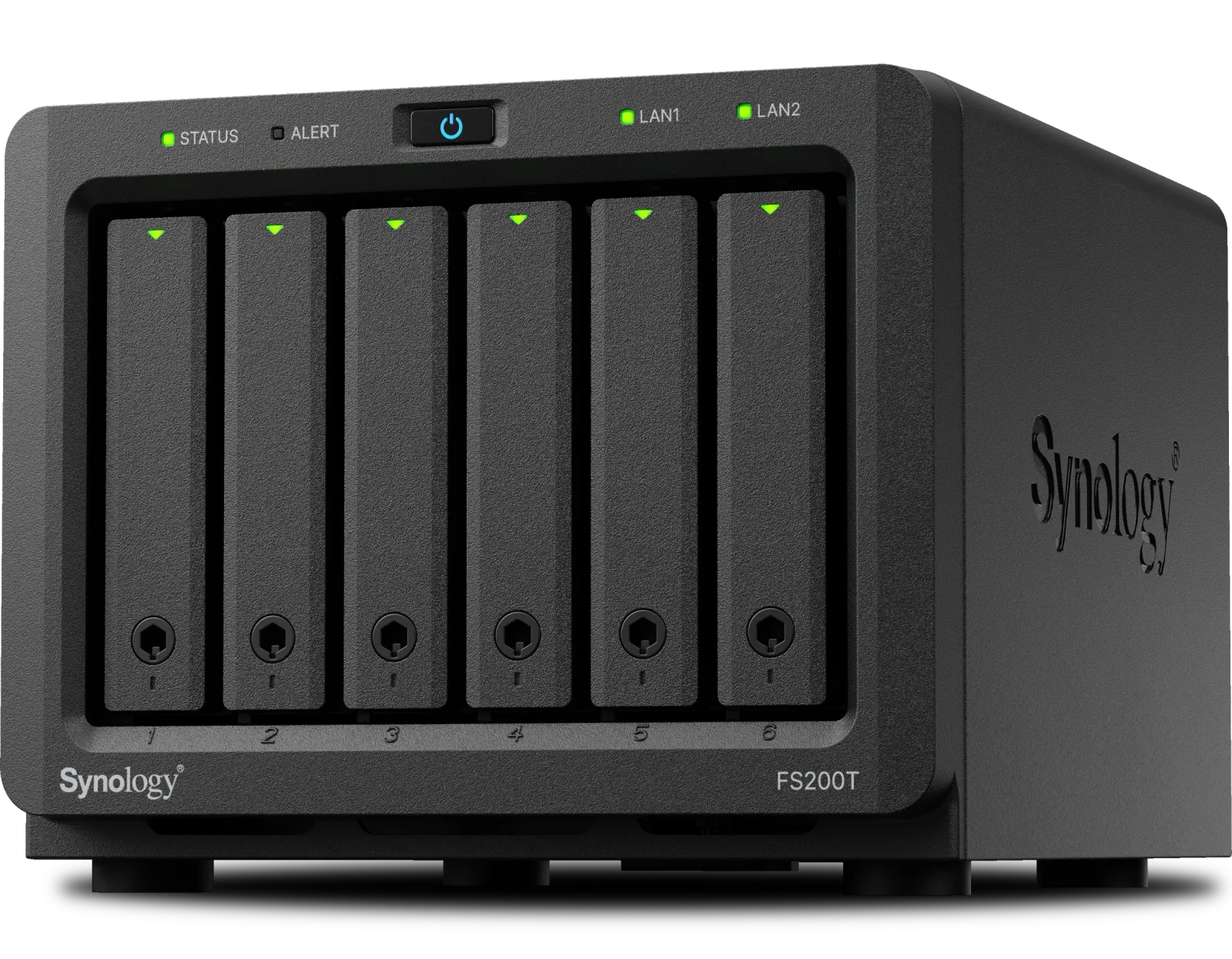
All-flash design for quiet operations at home or in compact workspaces
The 6-bay FS200T retains the Intel Celeron J4125 quad-core processor announced at launch. While this represents an upgrade from the DS620slim's J3355, the FS series positioning raised expectations for a more powerful CPU. The new FS naming convention leaves room for more substantial processor improvements in future iterations.
The FS200T improves upon the DS620slim with a quad-core CPU and 4GB of DDR4 RAM (upgradeable to 8GB), compared to the DS620slim's dual-core processor and 2GB of DDR3 memory.
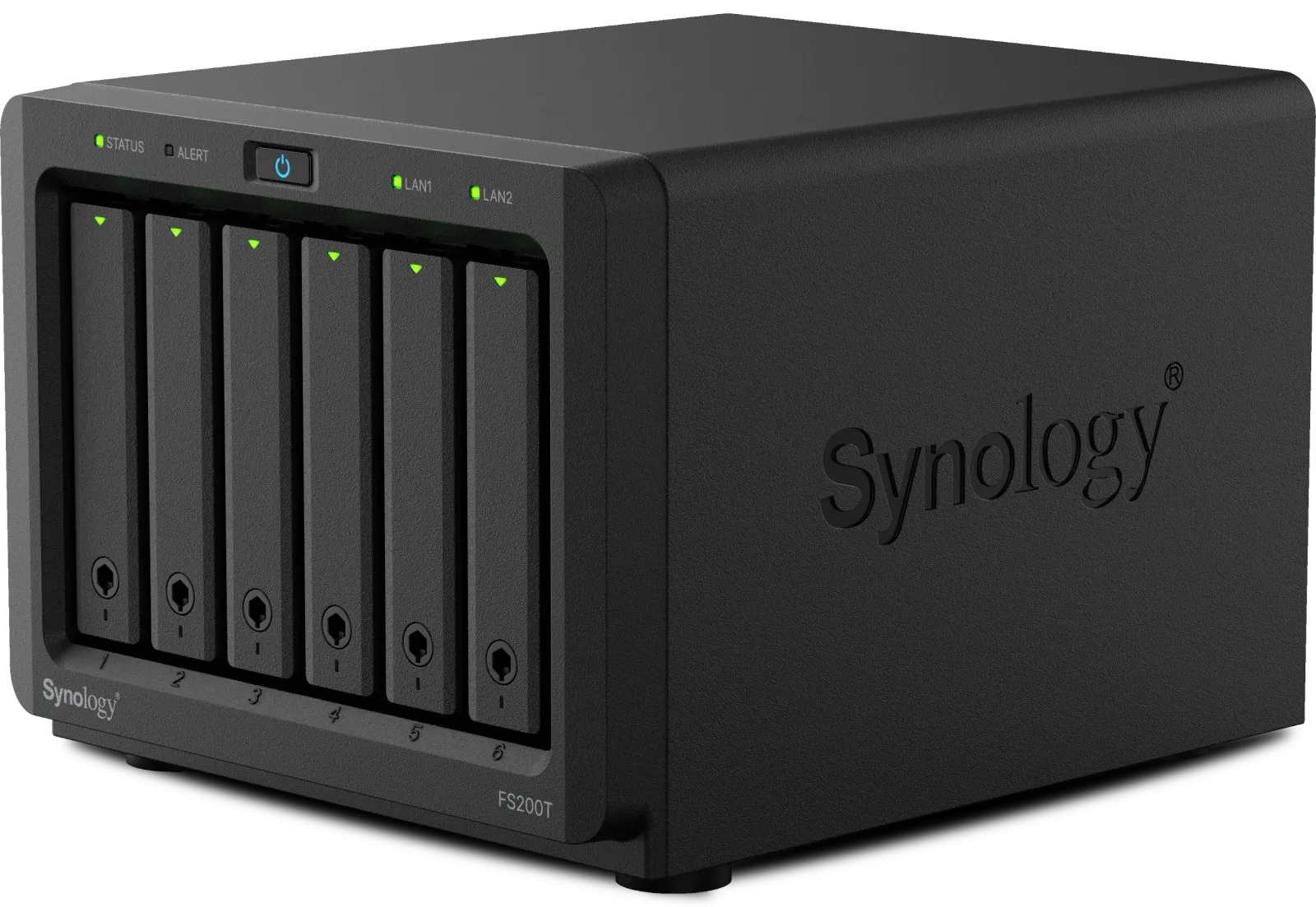
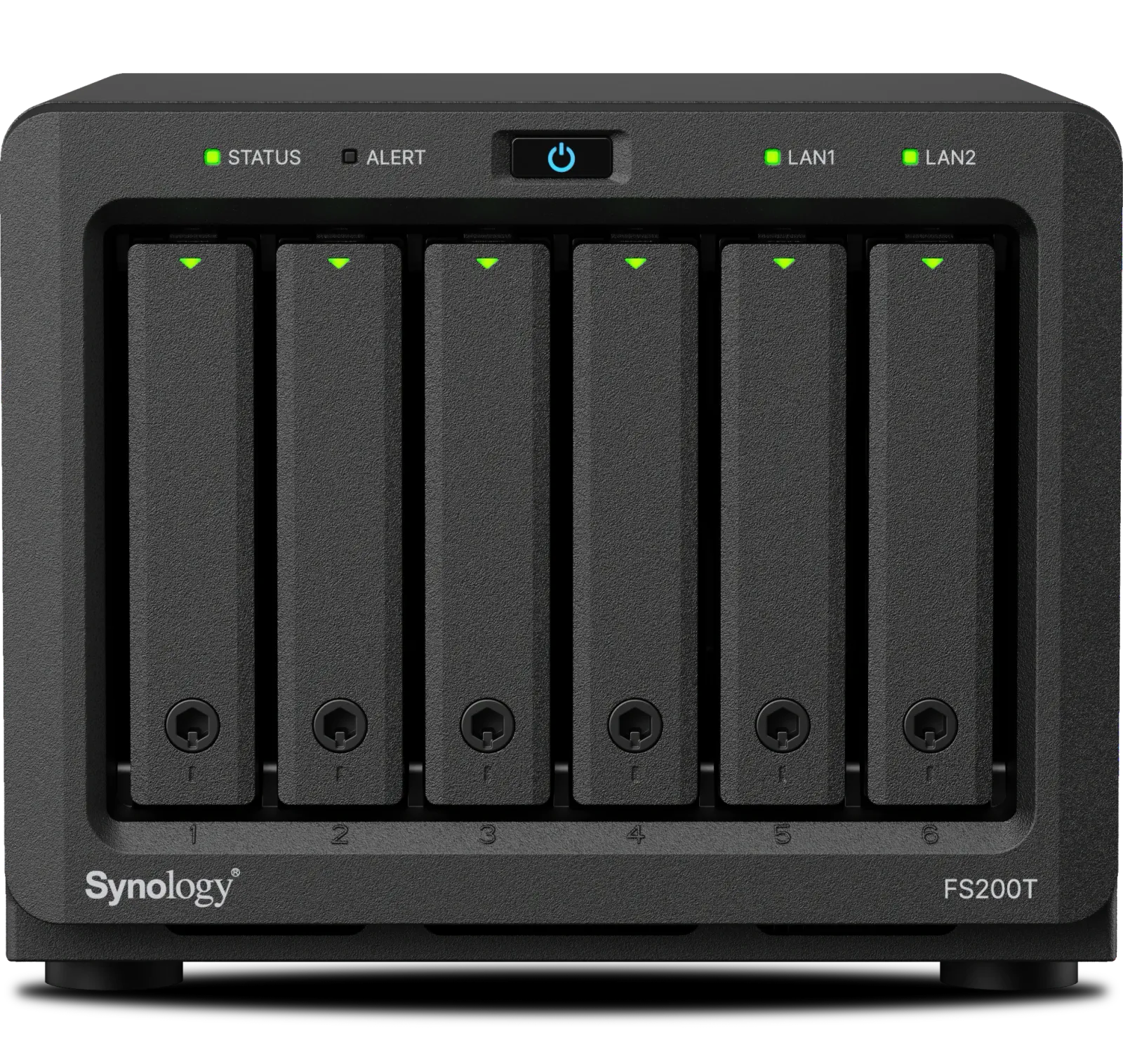
The FS200T maintains a compact footprint with a depth under 18 cm, matching the DS620slim's external profile. All six drive bays support hot-swapping. The device operates with minimal noise at approximately 21 dB, generated entirely by a single rear-mounted 80mm fan.
Miniature all-flash storage for enthusiasts
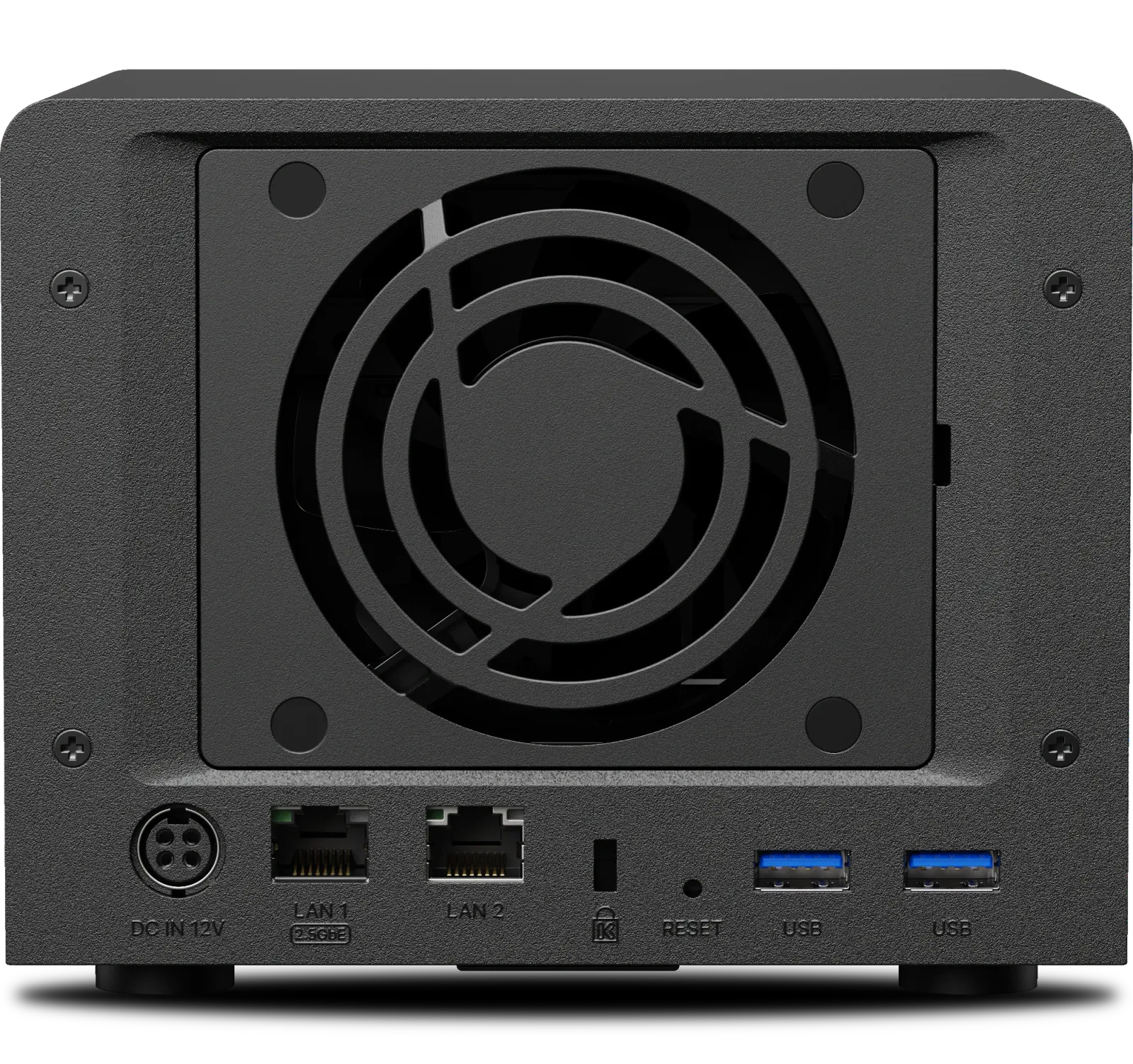
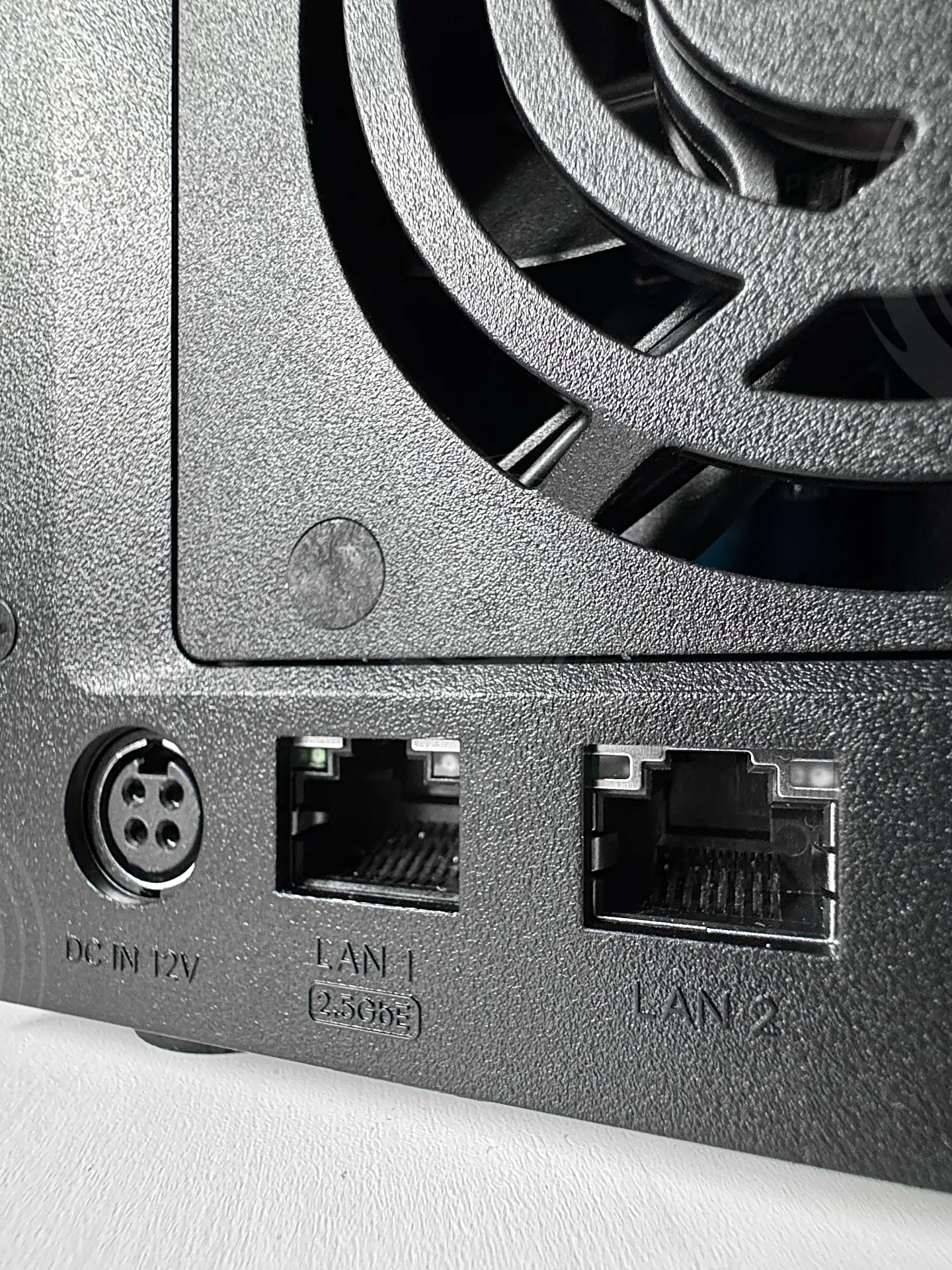
The FS200T's rear panel retains the dual USB 3.2 Gen 1 ports and LAN connectivity of previous models, with the addition of a 2.5GbE port alongside the standard 1GbE port, a configuration matching the DS425+ and DS725+.
The FS200T's compact design makes it suitable as a desktop or portable solution. Its all-flash configuration minimizes transport-related data risks and supports mobile deployment, such as in mobile homes. Low heat output, minimal noise at approximately 21dB, and a small form factor, paired with improved performance and network connectivity, position it as an ideal NAS for home users, small office content creators, and enthusiasts.
Power consumption averages 25.5W during regular operation and 19.06W with complete disk hibernation. Actual consumption varies depending on DSM services and packages, which influence hibernation and sleep states.
At 1.4 kg, the FS200T is the second heaviest in the X25 series, sitting between the DS225+ (1.3 kg) and DS725+ (1.5 kg). The device lacks M.2 NVMe slots, a limitation shared with other Synology models, whereas many competitors offer full NVMe configurations.
FS200T key features
Tiny Footprint
Compact dimensions ideal for home and small office environments
Whisper Quiet
All-flash configuration ensures virtually silent operation
Fast Networking
Built-in 2.5GbE port for fast connectivity out of the box
Versatile Network Storage
Leverage built-in file and photo management, and data protection
Extendable Product Support
Backed by Synology's 3-year limited hardware warranty, extendable to 5 years in select markets
Unboxing and setup
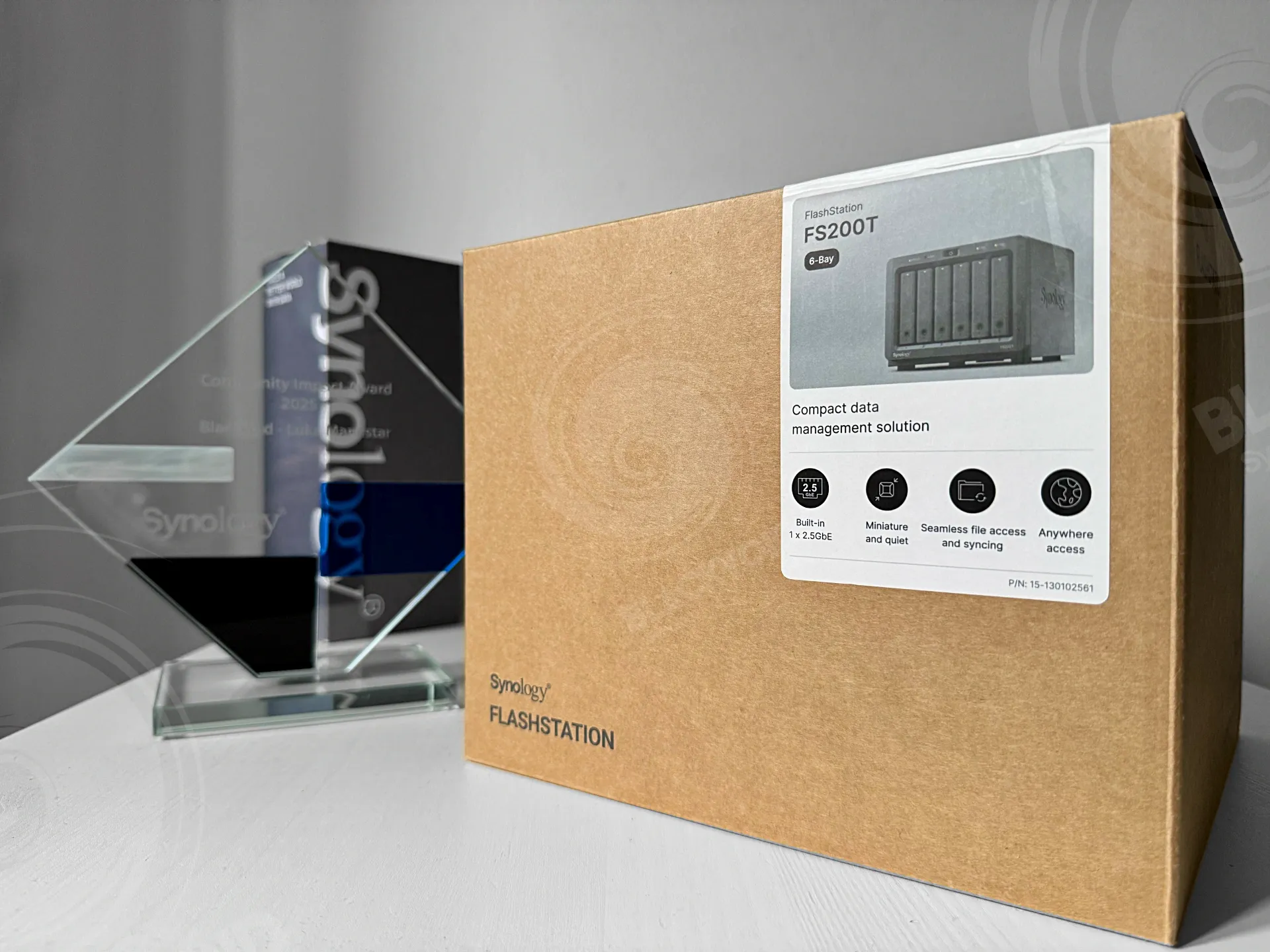
For a unique model such as the FS200T, the NAS is housed in a standard eco-friendly packaging that we expect from Synology.
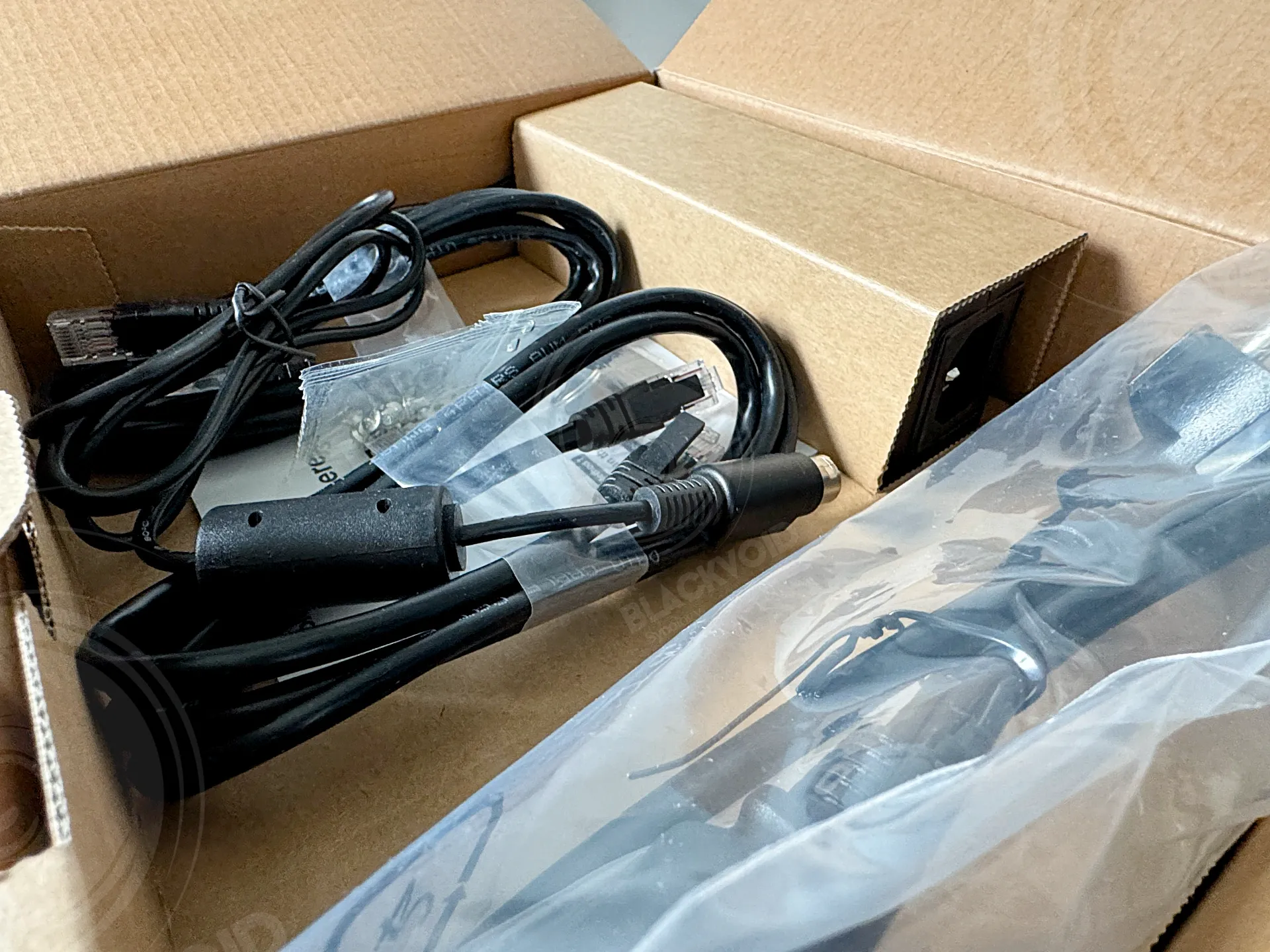
Minimal design, with only the needed power adapter and a pair of CAT5e cables, along with the NAS unit itself. The box also contains a single bag with small screws that are needed to secure the drives in place in a unique way.
The drive tray only needs a pair of screws per drive, as one side of the tray has secure locks that hold the disk in place, while the other side needs to be secured with said screws. This will also vary with the size of the SATA housing, as some drives are a bit more bulky, depending on the vendor and material.
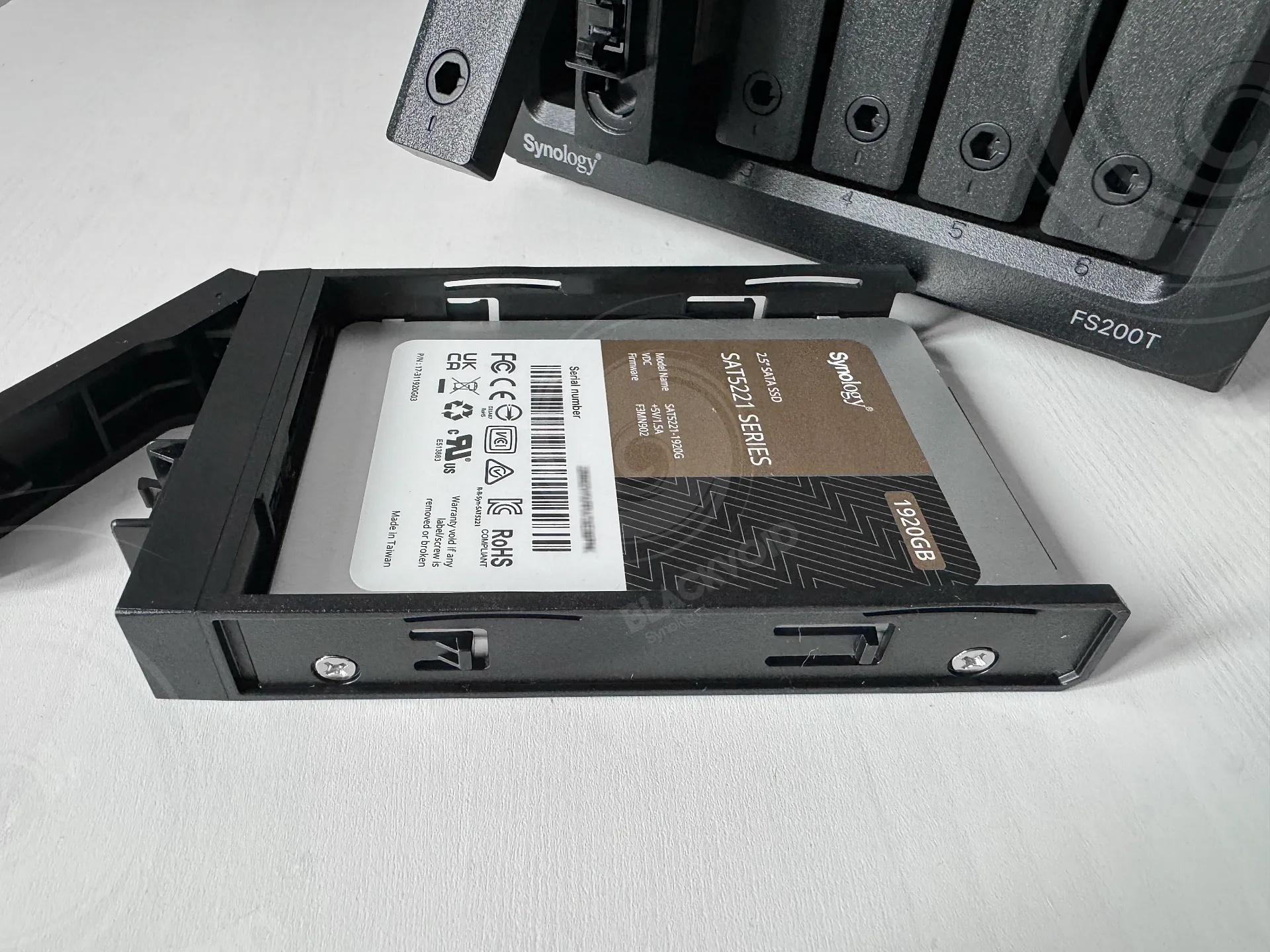
As mentioned, all the slots are hot-swappable, so adding or replacing the disk will not be an issue.
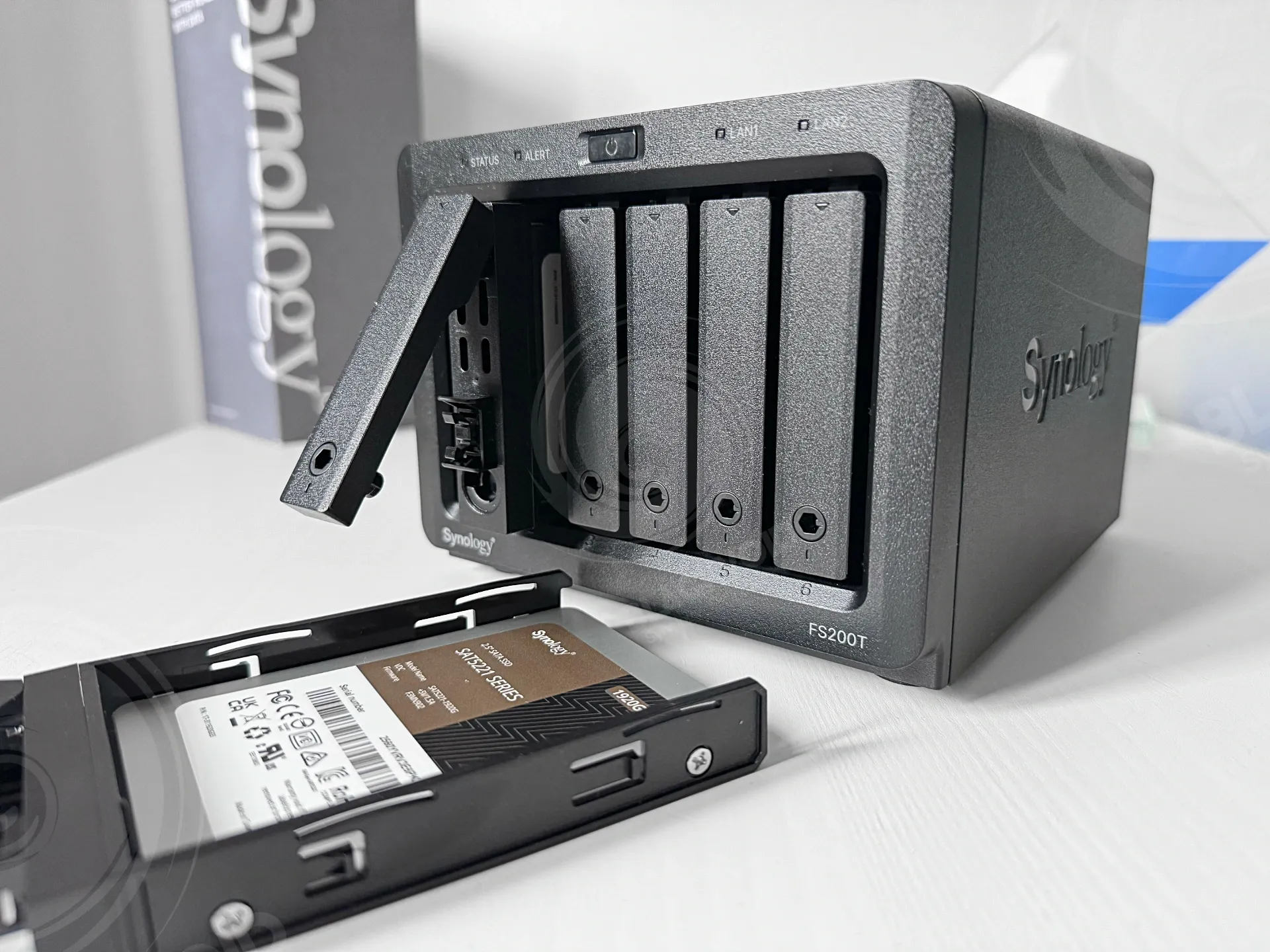
Also, what will not be an issue is the fact that we can add 3rd party drives to this model as per HCL 5.0 policy. It is good to see that Synology opted for allowing this particular model, while still being a member of the FS lineup, to share the DS disk compatibility matrix.
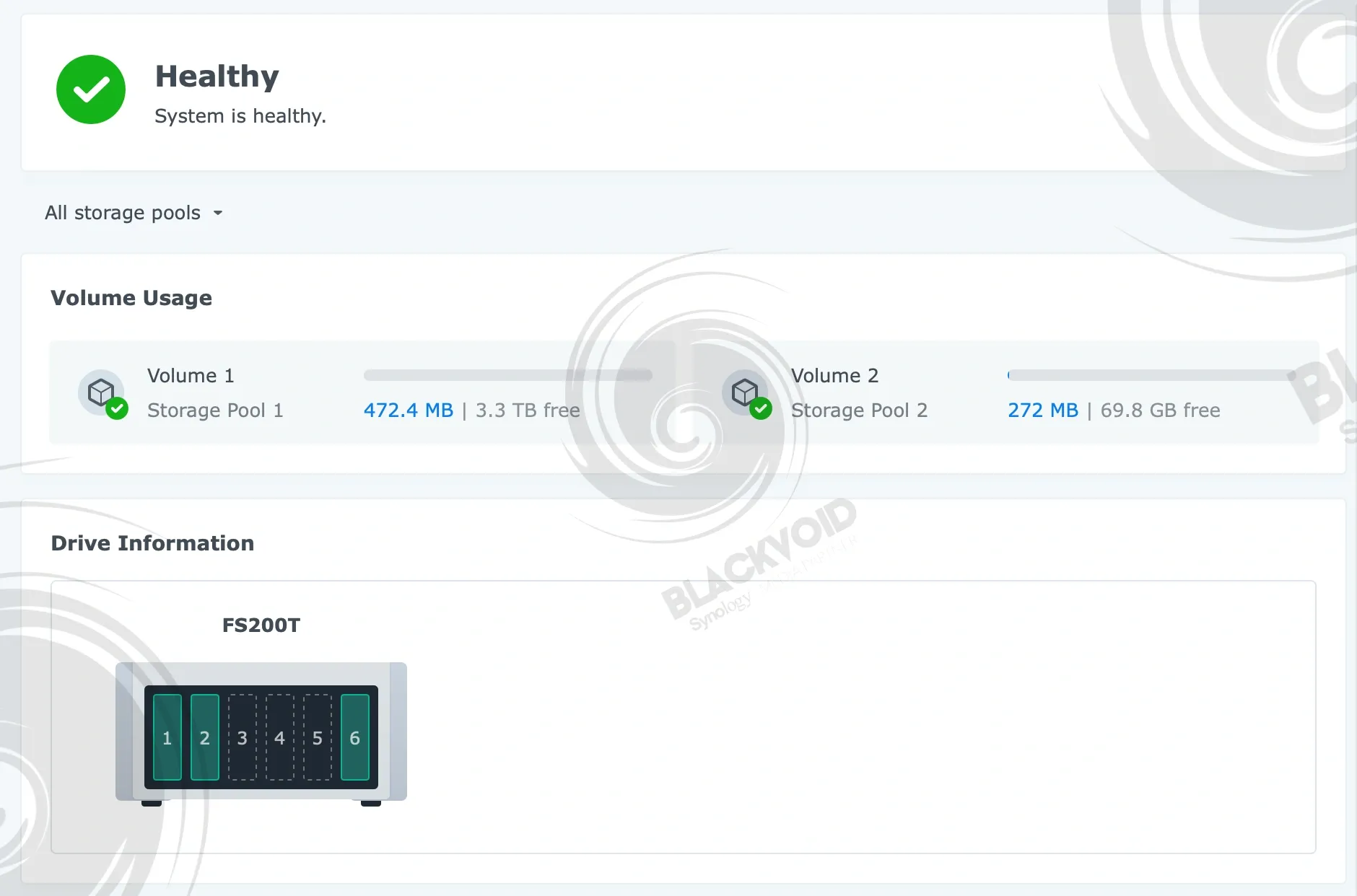
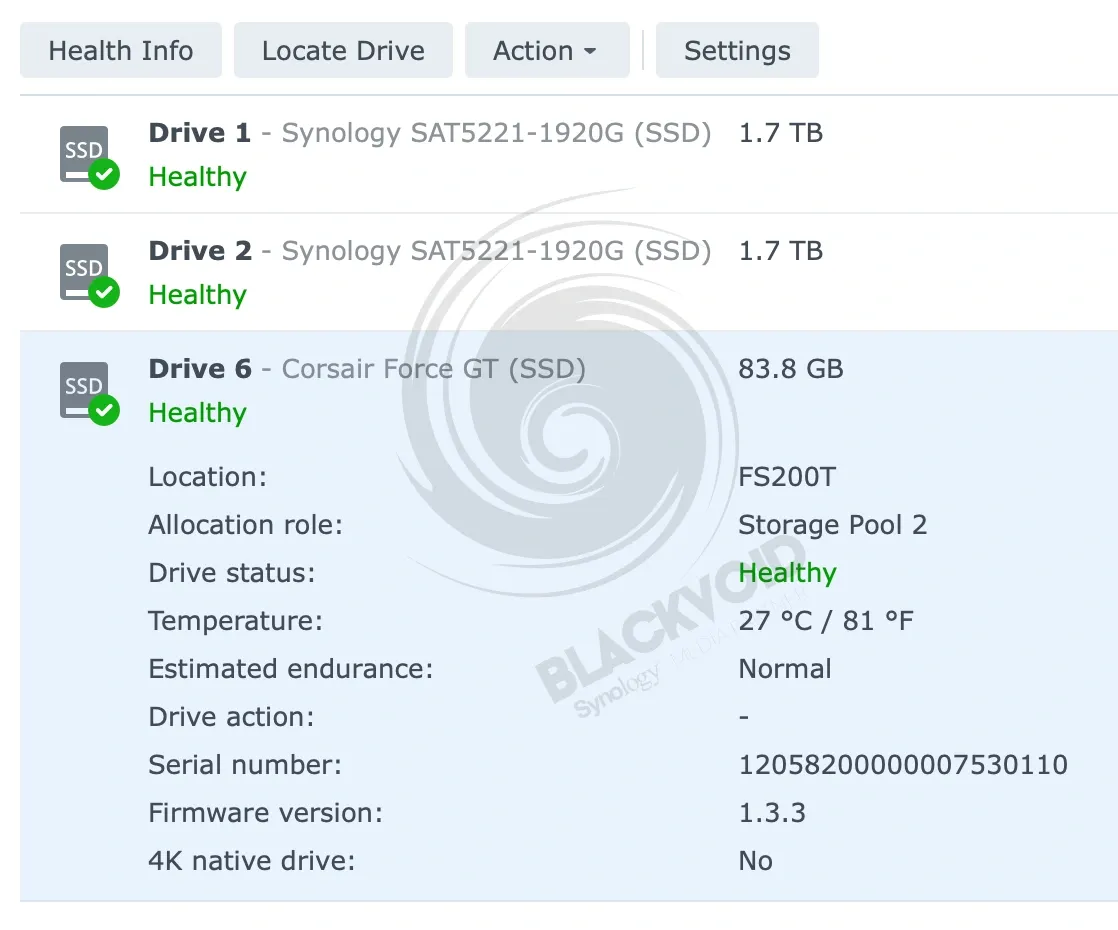
From a performance standpoint, one might argue that a Synology-branded device would be a better fit in the long run. While that might be correct, it is also a fact that users can use any drive they want, and the single 2.5GbE network interface will not make a difference if there is a 500€ or 3000€ drive inside.
In this particular setup, I have tested a very old drive (from 2010), and it performed well, not as solid and fast as the Synology enterprise drive, but still, for most uses out there, similar results will be more than enough.
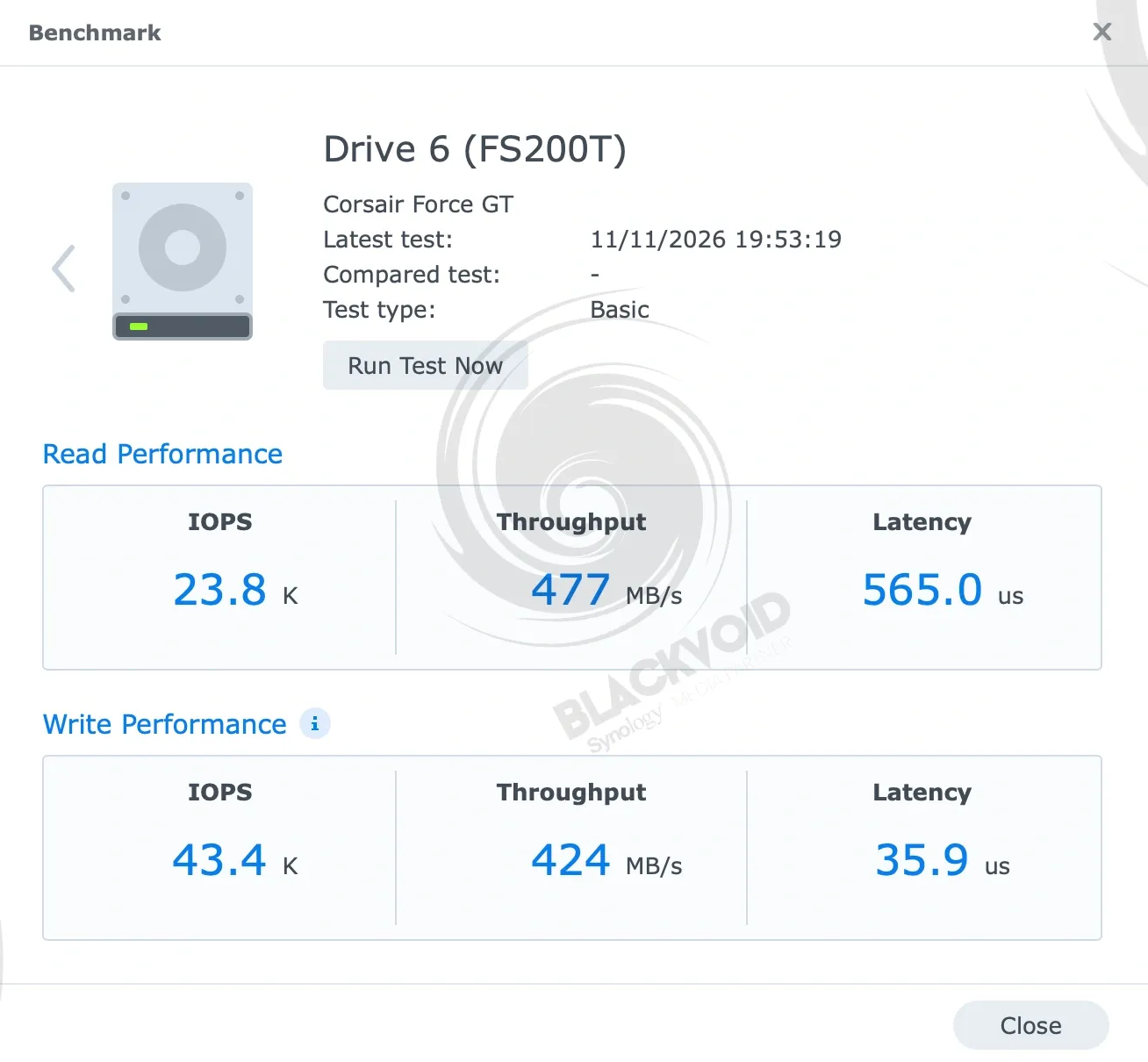
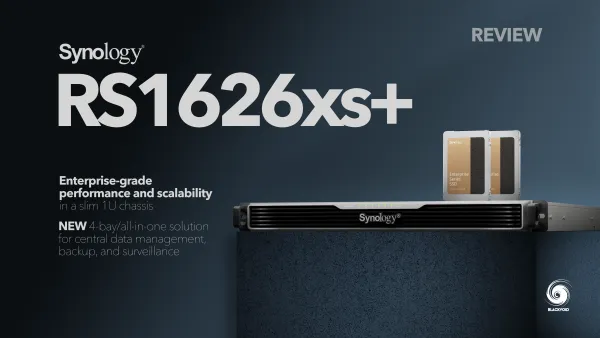
Anyone going for the long run will probably use a more capable set of drives for this NAS. The test FS200T came with a pair of 2TB Synology SAT5221 SSDs (the same ones tested in the RS1626xs+ article), and while those might be overkill, they are on the official compatibility list, so we will use them in further testing.
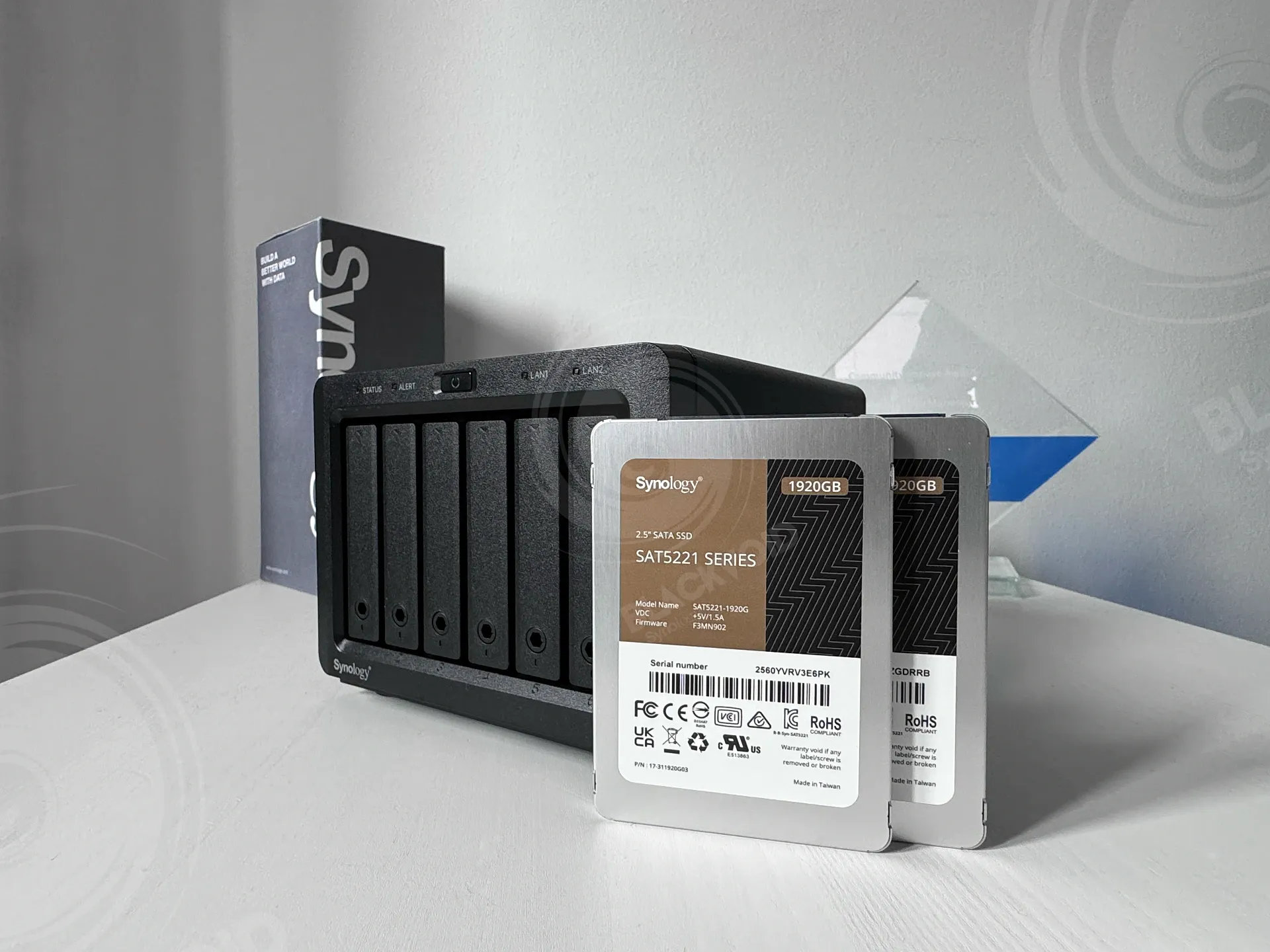
Configured in RAID0 (stripe), the total capacity once formatted is about 3.5TB with the BTRFS file system on top of it. The reason for this configuration is to test out the maximum performance that the striped volume can offer us, and to have something to compare to the RS1626xs+ mirror configuration. Granted, the CPU in the RS unit is much more powerful and capable than the one in this NAS, but still.
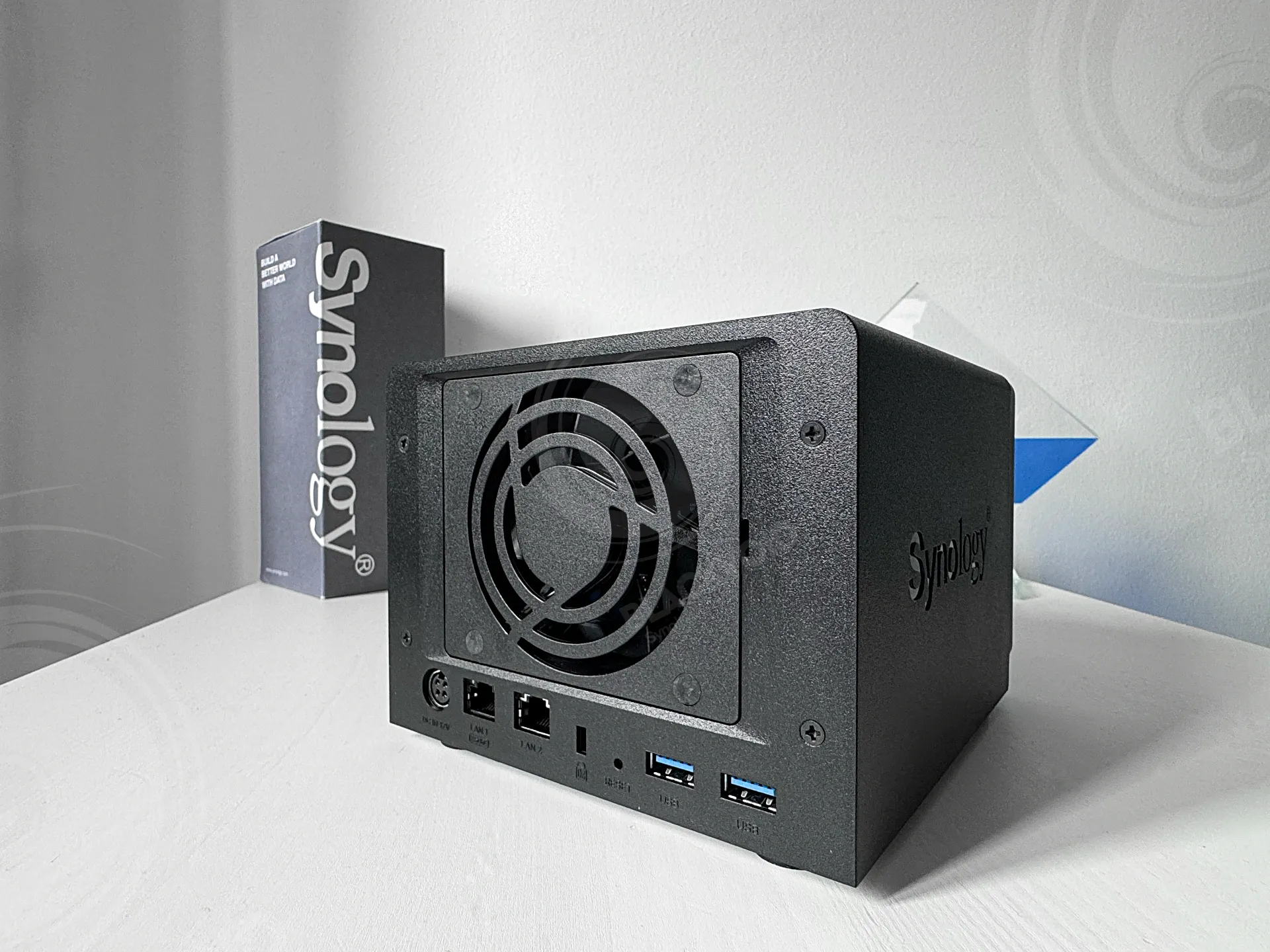
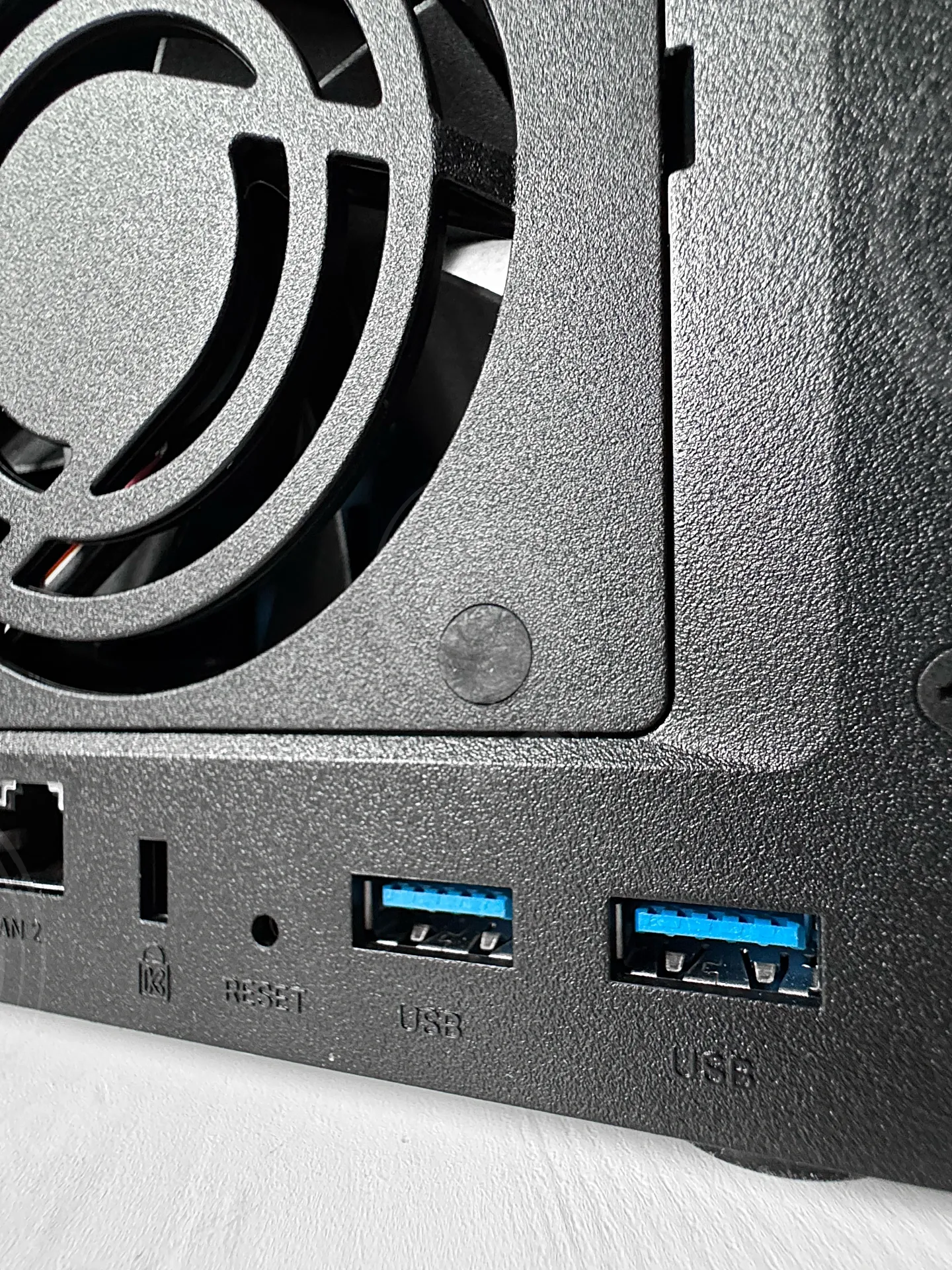
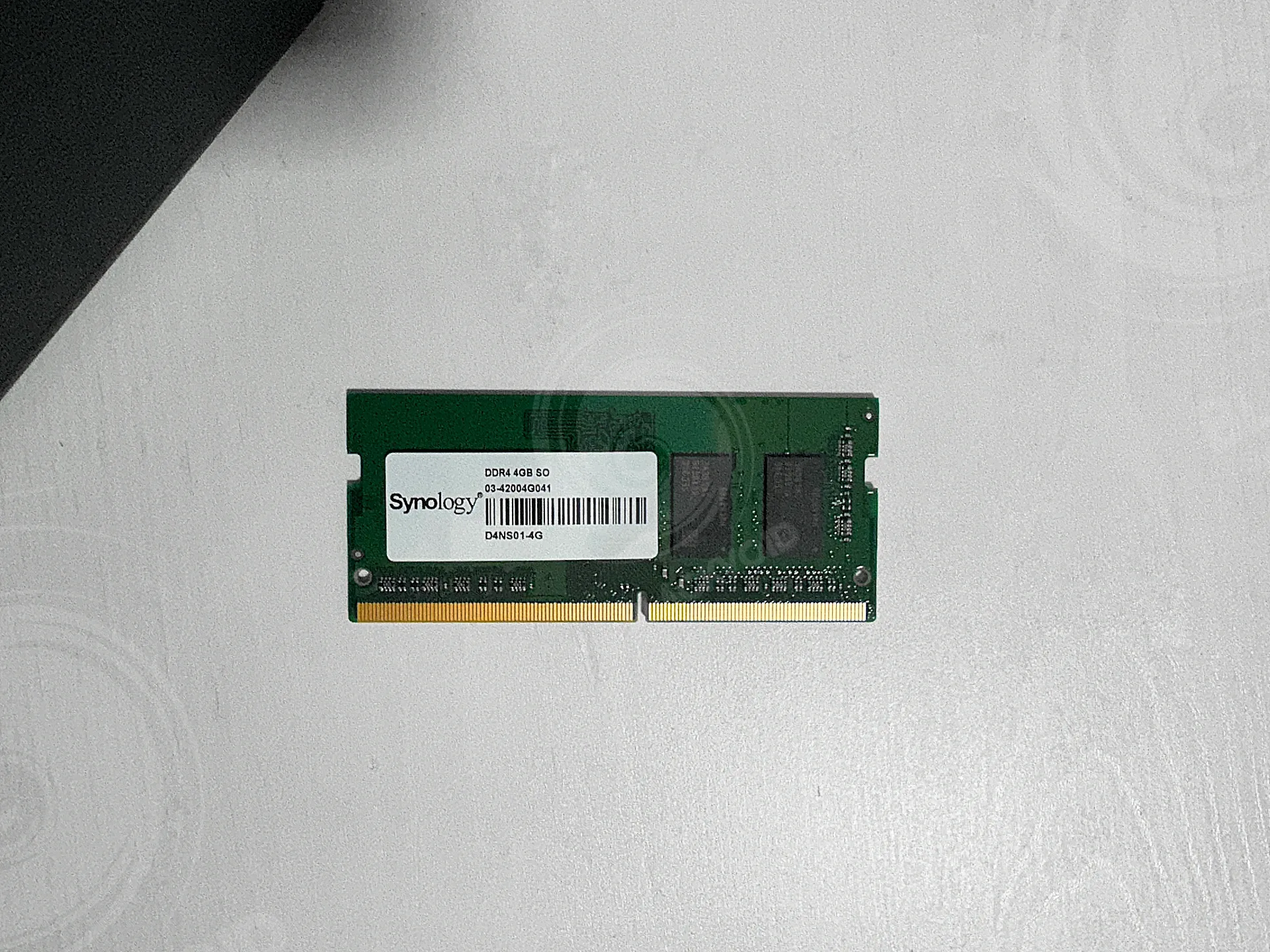
For those looking to upgrade this model, there is but one option. Aside from the disk options that allow for any number of array combinations, the FS200T ships with a single 4GB SODIMM RAM module, with a maximum supported capacity of up to 8GB.
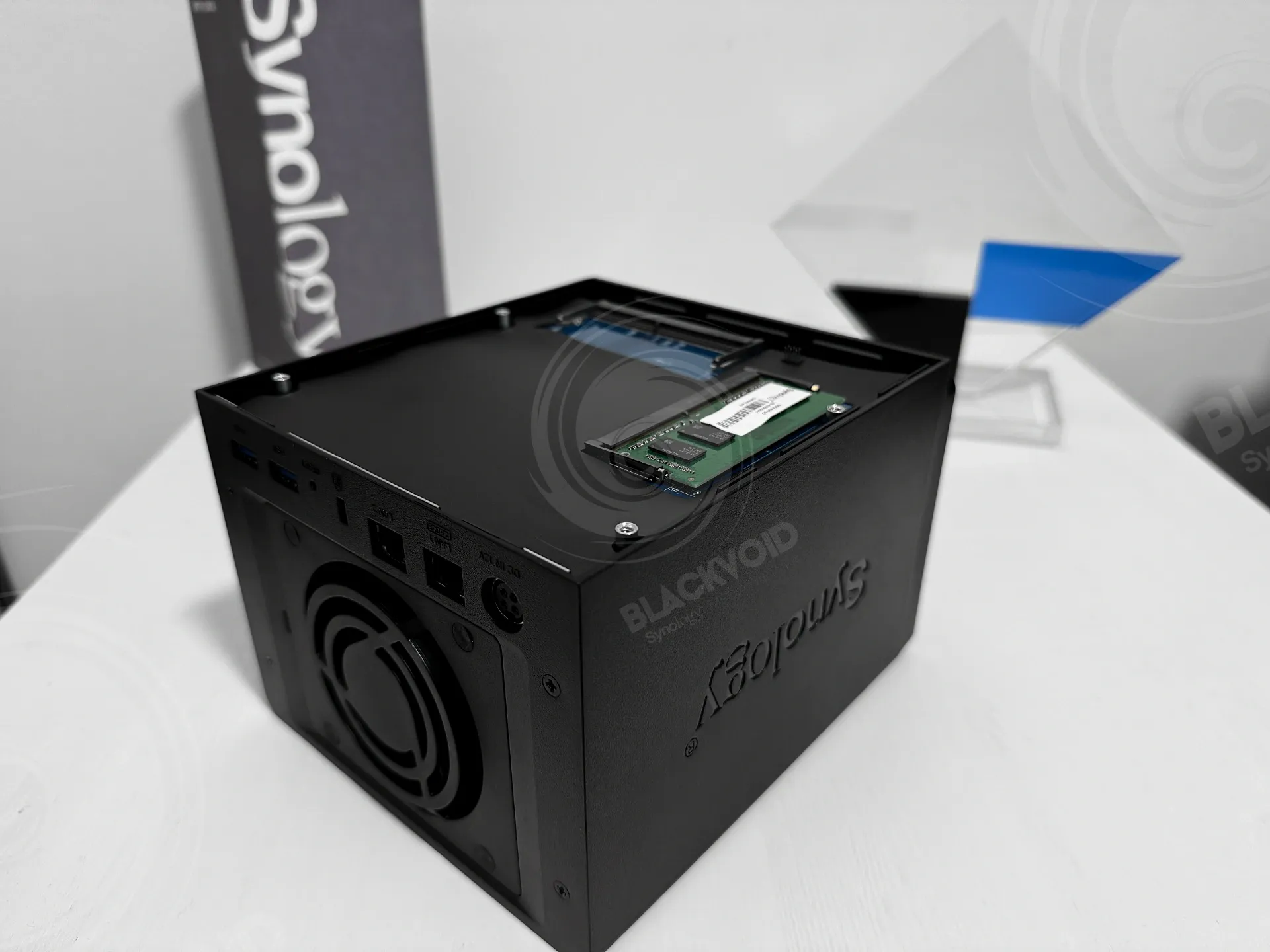
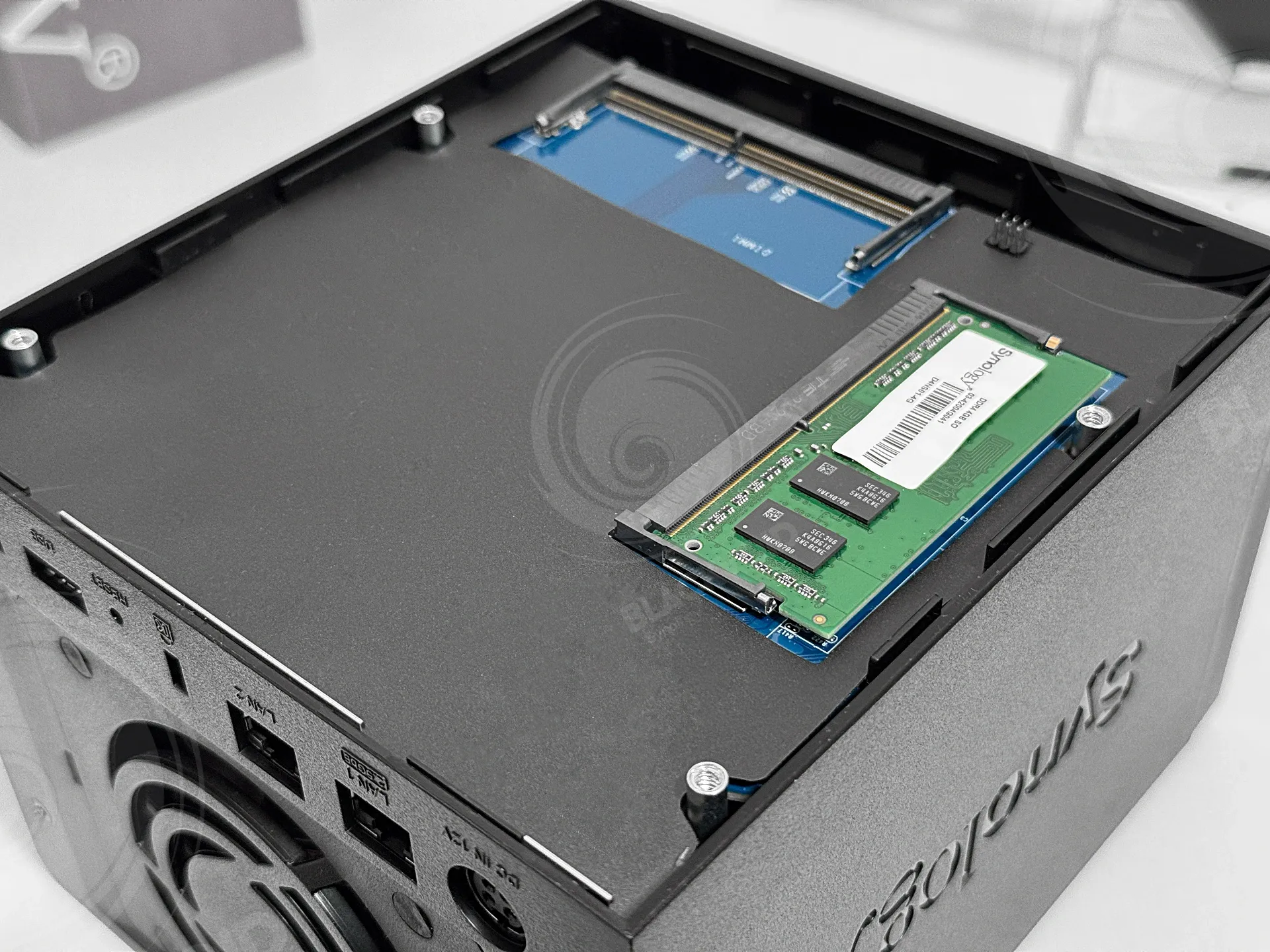
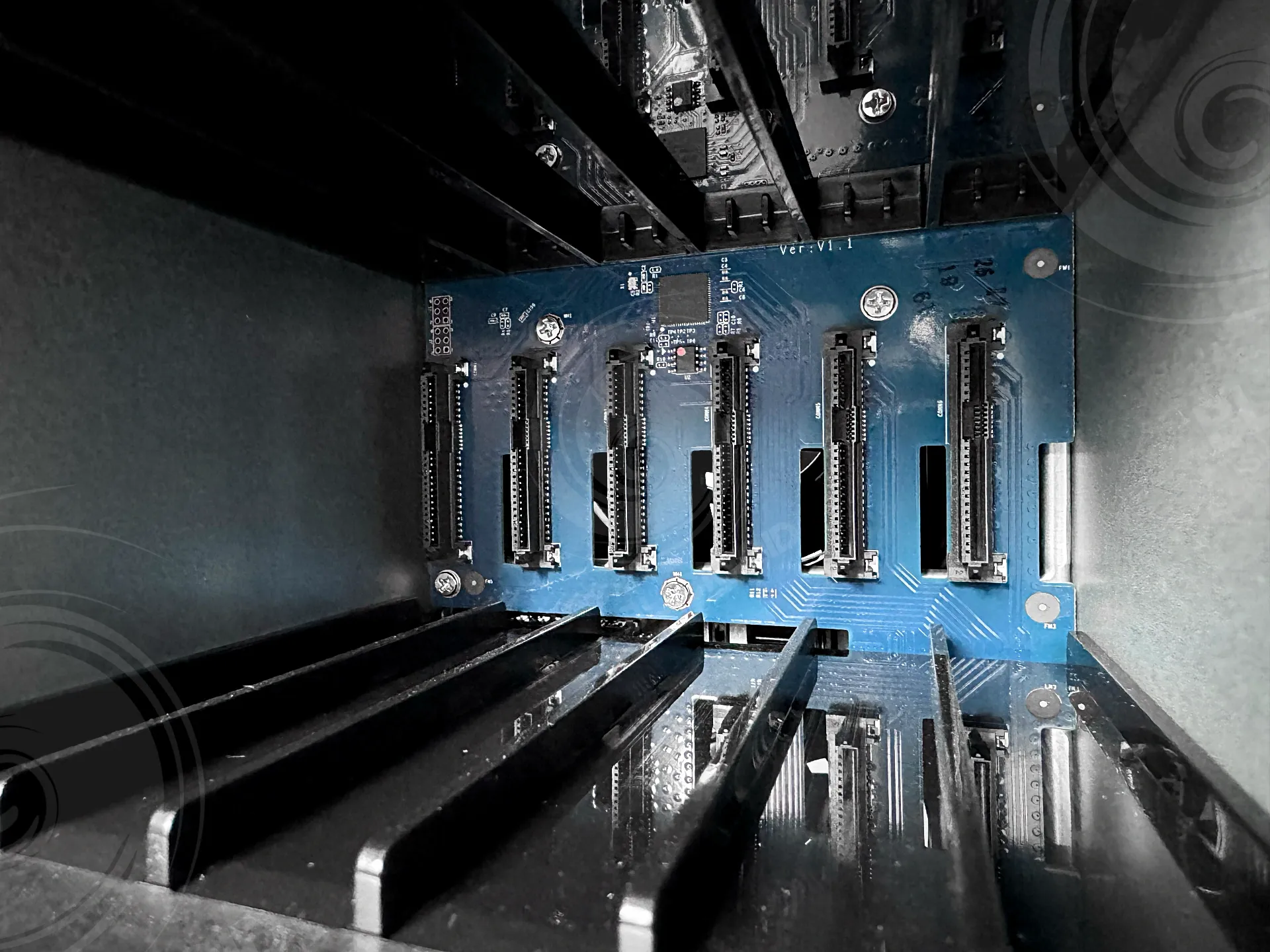
The bottom metal plate protects the unit as well as offers support using four rubber feet. Secured with four screws, allows easy access to both RAM slots. While most DS models have either one or both slots on the right side of the drive cage (inside), with the FS200T, there is just not enough room. Besides, this probably works best considering the motherboard is on the bottom of the cage as well.
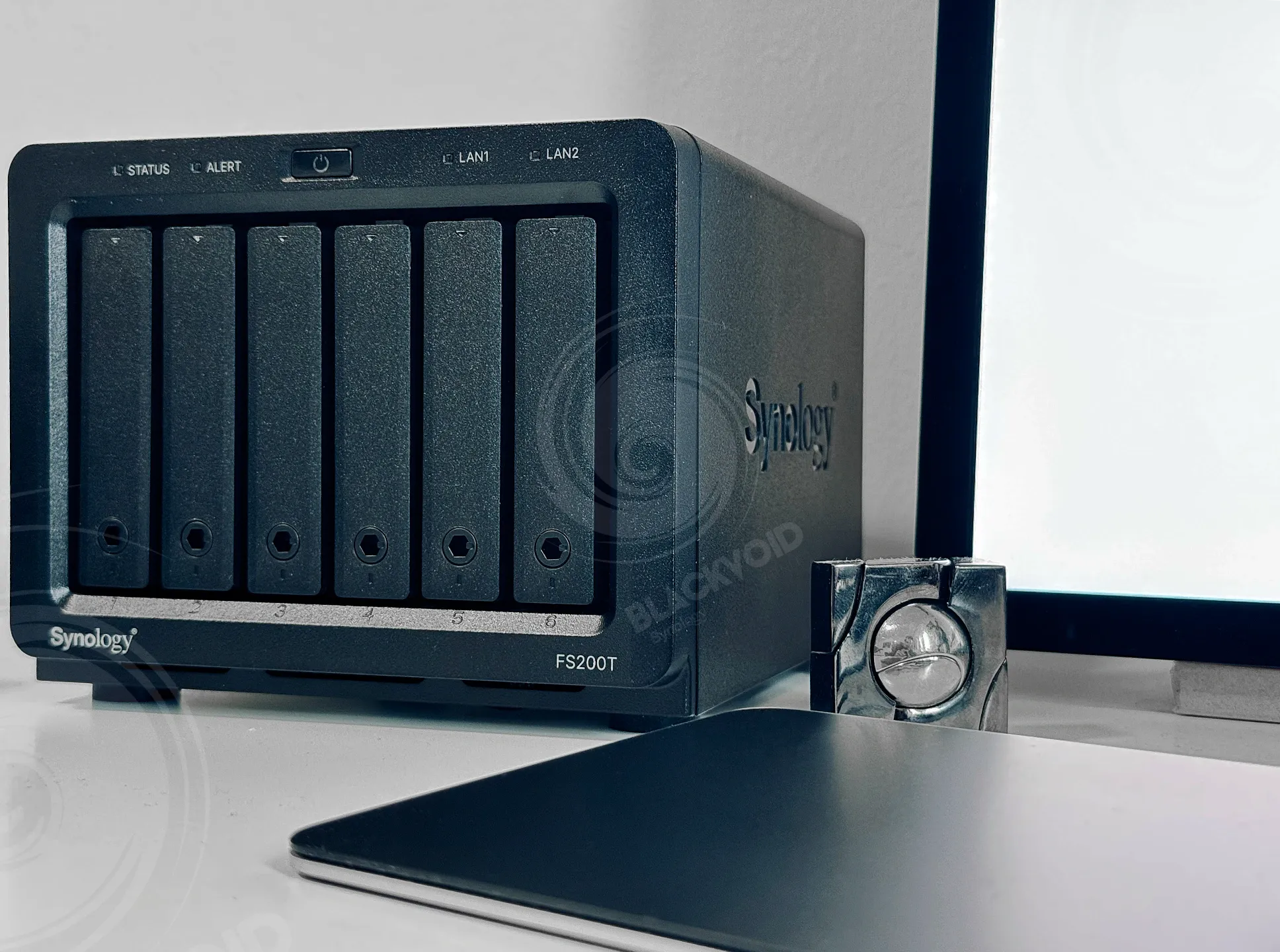
Before it is configured and loaded with the OS (DSM), the FS200T will emit some fan noise (as well as during reboot), but once all is well and done, it will be completely silent. Of course, this will be a direct result of the fan speed mode in DSM's control panel.
With three options to choose from (full, cool, and quiet), the NAS might be a bit of an issue if it sits on the desk with any fan setting other than quiet.
Depending on the environmental temperature, load, and the location of the NAS, choose the setting that fits your needs best.
Tests
This being a desktop NAS first and foremost, the testing will be comprised of common end-user tests using standard DSM packages, but also we will be testing how well it performs while using DaVinci Resolve for on-device editing and exporting.
[ ID] Interval           Transfer     Bitrate
[  5]   0.00-1.00   sec   278 MBytes  2.33 Gbits/sec
[  5]   1.00-2.00   sec   273 MBytes  2.29 Gbits/sec
[  5]   2.00-3.00   sec   276 MBytes  2.32 Gbits/sec
[  5]   3.00-4.00   sec   274 MBytes  2.30 Gbits/sec
[  5]   4.00-5.00   sec   273 MBytes  2.29 Gbits/sec
[  5]   5.00-6.00   sec   278 MBytes  2.33 Gbits/sec
[  5]   6.00-7.00   sec   274 MBytes  2.30 Gbits/sec
[  5]   7.00-8.00   sec   279 MBytes  2.34 Gbits/sec
[  5]   8.00-9.00   sec   279 MBytes  2.34 Gbits/sec
[  5]   9.00-10.00  sec   279 MBytes  2.34 Gbits/sec
[  5]  10.00-10.00  sec   128 KBytes  2.07 Gbits/sec
- - - - - - - - - - - - - - - - - - - - - - - - -
[ ID] Interval           Transfer     Bitrate
[  5]   0.00-10.00  sec  2.70 GBytes  2.32 Gbits/sec
iPerf3 network test for 2.5GbE network speeds
With 2.5 GbE network speeds and an SSD RAID 0 array, it should be no problem to utilize this compact device in multiple concurrent tasks. To begin, we will transfer about 167GB of data across 17000+/- mixed-sized files.
The content is being pulled to the FS200T from RS2423+ running with HAT3300 drives (configured in RAID5) via the File Station app using a classic SMB protocol.
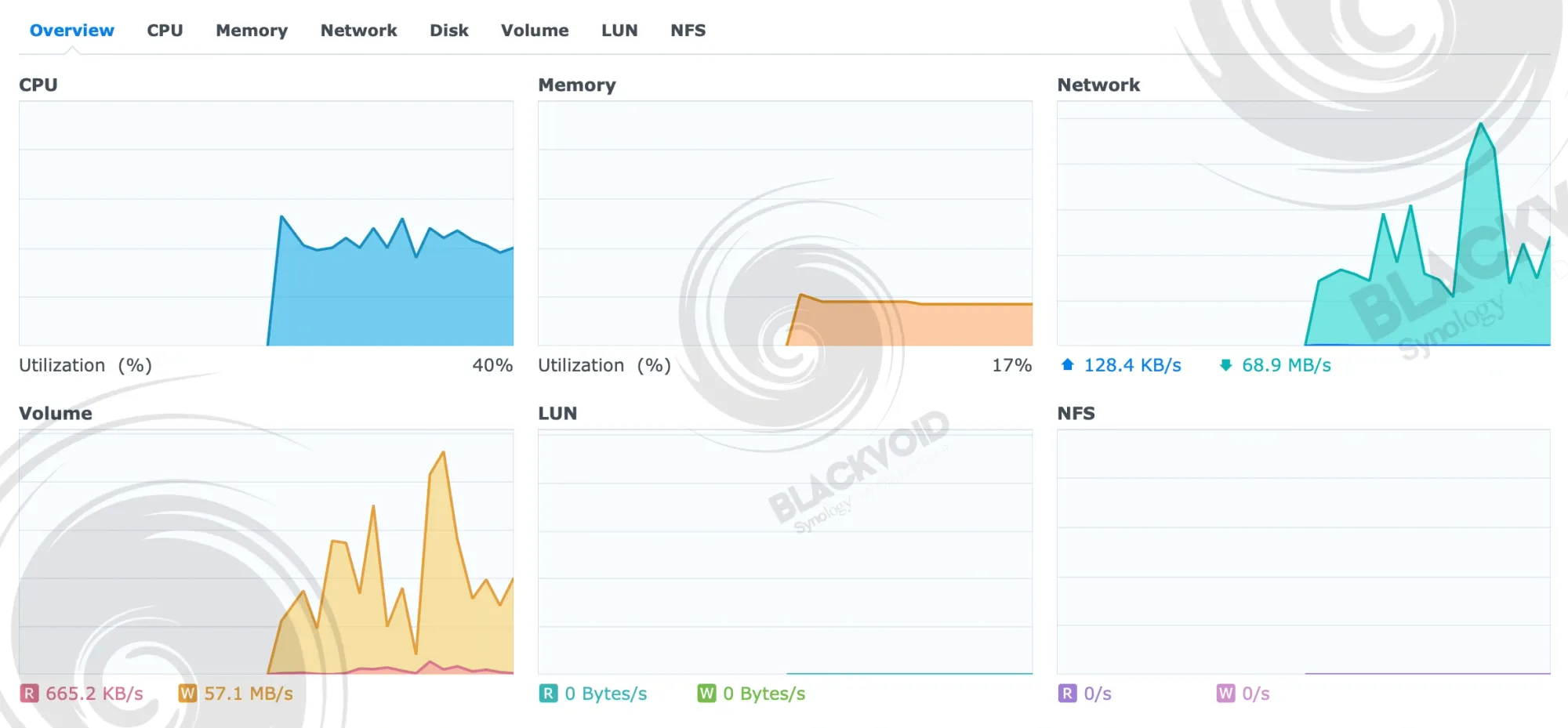
Expecting full 2.5GbE speeds with this type of content is not realistic due to a large number of small files, so this transfer will take some time.
The CPU utilization during this single task is around 40%, with RAM holding steady at 15%. Network speeds were consistently below 100MB/s (with an occasional jump up to 150MB/s), with an average speed of 72 MB/s. The total time to complete the transfer was around 40 min, start to finish.
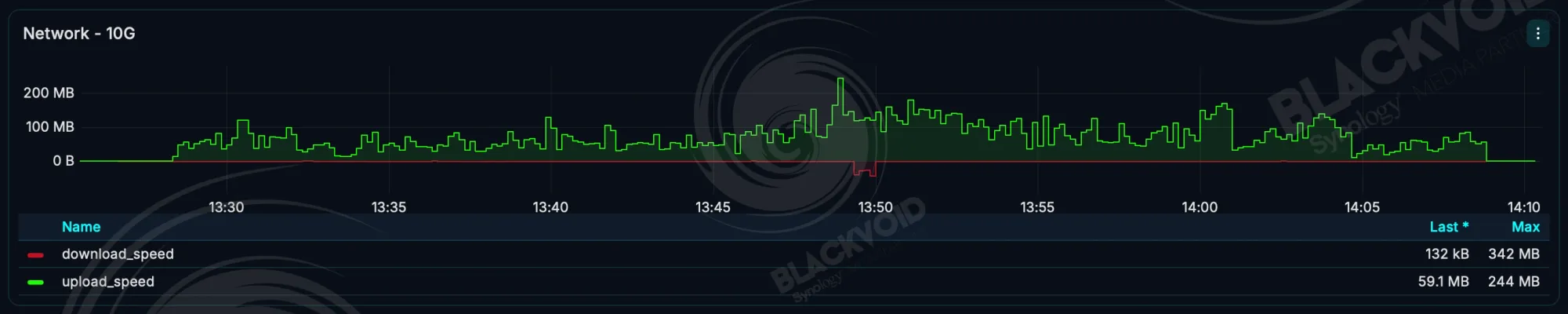
The actual content is mixed images and videos that will be transferred to the Synology Photos platform. This will be a good stress test for the FS200T, as we will see just how long it will take to process all the content, as well as how well it handles subject and facial recognition.
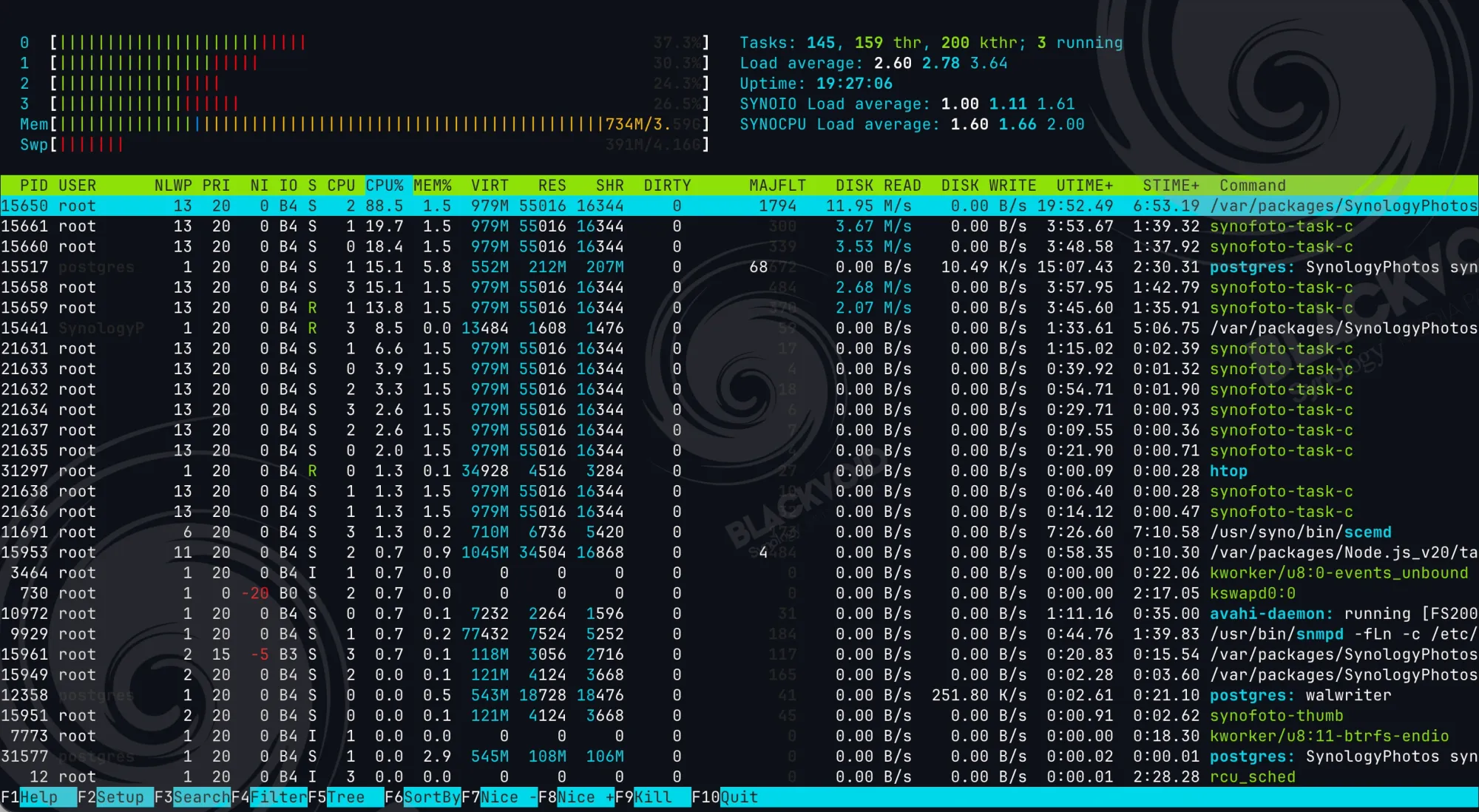
The initial load of content is time-consuming, no matter the device, but on the positive side, the people and subject recognition is not stressing the NAS to the point that we can't use it for anything else during that time. It will, however, spin up the fan during this process until it completes.
Still, we can be sure that the NAS will at one point utilize itself almost to the fullest, depending on the content it needs to "recognize", so until this whole process is complete, we can expect high CPU sprints.
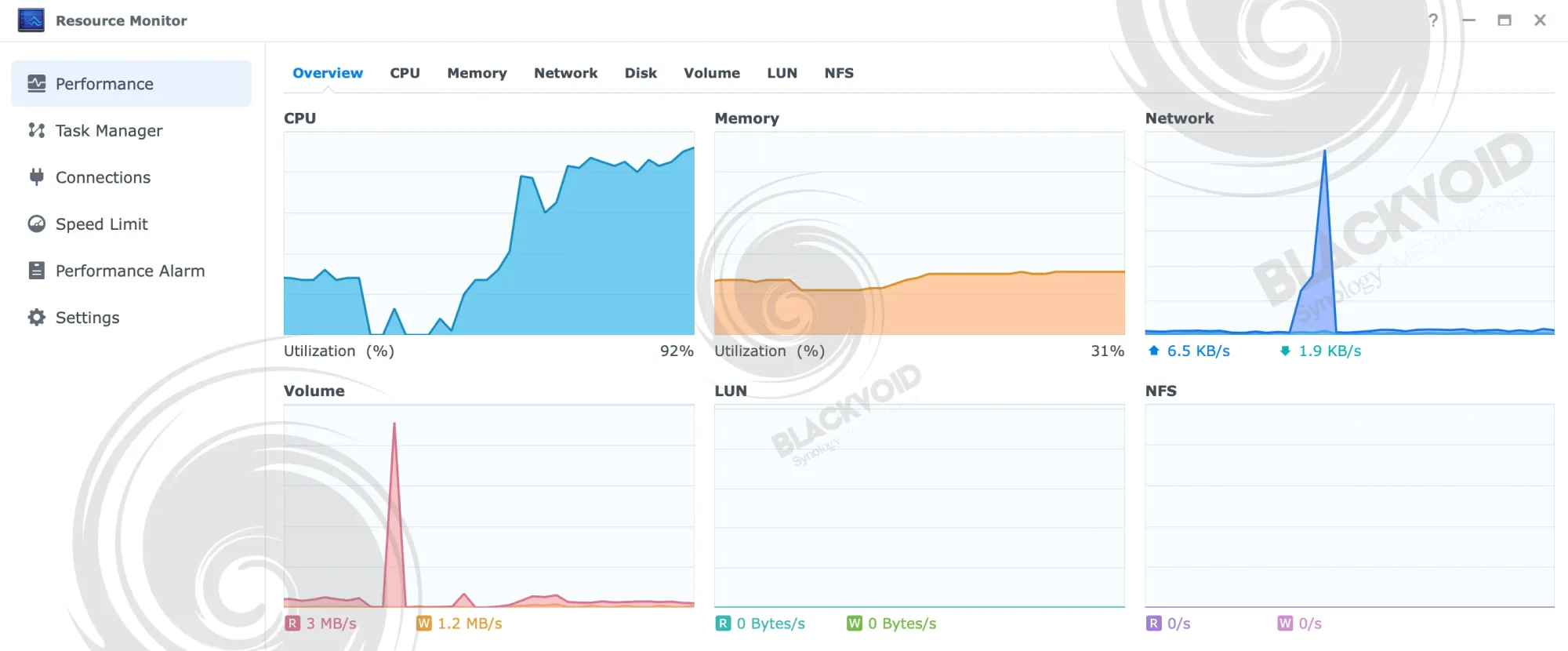
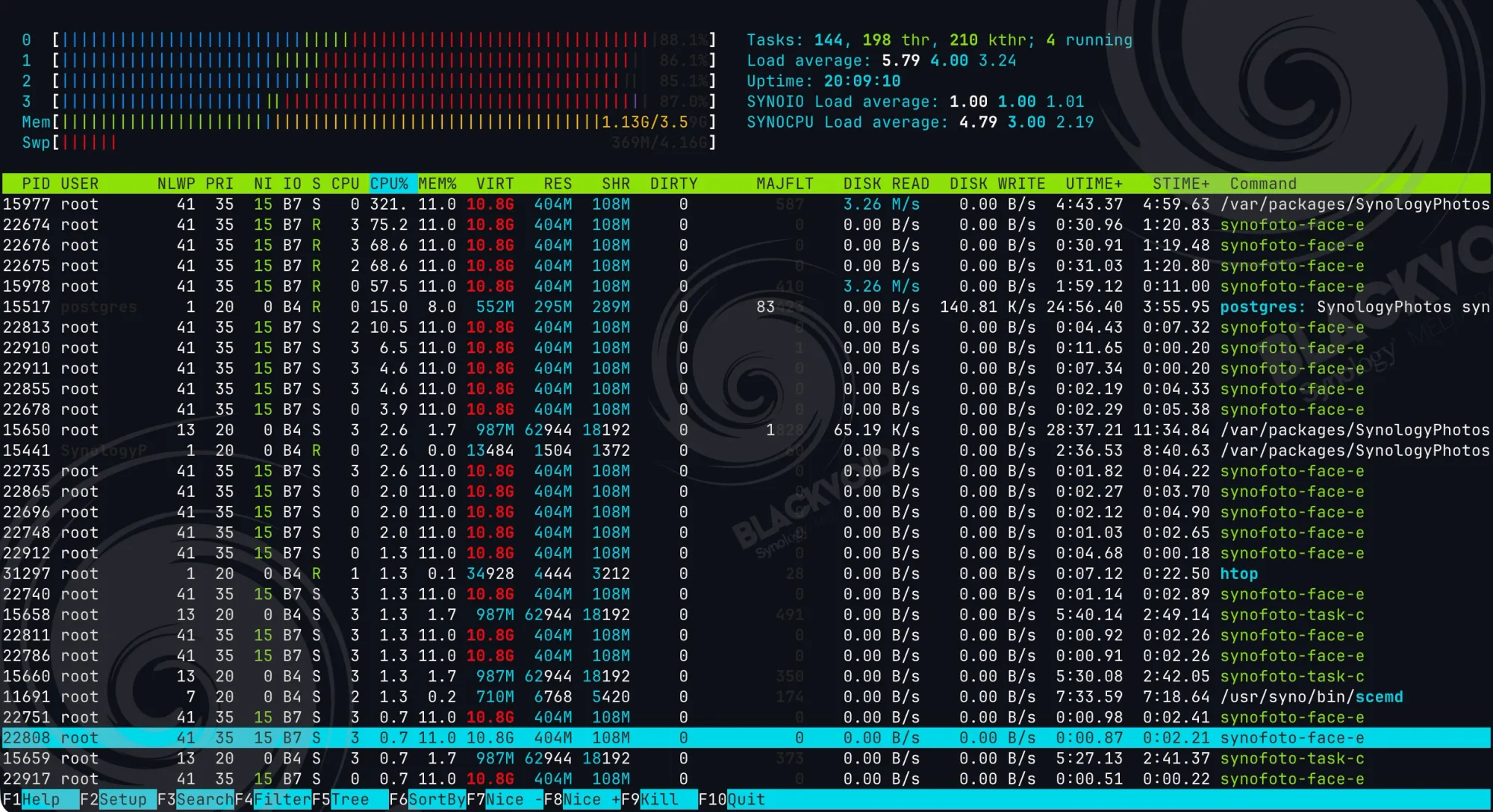
synofoto-face-e tasksOf course, this will have a direct impact on the concurrent number of tasks happening on the NAS itself, so the general idea when doing this initial recognition is to run it after hours, as it will take time.
Depending on the number of actual images, it can take hours or days for the process to finish. With close to 12000 images in this sample and the fact that the NAS is not doing anything else, it took a good few hours for it all to complete.
Synology Photos test running on the FS200T (the video is a bit cropped and compressed to 720p)
As we can see in the video example above, an album with close to a thousand items is browsing in real time with no issue at all, especially with larger thumbnails. Filtering works fast and is as responsive as expected.
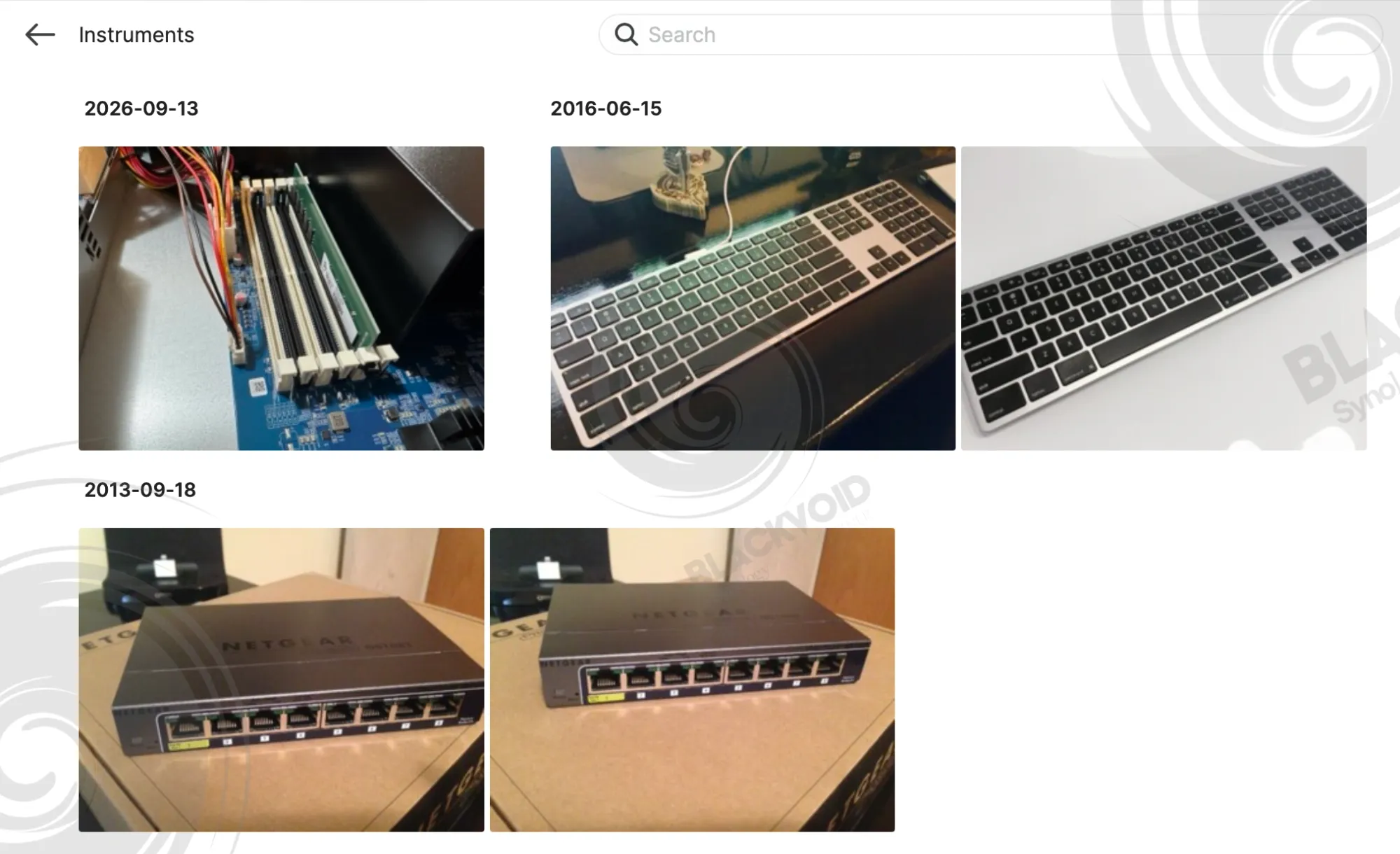
During the data transfer, the NAS did on-the-fly indexing, so whatever was copied almost immediately presented itself as an item inside the Photos app. Viewing images and video works with no hiccups at all in a full 4K resolution.
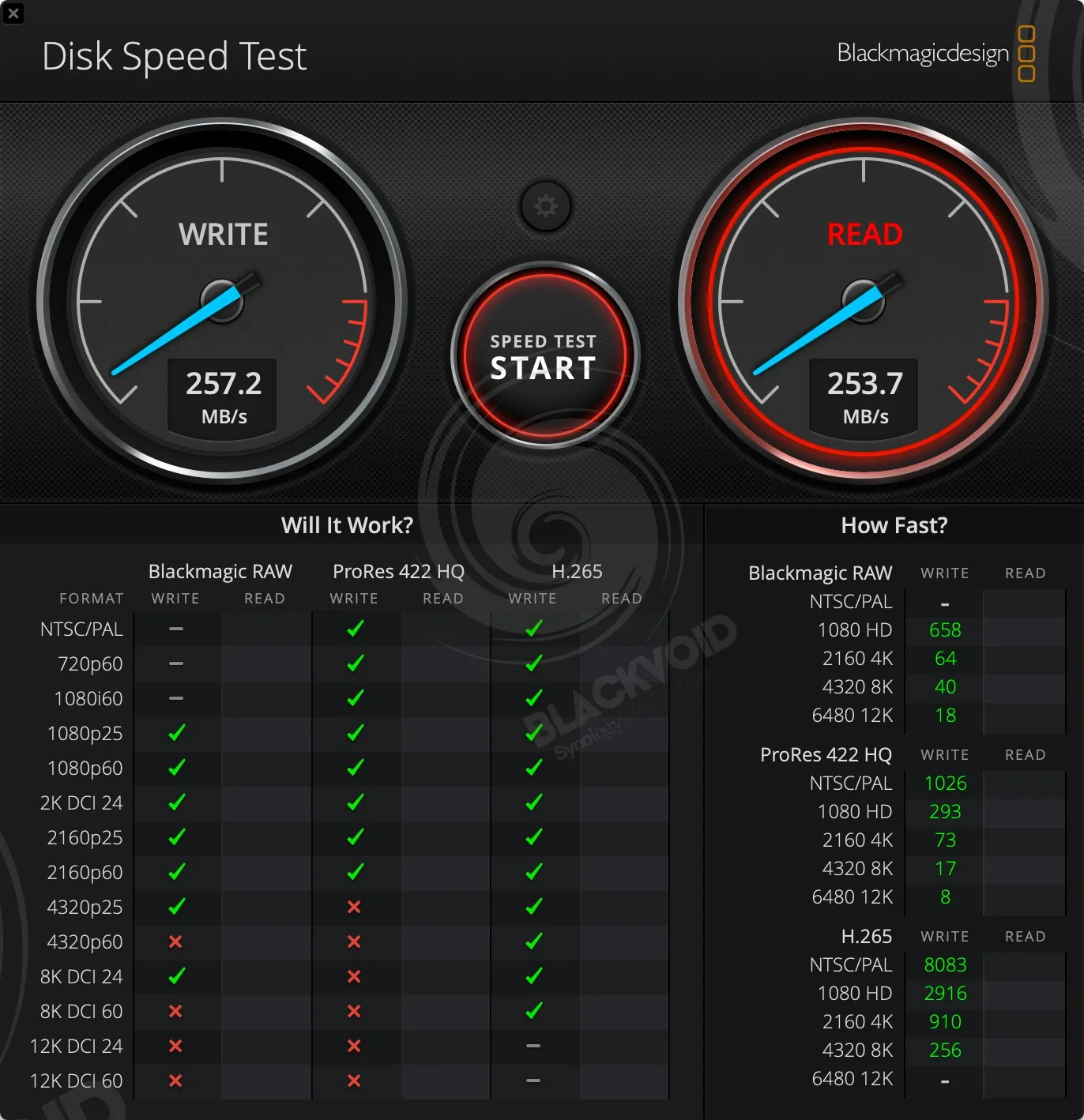
Simple and common SMB network transfers are also meeting expectations with high 200 MB/s transfers. Testing with a single 40 GB large file copy onto the FS200T (write test), it took 4 min to complete with an average speed of 171 MB/s.

The source of the data was a 5400 rpm array, meaning the full 2.5GbE capacity was not utilized. However, pushing that same data from the FS200T to the Mac Studio was completed in just over 2 minutes, with a top speed of 286 MB/s.

Just like with any other Synology backup package, the data transfer will vary, depending on the type of backup, direction, as well as size and number of files. Using Hyper Backup or Snapshot Replication, the outcome will be much different, just like it was with many other machines that were tested in the past.
 Luka Manestar
RS1626xs+ review covering backup scenarios with several Synology backup tool
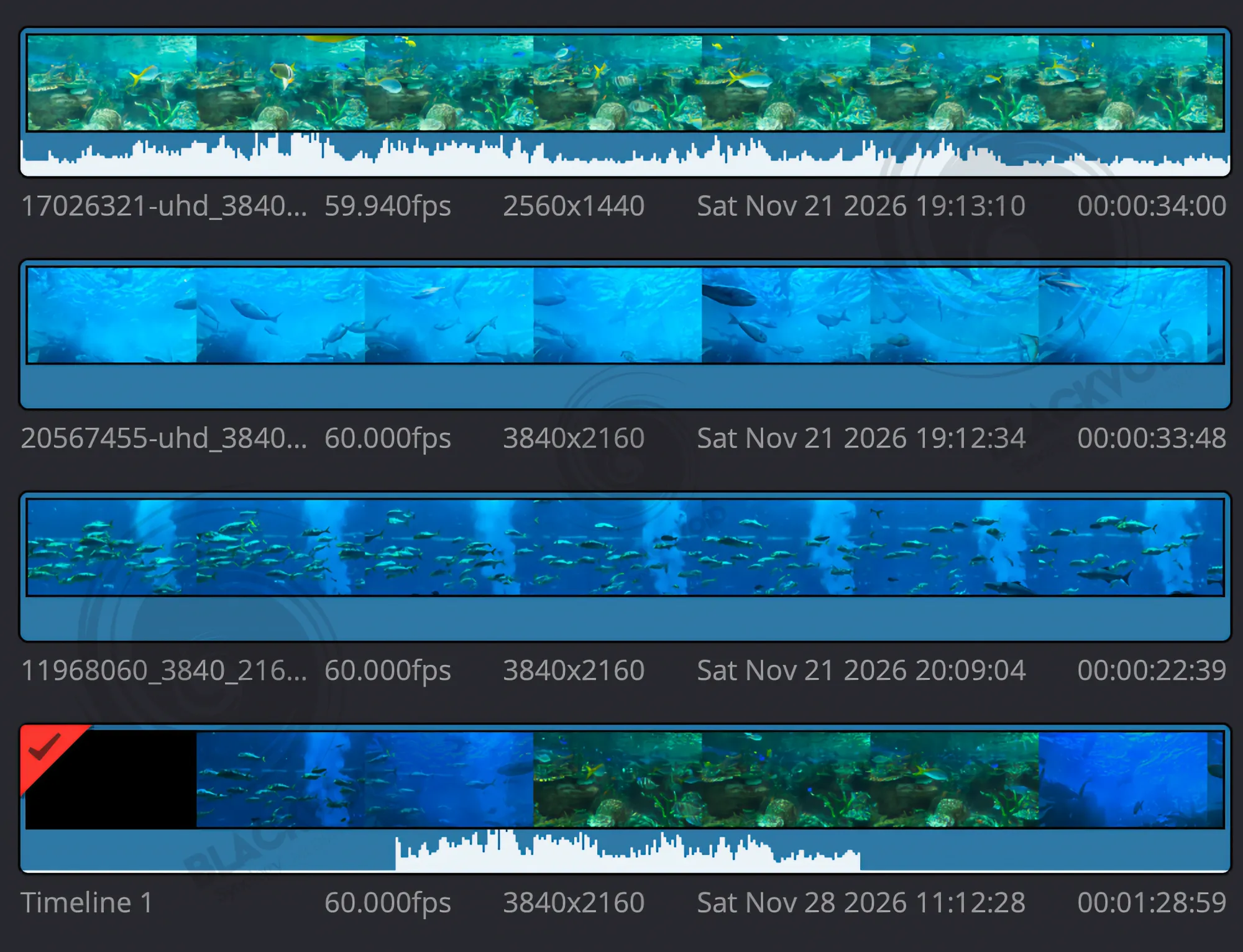
Editing video files directly from the NAS is also possible with no issue at all. For this example, we used the Mac Studio M1 Max with DaVinci Resolve (v21) and three video files, for a total of 1 min and 28 sec timeline.
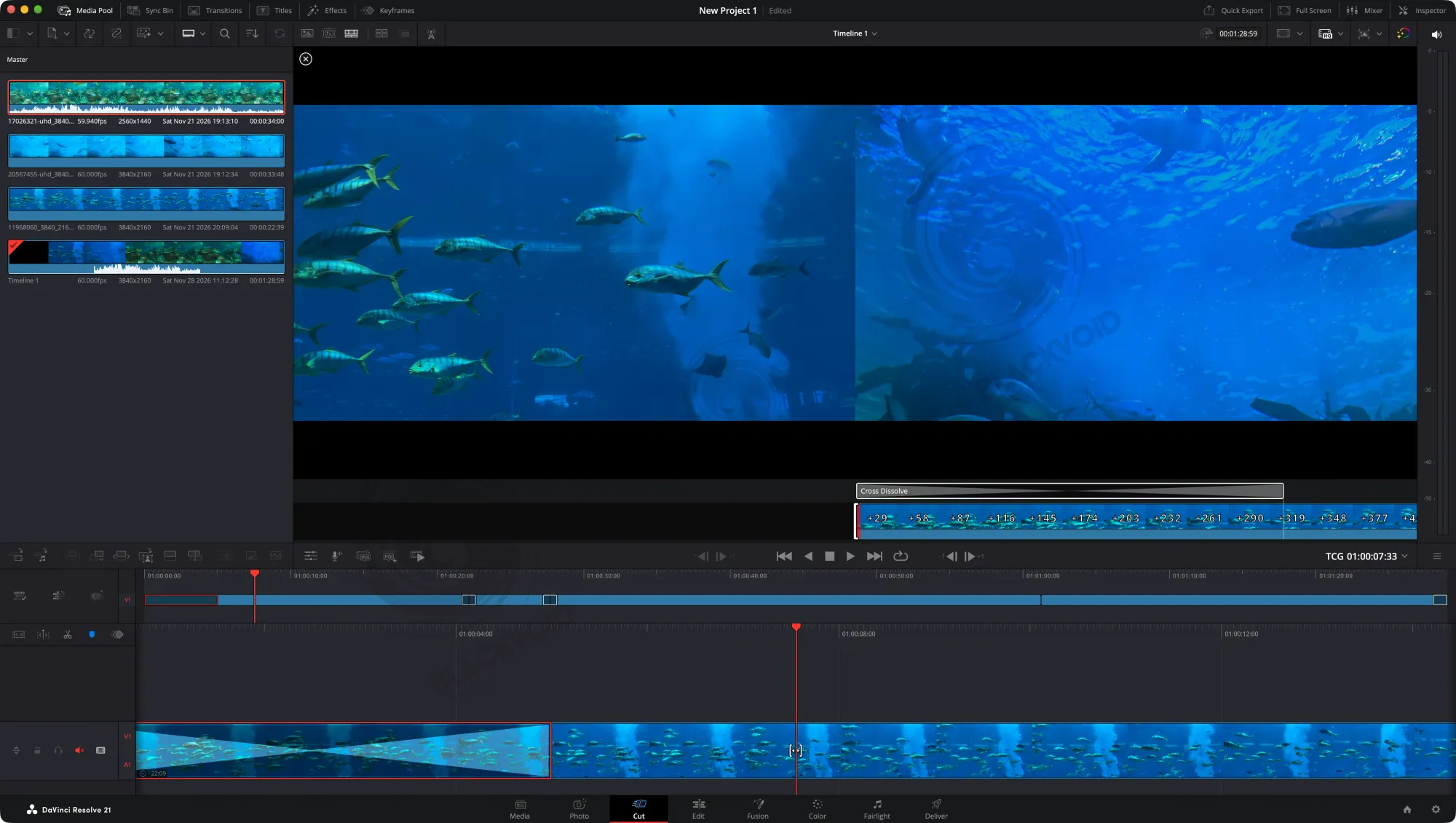
Scrubbing through the footage moves in real time with no major issue (depending on the timeline used), as well as moving over transitions. While for the most part this task is on the Mac Studio side, the FS200 T is still keeping up without any trouble, maintaining a smooth user experience.
Compressed to 1080p, this example shows the cut module of DaVinci Resolve and scrubbing of video samples
Also, jumping to any point on the timeline is instant with no obvious hiccups.
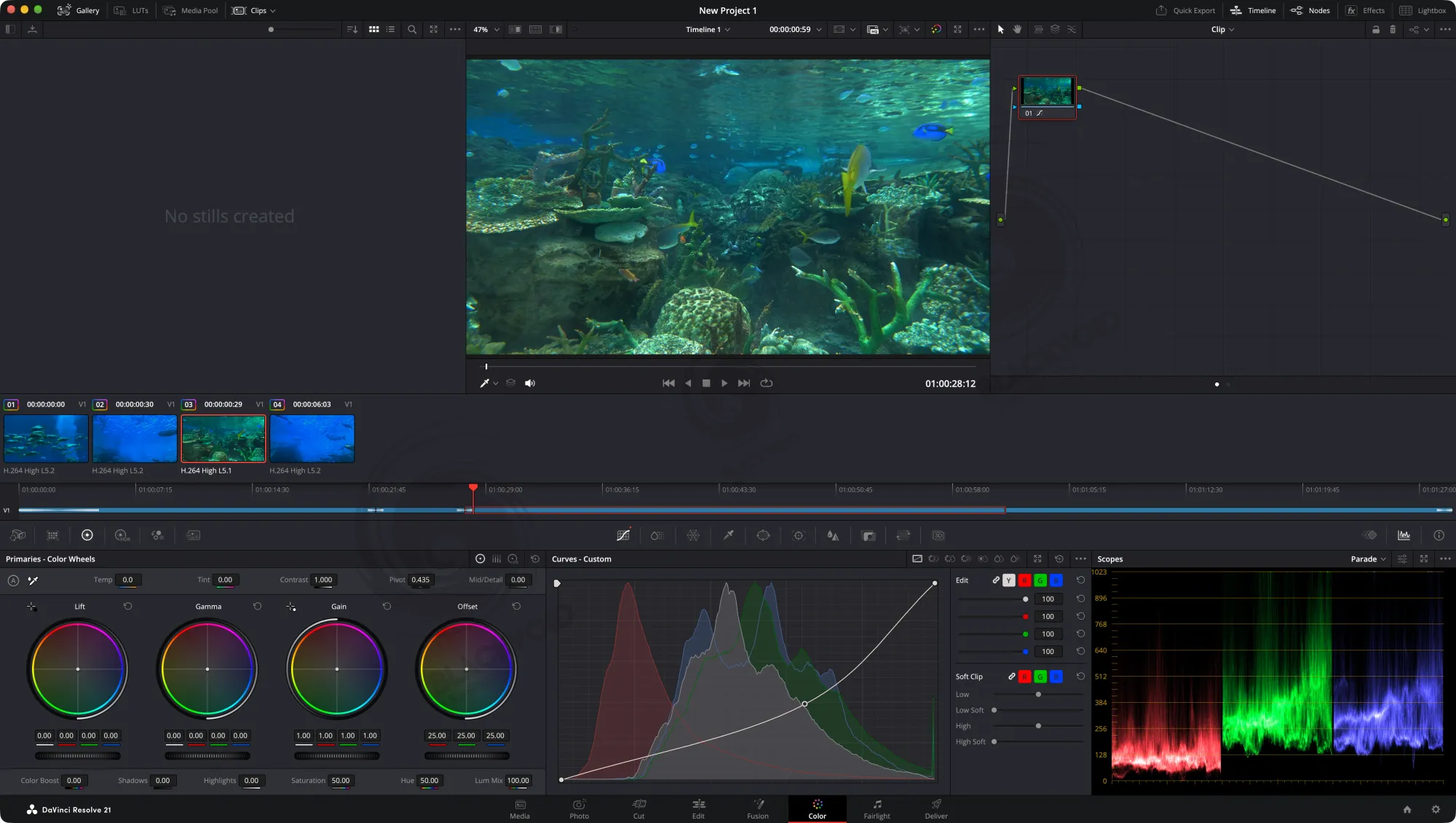
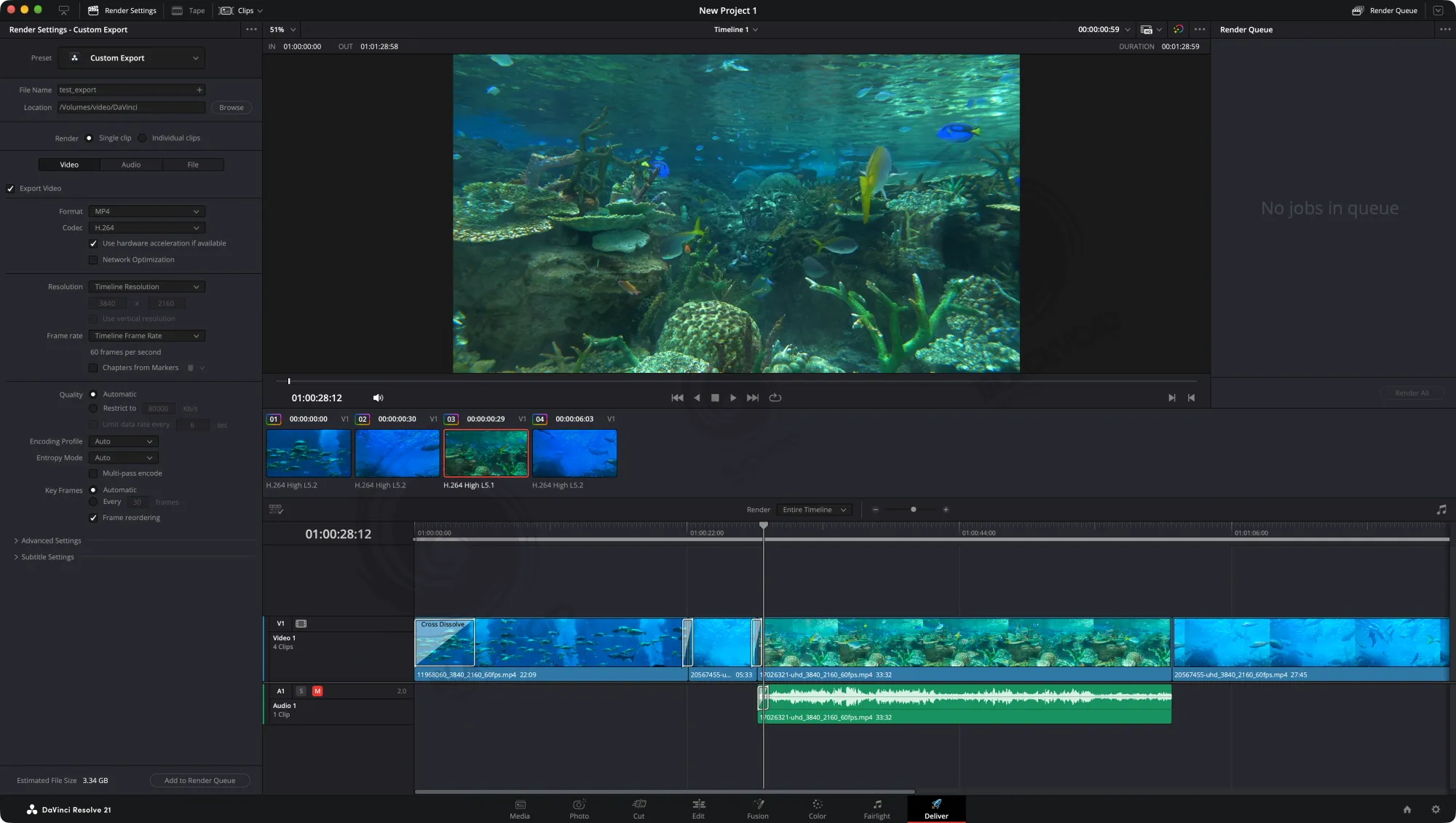
In terms of exporting from DaVinci, we used the same FS200T as the destination device. The 1 min 30 sec file export using MP4 format and H.264 codec took 57 seconds in total for delivering a 1.23GB file. It took the same time to export an H.265 file for a twice smaller output file, of just 621MB.
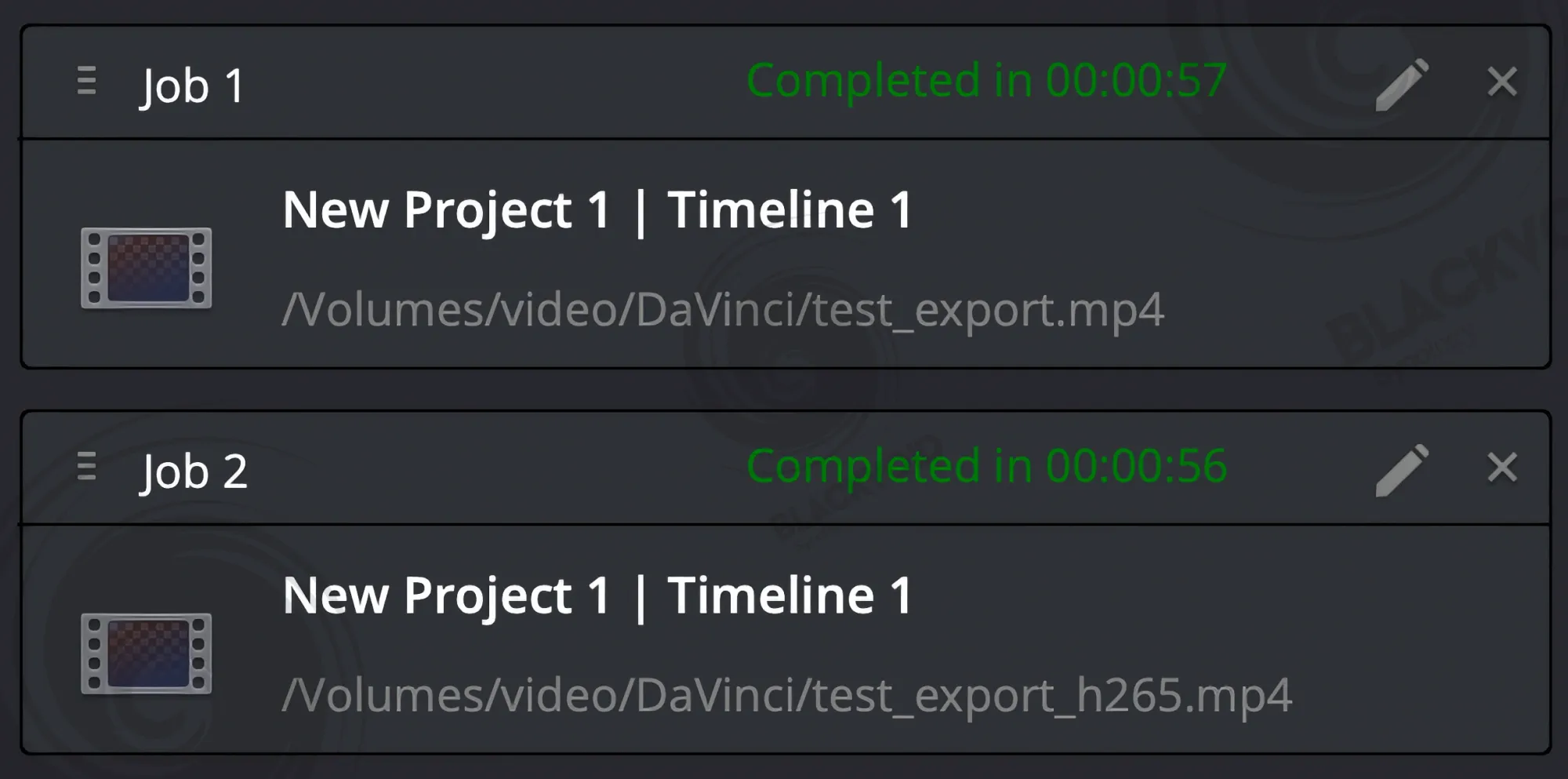
It is important to note that it took the same time to export the file to the Mac's native drive. Because of this, video editing will not disappoint over 2.5GbE network, and you might not even need to use a scratch drive at all.
Conslusion
Price-wise, the FS200T goes up to 1.200€ (depending on the market and store), diskless, so it is not the cheapest choice out there. It is almost identical in price to the DS1525+ (not the NEO version), so for anyone going for portability, silent operation, and an all-SSD enclosure, the FS200T will be the right choice.
In selected countries, it is eligible for the Extended Warranty Plus program, upgrading the initial 3-year warranty to 5 years in total.
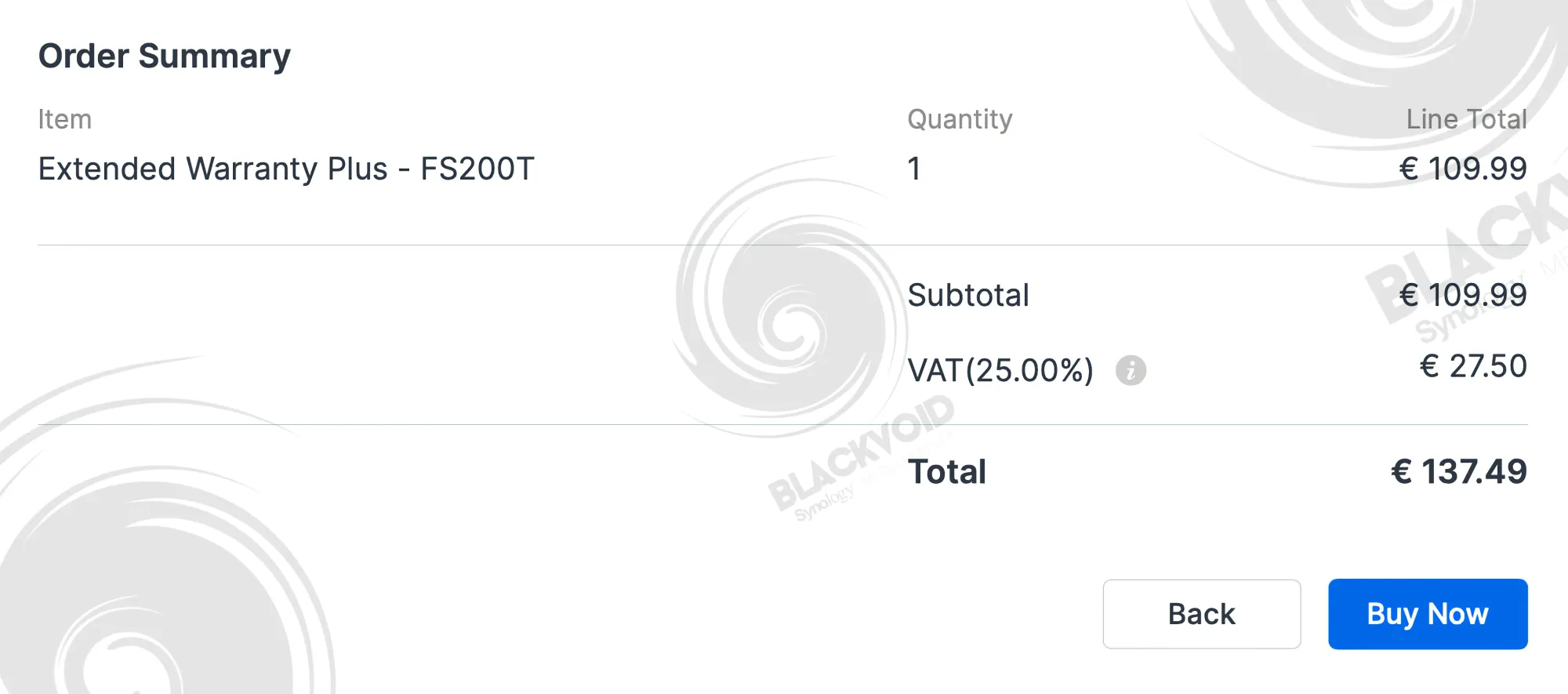
It will cost about 10-12% of its retail price, but additional years of warranty for such a low price might be worth considering, especially when we calculate the price of the drive on top of it all.

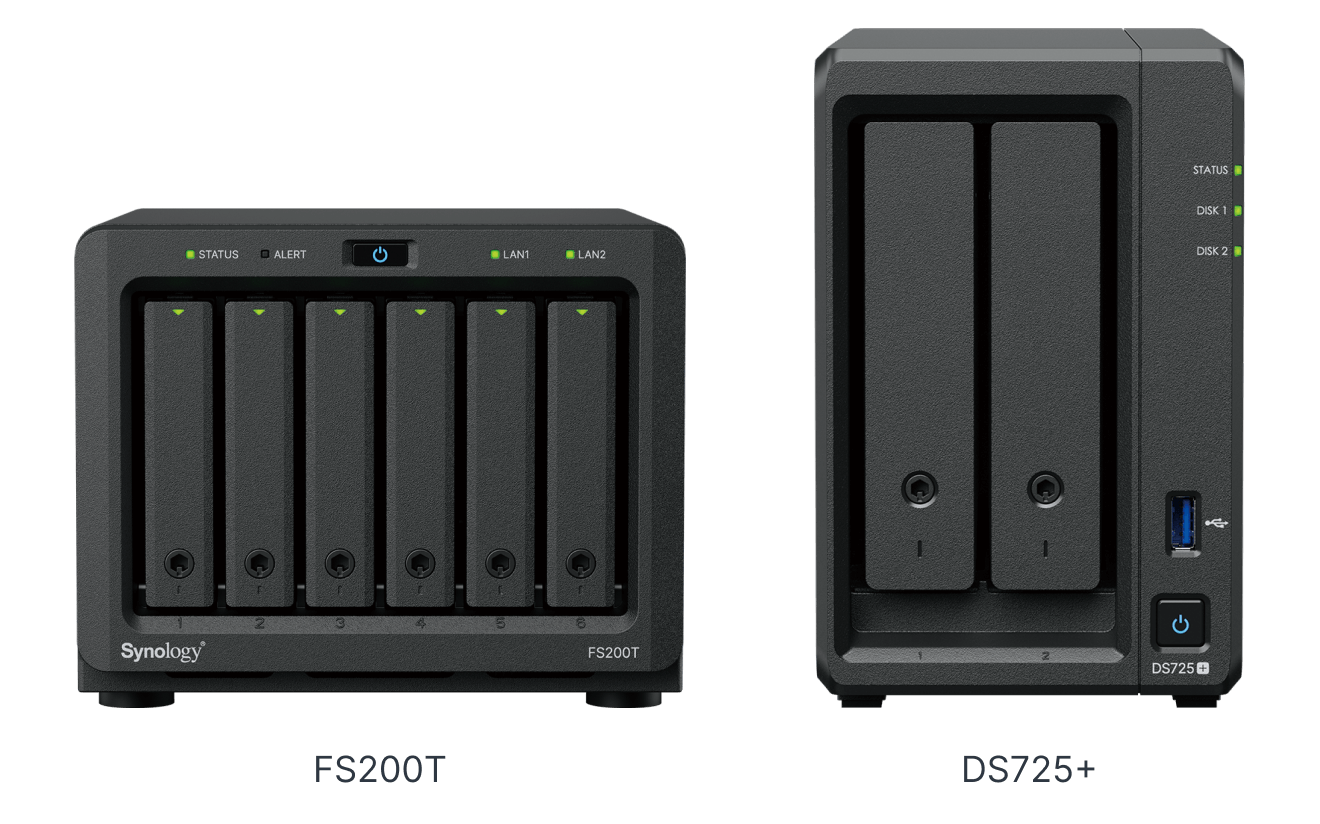
At a mere 121 x 151 x 175 mm, the all-flash FS200T is an ultra-compact and quiet system designed to blend effortlessly into a home or home office space. It is ideal for enthusiasts or home users seeking a quiet yet snappy all-flash storage solution in a miniature form factor.
Truth be told, the FS200T is using a dated Celeron CPU, and more cheaper solutions out there offer better bang for buck hardware, but what sets this model, and all Synology models, apart from the rest of the competition is the software. DSM OS, with a huge offering of Synology-branded and 3rd party Docker-driven solutions, will make this particular device a small but powerful daily solution for all your creative, productive, or backup needs.