World Backup Day 2026 & Synology BeeDrive giveaway

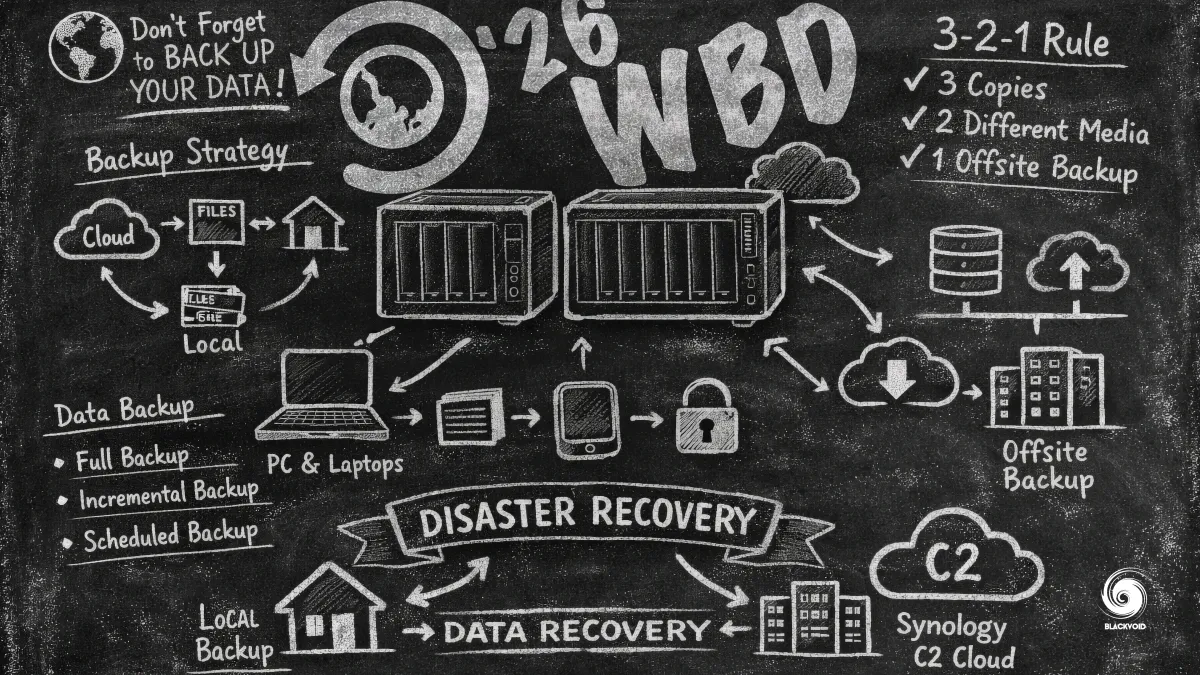
Once again, it is here (soon)! Word Backup Day. One day, we try to raise awareness of having a working backup that will prevent data loss caused by hardware failures, accidental deletions, and many types of cyberattacks.
By maintaining consistent backups, individuals and organizations can ensure their important documents, photos, and work files are protected and easily recoverable, minimizing the stress and potential financial or informational setbacks associated with unforeseen data loss.
 World Backup Day, helloworldbackupday.com
"I solemnly swear to backup my important documents and precious memories on March 31st. #WorldBackupDay"
Since last year, Synology has introduced refreshed products that are specifically designed to offer just that. A secure space that will safeguard any type of data and information, for both individuals and organizations.
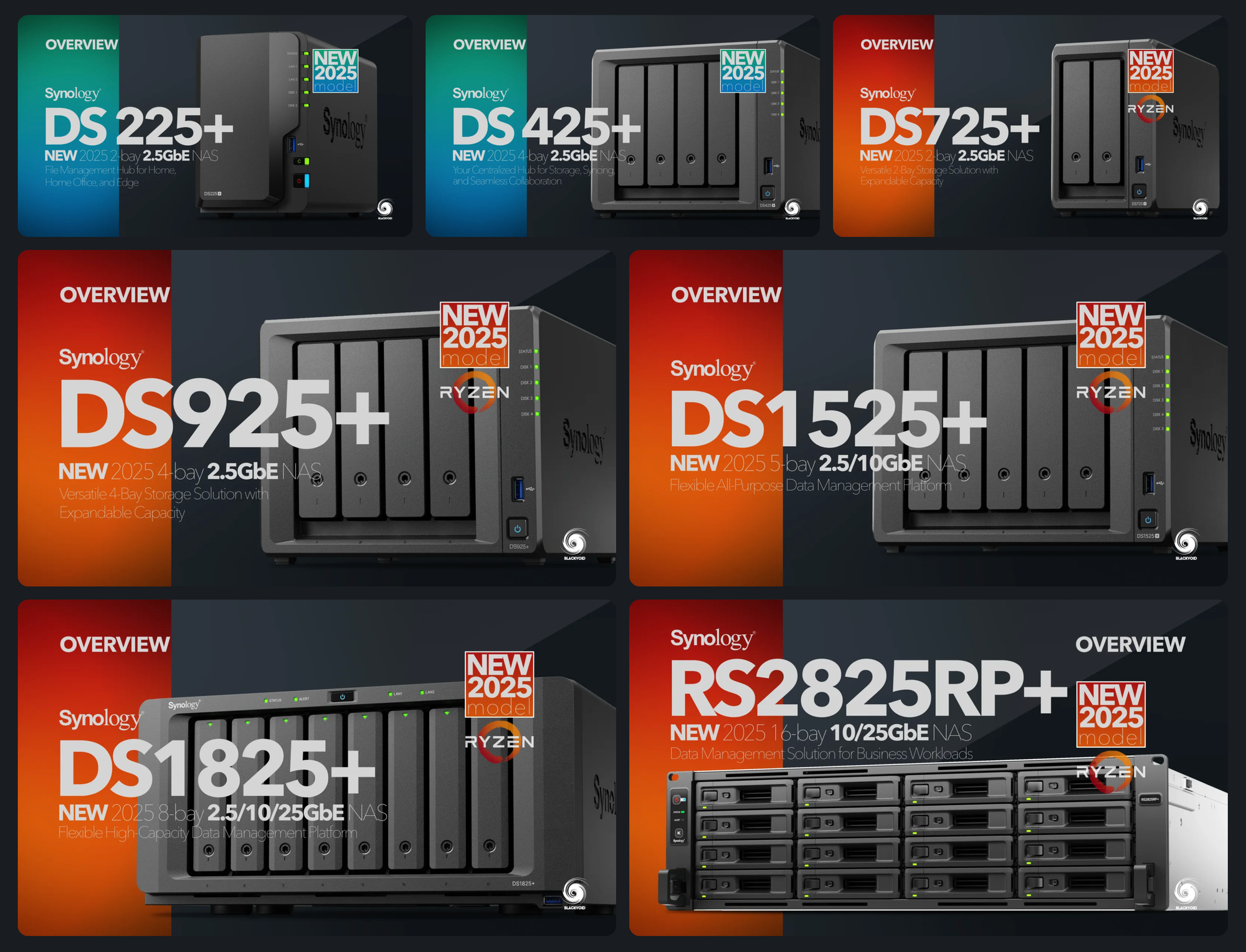
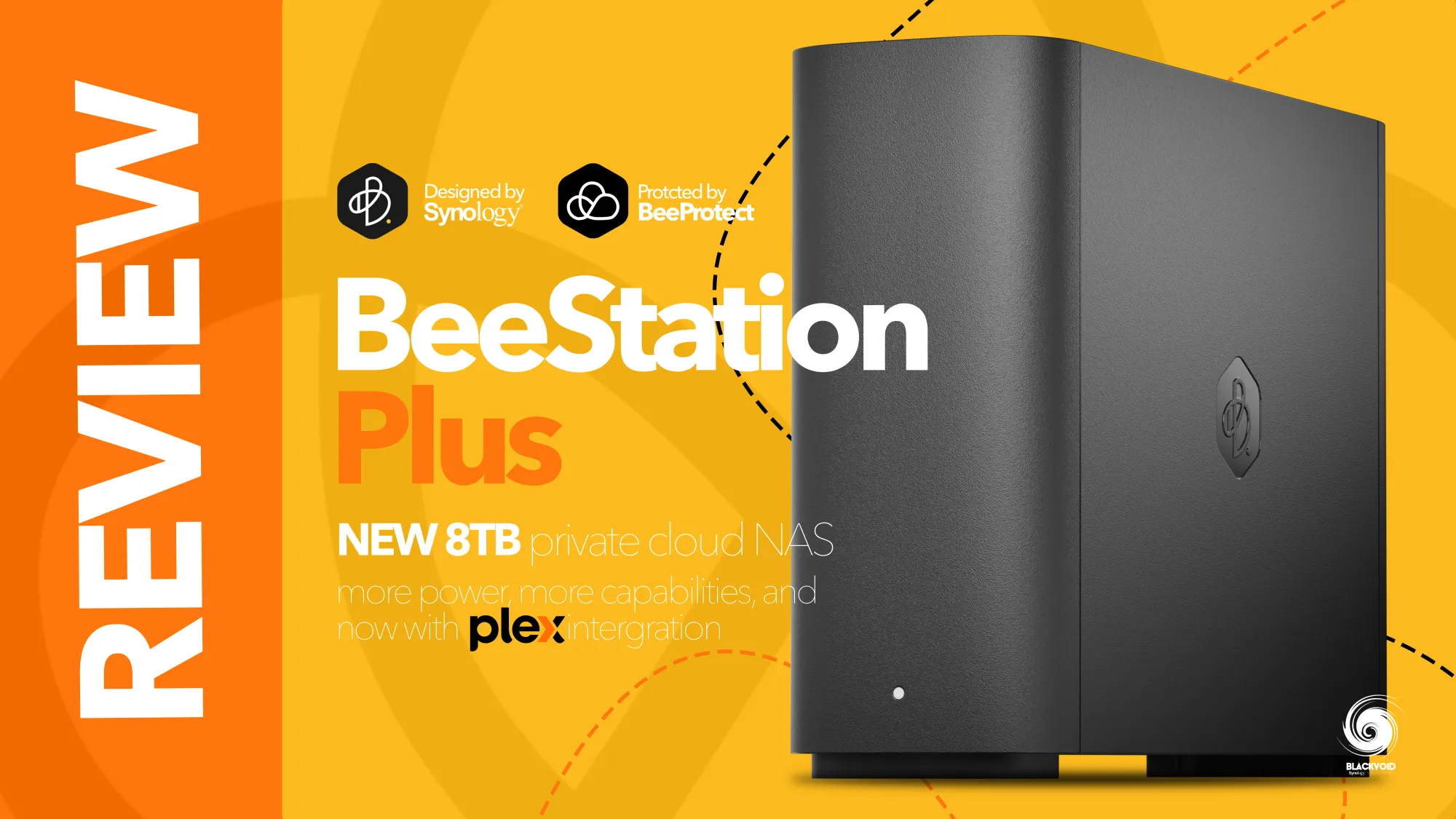
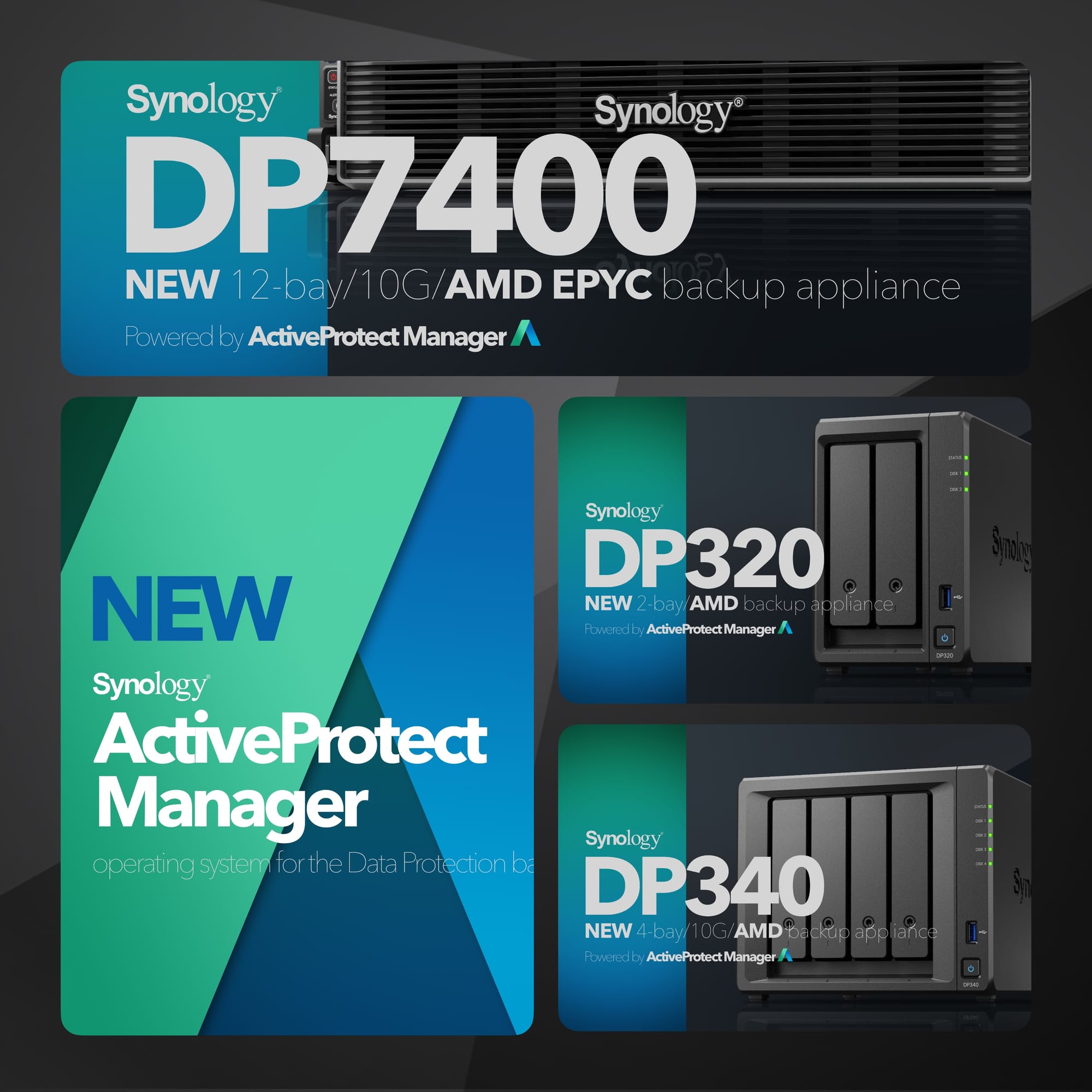
With its focus on more business-oriented products like the upcoming PAS7700 and ActiveProtect devices that arrived in 2024./2025, Synology took the opportunity to refresh some of its more popular desktop and rack-based models, without any major upgrades under the hood.
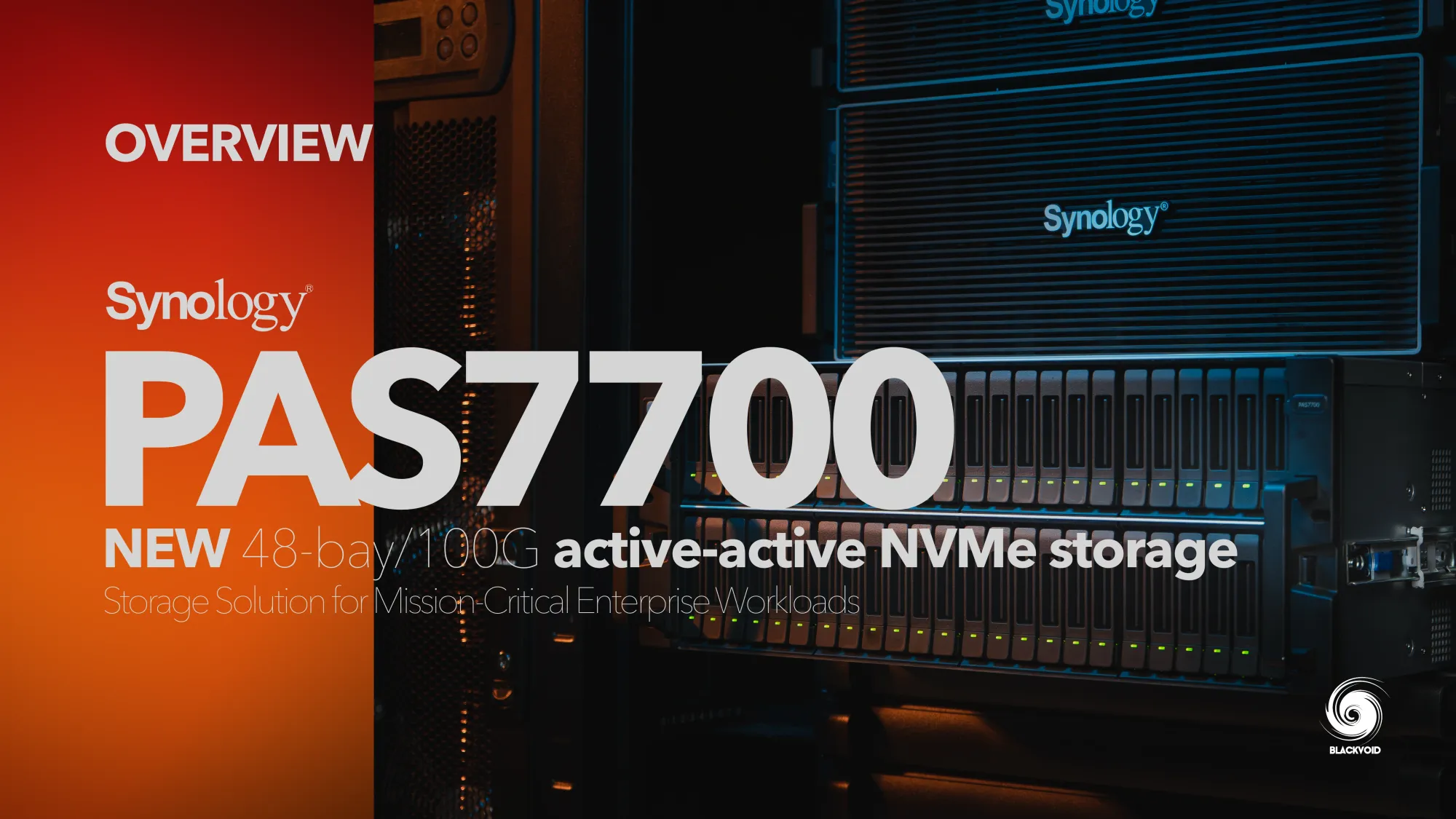
While 2025 was a modest year, when it comes to hardware updates, the company took time and effort to further improve the quality of DSM OS as well as its apps. From security patches to new features like Synology Tiering - storage resource optimization.
 Luka Manestar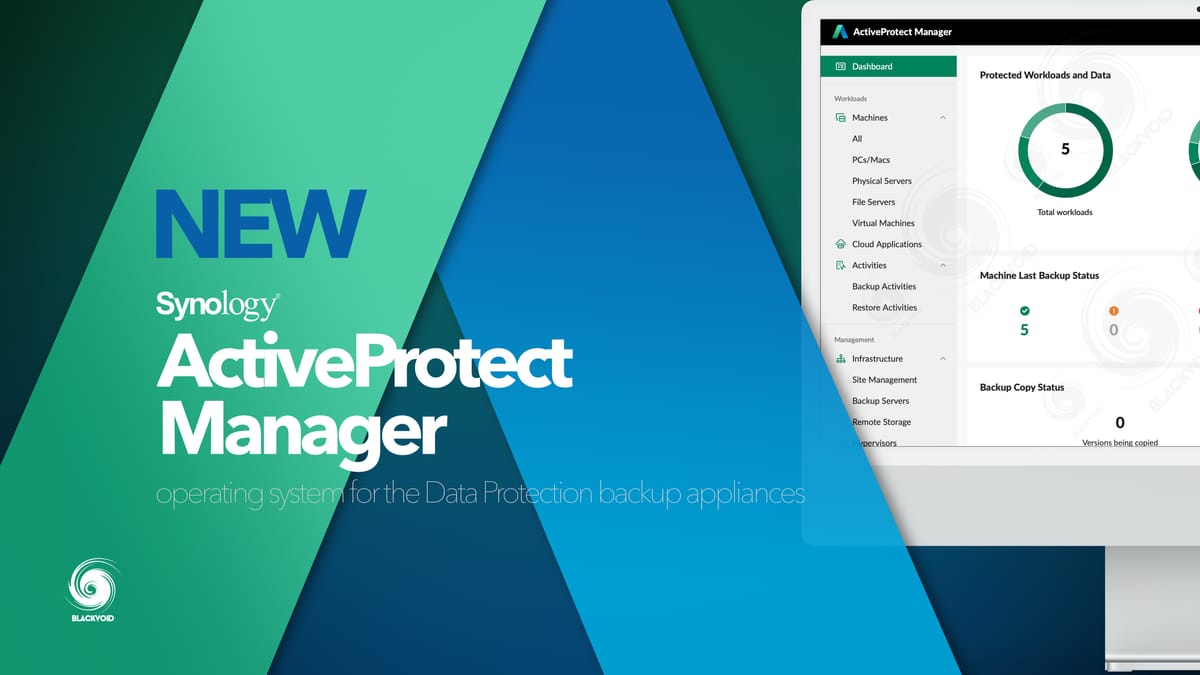
All that combined offers the users a safe and secure platform to safeguard their data locally, away from the public cloud domain and constant attack vectors that threaten them.
Good backup practice tips
TIP 1# Regular backups: Schedule regular automatic backups for your data, ensuring that you always have a recent copy available.
TIP 2# Use multiple locations: Back up your data to multiple locations, such as external hard drives, cloud storage, and other offsite locales.
TIP 3# Verify your backups: Periodically test your backups to ensure that the data can be restored successfully without corruption.
TIP 4# Update software: Keep your backup software and systems updated to protect against vulnerabilities and improve compatibility.
TIP 5# Encrypt sensitive data: For sensitive or confidential information, use encryption to keep your backups secure from unauthorized access.
TIP 6# Create an emergency recovery plan: Have a documented recovery plan that outlines steps to restore your data in case of a disaster, ensuring minimal downtime.
TIP 7# Stay informed about threats: Keep abreast of new threats such as ransomware and other cyber attacks that can jeopardize your data, and adjust your backup strategies accordingly.
This time around, we will not spend too much time on backup solutions that Synology offers, as there are many combinations of hardware and software that we can use in their portfolio to achieve that.
Be sure to go over some topics here on the site, covering those in detail, and learning all about the importance of backup and how to best protect your data in any scenario.
 Luka Manestar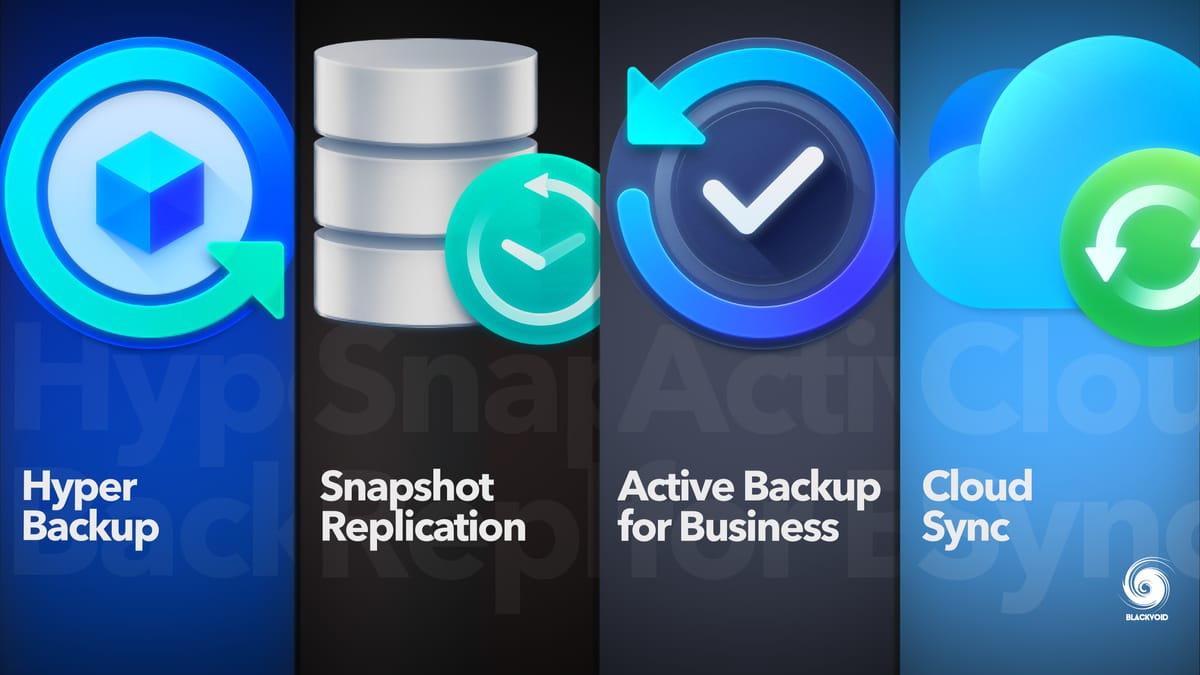
 Luka Manestar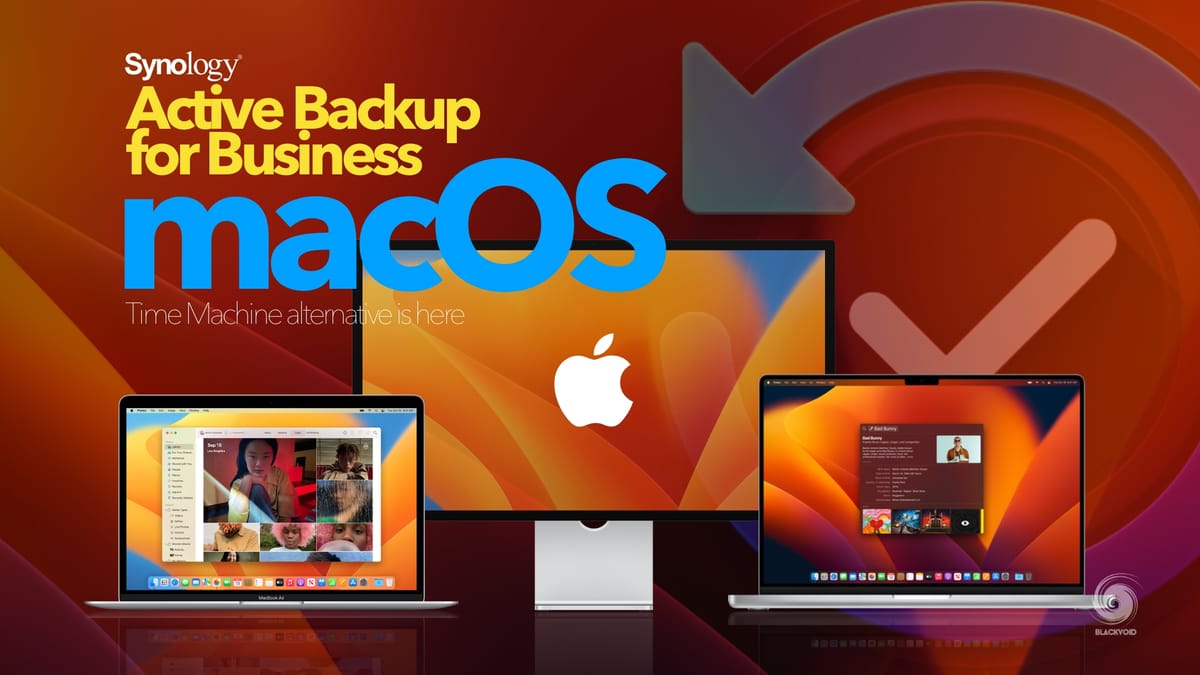
 Luka Manestar
 Luka Manestar
Instead, let's move on to the giveaway part of this article!
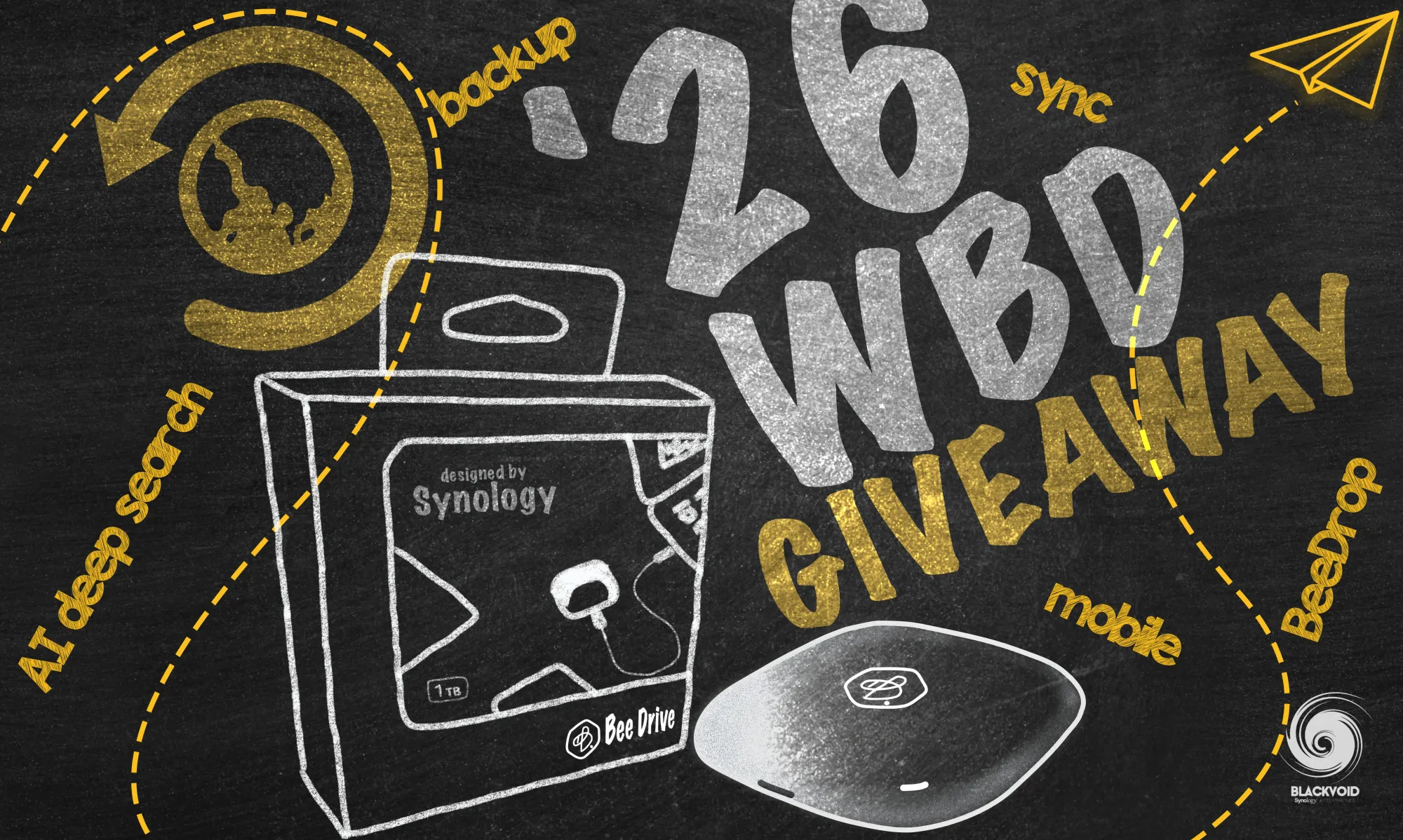
This year's World Backup Day 2026 giveaway prize will be a brand new 1TB Synology BeeDrive!
This year, we are fortunate enough to be sponsored by Synology GmbH (Germany). Big thanks for providing this versatile portable device that offers 10G transfers, AI capabilities, and much more than your average USB drive.
In case anyone is not familiar with this device, be sure to check out the full review.
 Luka Manestar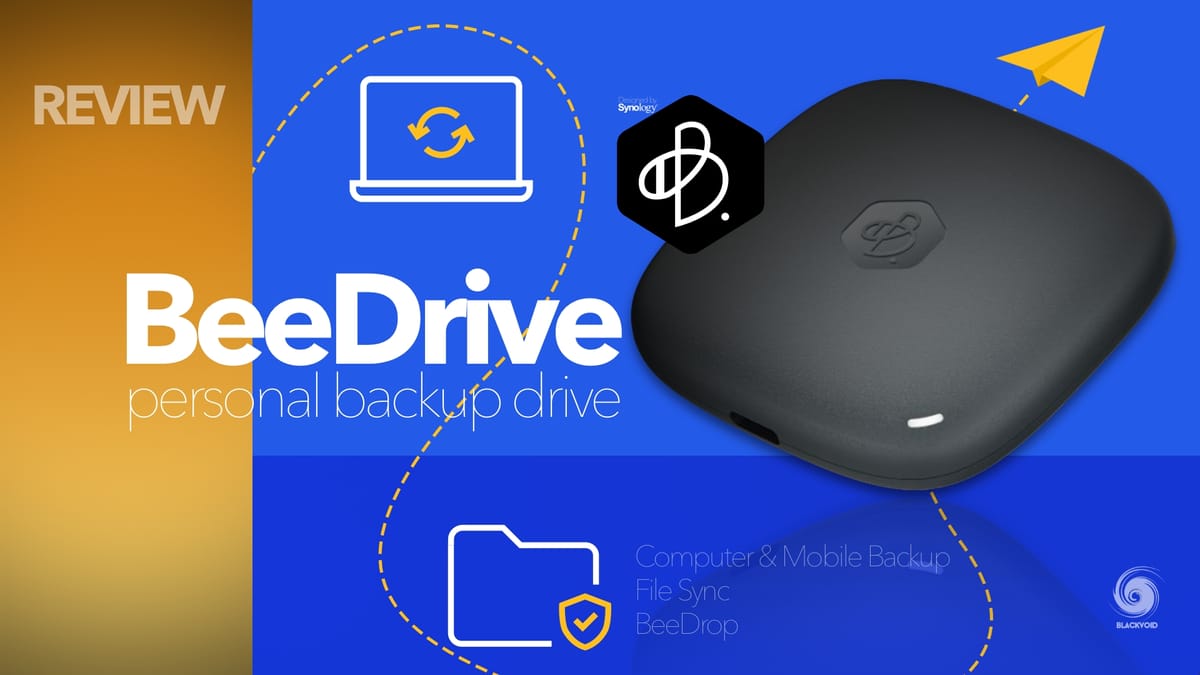
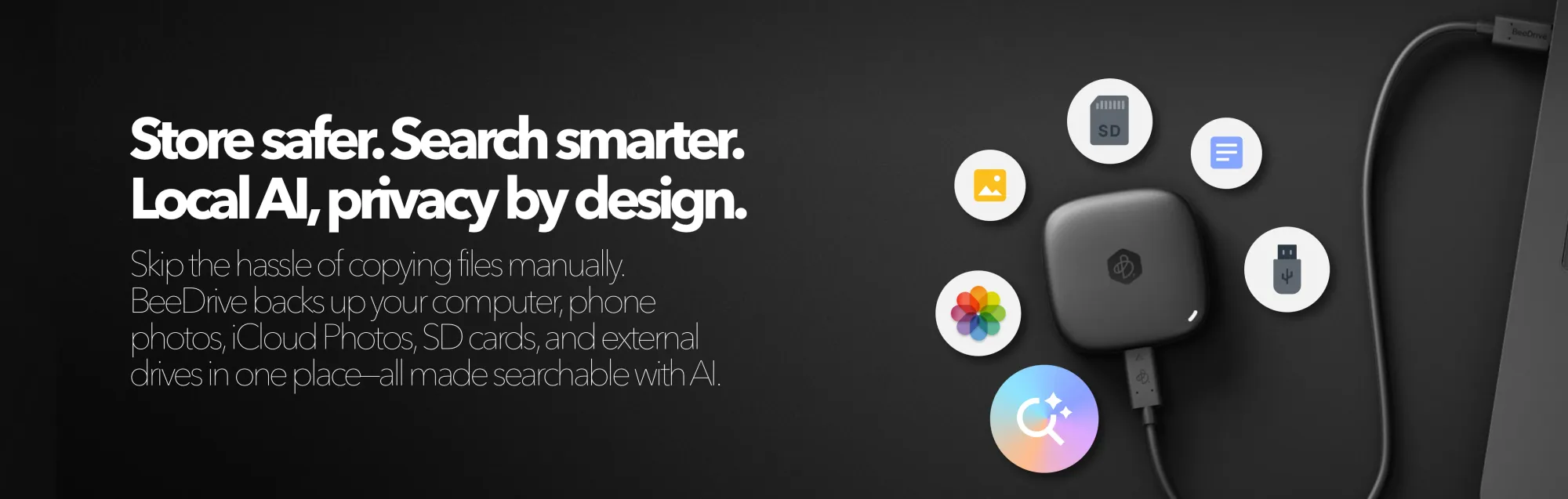
Since our last BeeDrive giveaway in 2023, this little device has learned a few new tricks, especially focusing on popular AI support. Synology launched a new BeeDrive version in the summer of 2025 with support for on-device LLM.
Dubbed "Deep Search", BeeDrive now has the option to utilize hardware-based AI search to find images and files based on user inputs and descriptions.
 Luka Manestar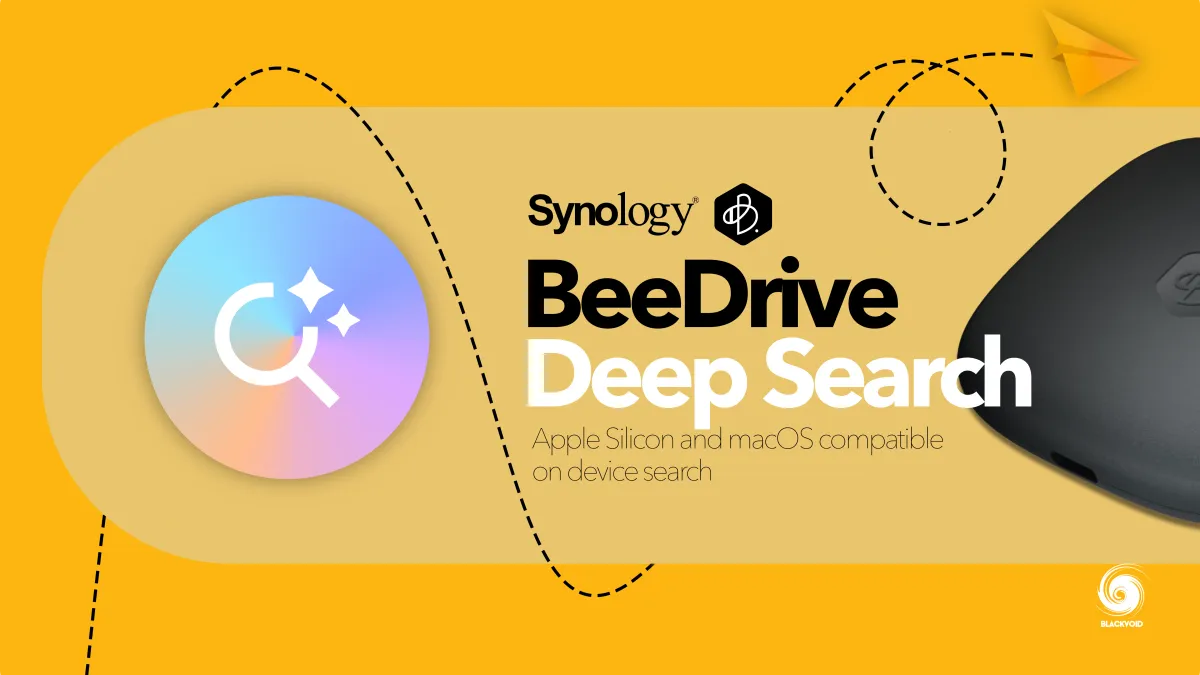
On top of all the other previously supported features, the new Deep Search expands on the capabilities of this little portable device by introducing it to the current popular and powerful LLMs.
Finally, in November of last year, Synology partnered with Acronis to offer a complimentary 3-year subscription to their True Image Essential backup platform.
 Luka Manestar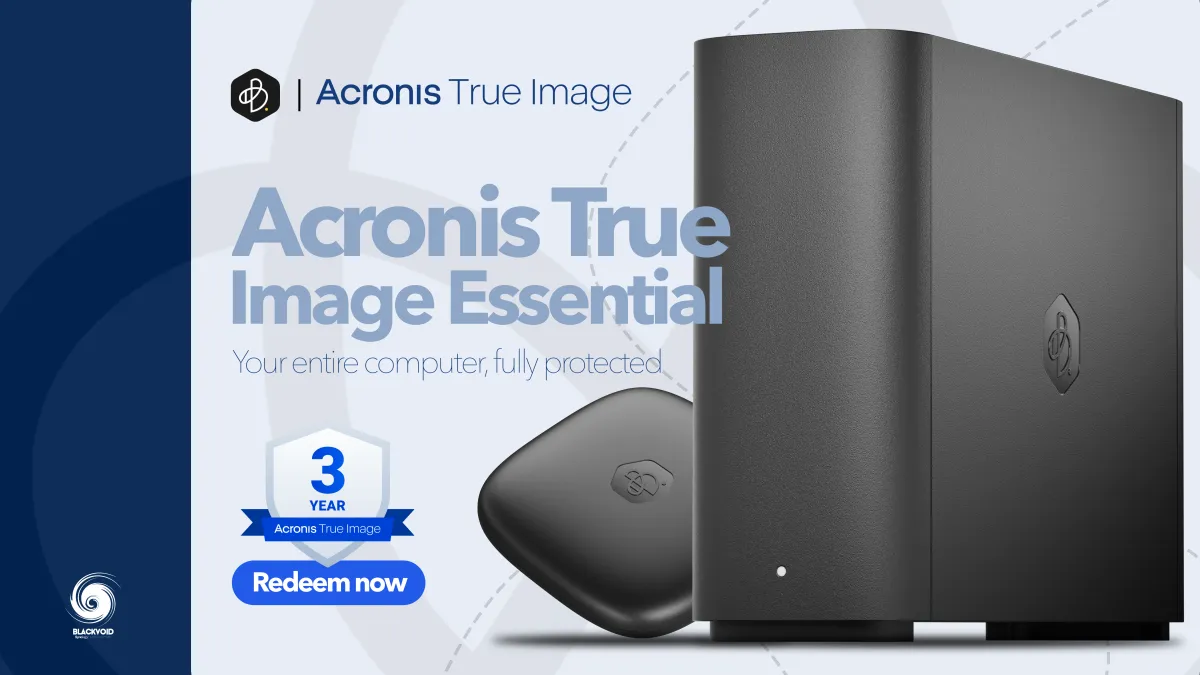
This allows us to back up the BeeDrive and its data and keep it safe in case of any technical issues that might occur.
Giveaway rules
To participate in this giveaway, here are the rules:
This giveaway will be active from today, March 21st till April 11th.
- At the bottom of this article, you will find the comment section, subscribe with a valid email account, and log in (it will be used to contact you).
- Comment as a registered member and answer the following question.
3. That's it! You are in!
Announcing the winner
Any comments made after April 11th, 2026, will not be taken into consideration as part of the giveaway.
The winner will be chosen randomly using https://wheelofnames.com (comments that meet the criteria of step 2) and contacted at their registered email.
The winner will be contacted using this email address: [email protected] on April 11th.
The winner will have 48 hours to respond and send her/his contact information needed for the successful delivery of this prize.
If the initial winner does not respond within 48 hours, another winner will be chosen and given another 48 hours to respond.
If there is no response in the second wave by April 15th, the giveaway will be void.
The official, public announcement of the giveaway winner will be announced as an update in this current article at the top.
I wish you all good luck and hope that this prize will be a fine addition to your already configured backup strategy. If you do not back up your data, then let this BeeDrive be the first step towards keeping your data safe and secure!