Synology DSM 7.4-90075

Today, as announced in the Computex articles, the new version of the DSM has arrived, the DSM 7.4-90075.
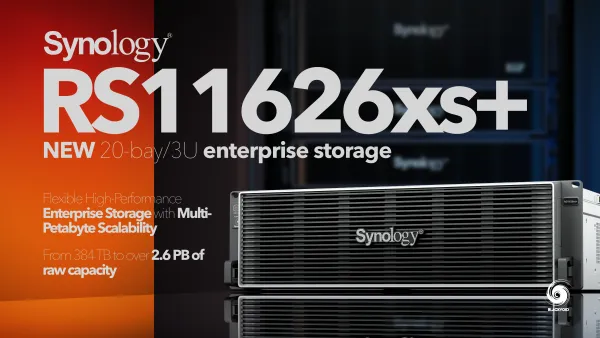
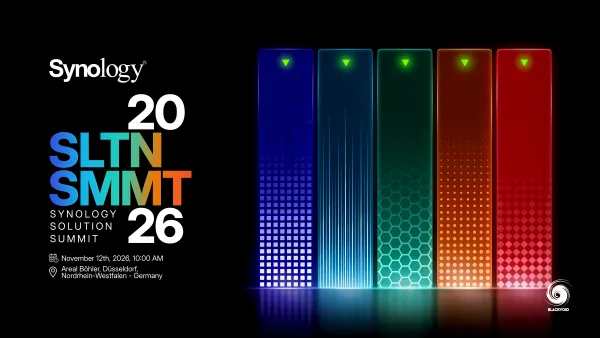
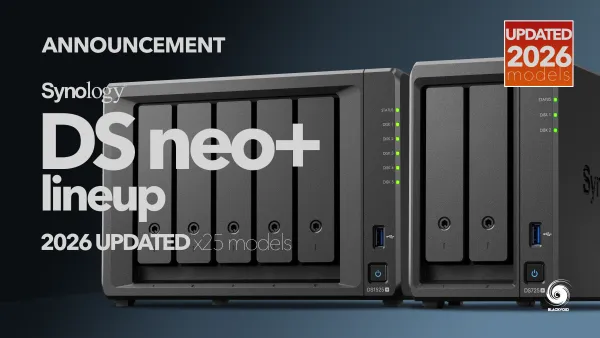
Synology at Computex 2026
New year, new hardware, software, and services from #Synology. Enterprise, business, and SOHO segments, followed by #AI features on many levels
 Luka Manestar
Synology DSM 7.4 and AI future
New version of #Synology DSM 7.4 is coming with some under the hood updates, and laying the foundation of some deep #AI agentic future
 Luka Manestar
Being mostly a fix patch release, this version is also a bit of a tipping point for most older models, as the release notes have listed that almost all of the pre-x20 models will no longer be updated after the 7.4 version.
💡
Be sure to read the notes before applying it to your system. Running an older system will need a manual update as it was with the 7.3 version
Version: 7.4-90075
(2026-06-16)
Important Note
- After installing this update, you will not be able to downgrade to a previous DSM version.
- This update will restart your Synology NAS.
- If auto update does not run, perform a manual update in Control Panel. Before updating, follow the instructions and complete the required actions to ensure success.
- To uphold our commitment to quality, every DSM release undergoes rigorous validation. To ensure optimal stability, the models listed below will not receive this update on your device and will remain on their most suitable version. You can only download the upgrade patch from Synology Download Center because you won't receive notifications for this update on your DSM.
- FS Series: FS3017, FS2017, FS1018
- XS Series: RS18016xs+, RS4017xs+, RS3617xs+, RS3617xs, RS3617RPxs, RS18017xs+, DS3617xs, DS3617xsII, DS3018xs
- Plus Series: RS2416RP+, RS2416+, DS916+, DS716+II, DS716+, DS216+II, DS216+, DS1817+, DS1517+, RS2818RP+, RS2418RP+, RS2418+, RS818RP+, RS818+, DS1618+, DS918+, DS718+, DS218+, RS1219+
- Value Series: DS116, DS216, DS216play, DS416, DS416play, DS1517, DS1817, DS418play, RS217, RS816
- J Series: DS216j, DS416j, DS416slim, DS419slim, DS418j, DS218j, DS119j
- For the following models, DSM 7.4 will be the last upgradable version.
- FS Series: FS3017, FS2017, FS1018
- XS Series: DS3018xs, DS3617xs, DS3617xsII, RS18016xs+, RS18017xs+, RS3617xs, RS3617RPxs, RS3617xs+, RS3618xs, RS4017xs+
- Plus Series: DS216+, DS216+II, DS716+, DS716+II, DS916+, DS718+, DS918+, DS1019+, DS218+, DS1517+, DS1817+, DS1618+, DS1819+, DS2419+, DS2419+II, RS2416+, RS2416RP+, RS2418+, RS2418RP+, RS2818RP+, RS818+, RS818RP+, RS1219+
- Value Series: DS116, DS216, DS216play, DS416, DS416play, RS816, DS118, DS218, DS218play, DS418, DS418play, DS1517, DS1817, RS819, RS217
- J Series: DS216j, DS416j, DS416slim, DS419slim, DS418j, DS218j, DS119j
Compatibility & Installation
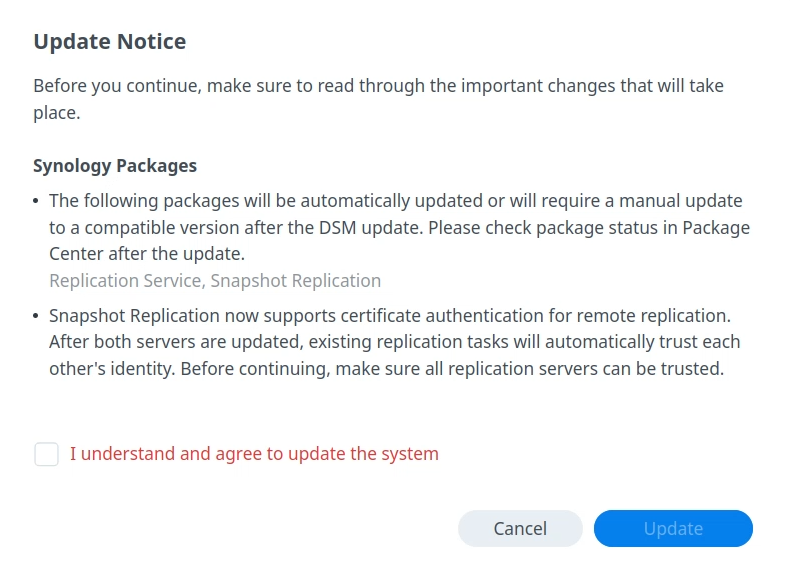
- To ensure compatibility, the following packages will be automatically updated or will require a manual update to a compatible version: Synology Chat Server, HighAvailability(SHA), Synology MailPlus Server, PACS, QuickConnect, ReplicationService, SecureSignIn, SnapshotReplication, WebStation
- PHP 8.1, Mail Station, and Synology Mail Server are no longer supported.
What's New
- When DSM joins an LDAP server, it now displays the supported SMB authentication methods, allowing you to identify whether LDAP users can use NTLM, CIFS plaintext authentication, or Kerberos.
- Added display for GPU information in Info Center.
- Enhanced KMIP certificate handling to align with updated public Certificate Authority (CA) certificate issuance policies. Synology certificates now support exporting an additional CA file for KMIP client authentication. This update also adds Log Center records for failures caused by expired Synology certificates and improves KMIP interface messages for expired certificates.
Fixed Issues
- Enhanced message clarity and error handling in the SSO client.
- Improved authentication stability when DSM acts as a CAS SSO client.
- Fixed an issue where signing in to DSM could result in an infinite redirect loop when it was configured as both an SSO Server and client pointing to the same server.
- Fixed an issue where SAML-authenticated usernames were not shown in Log Center when DSM, acting as a SAML SSO client, could not match them to any local or directory user.
- Fixed an issue where sign-ins could fail when usernames contain special characters.
- Fixed an issue where files uploaded via NFS to WriteOnce shared folders might not be locked correctly.
- Fixed an issue where an extra Kerberos integrity (krb5i) option might be incorrectly displayed in NFS permission security settings.
- Fixed an issue where IEEE 802.3ad Link Aggregation might fail to be created or function properly at certain network interface speeds after updating to DSM 7.3.
- Fixed an issue where enabling IPv6 might cause the system to shut down improperly under certain circumstances.
- Fixed an issue where external network access might still be available after all gateways were deleted.
- Fixed an issue where licenses might be missing on Virtual DSM after system restart.
- Fixed an issue where Synology Drive Admin Console might not function properly after installing or updating to DSM 7.3.
- Fixed an issue where DSM updates might be incorrectly blocked by a false insufficient-space precheck.
- Fixed an issue where Package Center might not be able to connect to Synology servers in IPv6 network environments.
- Fixed an issue where system logs could not be attached to support tickets in Support Center.
- Fixed security vulnerabilities regarding Ghostscript (CVE-2023-43115).
- Fixed multiple security vulnerabilities.
Notes:
- This version is released in a staged rollout.
💡
UPDATE: 16/06/2026 - updated pushed to a virtual DSM with no issues on any of the packages (including Docker/Container Manager)