Synology DP340 review

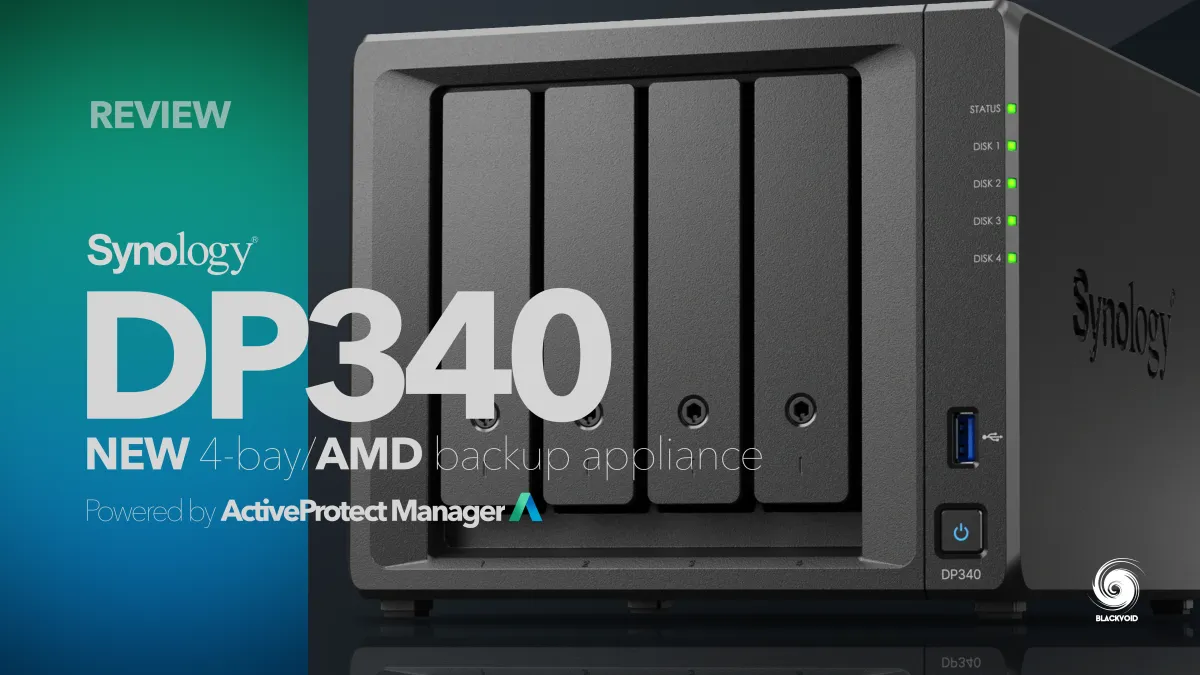
It has been a year and a half since the official global launch of the new Synology DataProtection lineup on January 8th 2025.
Rollout introduced three new products in a category of its own, starting with the DP7400 flagship 12-bay model, and two desktop ones, DP320 and DP340.
 Luka Manestar
Intro review of the flagship model, the DP7400
 Luka Manestar
Review of the smallest DataProtect member, the DP320
 Luka Manestar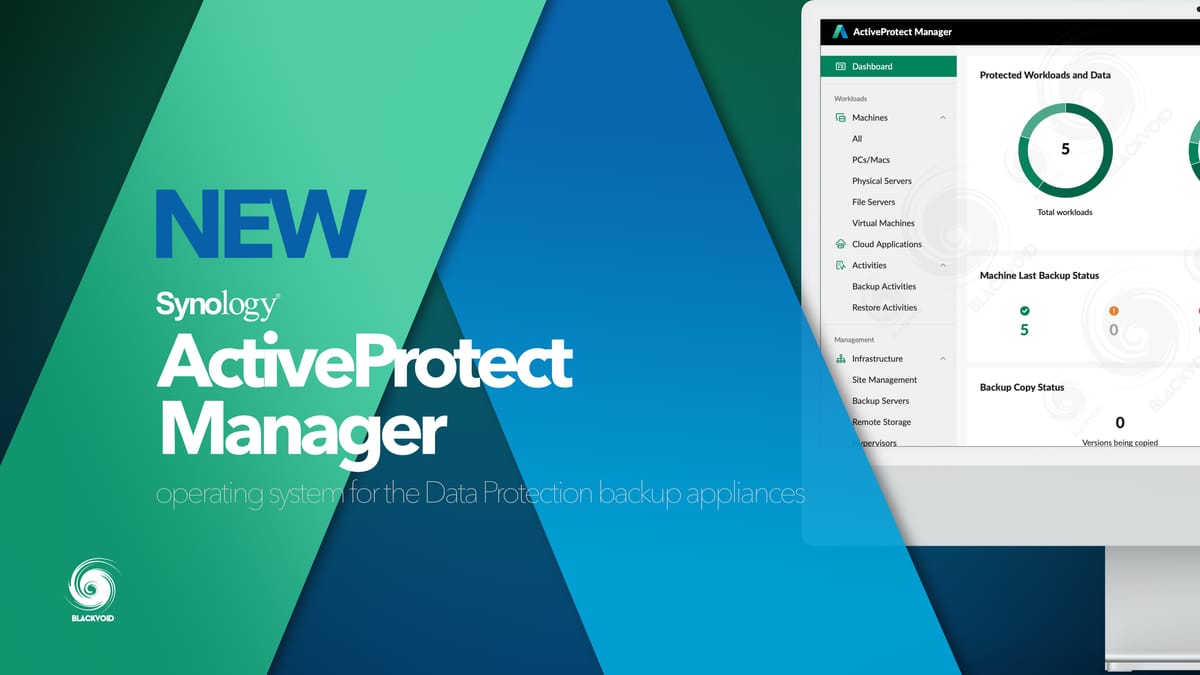
Initial review of the ActiveProtect Manager platform
During the summer of 2024, Blackvoid was fortunate enough to be among the first to review the DP7400 model, as well as the DP320 in March of last year.
This time around, we will have a look at the 4-bay DP340 and its capabilities in some common scenarios designed for this particular lineup.
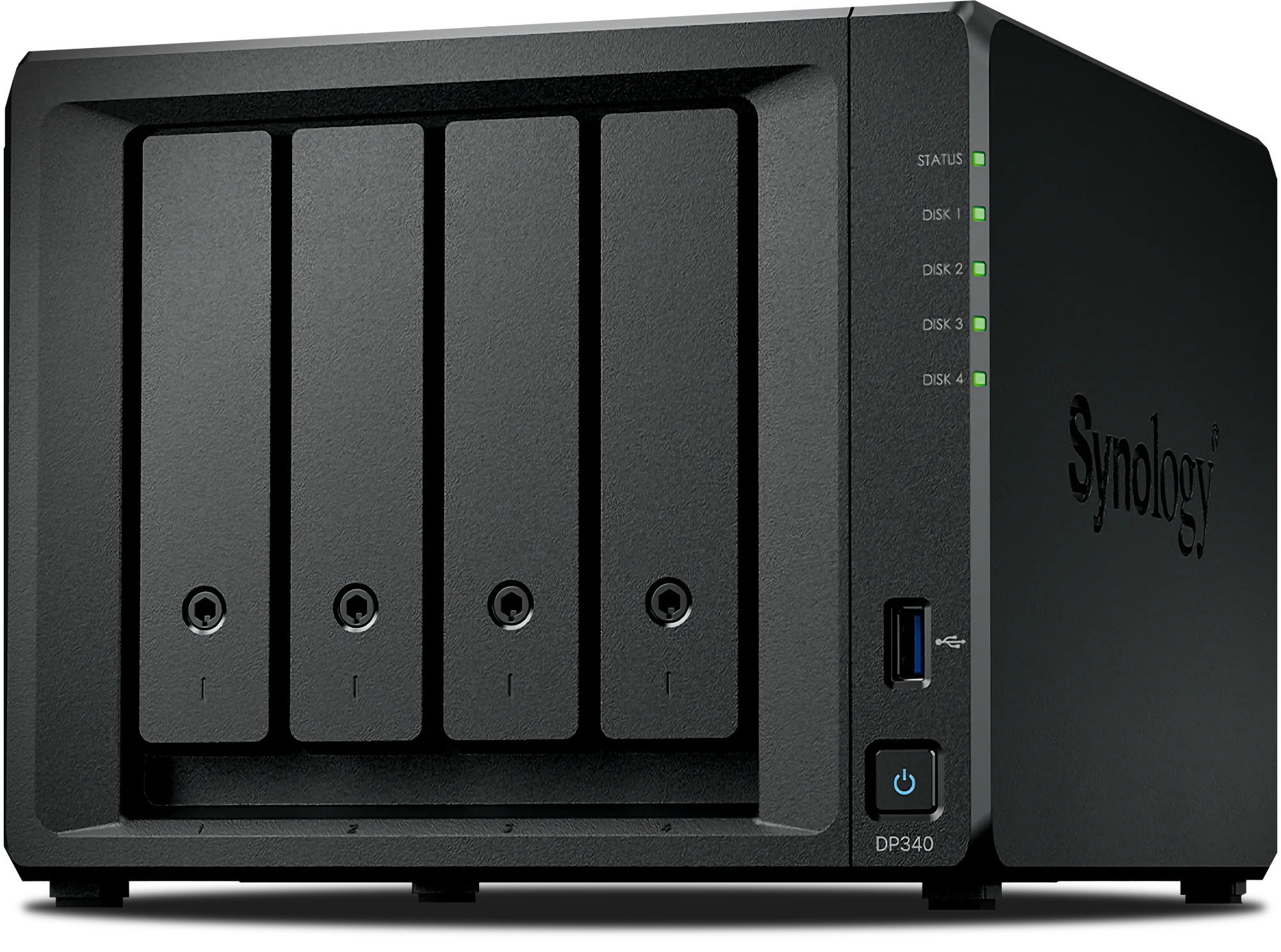
Unlike other DS and RS models in the Synology portfolio, DataProtect devices ship fully configured with pre-installed drives, NVMe storage, expanded RAM, and—in the case of the DP340—a 10Gbe expansion card. This comprehensive configuration results in a significantly higher starting price compared to empty NAS units.
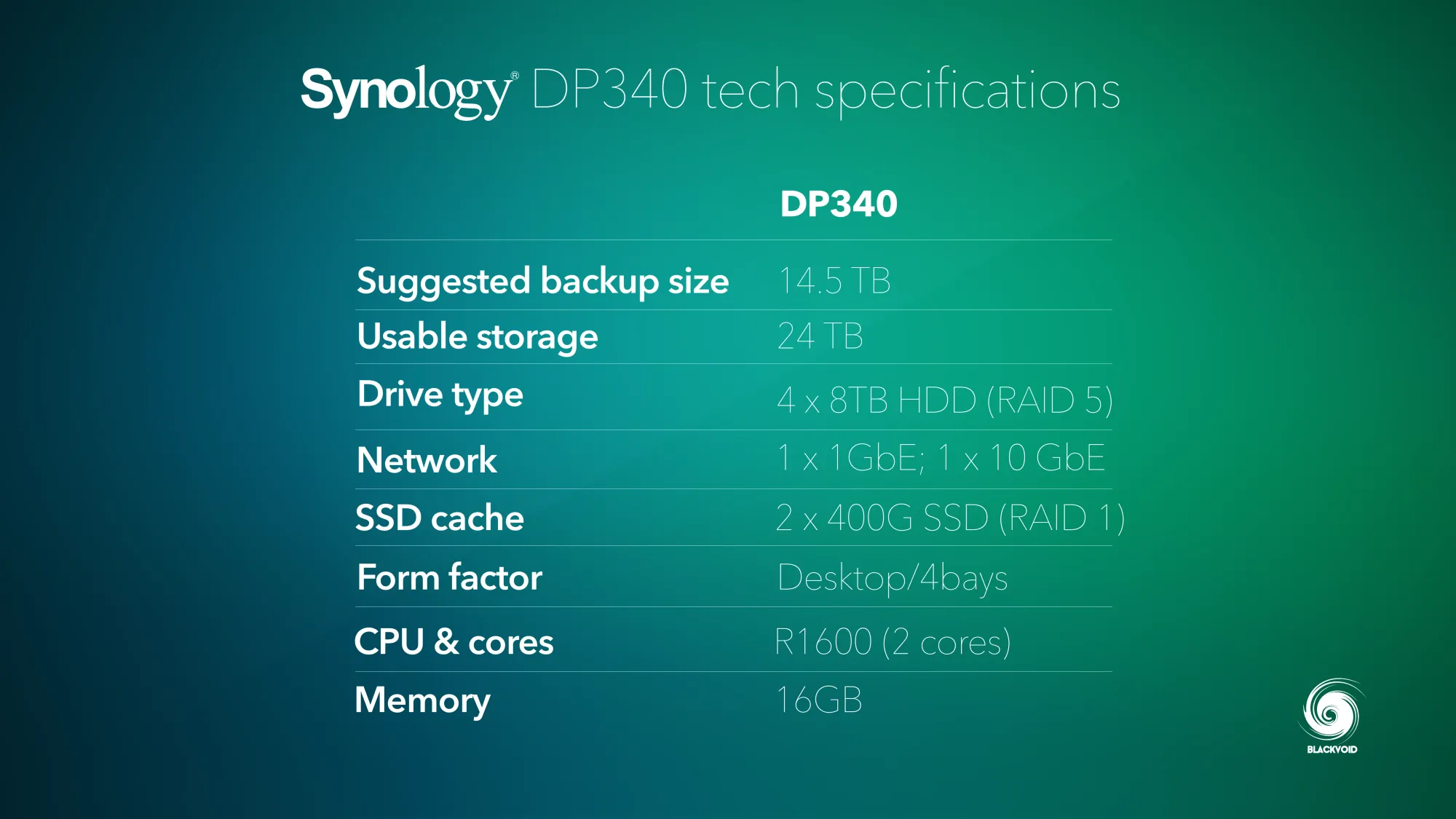
The DP320 has a suggested retail price of €1,499.99, which includes two HAT3320-8T HDDs. The DP340 includes additional hardware specifications, with pricing ranging from €4,500.00 to €5,200.00, depending on the market and current offerings. Further details on hardware specifications are provided later in this article.
Table of Contents
: Introduction
: Price and licensing model
: Unboxing and specifications
: Setup
: Tests
: Conclusion
: Introduction
With DataProtect appliance-like devices, Synology enables customers to deploy a state-of-the-art backup platform in 10 minutes or less. APM OS provides a unified dashboard for managing all DataProtect devices and connected remote storage, allowing backup administrators and delegated users to quickly configure backups across diverse endpoints—including desktops, servers, network devices, and M365 tenants.
ActiveProtect appliance is designed for all business which streamlines the data protection process for an entire organization, from deployment to recovery, through a unified and intuitive management interface, no matter where the backup tasks occur
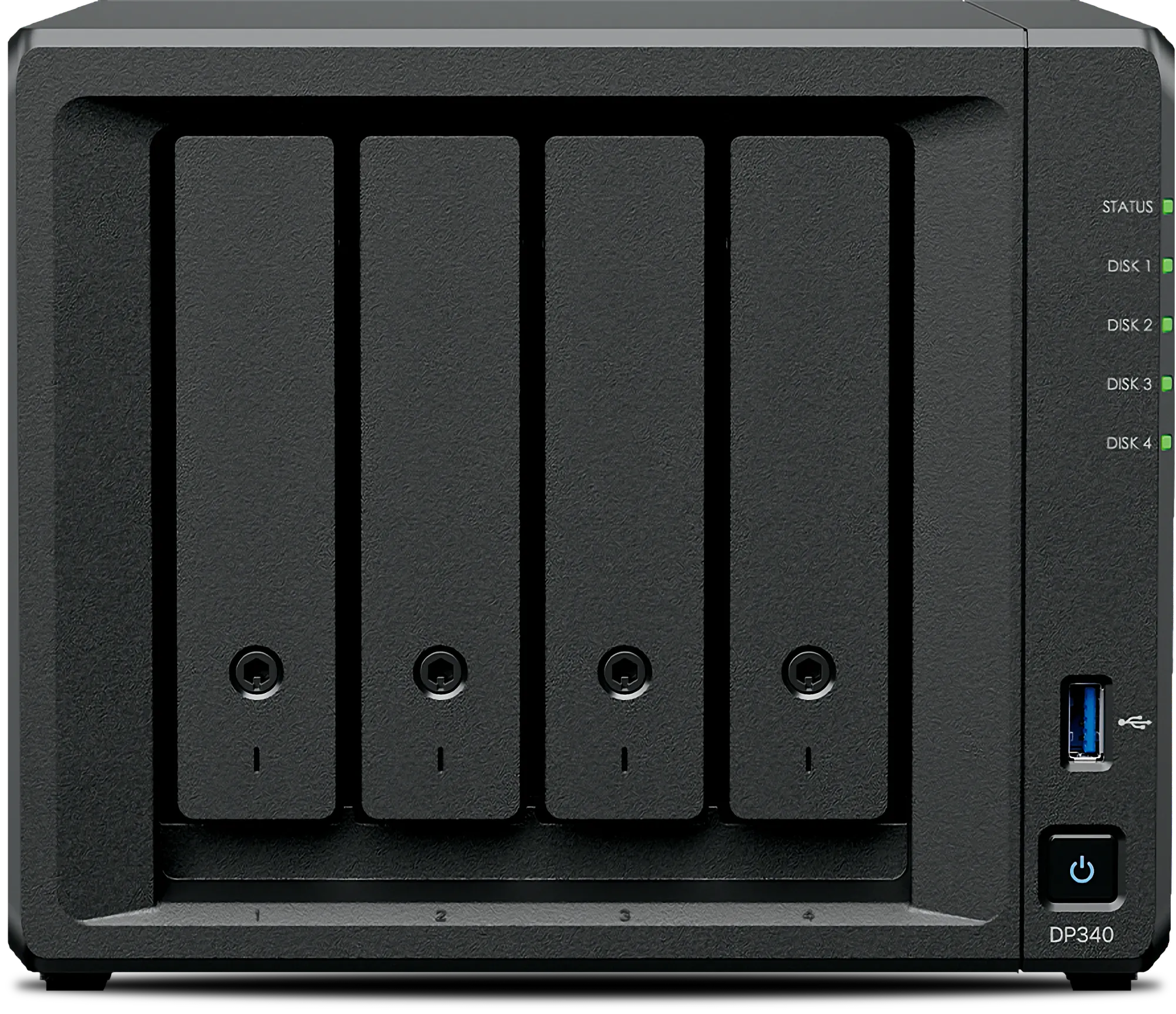
To deliver this solution, Synology engineered DataProtect as an integrated hardware and software appliance. The DP340 is based on the DS923+ architecture but features enhanced specifications optimized for backup operations. The primary distinction, however, lies in the operating system.
Unlike other Synology devices, DataProtect runs ActiveProtect Manager OS—a purpose-built platform dedicated exclusively to backup functionality. This architecture means the device and all its resources are allocated solely to backup operations, with no option to install third-party or Synology packages that would extend its capabilities beyond this core function.
While the hardware specifications may appear modest for a device of this class, they are engineered to fully utilize the 10GbE network and storage configuration while maintaining low noise and power consumption levels.
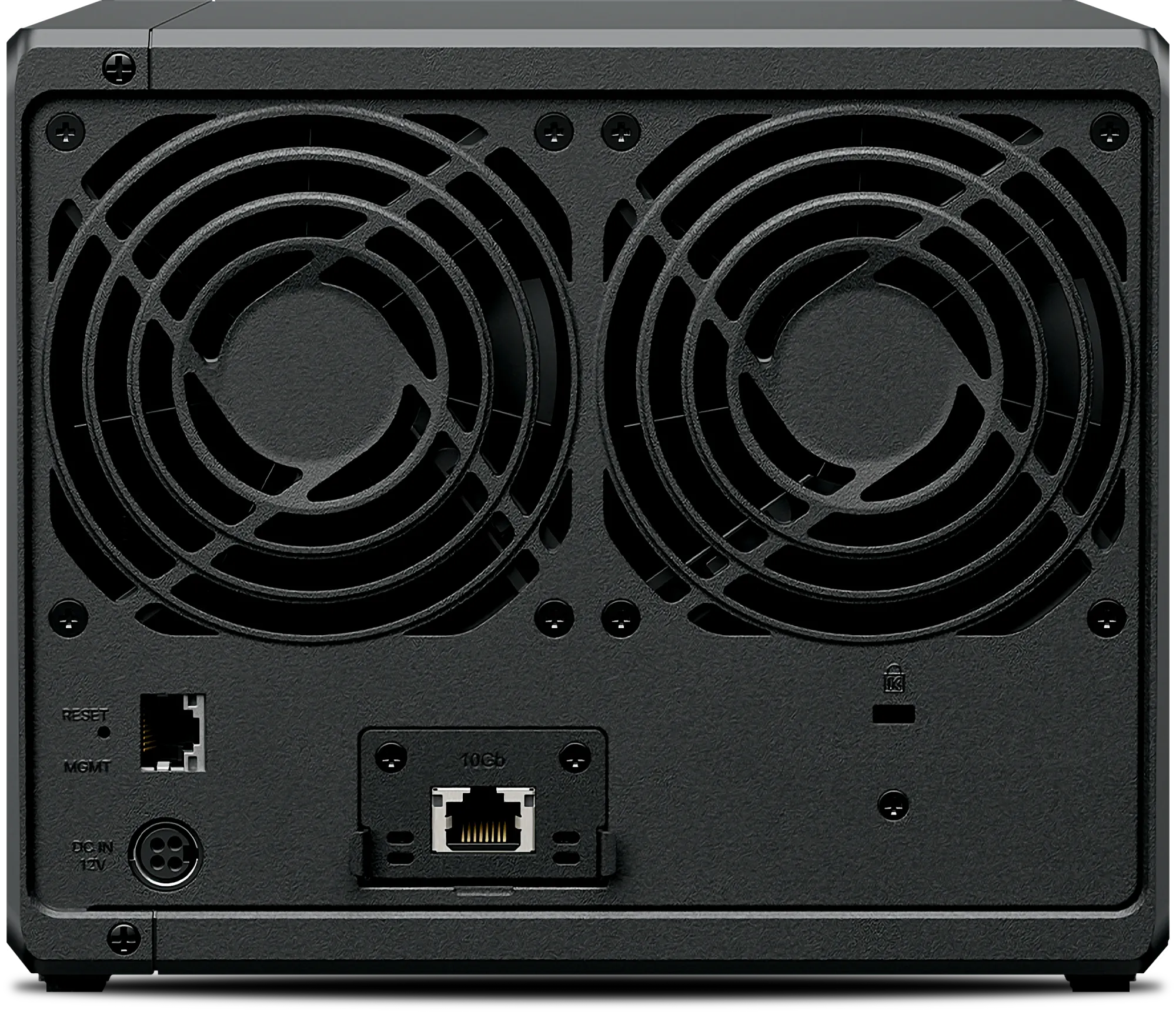
Like all devices in the DataProtect lineup, the DP340 is a turnkey backup appliance that requires only 10 minutes of setup following initial unboxing and APM installation. Unlike standard Synology NAS solutions that require drive installation, hardware configuration, and package setup, the DP340 is purpose-built for backup with zero-configuration requirements.
DataProtection is all about ease of use, speed, and efficiency
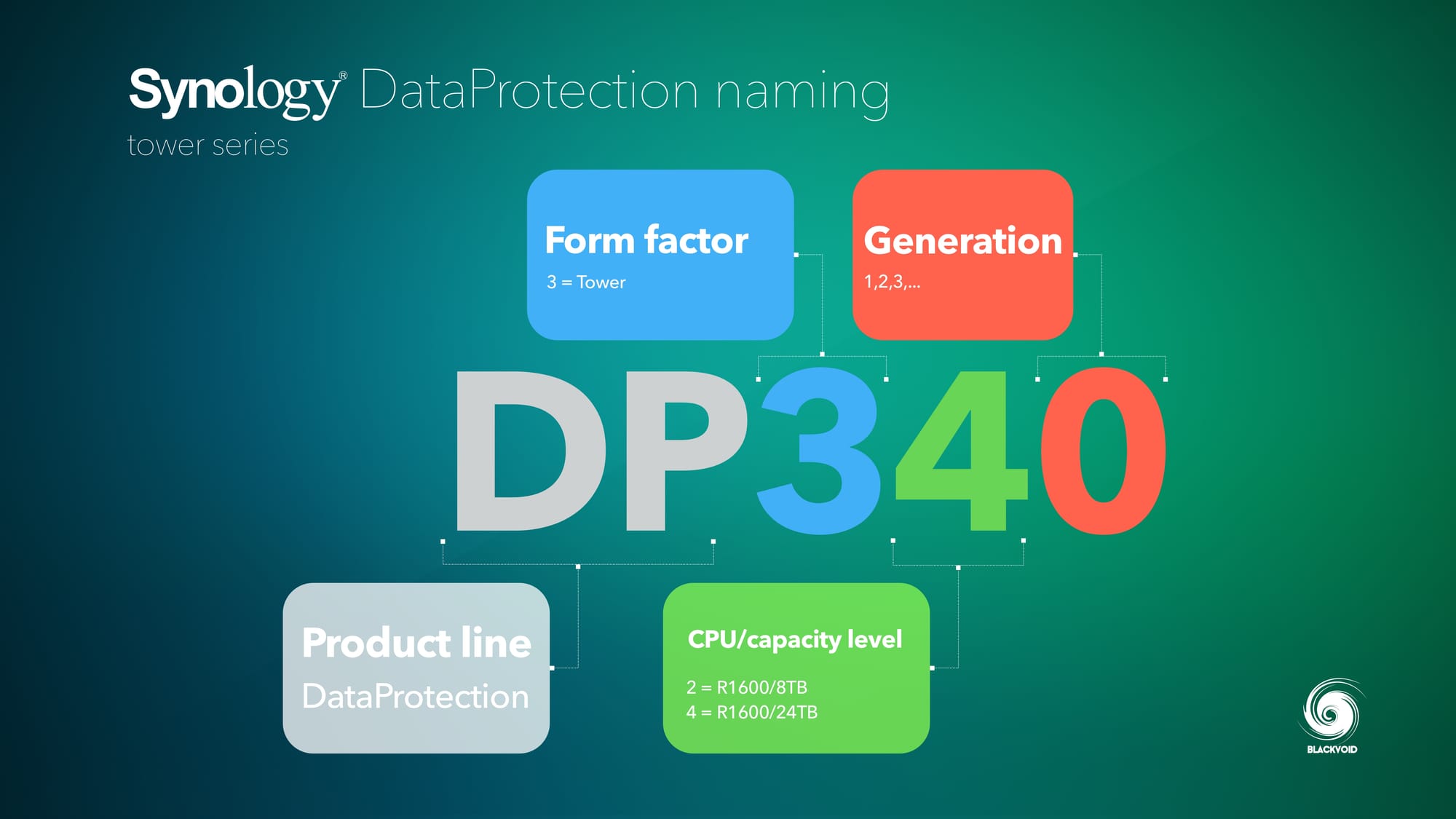
Some key highlights of the DataProtection products:
Simplified management: easy procurement, with initial setup completed in 10 minutes*, automatic protection mechanism combined with on-demand expansion cluster architecture, truly simplifying management on a single platform
High Performance: Reliable software and hardware integration with source-side deduplication technology, saving 99% of duplicate data transmission, significantly improving backup speed, and saving 70% of storage costs.
Reliable recoverability: Synology's native immutable storage technology, combined with data verification and automatic repair, provides one-stop management of off-site backup copies, ensuring high reliability of data restoration
Compared with the large DP7400 model, the DP340, apart from the hardware element, won't have certain features and options, but the out-of-the-box experience and initial setup are identical. This means that getting those initial backups configured and running will indeed be within 10 minutes as advertised.
: Price and licensing model
As mentioned in the introduction, the DP340's suggested retail price ranges from €4,500.00 to €5,200.00. While this may appear significant, breaking down the individual components reveals that the pricing is competitive and actually lower than the combined cost of purchasing equivalent Synology hardware separately.
€390 x 4 - HDDs (HAT3320-8T)
€540 x 2 - NVMe
€464 x 1 - 8GB of RAM
€130 x 1 - 10GbE card
These components alone cost approximately €4,800 before accounting for the base unit. The DP340 is effectively a DS923+/925+ model, which retails around €600 independently. While this comparison excludes the APM OS licensing, the platform integrates DSM and ActiveBackup for Business functionality, suggesting minimal additional R&D investment was required for its development.
Is this pricing excessive for a backup appliance? For small office/home office (SOHO) users, arguably yes. However, DataProtect devices target enterprise and business environments where data protection is mission-critical. In these contexts, the question becomes less about cost and more about the value of comprehensive data security.
The DataProtection series also comes with a licensing model. Any additional cluster node (another DP unit) will cost €1.800,00 for 3 years (each node).
One important thing to note here is that the additional licenses will only apply to the third (3rd) additional node (and any other after that) in the cluster.
 Synology Inc.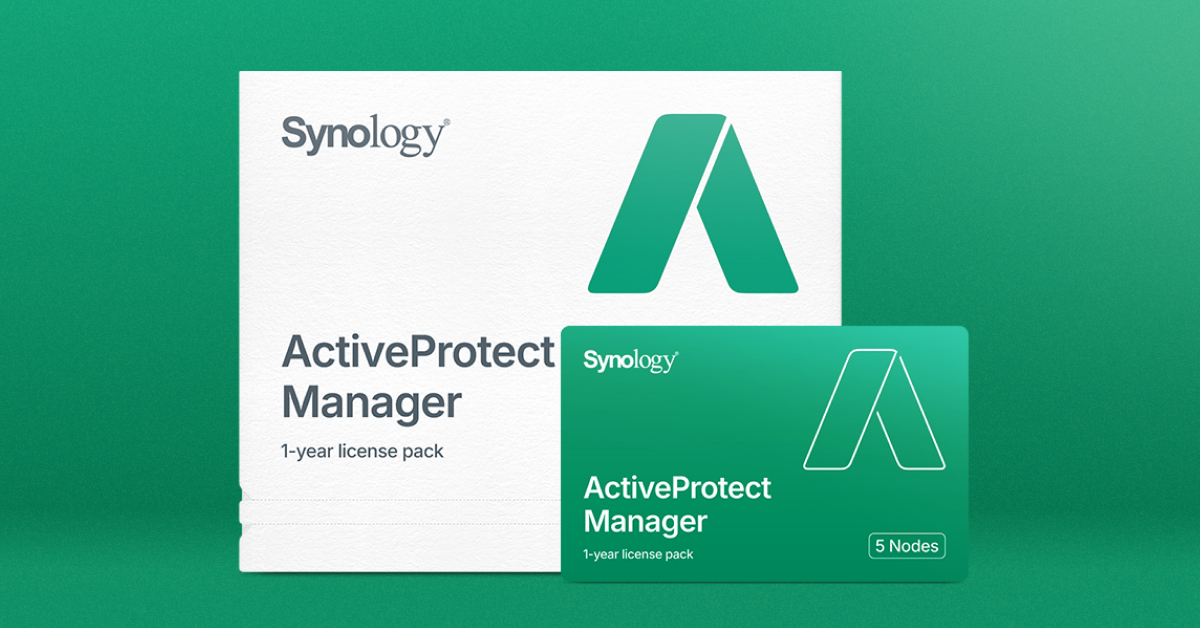
: Unboxing and specifications
As a pre-configured device, the DP340 arrives in Synology's standard 5-bay NAS enclosure. However, the weight may be surprising, as in its default configuration with four HAT3320-8TB drives, the DP340 weighs just over 5 kg. This substantial weight reflects the fact that the unit ships fully populated with drives rather than as an empty chassis.
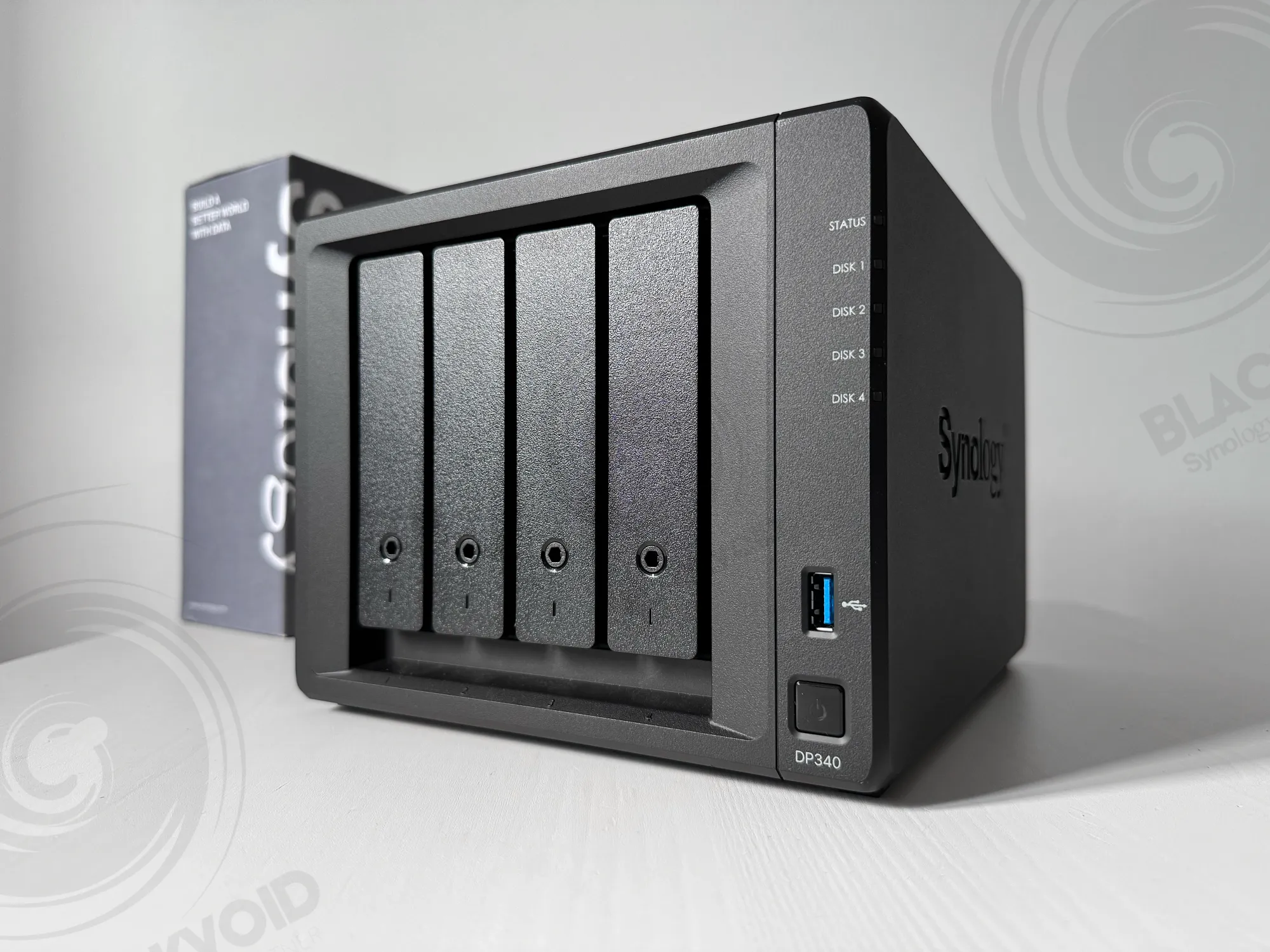
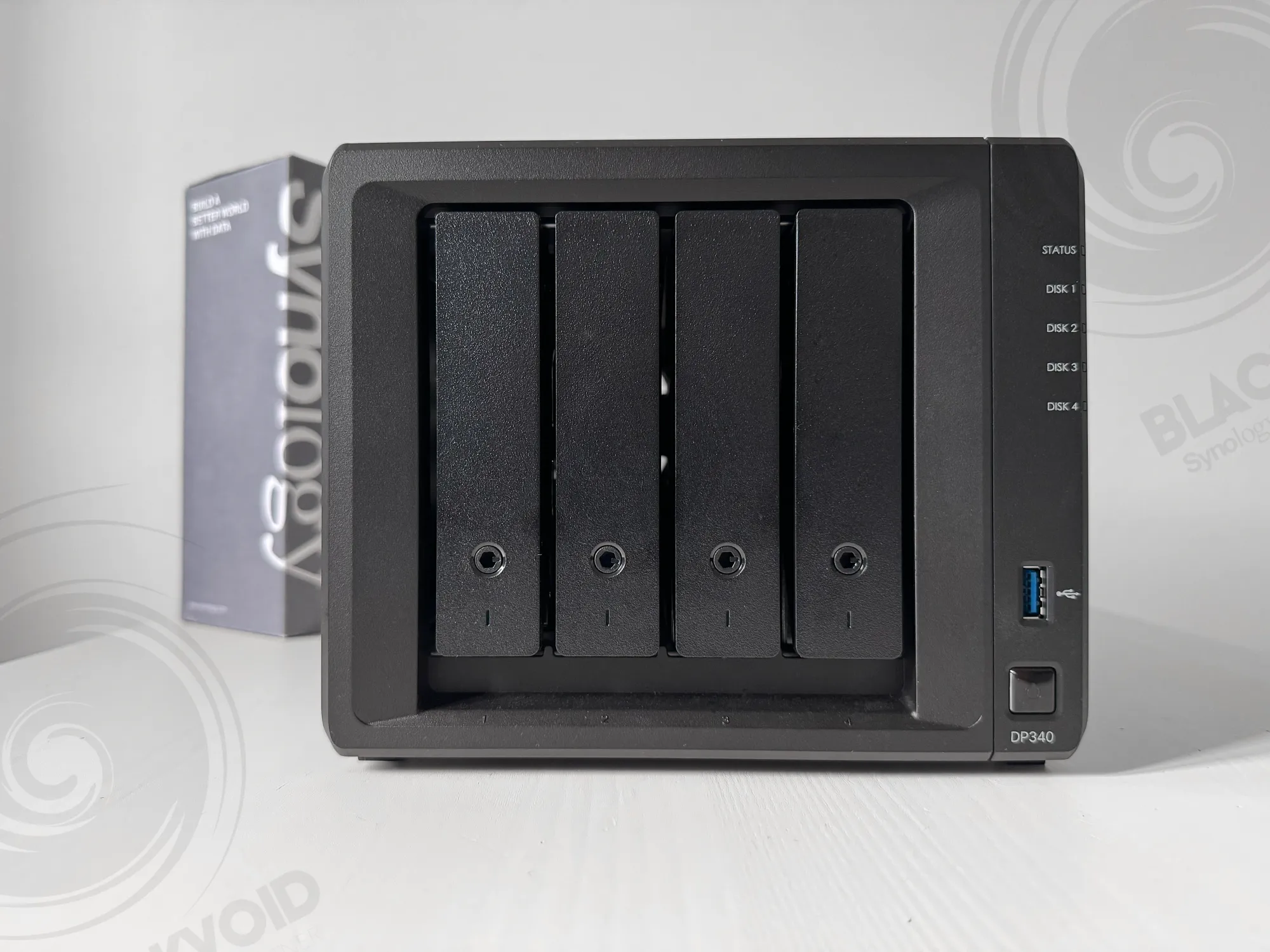
To clarify, the drives are not pre-installed in the DP340 itself. They ship separately to protect them during transport, but can be installed in minutes thanks to Synology's tool-free installation process. The NVMe drives and 10GbE expansion card, however, are pre-installed in the unit.
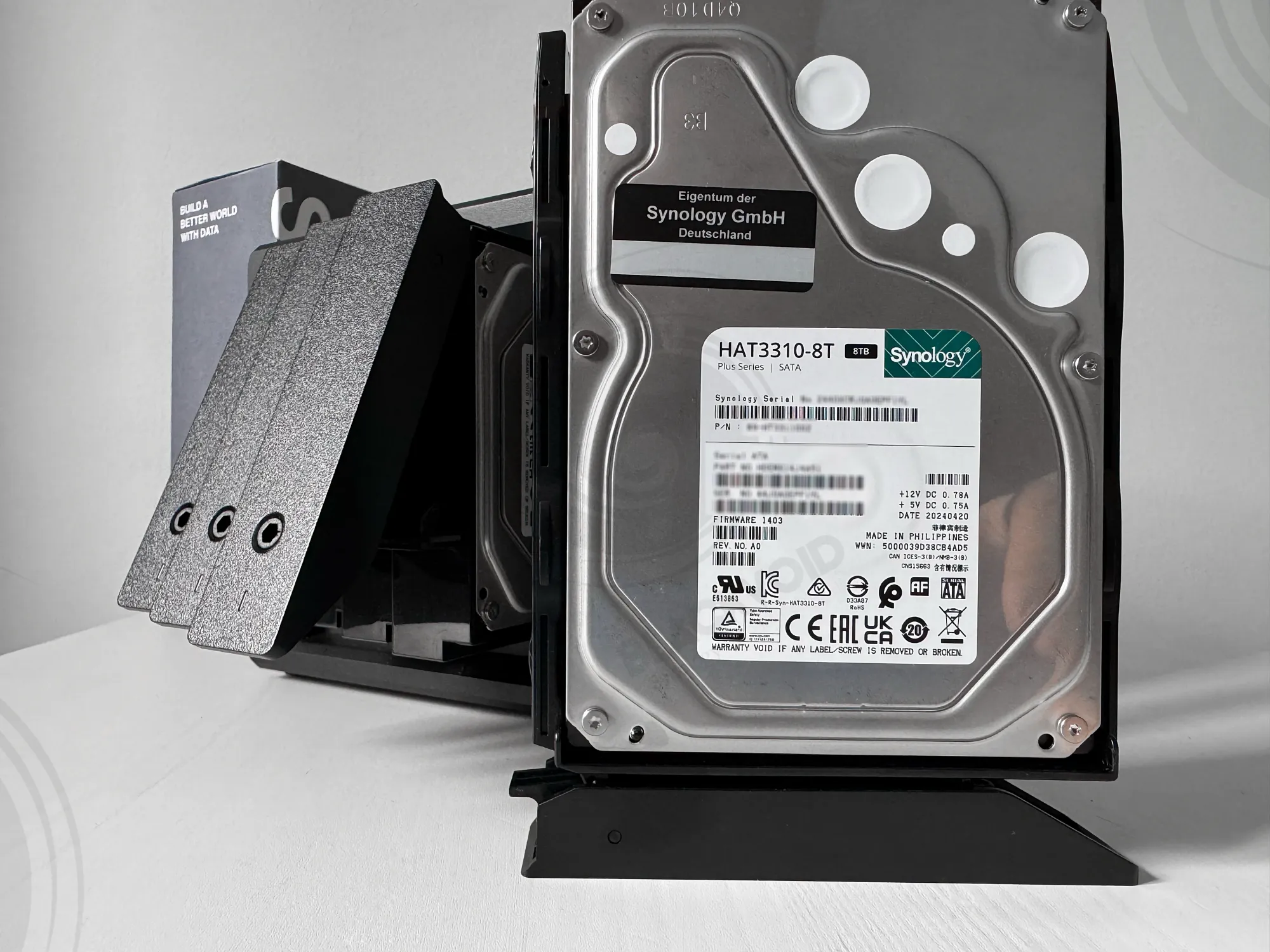
The compact packaging protects the DP340 with sturdy foam on both sides, securing the two HDDs in each bay. The power adapter and dual CAT5e Ethernet cables are packaged separately in an additional box.
Now, let's examine the DP340 specifications in detail. While we've touched on several elements, the following provides a comprehensive overview.
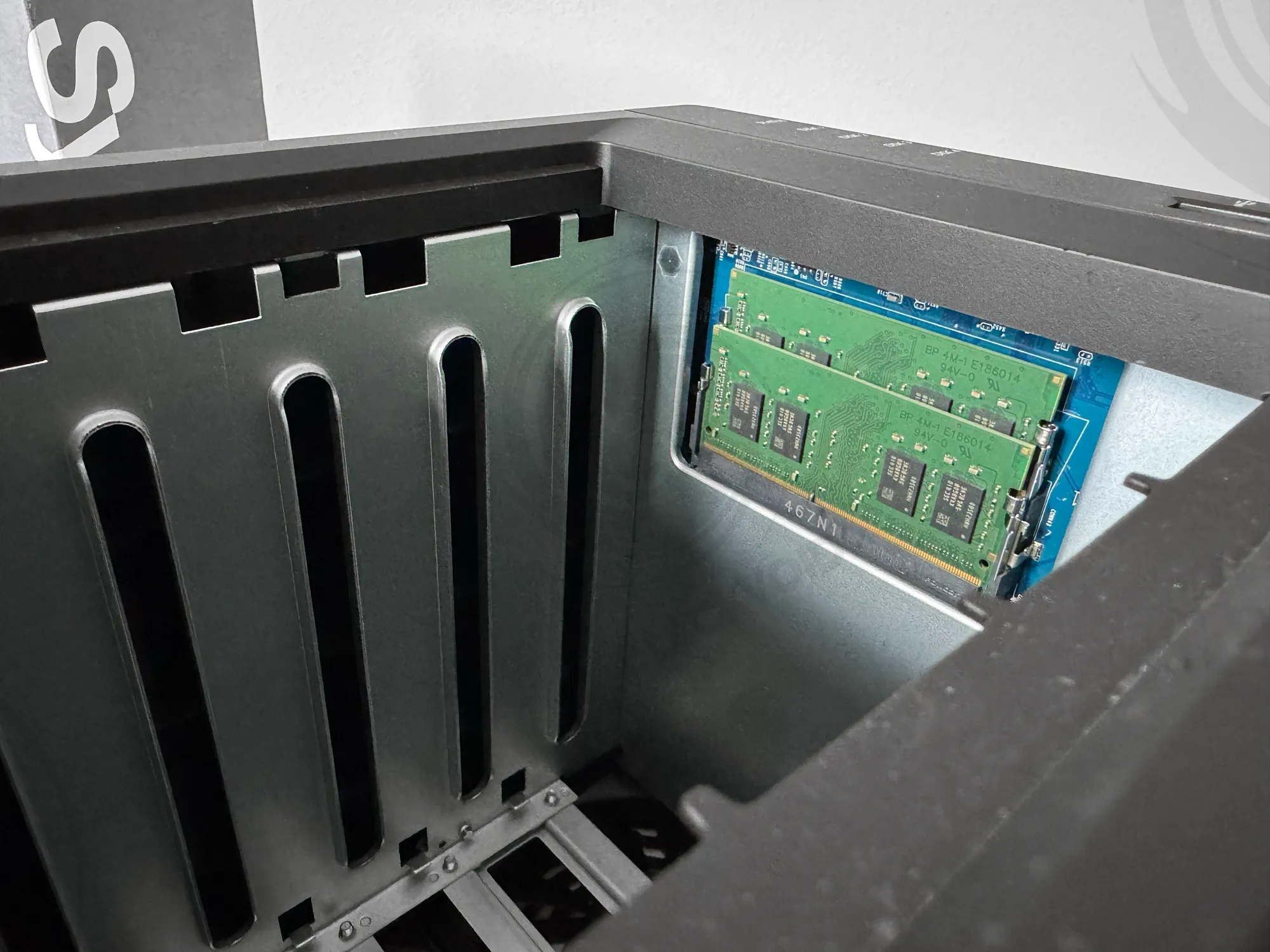
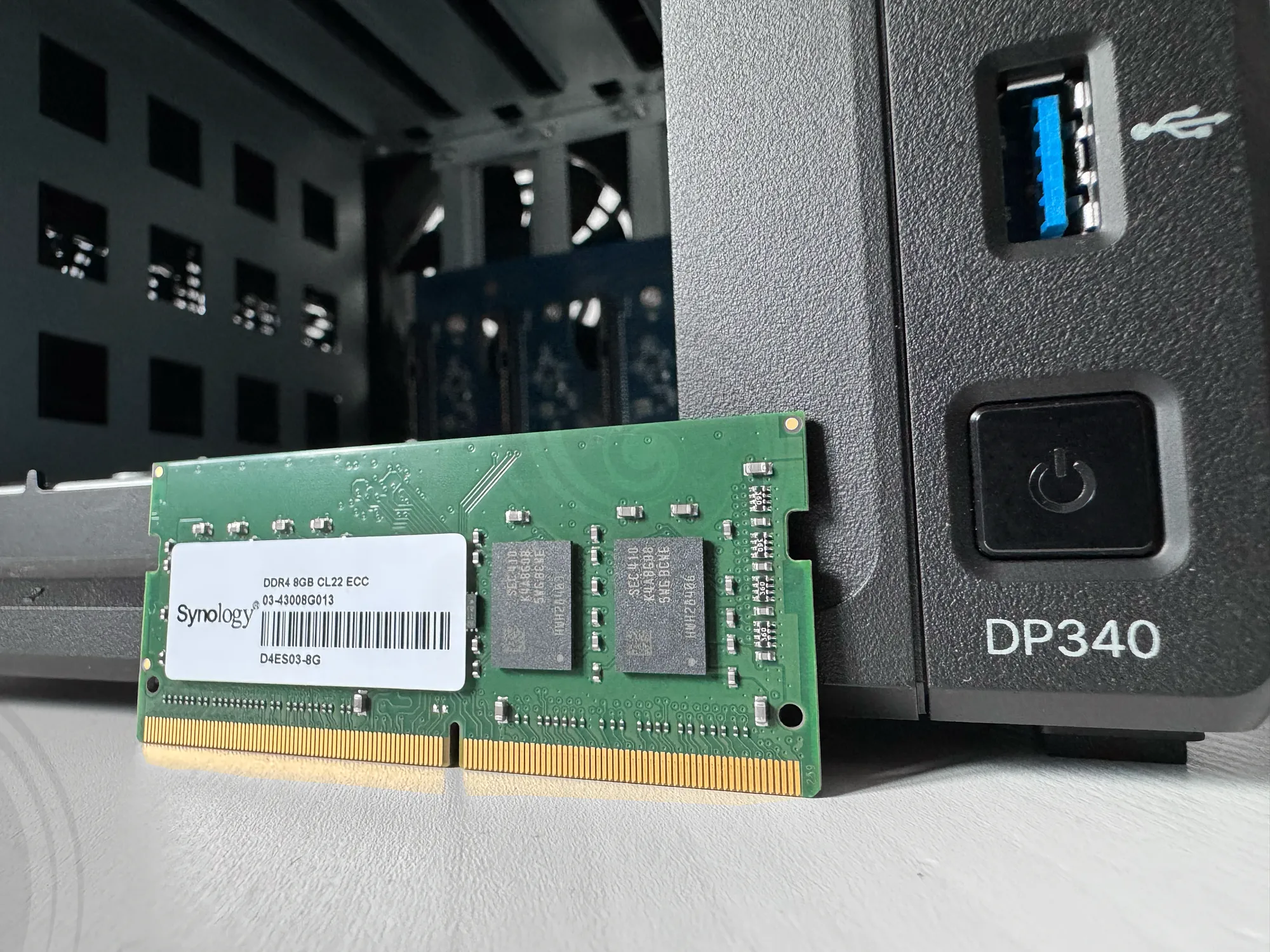
The DP340 is powered by a familiar AMD R1600 CPU and equipped with two 8GB DDR4 SODIMMs. On the bottom of the enclosure are two Synology-branded NVMe 400GB drives that are used to provide cache support to the main RAID5 array comprised of four HAT3310-8TB HDDs.
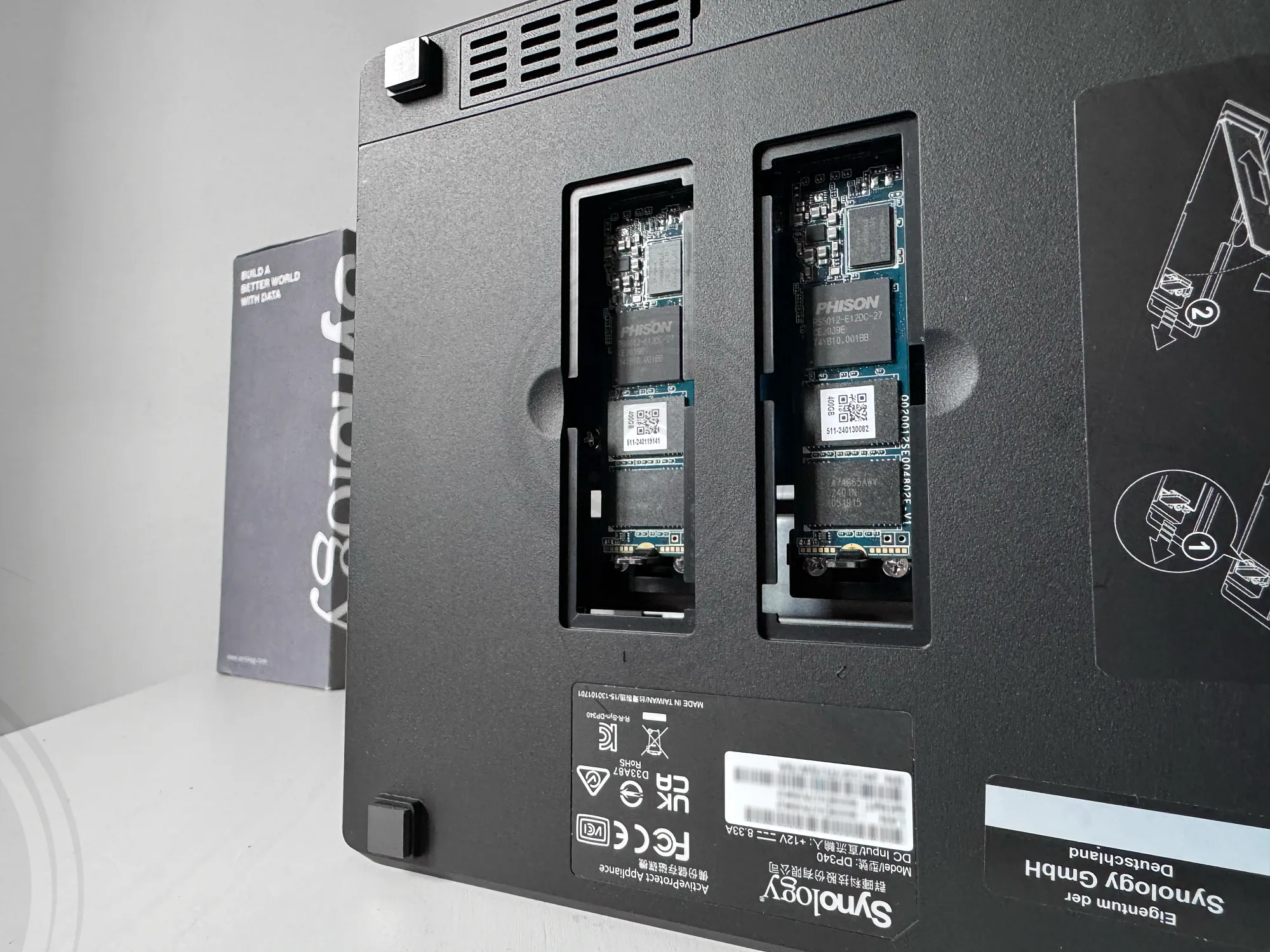
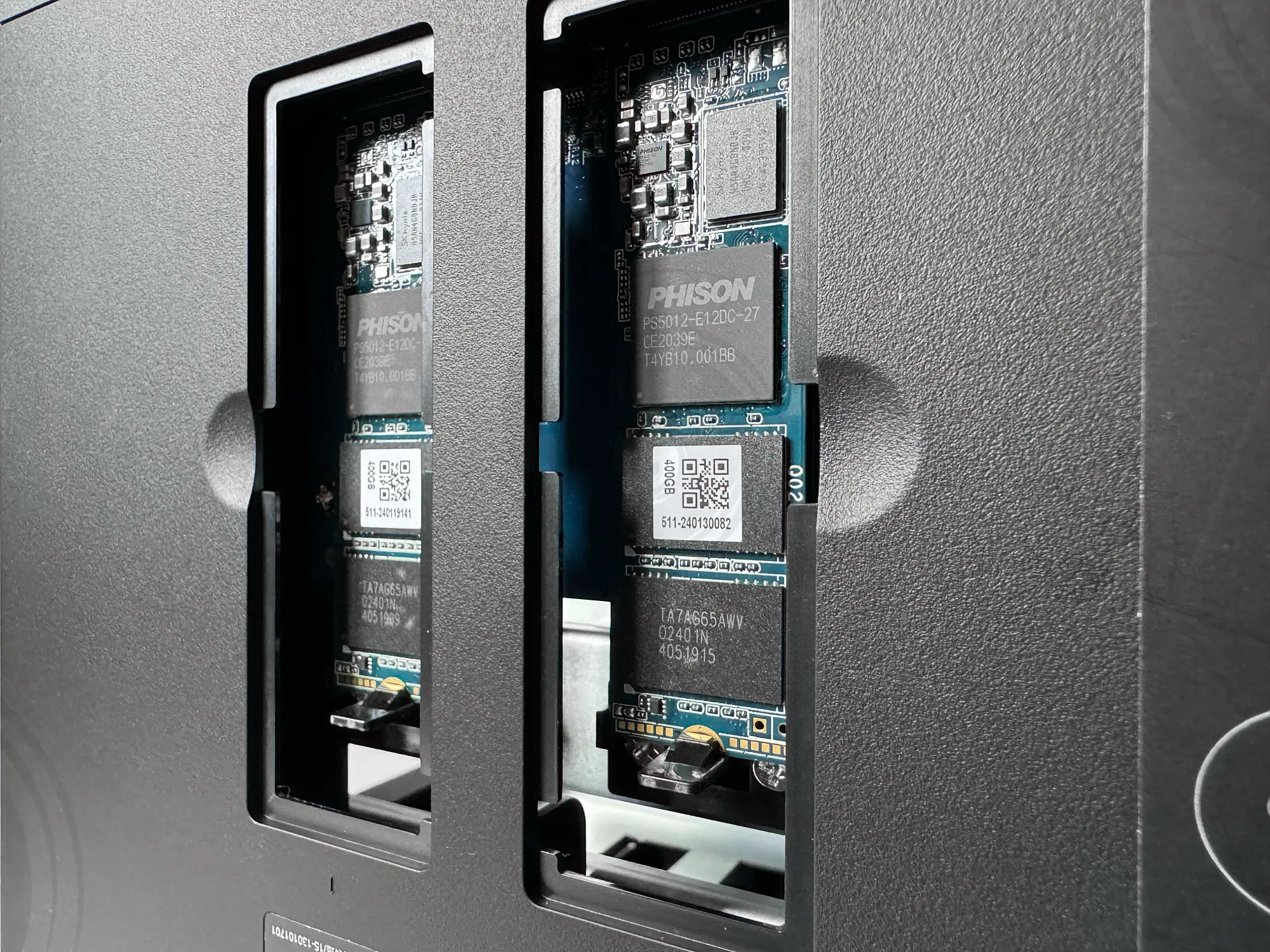
Synology-branded NVMes are installed on the bottom of the unit
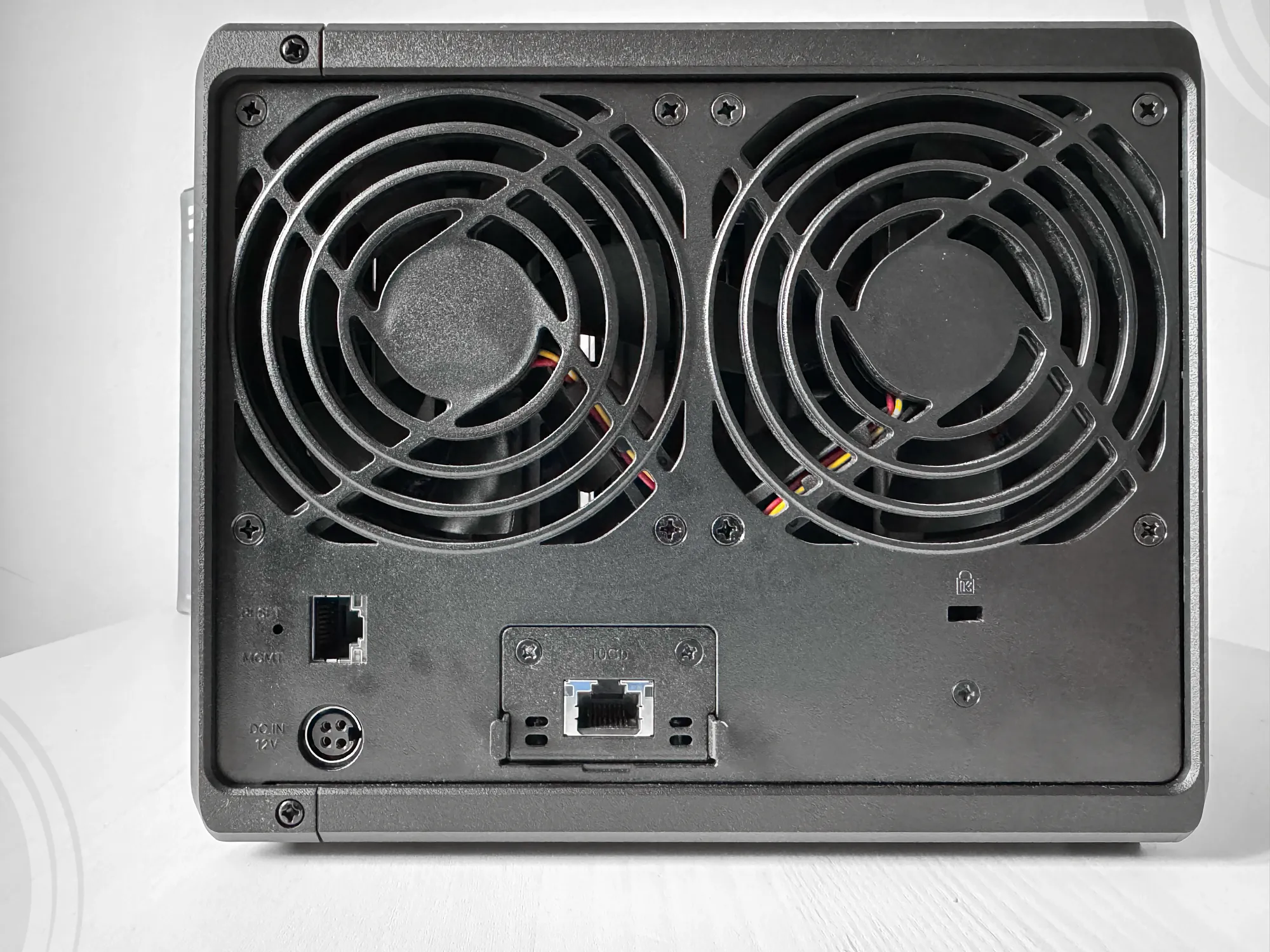
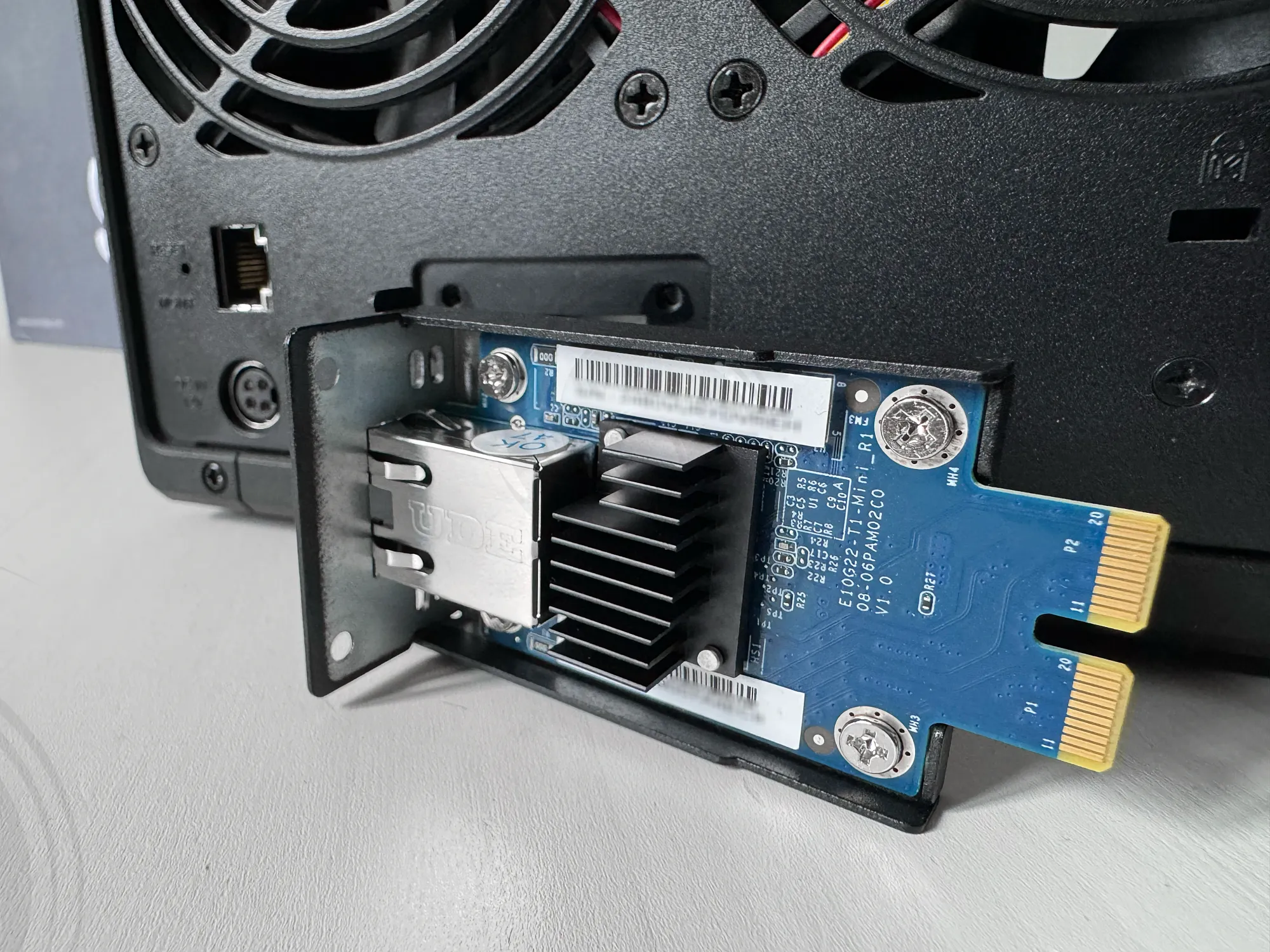
The DP340 features two rear Ethernet ports, a 1GbE management port, and a pre-installed 10GbE port. The 10GbE connectivity is provided by an E10G22-T1-mini PCI card, which was custom-designed for the x22 and x23 model series. This hardware choice further confirms that the DP340 is built on the DS923+ platform.
 Synology Inc.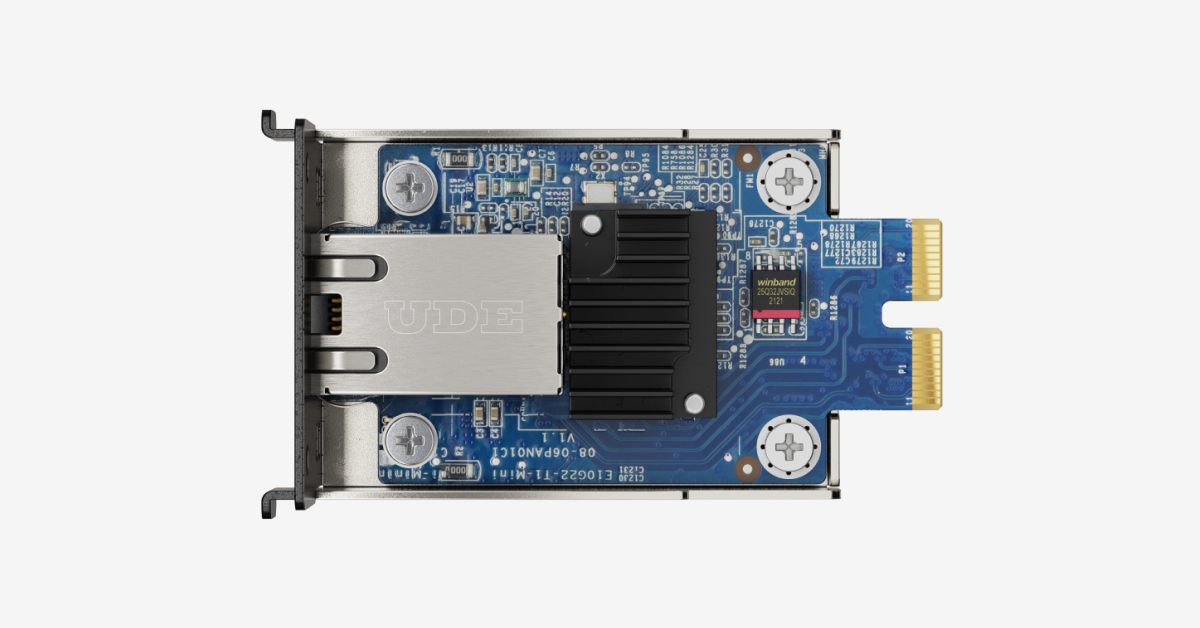
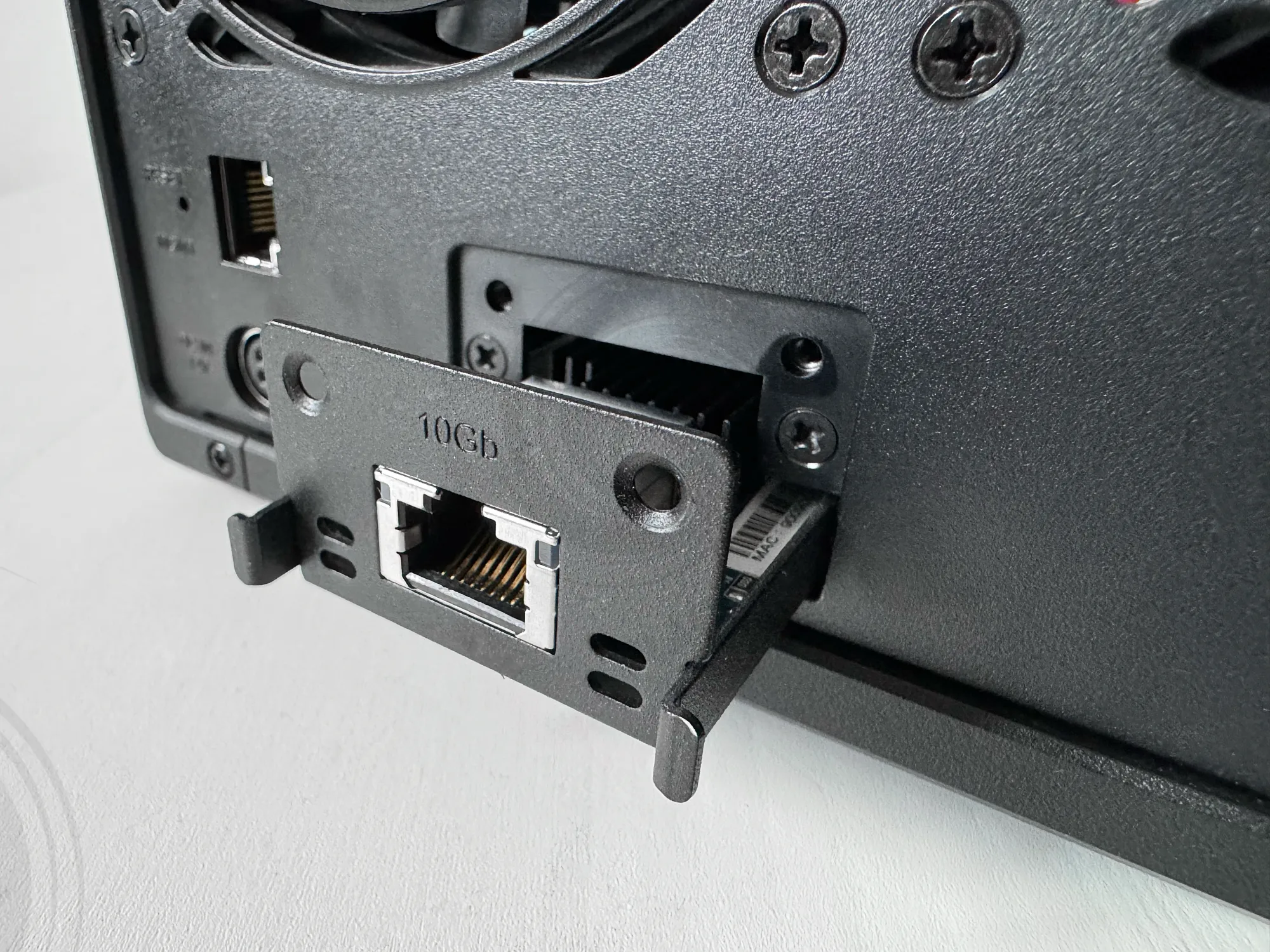
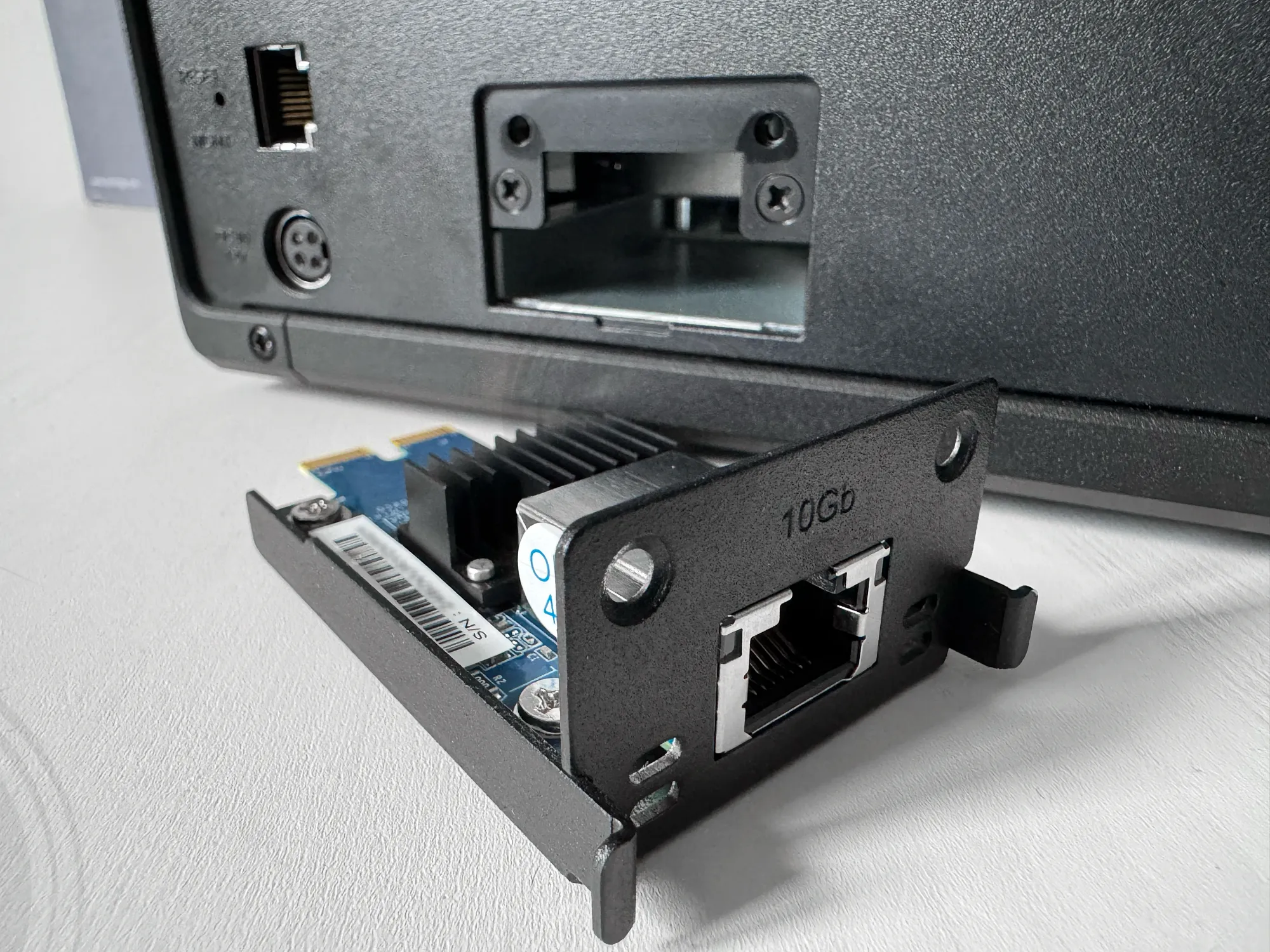
Synology PCI custom 10GbE expansion card (E10G22-T1-mini)
While performance benchmarks are detailed later in this article, it is worth noting that the DP340's 10GbE connectivity could theoretically support higher speeds. However, the device's HDD-based primary storage limits throughput to approximately 4GbE equivalent performance, constrained primarily by CPU limitations rather than network capacity.
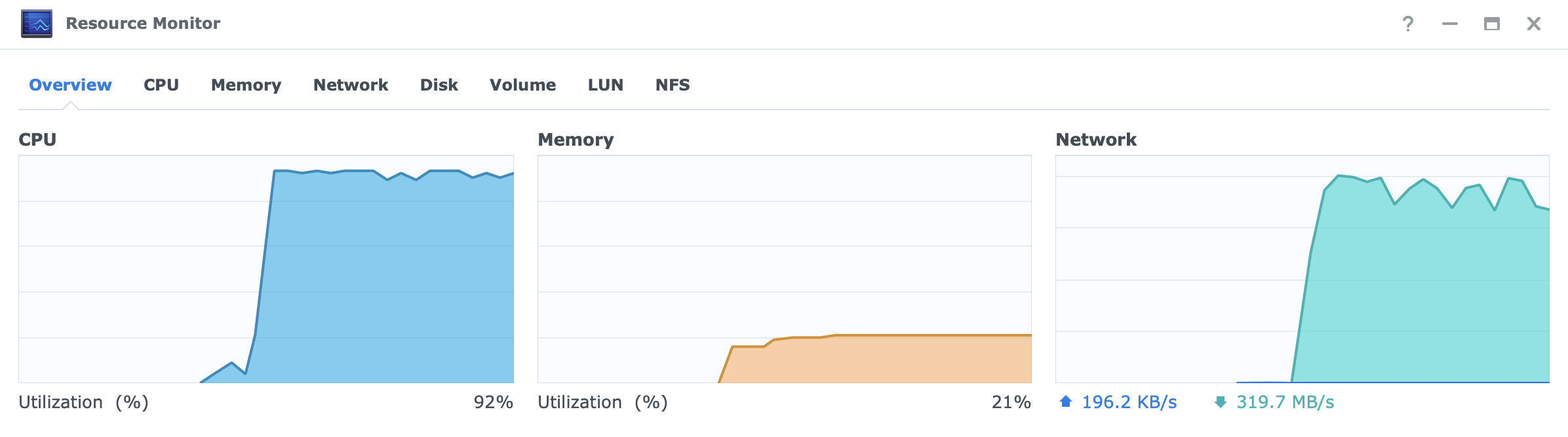
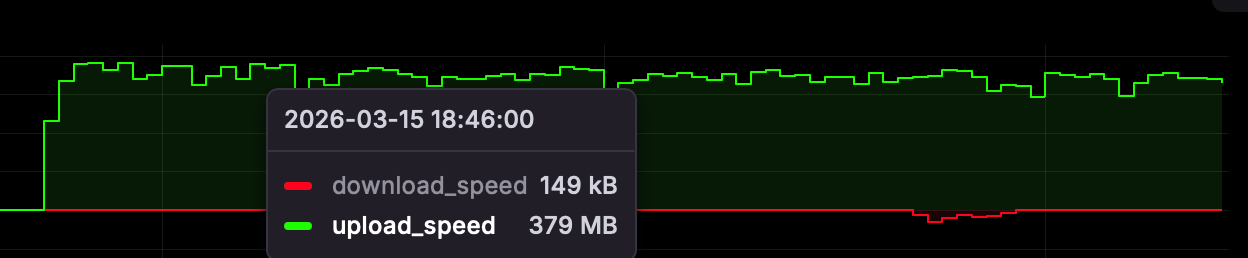
This limitation is not a critique of the device but rather a reflection of the hardware architecture. The combination of HDD-based storage and CPU specifications prevents the DP340 from achieving full 10GbE speeds. It is worth noting that the same CPU found in the DS923+ and DS723+ can sustain full 10GbE speeds when configured with a stripped RAID0 SSD setup, a configuration not applicable to the DP340's backup-focused design.
 Luka Manestar
 Luka Manestar
: Setup
Users familiar with Synology's operating system will recognize the installation interface and wizard-based configuration process. While APM OS differs slightly from standard DSM installation, the overall setup procedure remains substantially the same.
The primary distinction lies in network configuration. Although the DP340 can operate with a single network cable, best practice recommends using a dedicated management port (in its own VLAN) alongside the 10GbE data connection (also in its own VLAN). This separation enhances security and network efficiency.
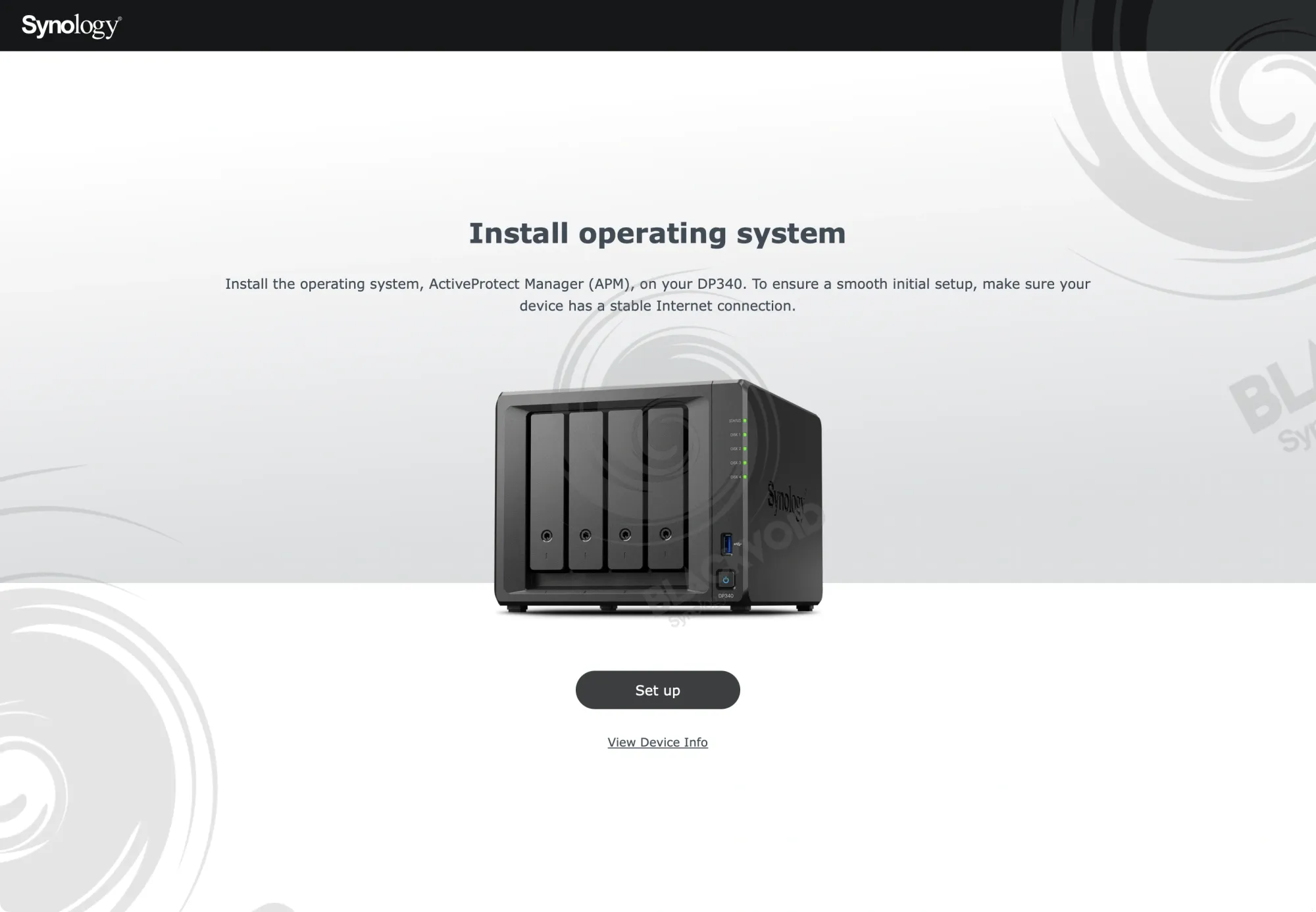
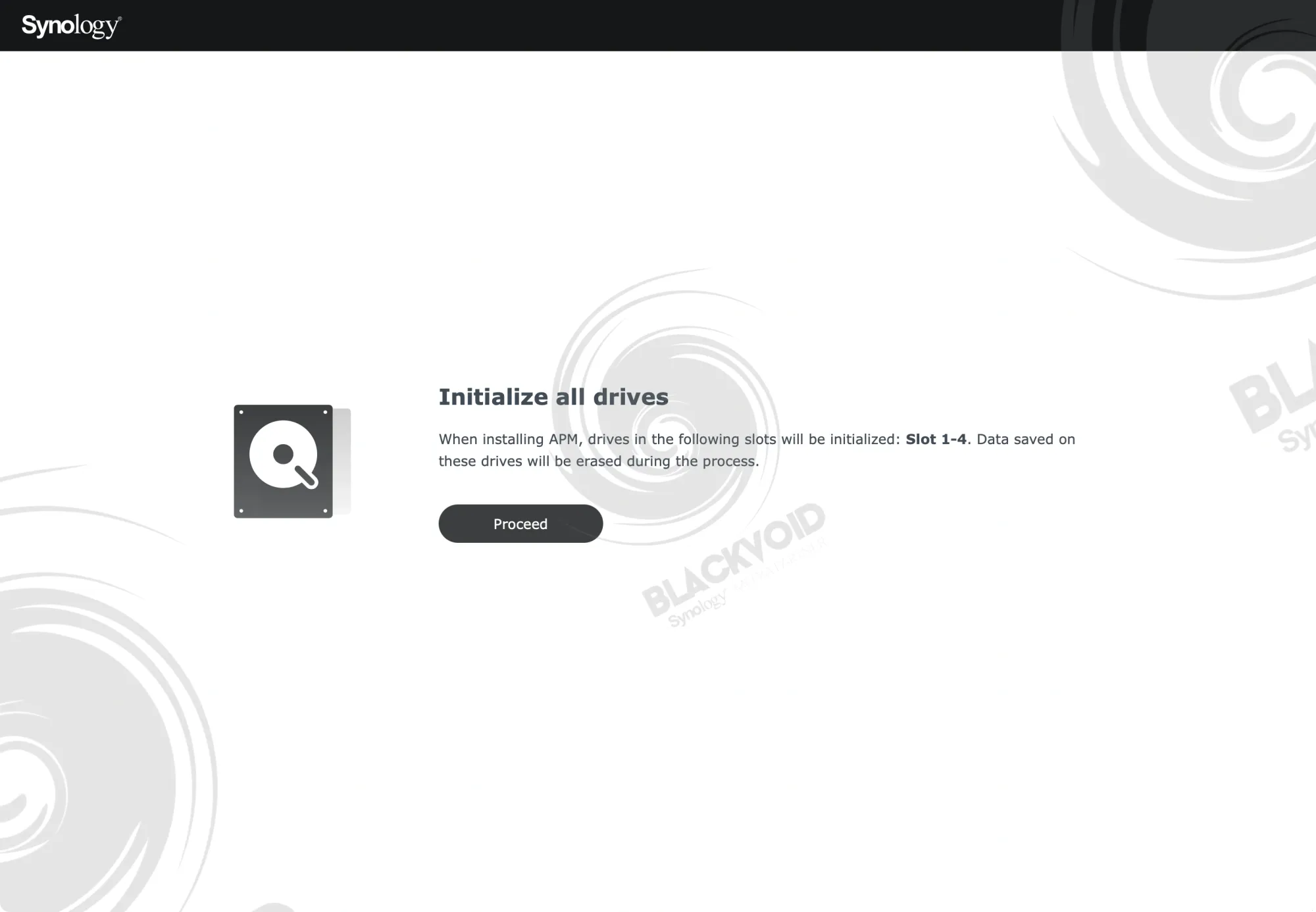
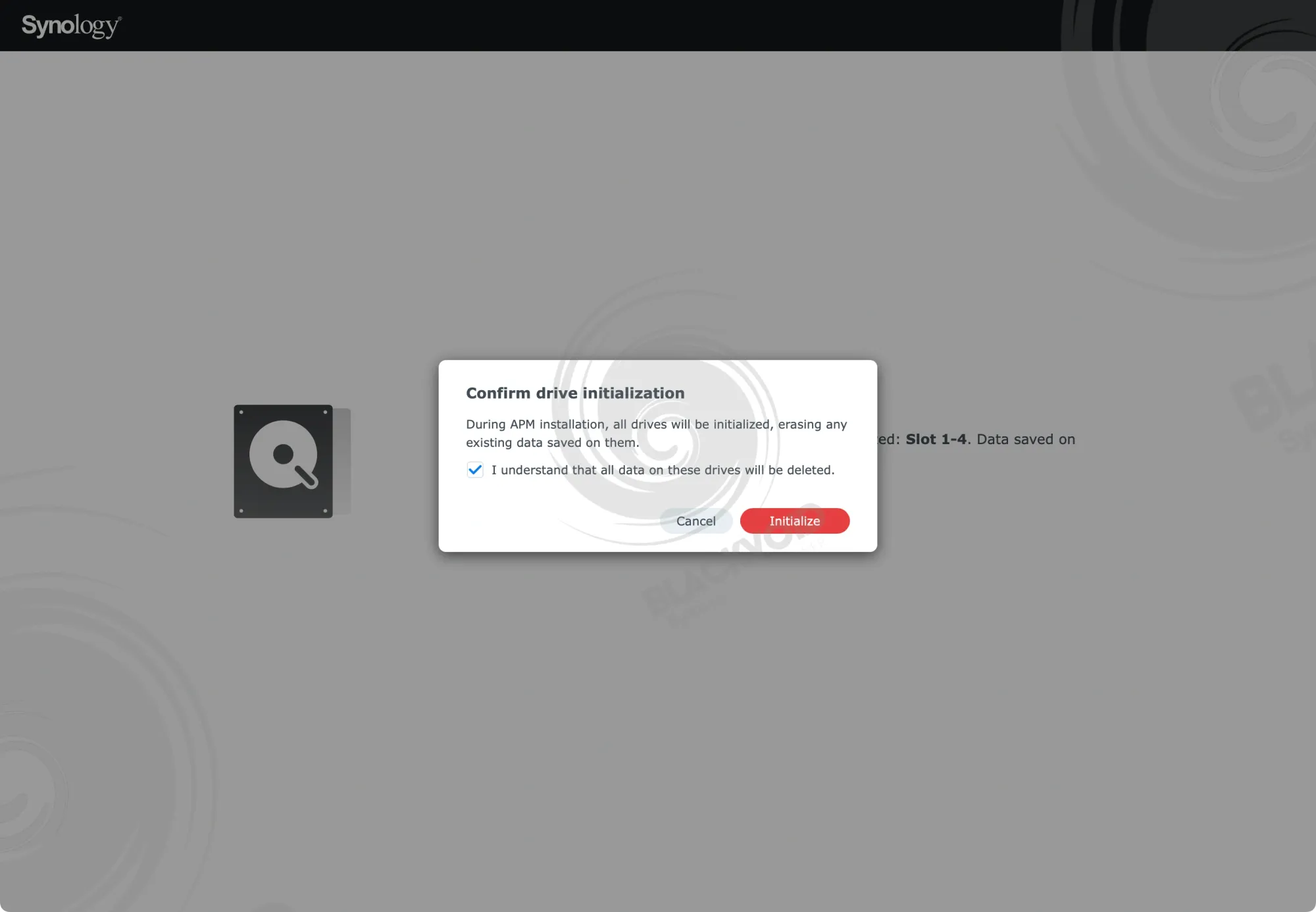
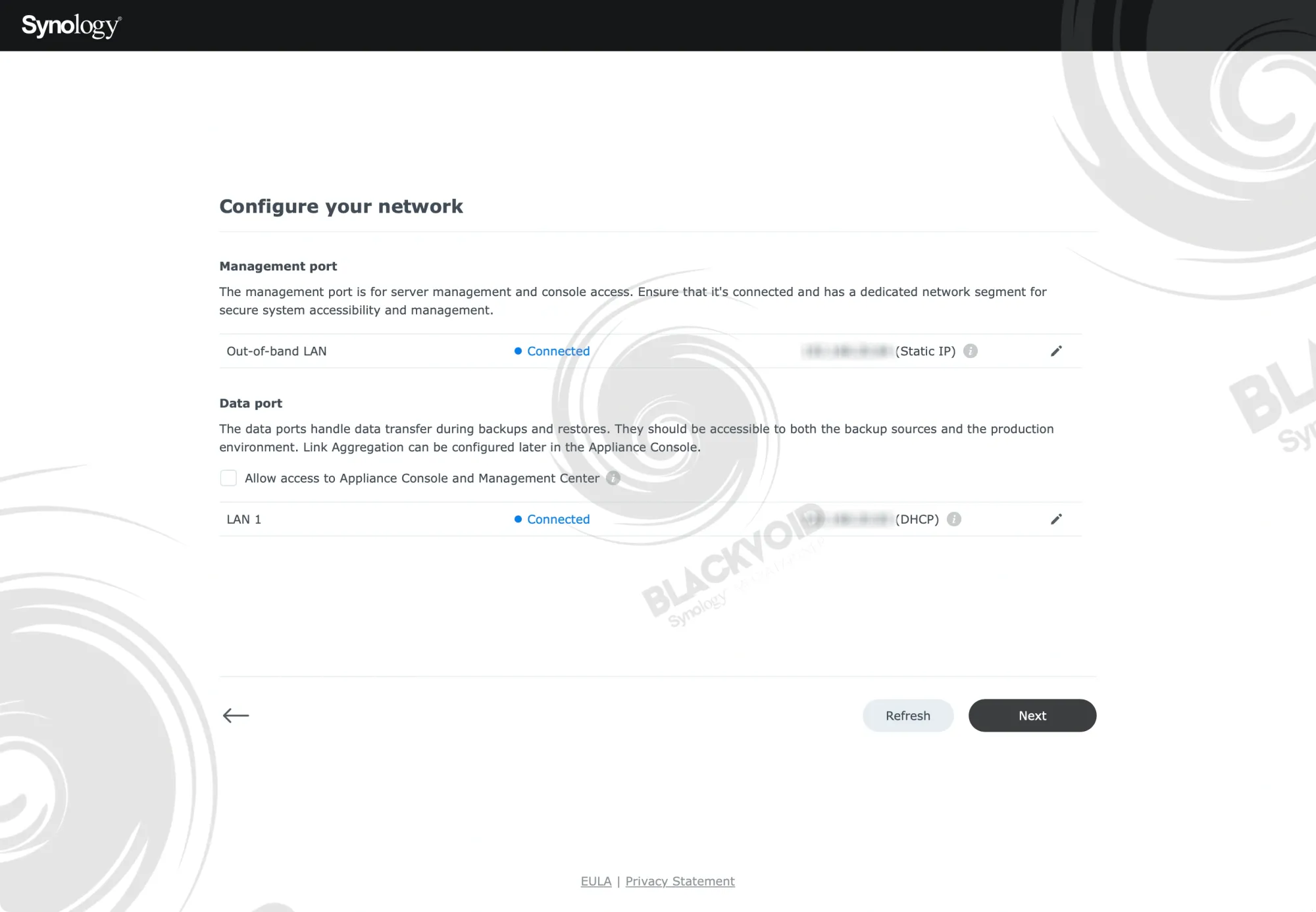
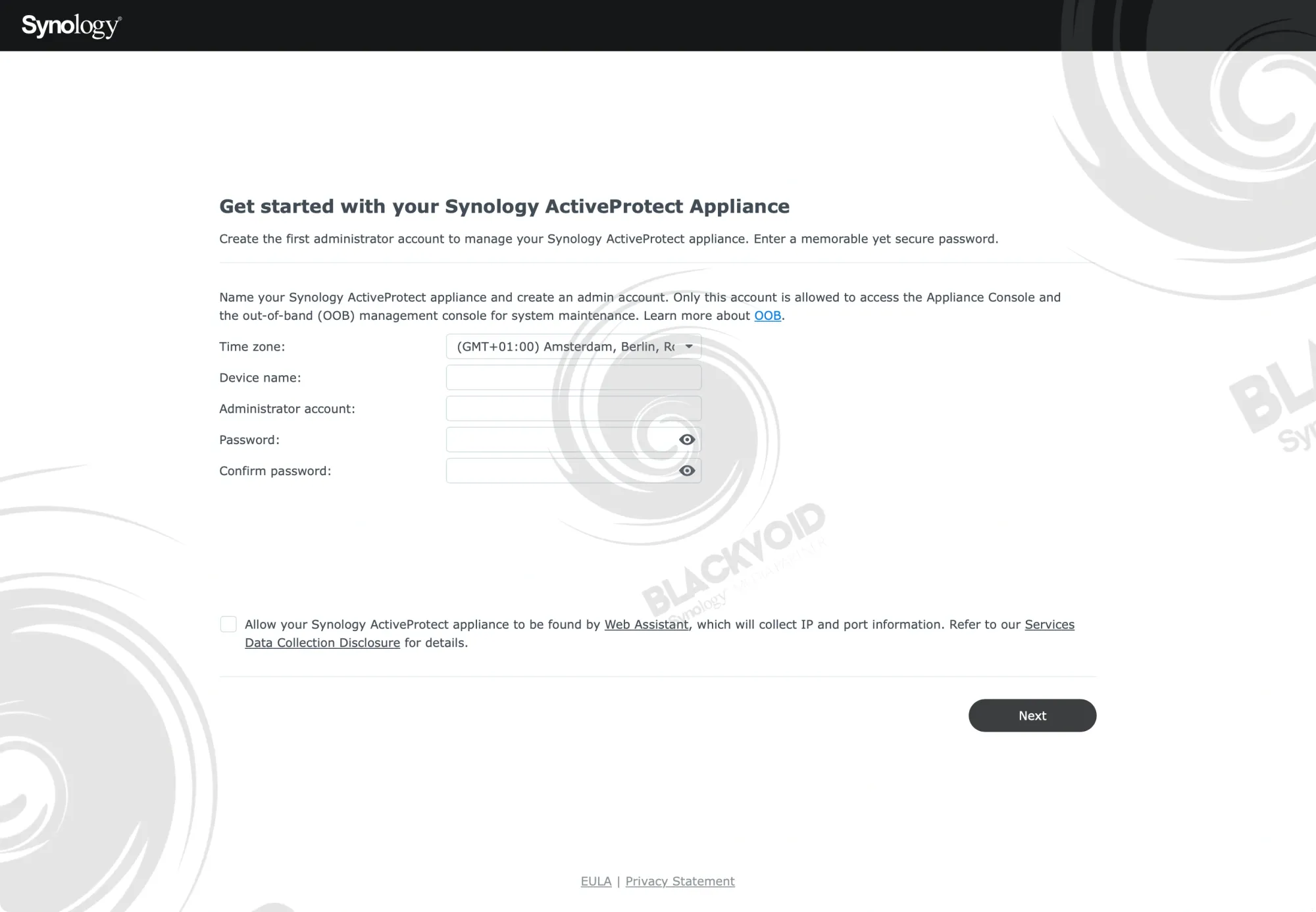
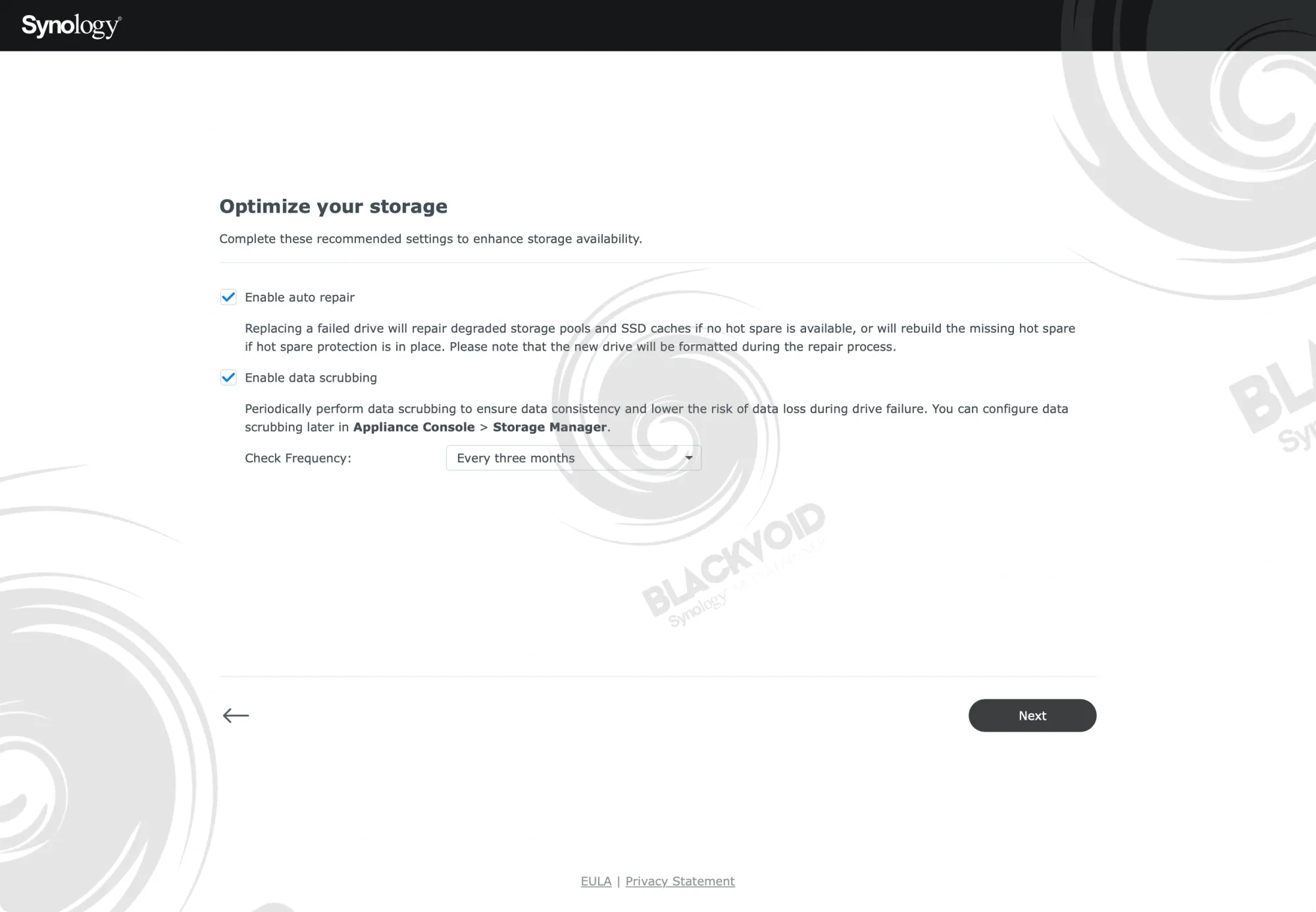
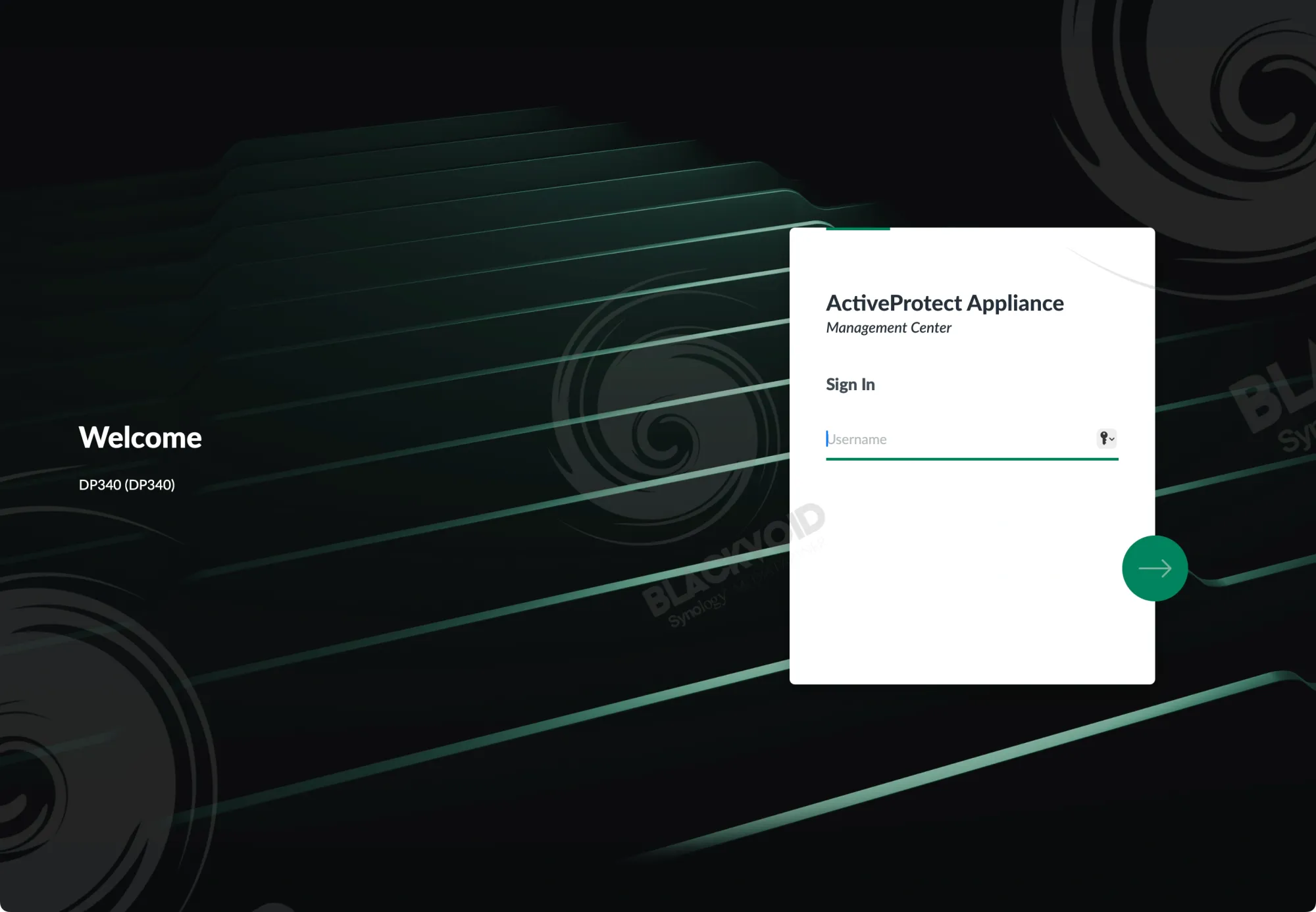
Considering that the OS installation is fast, and there is no separate configuration of any other major packages, the first backup process can begin within minutes following the setup.
However, while the appliance is ready, keep in mind that the unit will do storage optimization in the background for at least 12 hours.
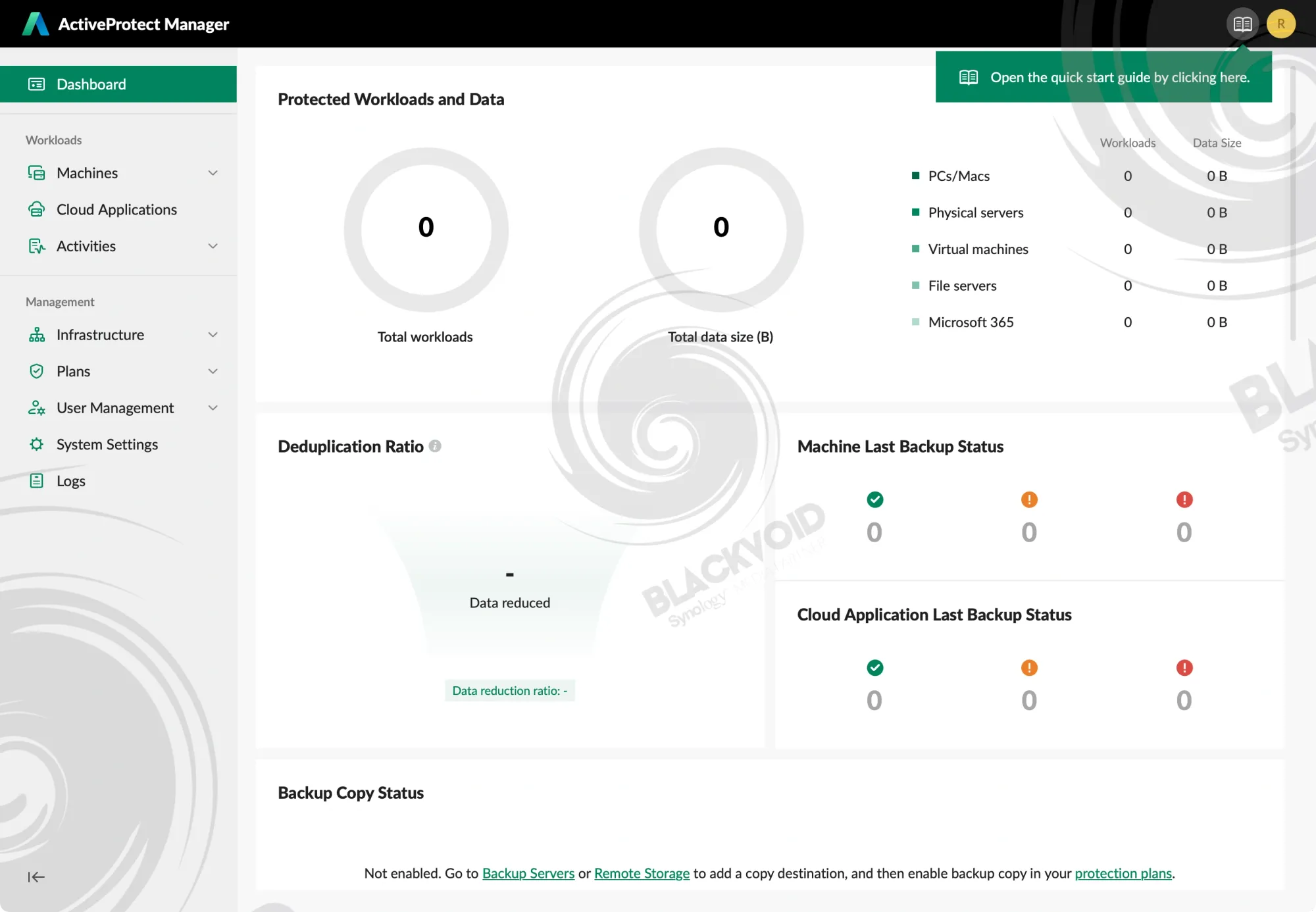
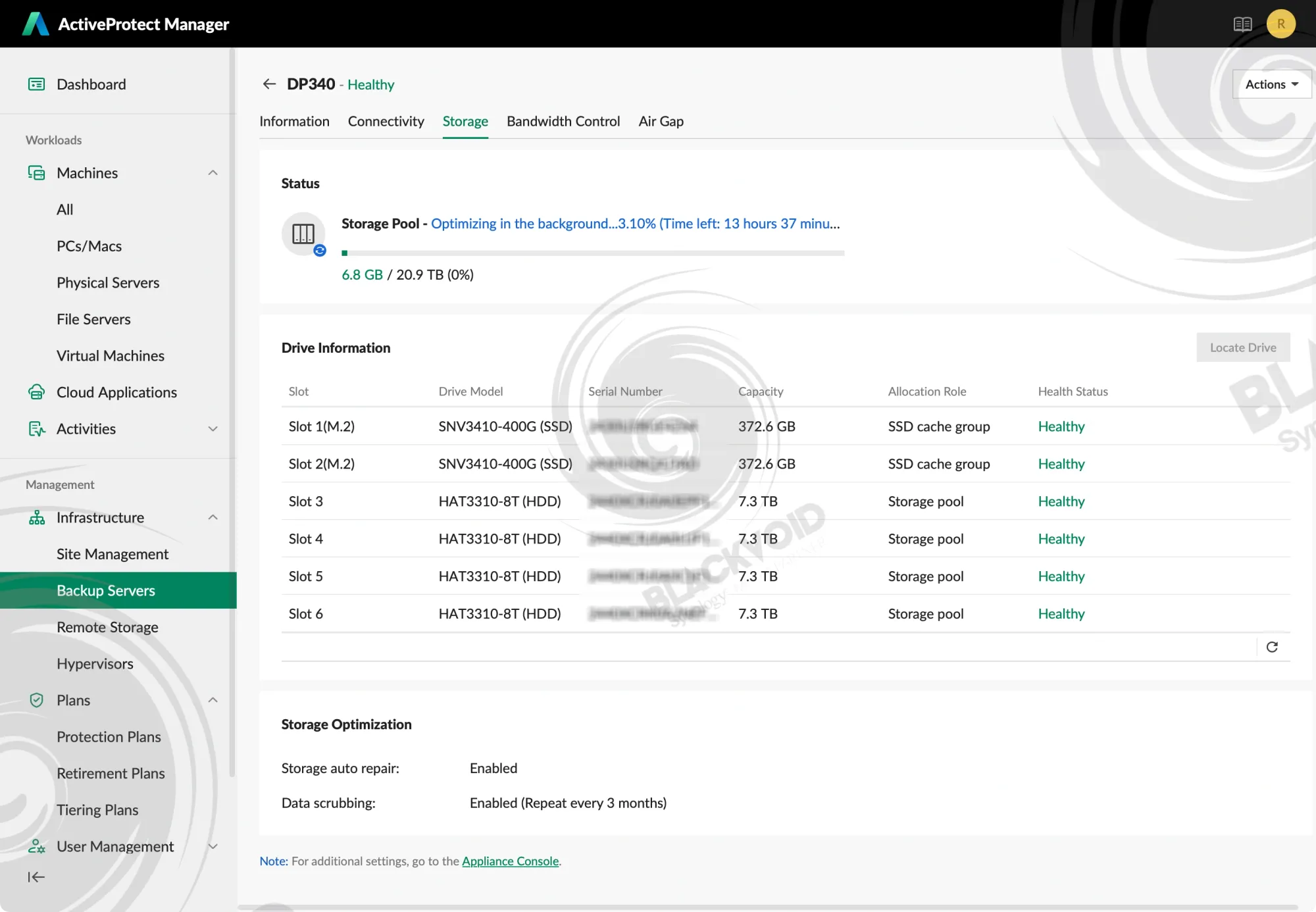
This is a default setting and follow-up process upon the array creation, so it would be best to leave it to do its thing before backup tasks start. During this time, we can focus on setting the protection plans, installing agents on the endpoint devices, as well as connecting remote storage devices and S3 services that will be used alongside this main Data Protection host.
All of these settings and processes are covered in the initial APM article, so be sure to read up on it.
 Luka Manestar
Initial APM article covering all the elements of the OS
For now, let's focus on testing this appliance using some usual tests and backup scenarios.
: Tests
DataProtect and APM are primarily designed to back up endpoint devices, including computers, servers (both physical and virtual), M365 tenants, and file servers.
APM version 1.2 does not yet support native Synology NAS backup with full bare-metal recovery. However, Synology NAS content can be backed up to the DataProtect device using the standard file server method.
All other desktop and server endpoints use agent-based communication to connect with the DataProtect device and coordinate scheduled or manual backups.
A key advantage of APM and DataProtect is their immutable backup functionality. While maintaining backups is essential, immutability provides an additional layer of security. DataProtect's immutable backup feature, a capability unique to Synology NAS devices, raises data protection to a new standard. This functionality can be scheduled as an air-gapped process, creating a robust final line of defense against data loss and corruption.
This is the reason the first test that was done was a remote Synology NAS data backup against an immutable location on the DP340. As stated, this feature is absent from the Active Backup for Business package on the DSM OS, and what better device to use for NAS content than another on-premise backup appliance?
Immutable file server backup
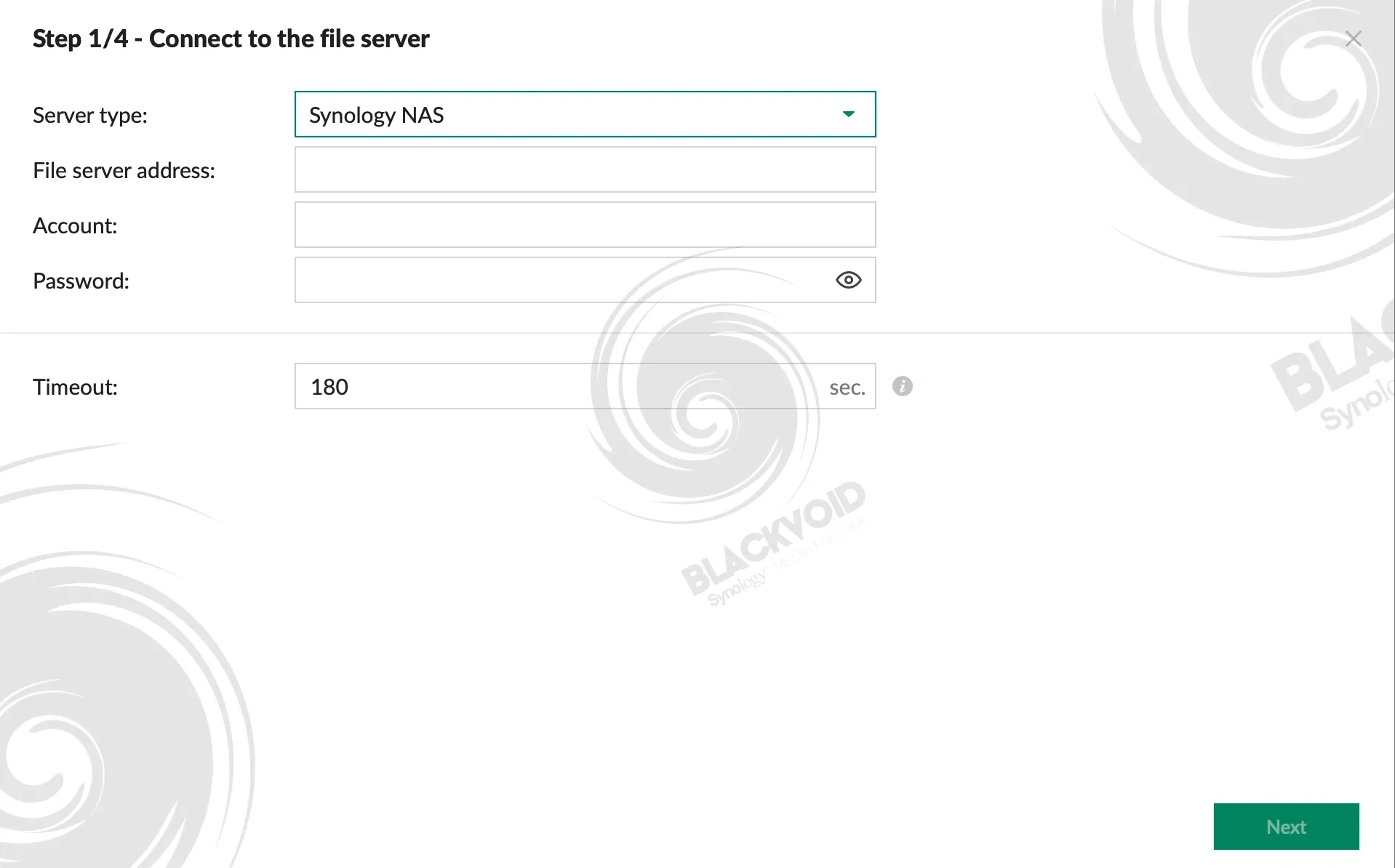
Configuring backup tasks requires only network SMB visibility and credentials for an account with read access to the source data. A four-step APM wizard (with the final step serving as a summary) provides a streamlined interface for configuring all necessary parameters, including backup plan selection.
If a backup plan does not already exist, users can create one during the wizard process and proceed without interruption.
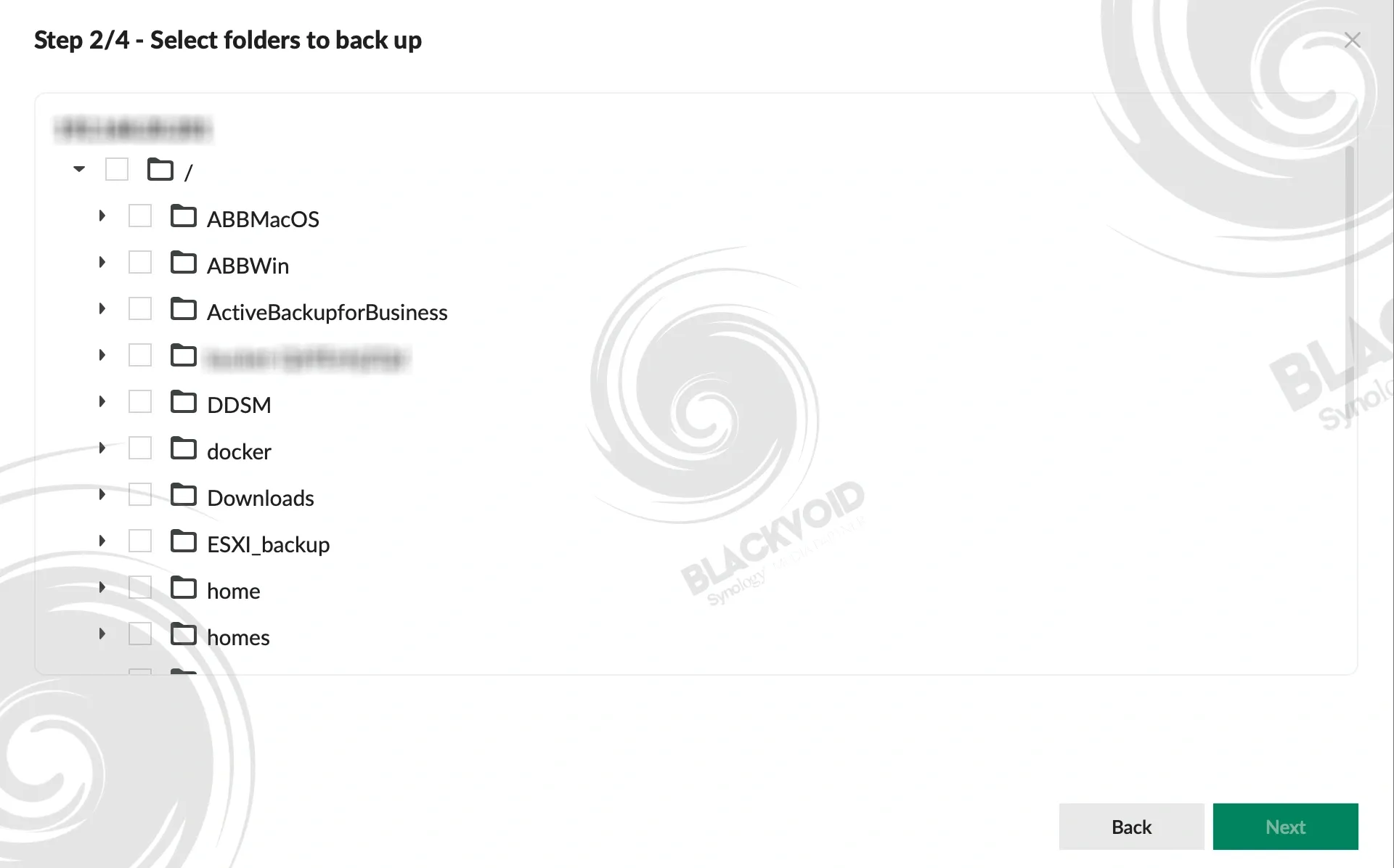
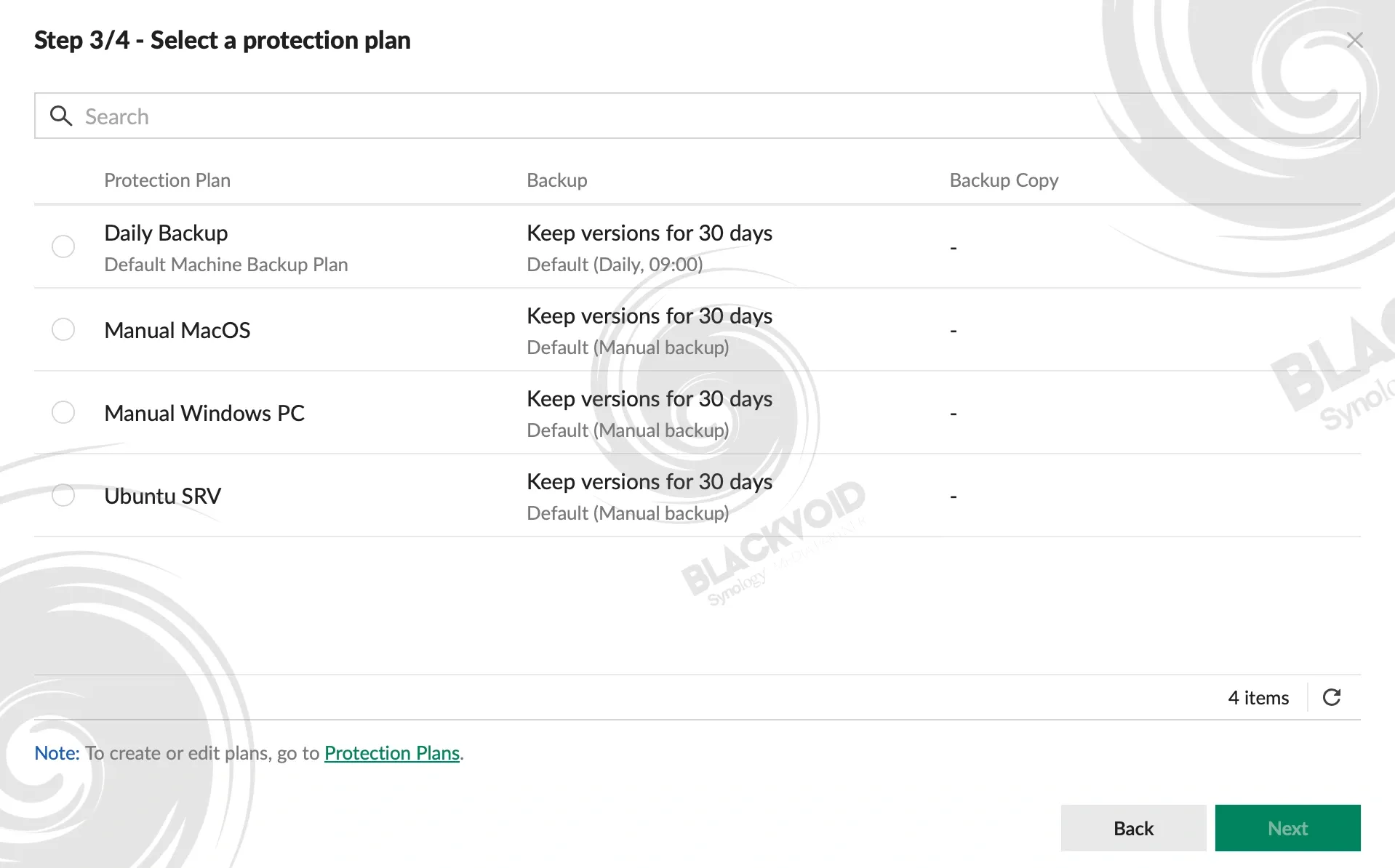
For the initial backup test, a mixed folder structure containing approximately 350GB of data was selected, with individual files ranging from several megabytes to several hundred megabytes. The source device was an RS2423+ equipped with 10GbE connectivity and configured with RAID6 using HAT3300 (5400 rpm) drives.
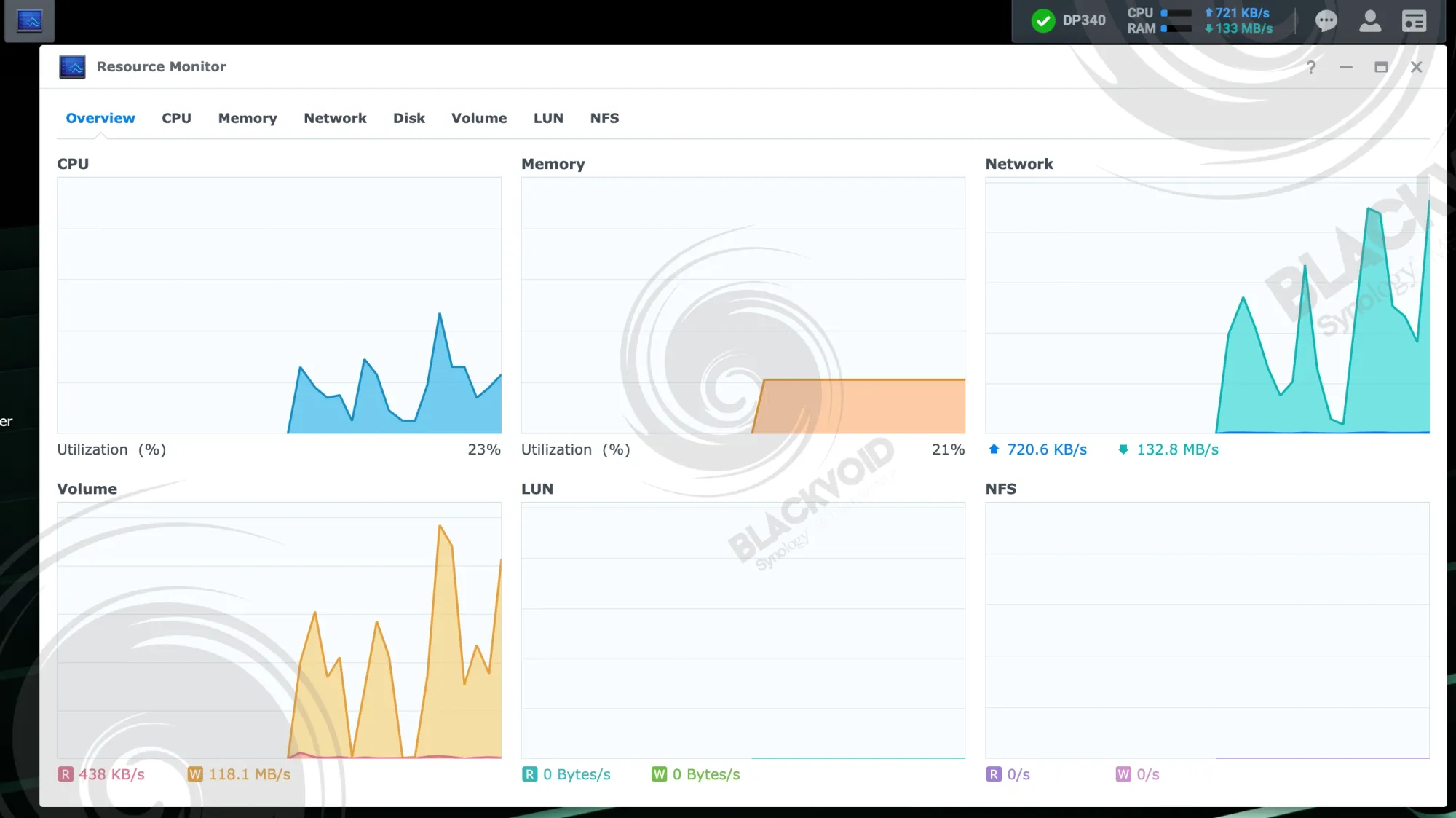
The backup job completed in 18 minutes, achieving an average transfer rate of 333 MB/s with peaks reaching 380 MB/s, demonstrating consistent performance in the 300-400 MB/s range throughout the operation.
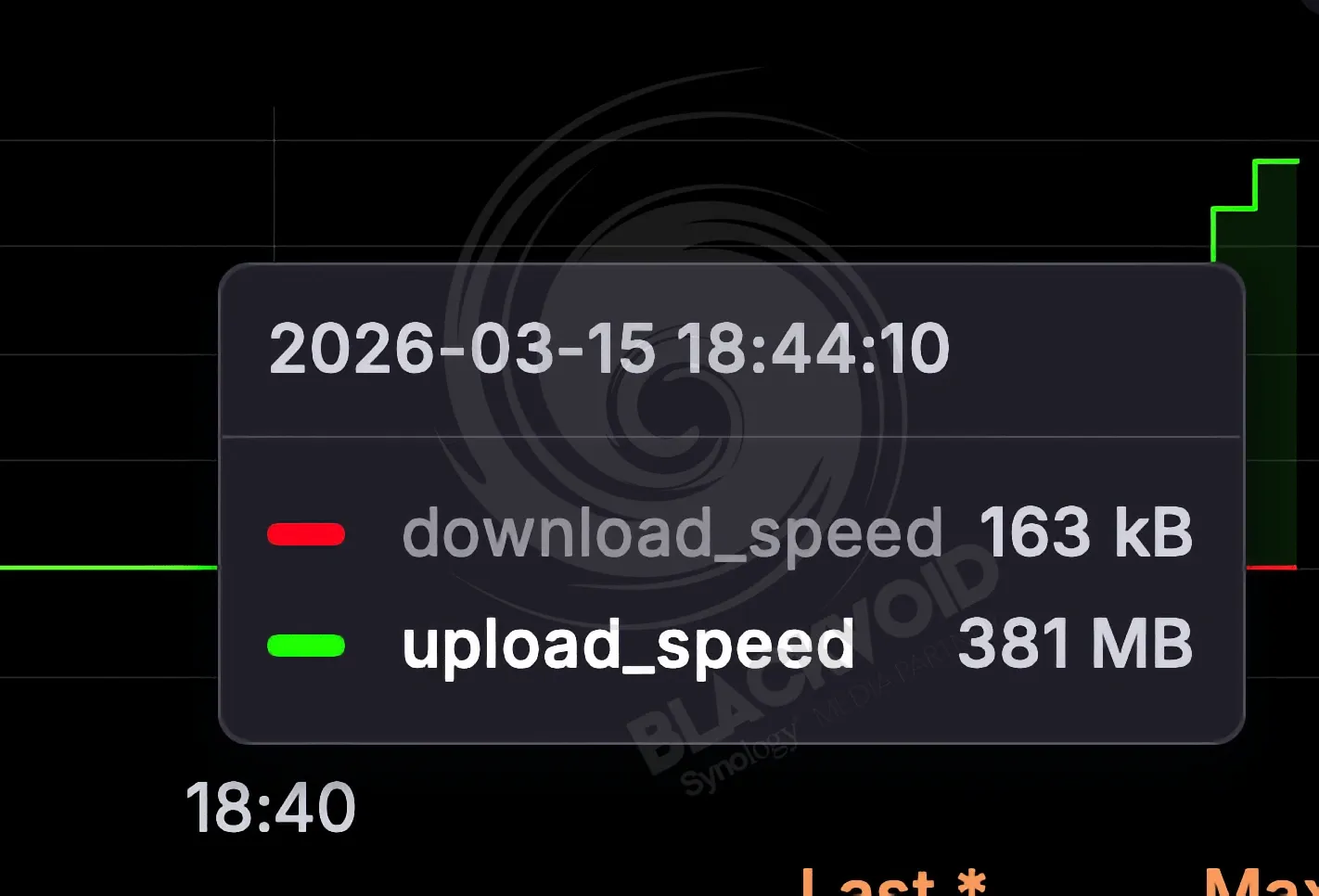
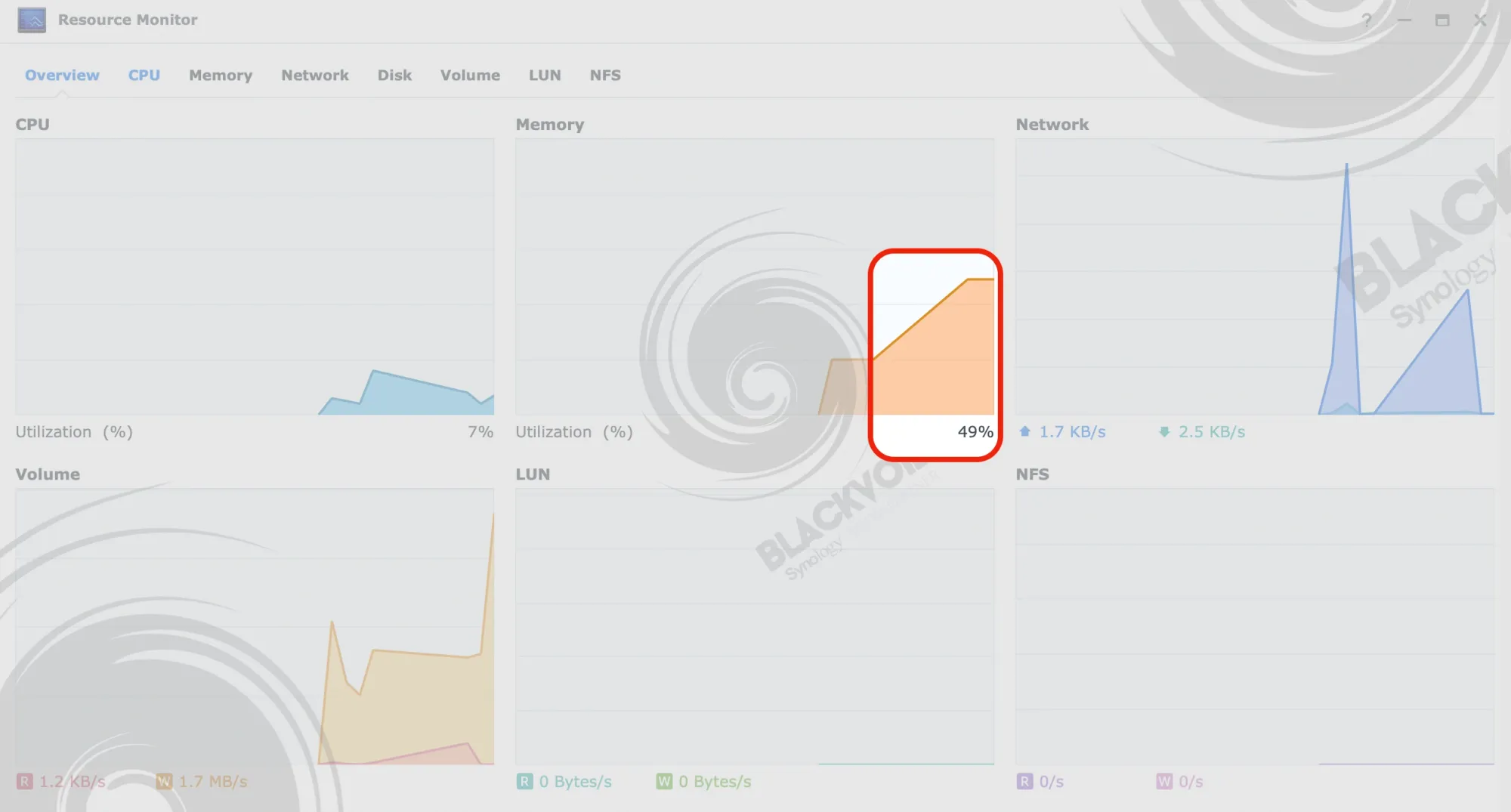
The transfer speed was respectable given that both the source and destination devices use HDD-based storage. However, the notable observation was that the DP340's CPU reached over 90% utilization during the operation. While this same CPU can achieve full 10GbE speeds when paired with a 10GbE interface and RAID0 SSD configuration, the HDD-based setup presented a different constraint profile.
The second test involved an NVMe-based file server with a RAID1 configuration over a 2.5GbE interface, using approximately 28GB of data with a higher proportion of smaller files. This backup completed in 2 minutes, maximizing the available 2.5GbE interface bandwidth. Notably, CPU utilization remained around 30% during this operation, clearly demonstrating that lower storage speeds directly impact overall CPU load.
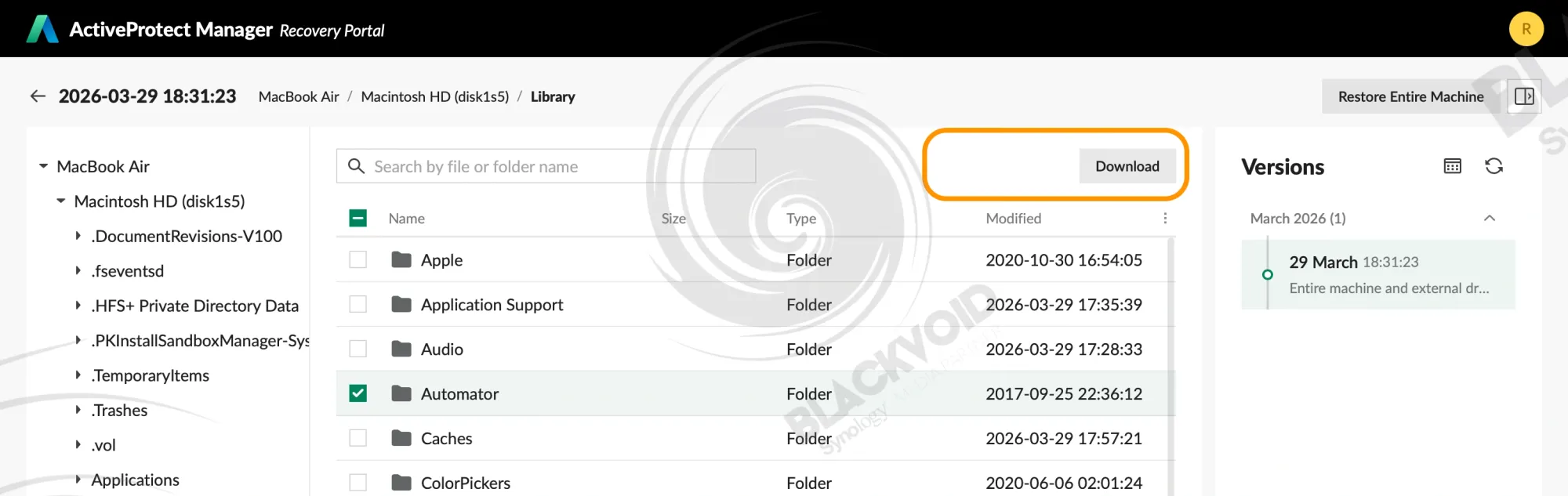
The restore process is executed as expected via the APM Recovery Portal, offering a familiar experience with the same easy-to-use interface and a few ongoing missing features.
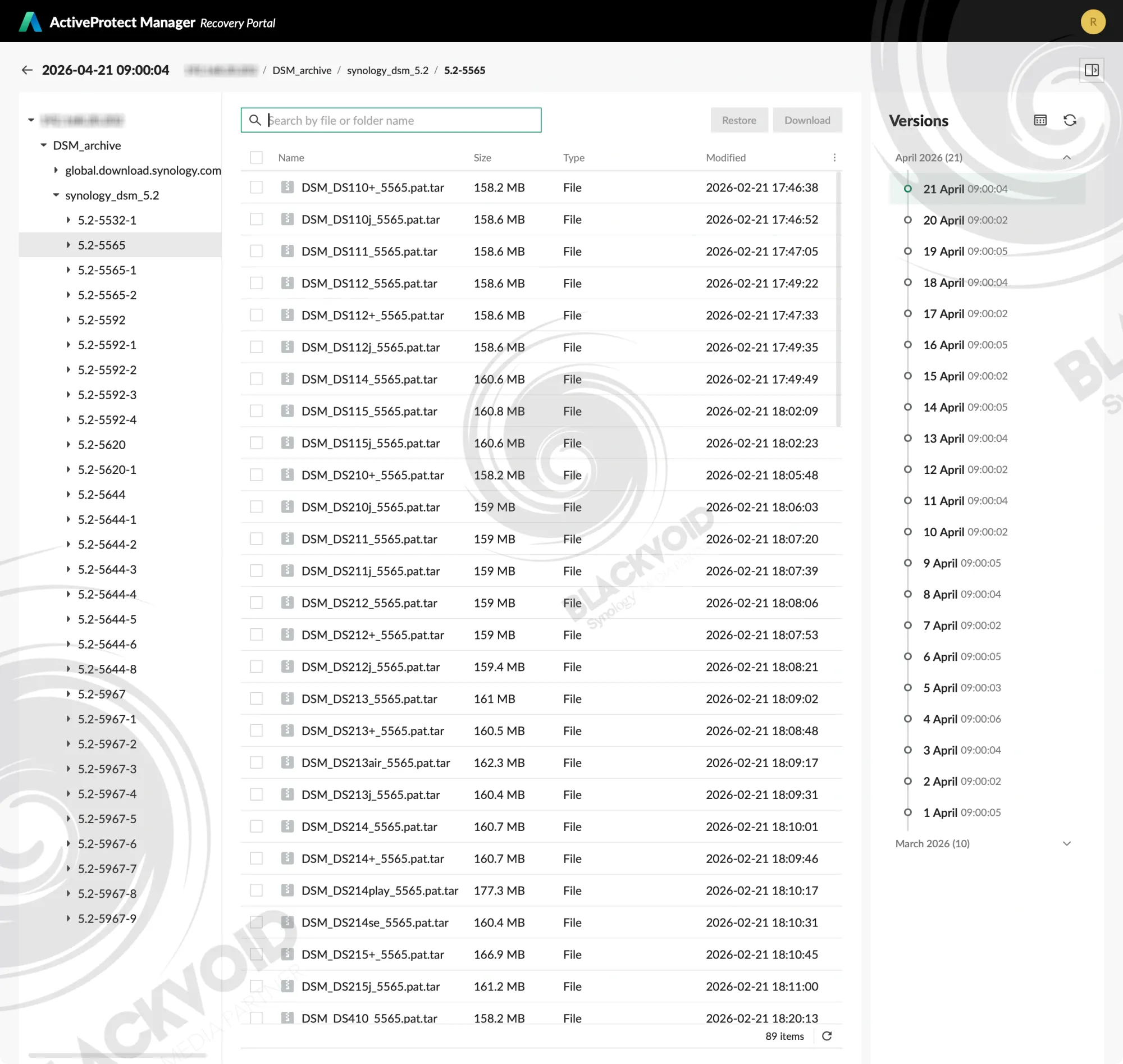
While we can't say anything negative about the clean and simple restore interface, it still lacks a very important element. Maybe "lacks" is not the right word, but the search bar across the top is still a filter input field, rather than a proper search.
This behavior is identical to the ABB recovery portal, and forces the user to know where the data that needs to be restored is actually saved. Only then can we narrow the list down by using the filter. In scenarios where there are thousands of files or folders in a single backup archive, a proper search would be a much better solution for the end user.
Still, with that remark out of the way, the recovery process itself is rather simple and fast (depending on the amount of data that needs to be restored).
Also of note is the fact that this type of data recovery does have the actual "restore to original location" feature, along with a classic download option. This, however, is not the case when recovering selected files from a desktop endpoint archive, such as a macOS or a Windows machine.
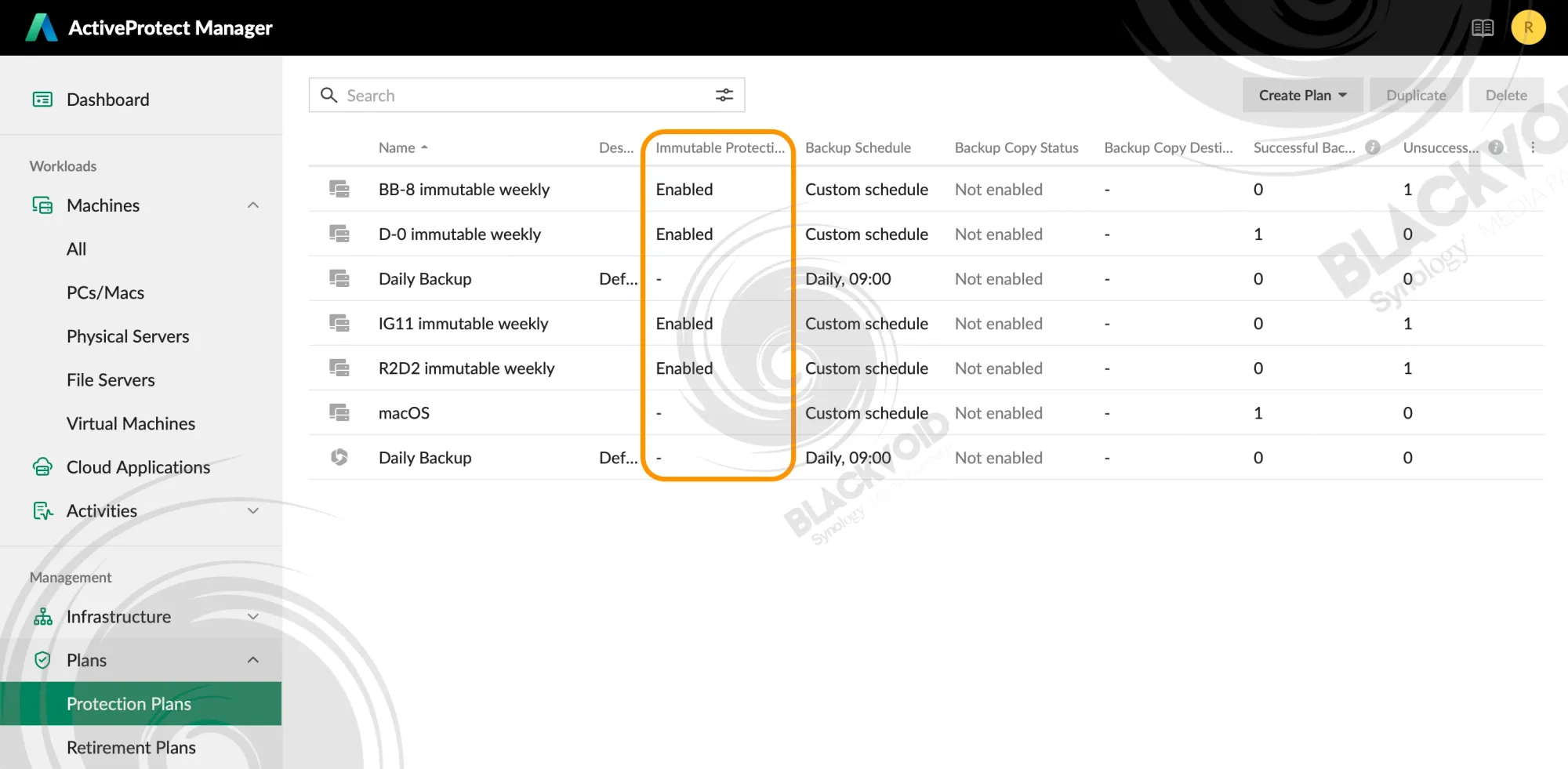
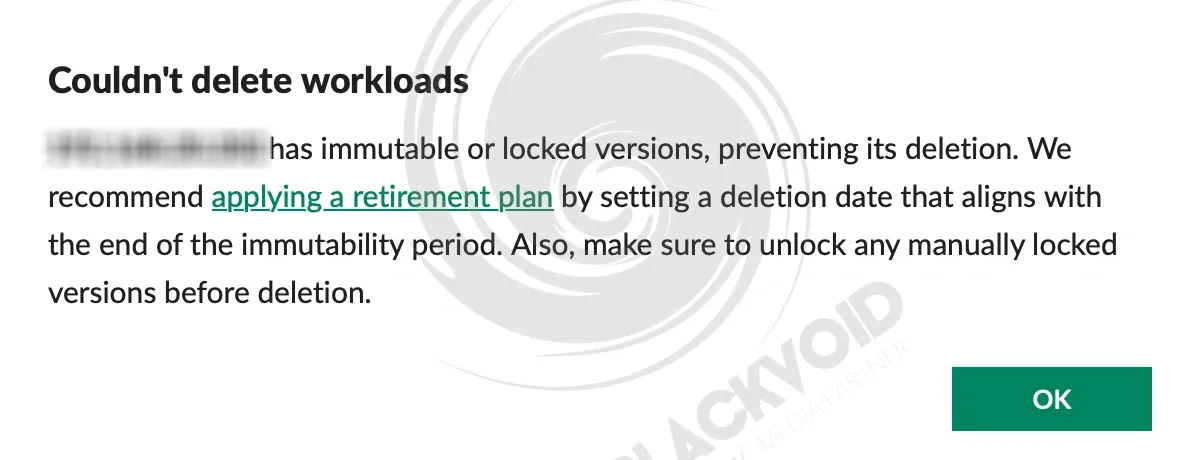
Speaking of an immutable backup, it is worth noting that even in a case of an accidental deletion, or rather an attempt at such action, we will be unable to remove any specific version or an entire backup task.
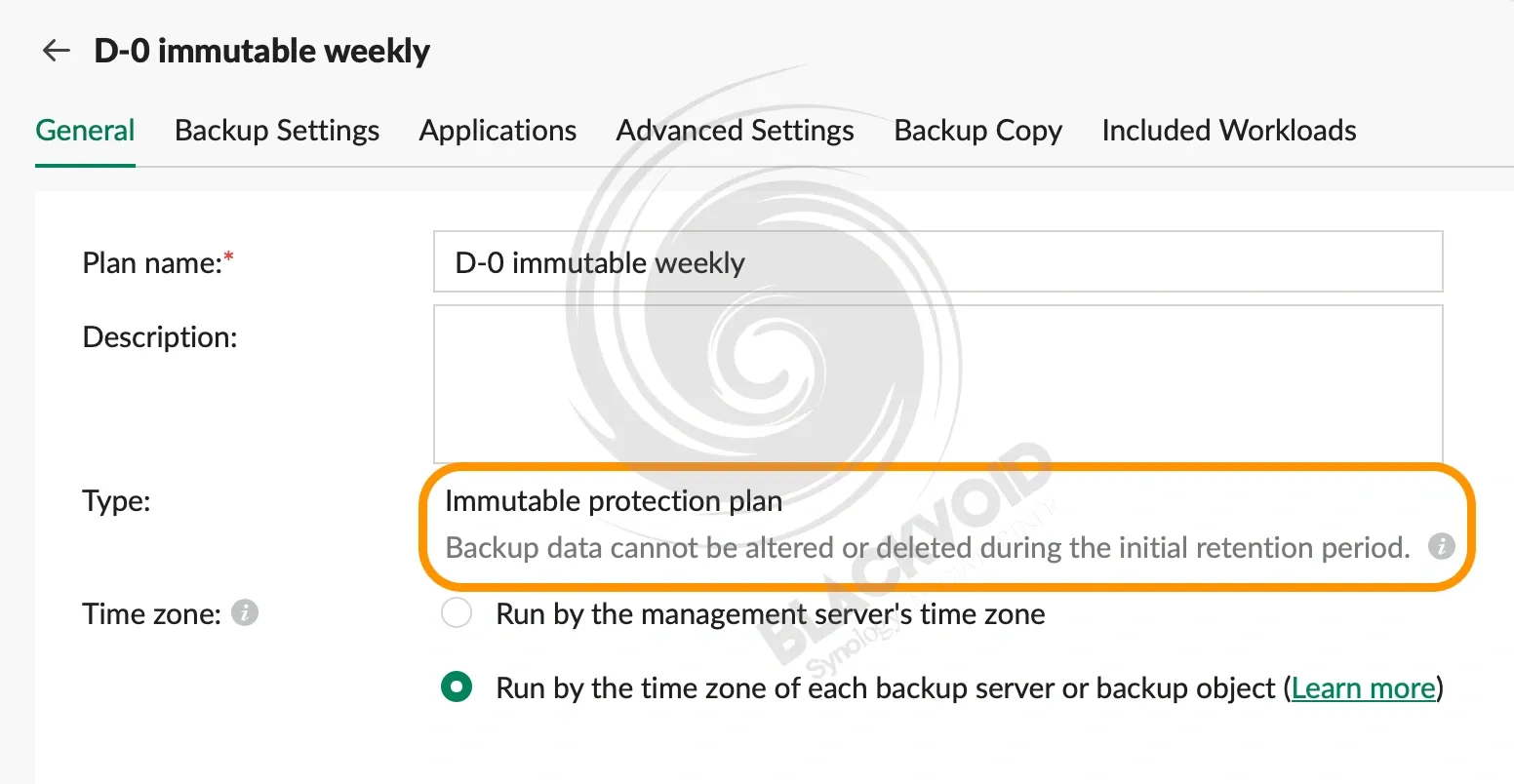
The clear distinction between a protection plan and an immutable one is present in multiple places inside APM. Starting with the plan list, as well as the detailed plan properties.
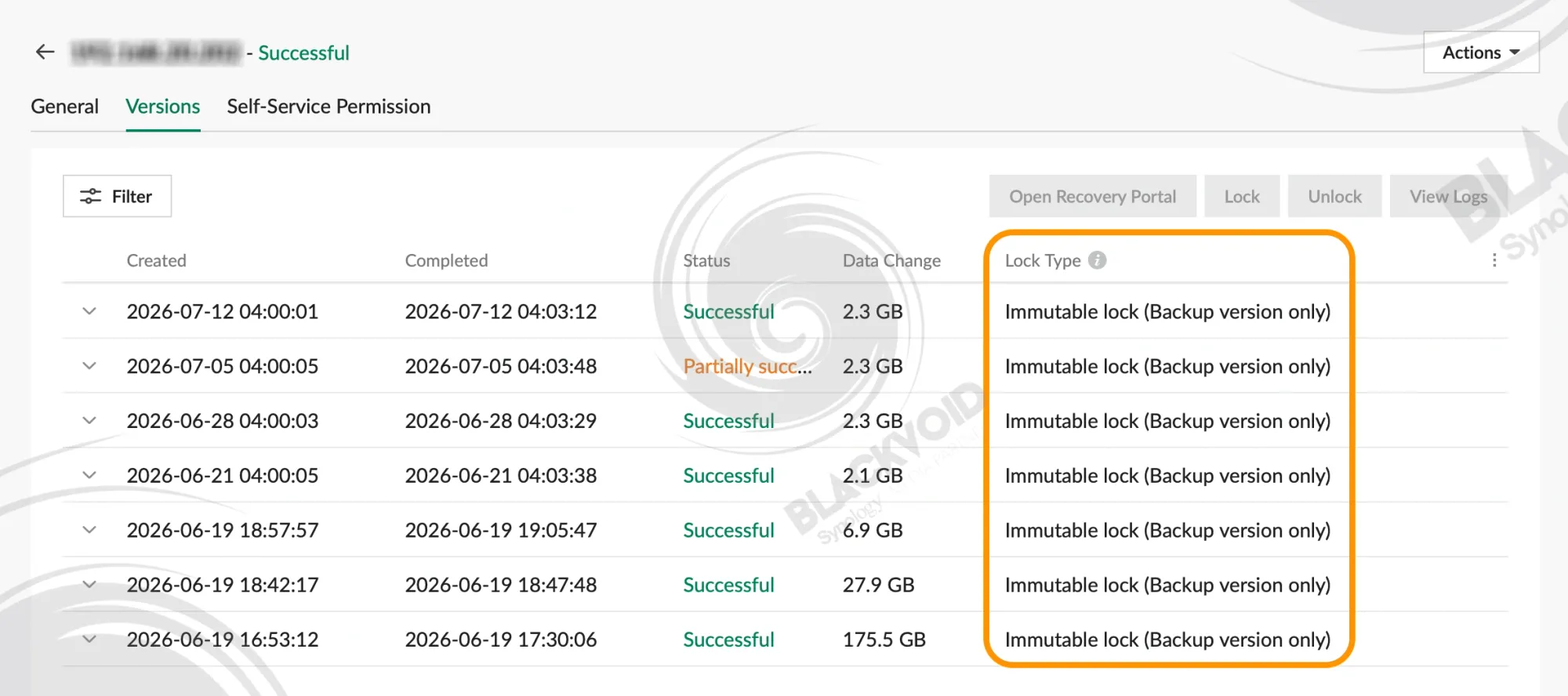
Trying to delete a version or a whole backup task that is immutable will have a clear and informative notification that such actions are not permited untile the immutability period has expired.
macOS, Linux, and Windows 11 endpoint backups
Apart from server and virtual machine backups (covered in other Active Protect articles), APM is also capable of backing up desktop endpoint devices, such as Macs, Linux (selected distros), and Windows machines.
All of those devices work with a dedicated ActiveProtect agent that needs to be installed. Using a simple wizard-like installation, we will be greeted with the option to connect to the DP340 by using its IP address as well as a connection key.
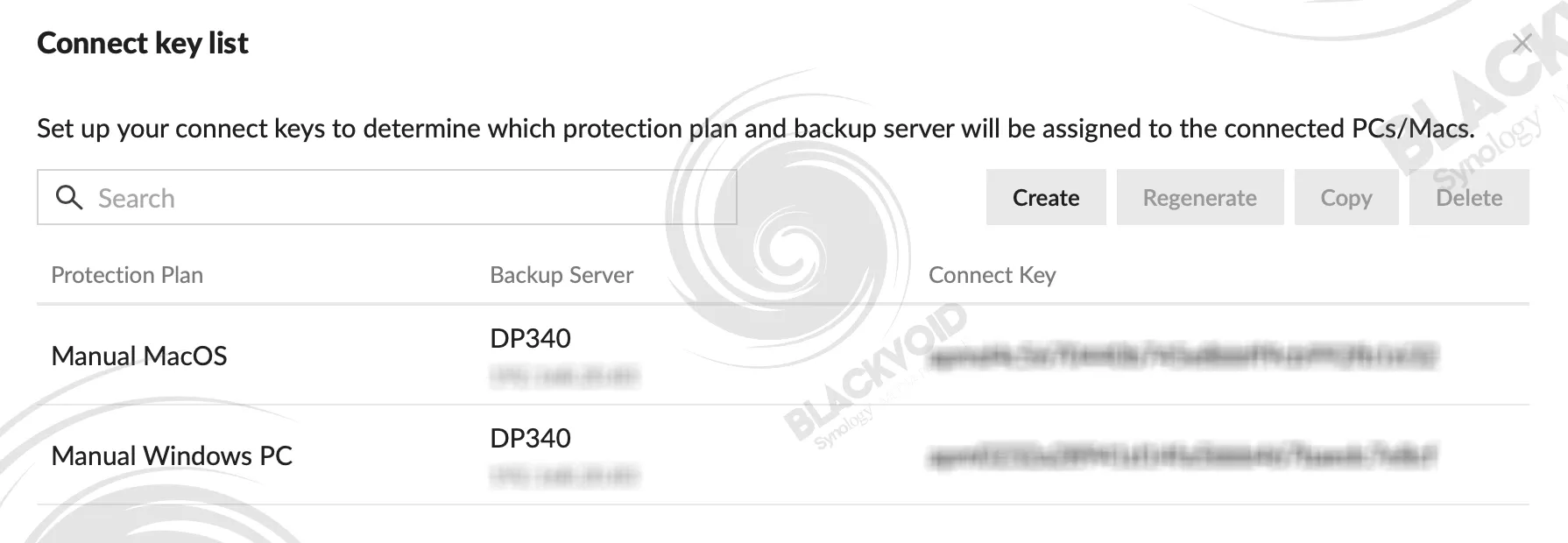
The key itself is part authentication, part configuration parameter. With it, we will tell the endpoint device which specific DP device it should use, as well as the configured plan.
Once the agent is installed and connected, the backup can be initiated manually or via its schedule defined by the protection plan assigned to that endpoint device.
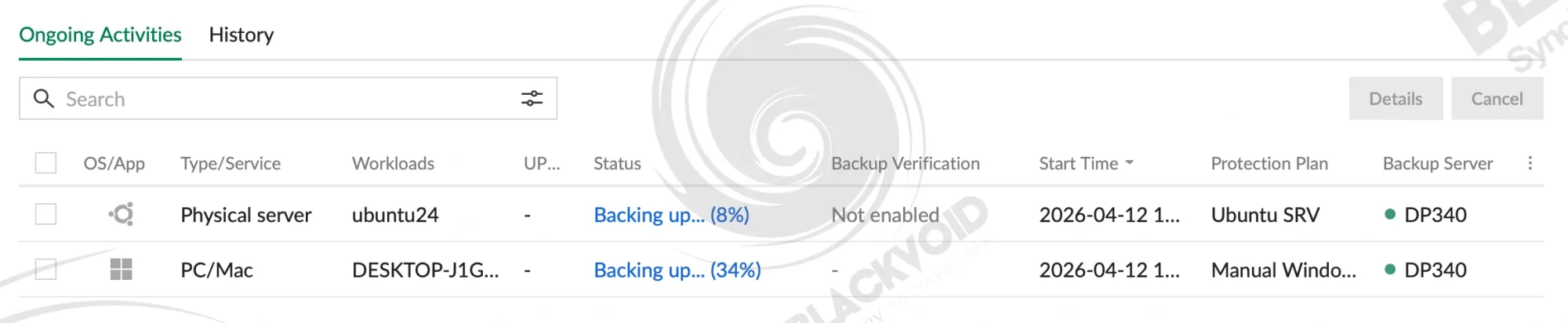
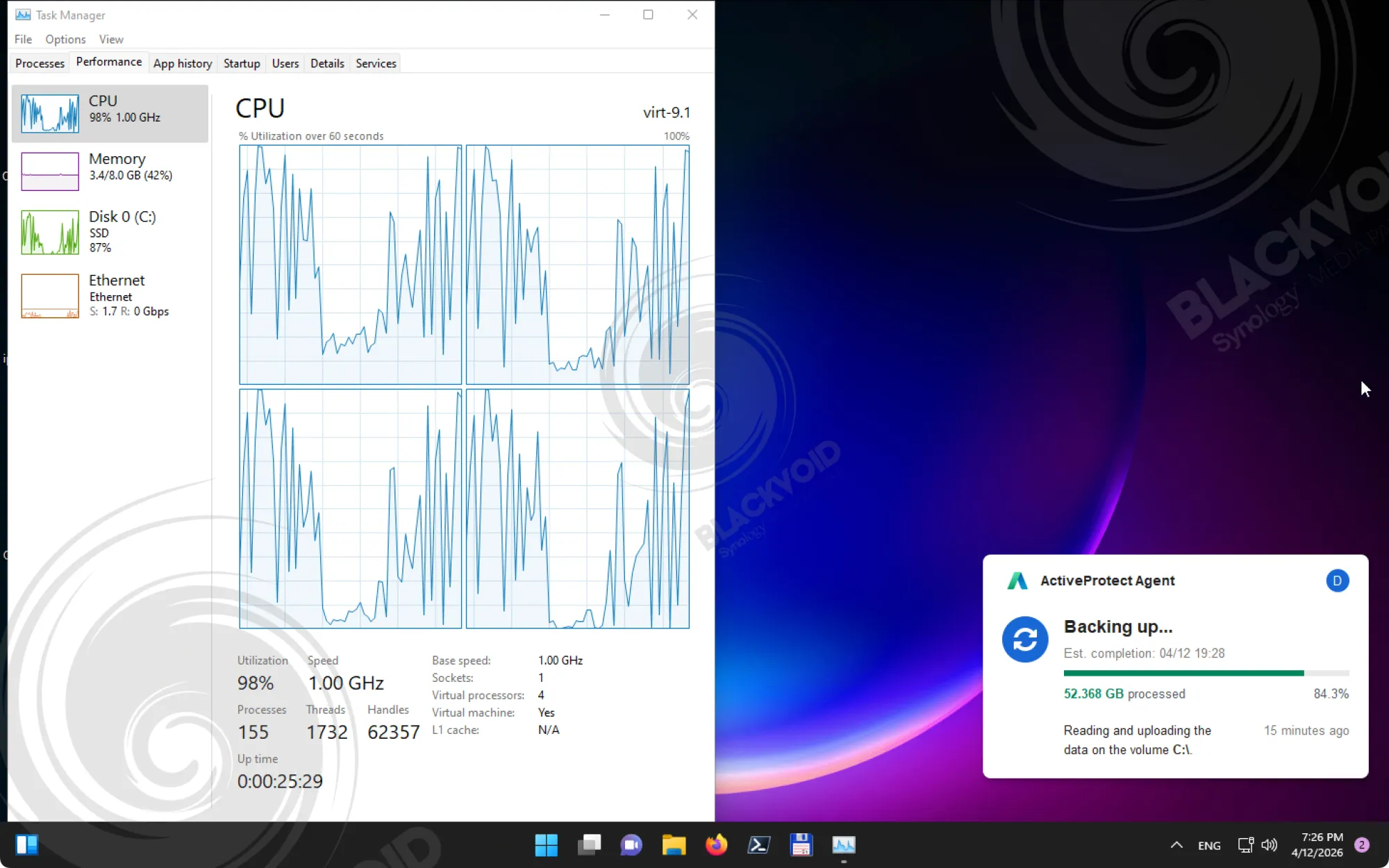
There are noticeable differences when it comes to desktop backups, depending on the actual OS, space utilization, and the way the backup is executed. So, for example, while a clean Windows 11 installation with about 60GB of content will be backed up in 45 minutes, a macOS 500GB backup will take up to an hour.
On top of this, backing up multiple devices that share the same OS will benefit from supported deduplication mechanisms.
This proves to be very efficient as any additional backup using an identical OS not only saves space, but also completes in record time. During testing, the second Windows 11 machine was backed up in under two minutes with only 4GB of actual data transfer.
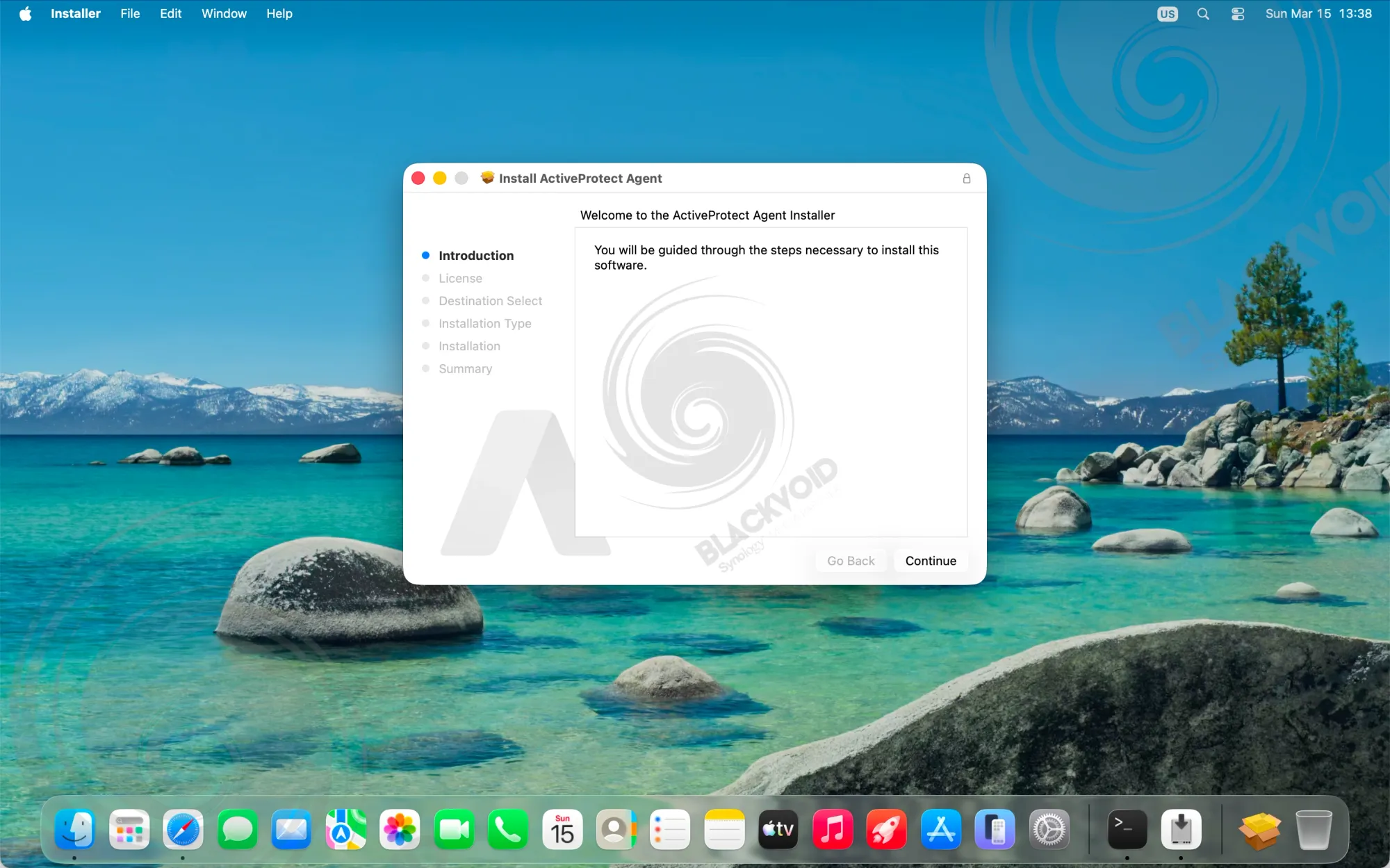
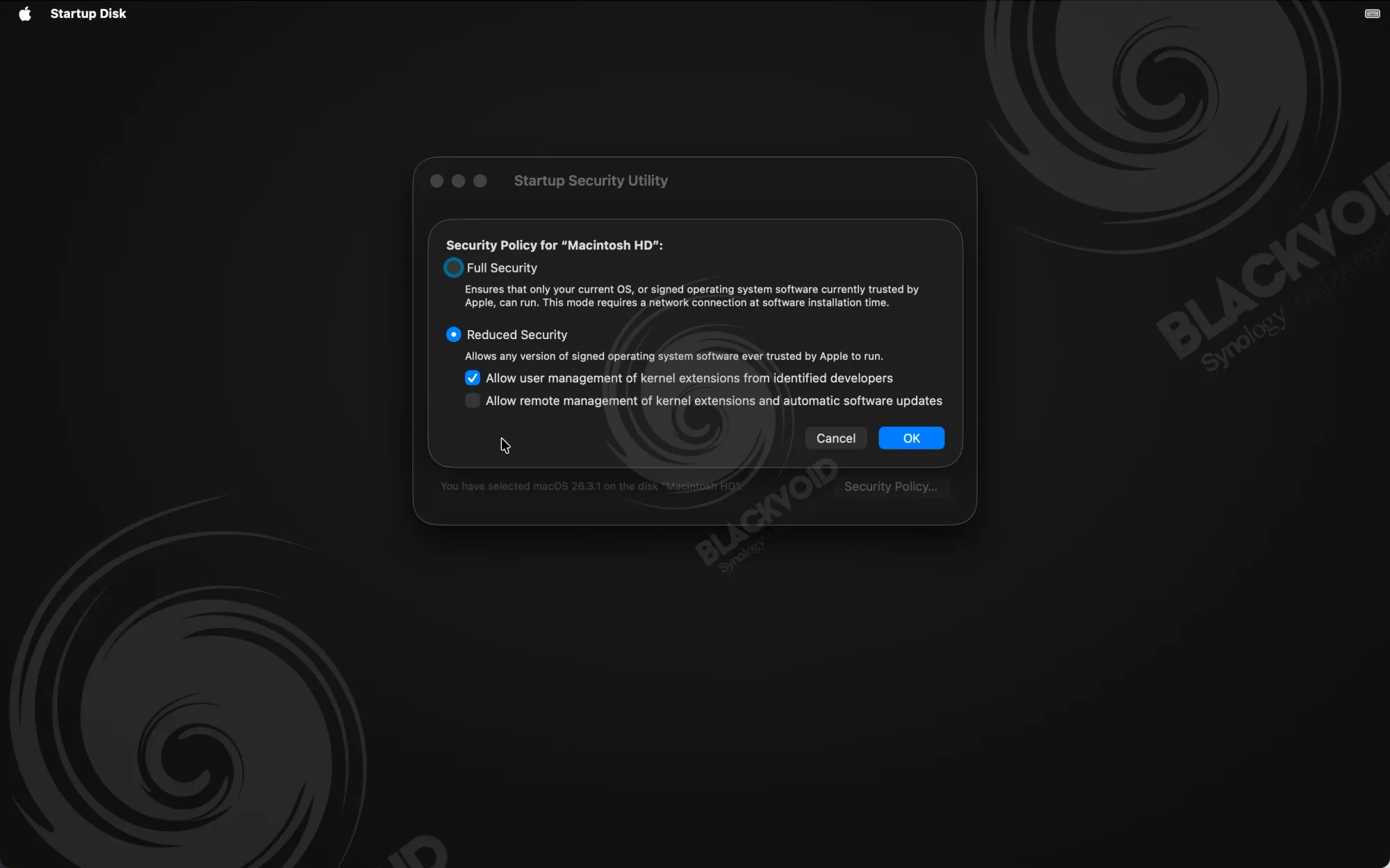

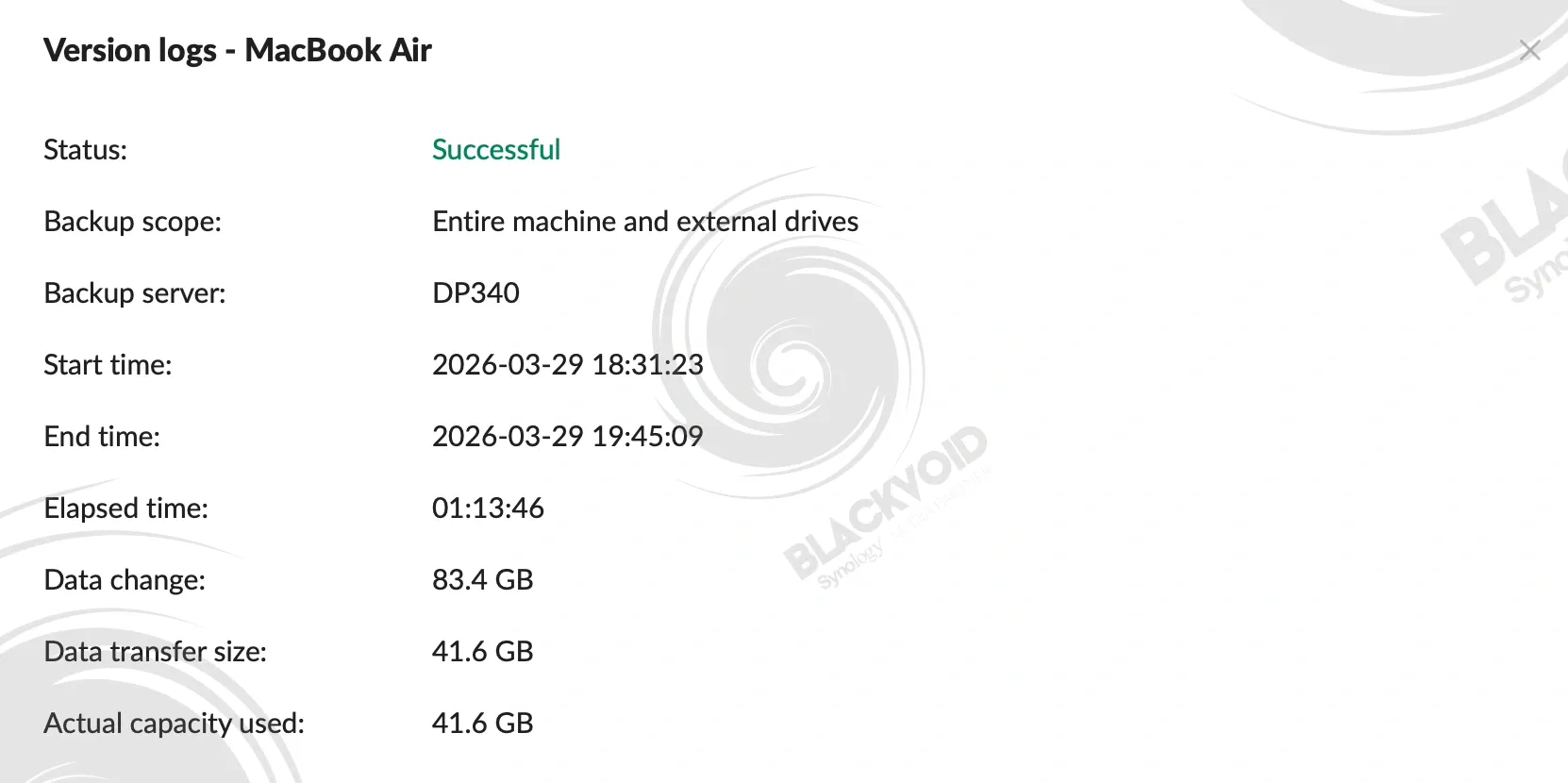
A similar scenario over at the macOS side of things is noticeably slower if we focus only on the time during which the task was running. For example, a daily incremental backup that is usually about 2GB in data exchange takes about 6 minutes. So an average 6MB/s data transfer. These are the unique system specifics and deduplication scenarios that we mentioned before. The first 3 minutes of this process is spend on internal CBT (change block tracking) changes, as well as the remaining 3 minutes for the external DAS device. The effective backup of actual data that needed to be transferred (2GB) was done in a matter of 10 seconds.
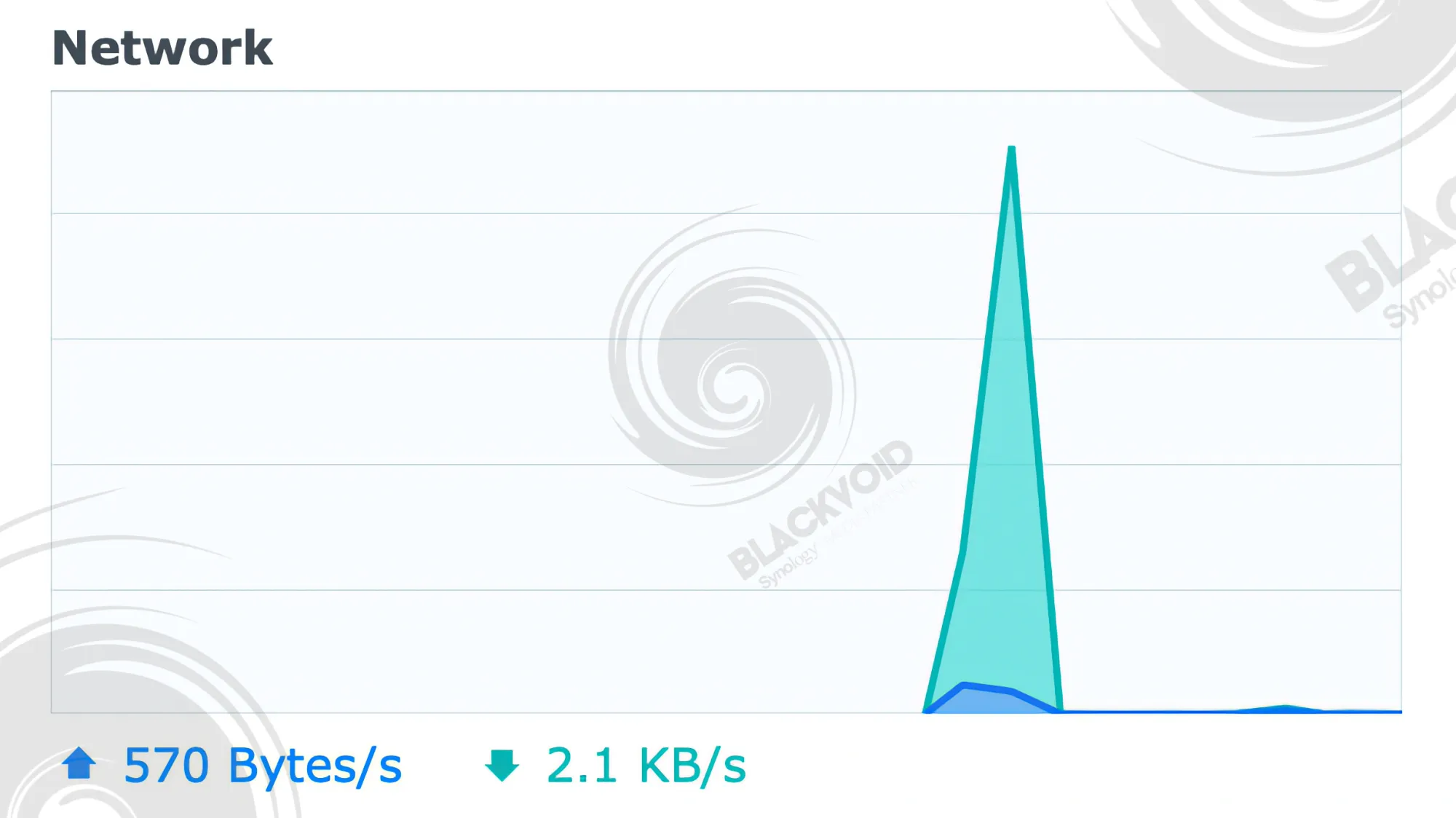
So, focusing only on the actual speed and time is not the correct approach. APM is calculating a lot of factors before, during, and after the fact to utilize the network and backup device only when it's needed, saving traffic and storage along the way.
Linux and Synology have always been a mixed bag. Due to a large number of Linux distributions out there, not to mention the number of updates and revisions that each of those receives, it is no wonder that Synology does not support all of them. Also, some that are supported are known to lag behind a few versions as well.
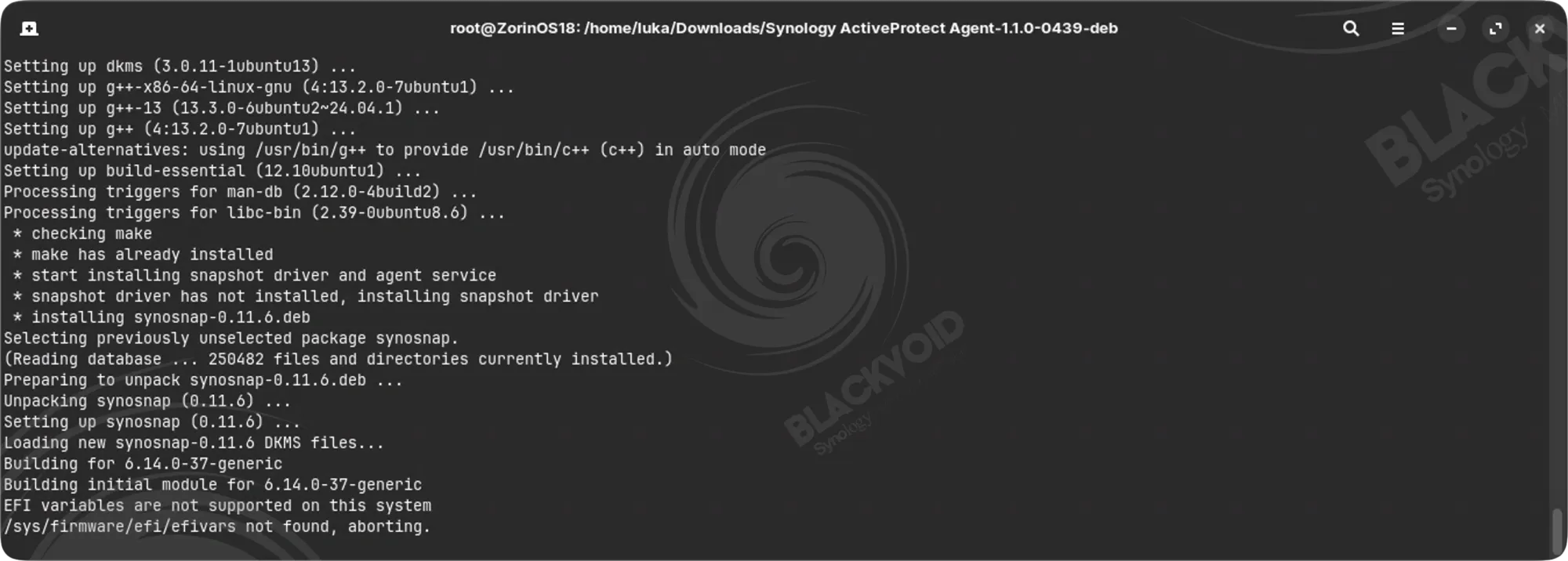
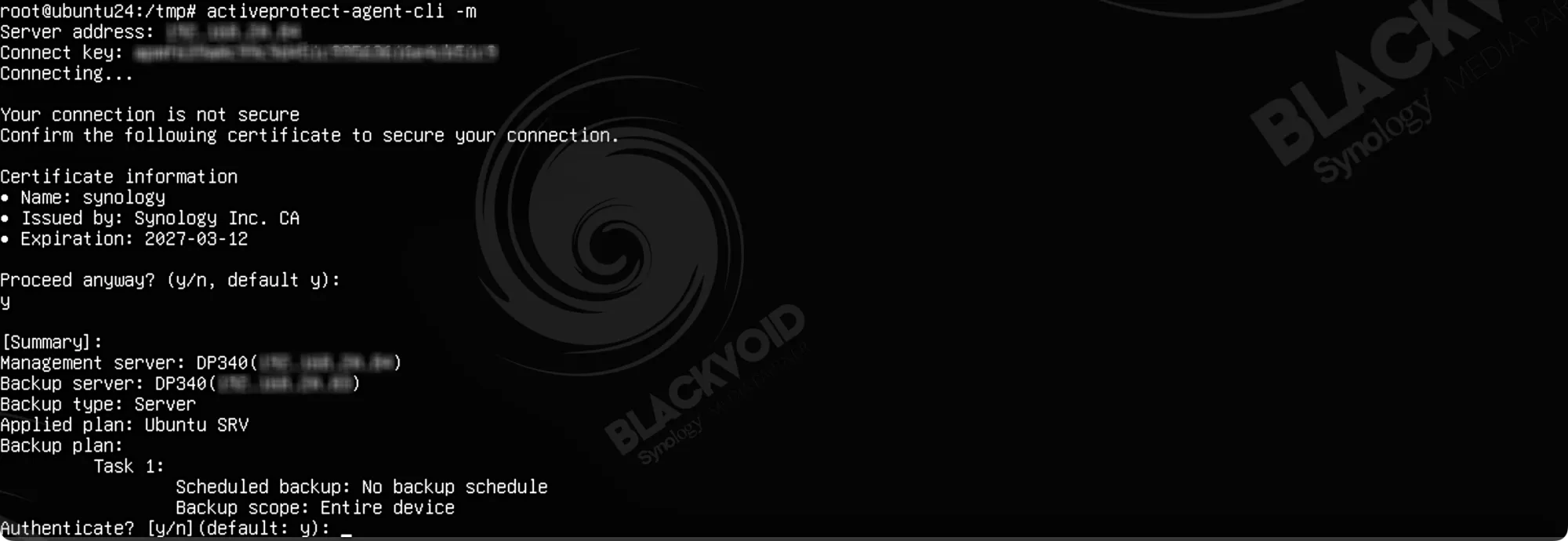
One example is Fedora. A popular and stable distro that has a very large audience still does not support AP in its latest version. Another is ZorinOS. This distro is entirely not supported, as the ActiveProtect snapshot driver fails the installation.
However, Ubuntu, both the desktop and server version run just fine with no issues at all.
The whole point of this endpoint section is to elevate the end user's mindset. Before going into the ActiveProtect segment, be sure to check for OS compatibility depending on how you plan on executing the actual backup procedures.
Restoring end-user machines
Considering what we have seen so far (including the Active Backup for Business package for the past almost 10 years), restoring our data can be achieved in several ways, depending on the actual type of the machine.
While using the ActiveProtect Recovery Portal will allow us to restore or download individual files, we also have the option to initiate a full bare-metal recovery. This is true for all three major OSs (macOS, supported Linux distros, and Windows)
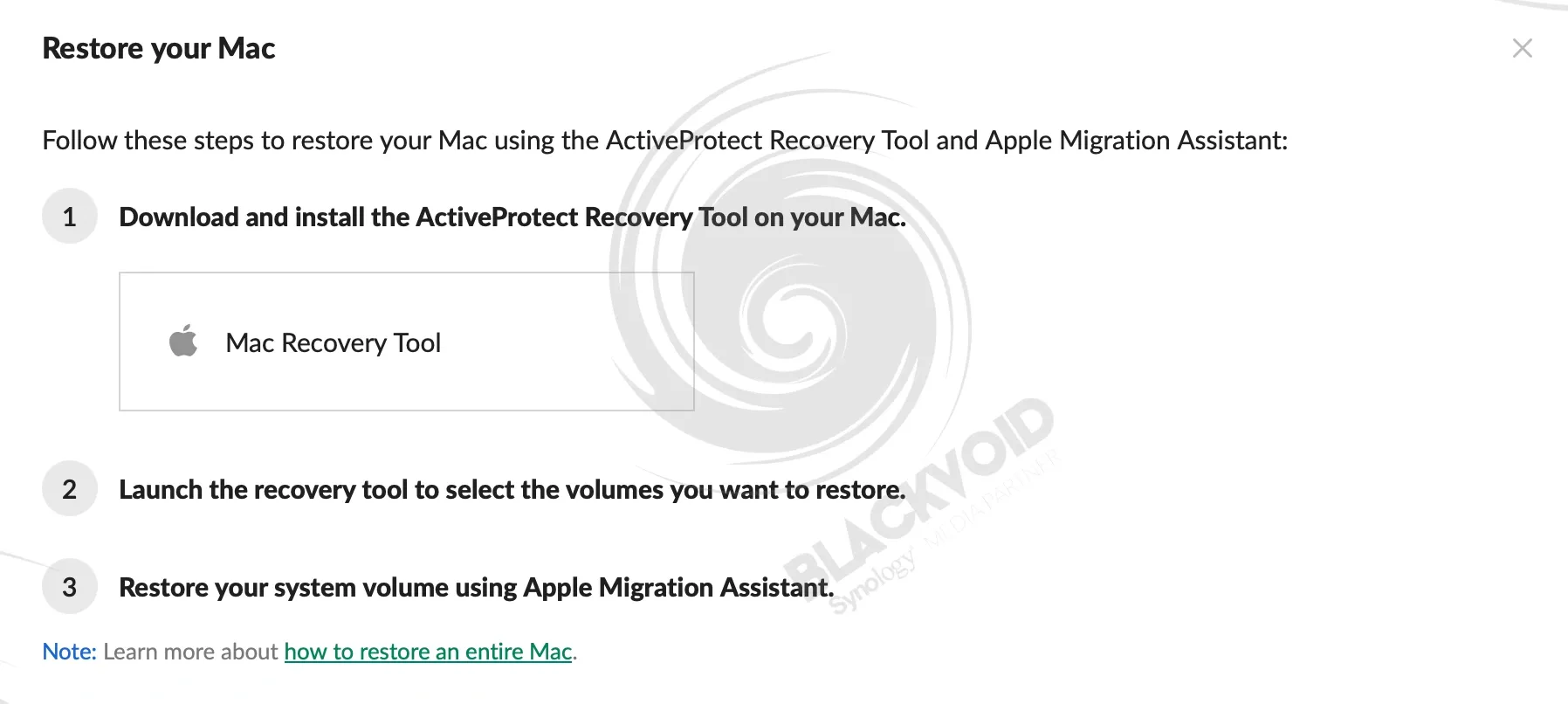
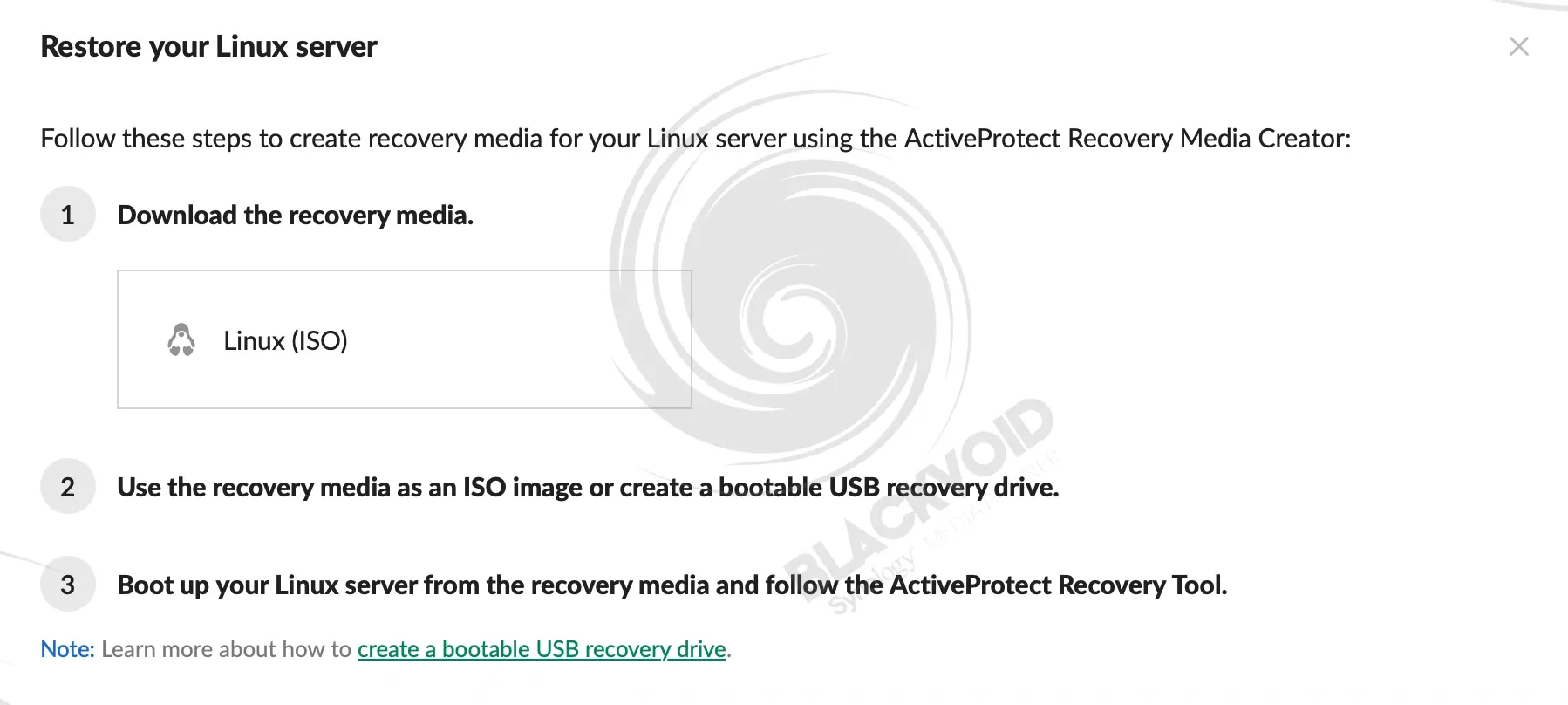
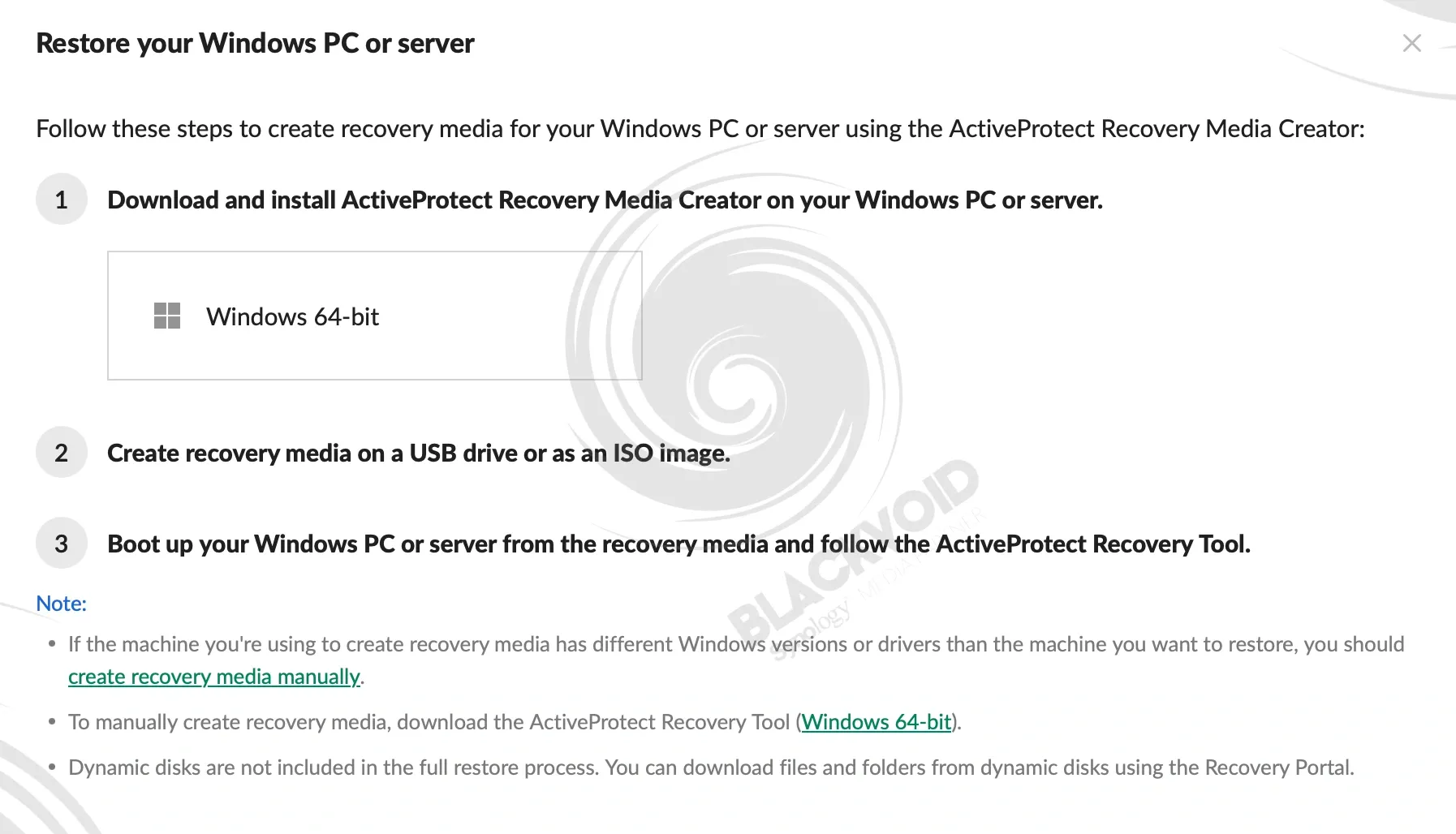
Multiple restore options depending on the OS type and workload. Servers can be also restored to a compatible hypervisor, including the built in VMM (Virtual Machine Manager)
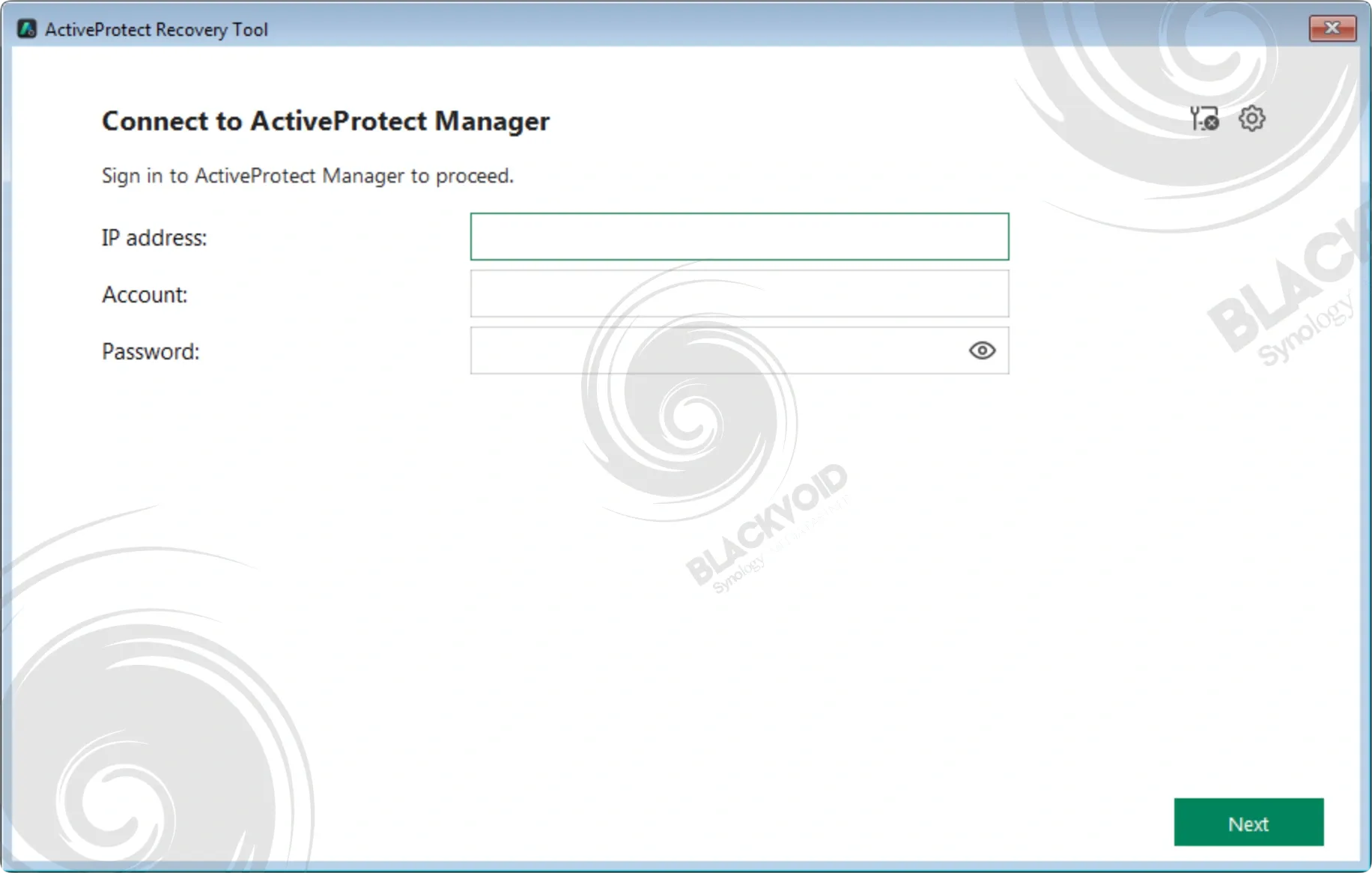
In almost all cases, a creation of a recovery media tool is needed that will be used to boot up the machine and connect to the DP device to pull a specific backup version. This process is recommended to be done immediately after the backup has been completed, as the creation of such a recovery tool requires a machine with a running OS, so be sure to create it ahead of time.
Depending on the OS, in some cases the creation is short, in others it will take some time, but once completed, the boot process is quick, and the restore process can begin immediately.
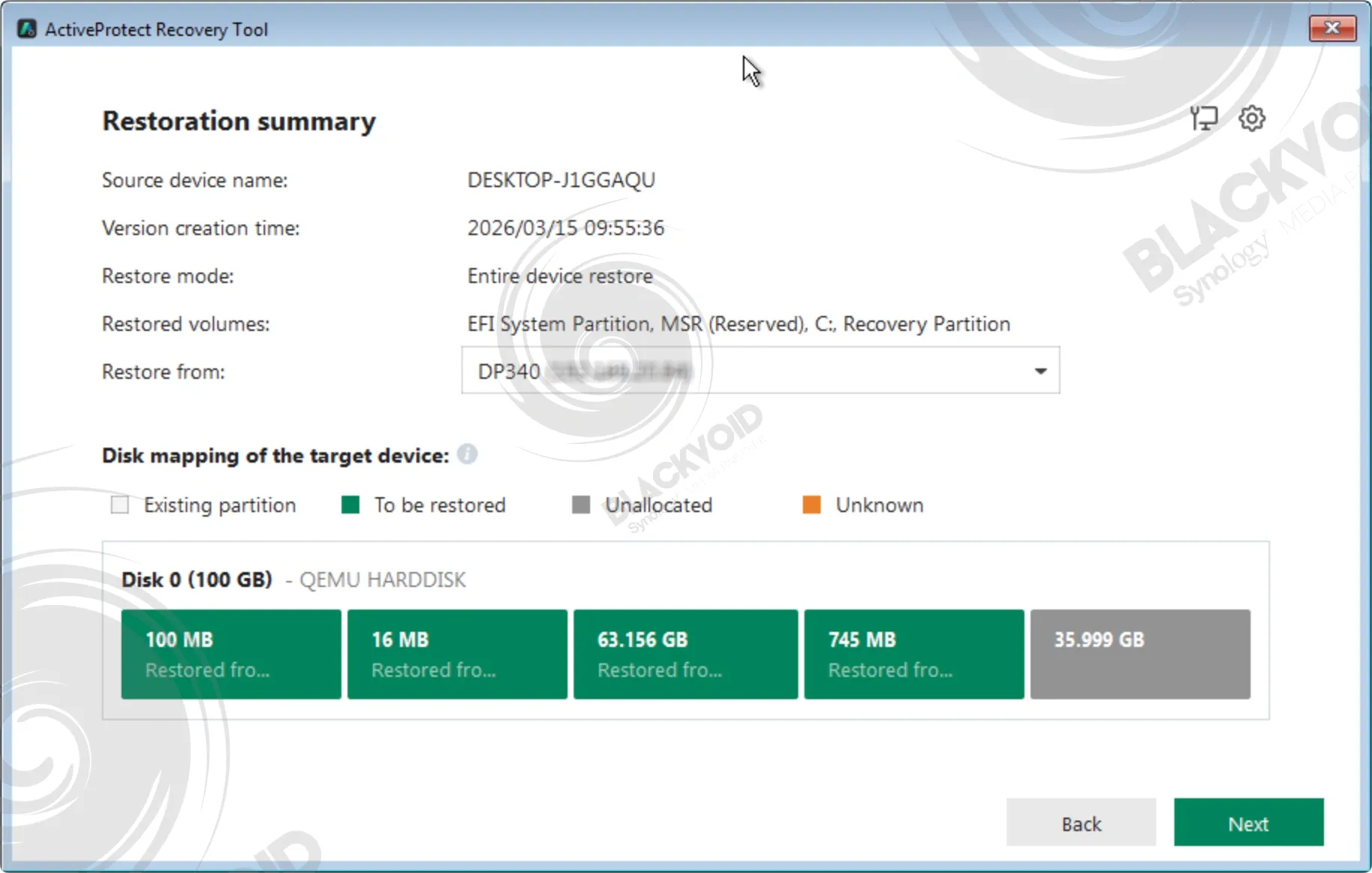
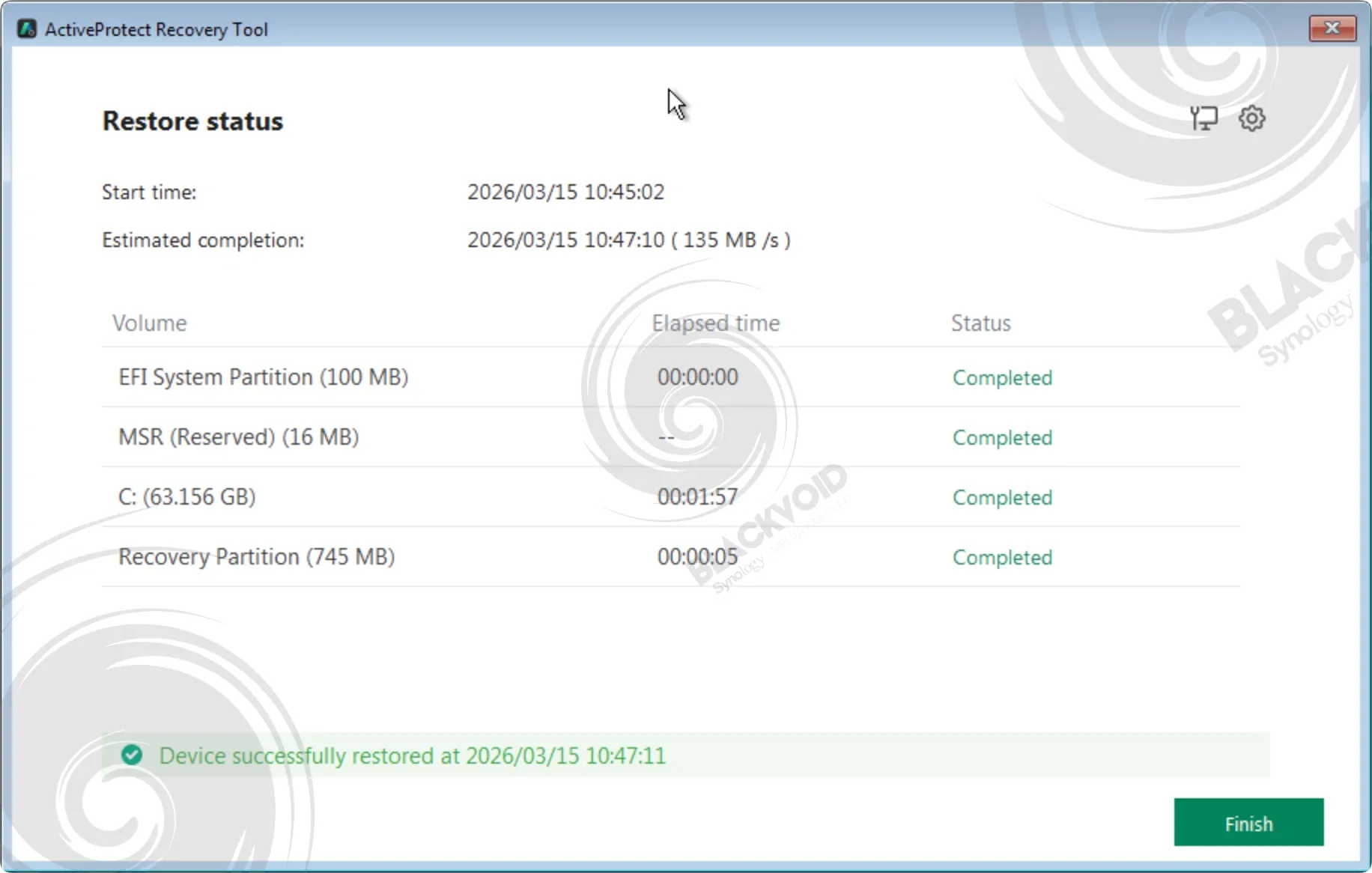
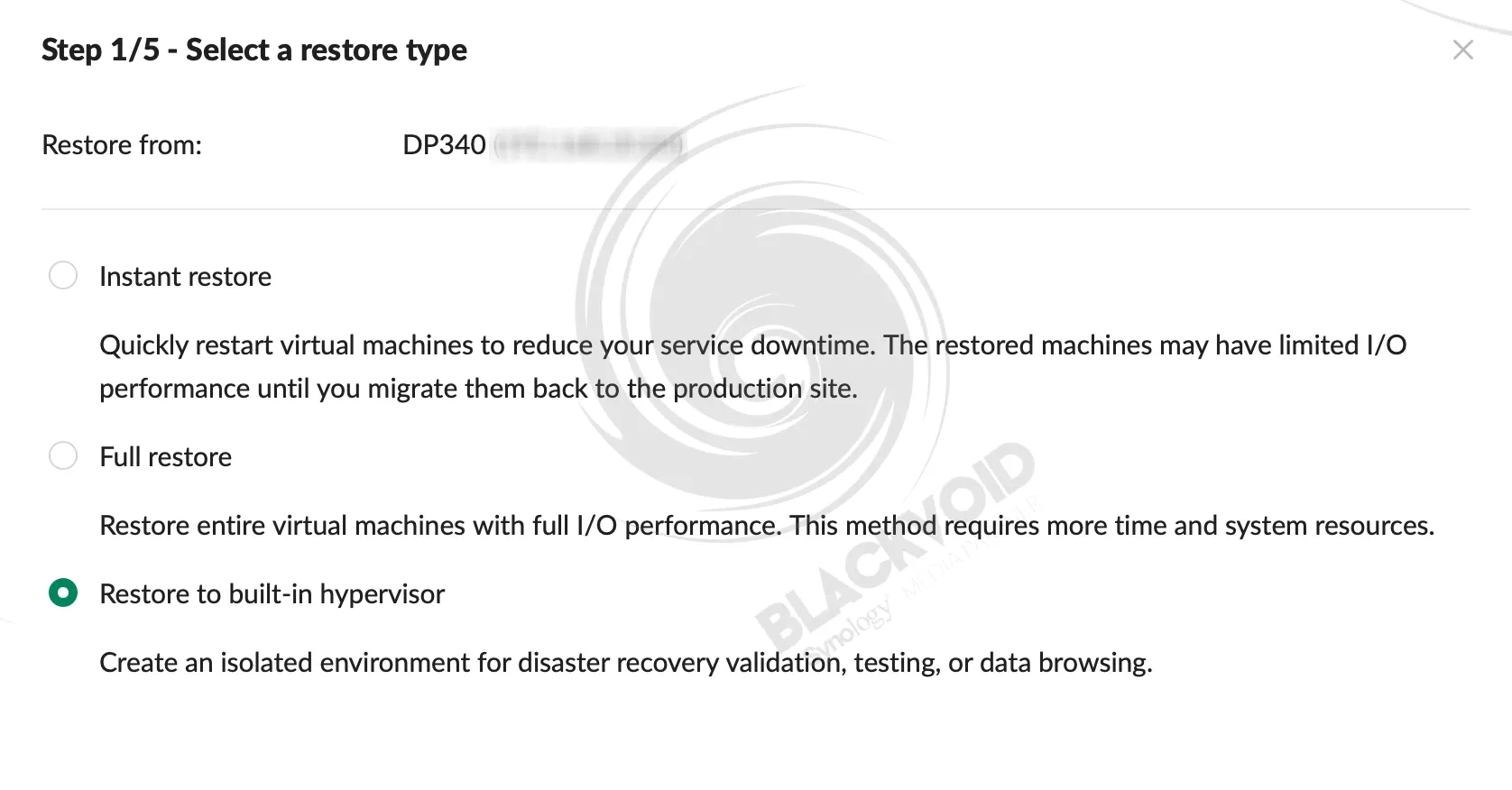
One final scenario that might come in handy when we are running with a 16GB backup machine is the instant restore feature. For machines that are configured as "servers," including any VMs, APM offers an instant restore capability that allows us to quickly boot up the machine in case of any disaster.
The machine can be restored onto a configured and connected hypervisor, or it can be deployed onto DP340 and its internal Virtual Machine Manager. For those who are more familiar with Synology's DSM OS, you will know that VMM is Synology's very own hypervisor that they offer free of charge, with some capabilities that require a license.
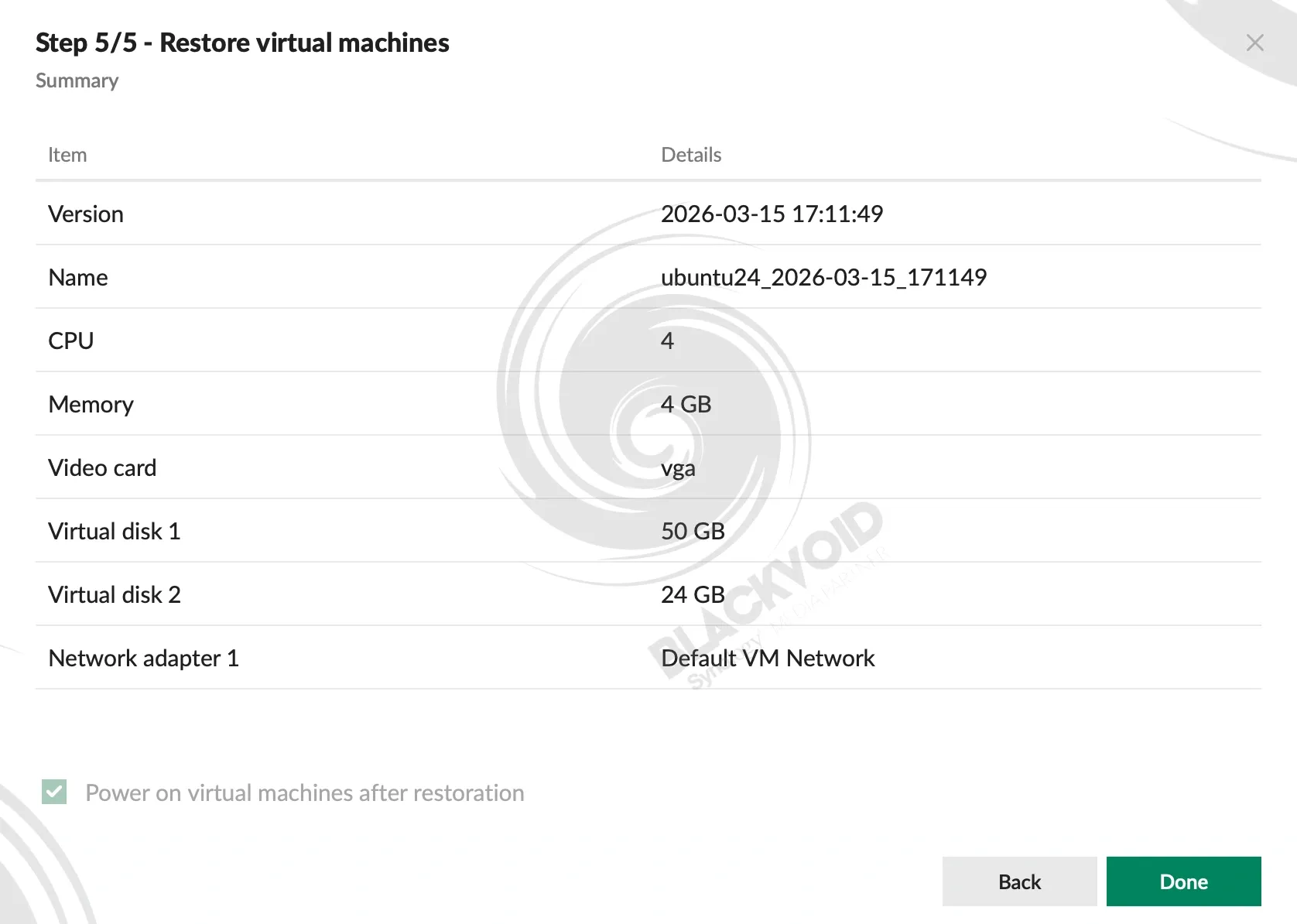
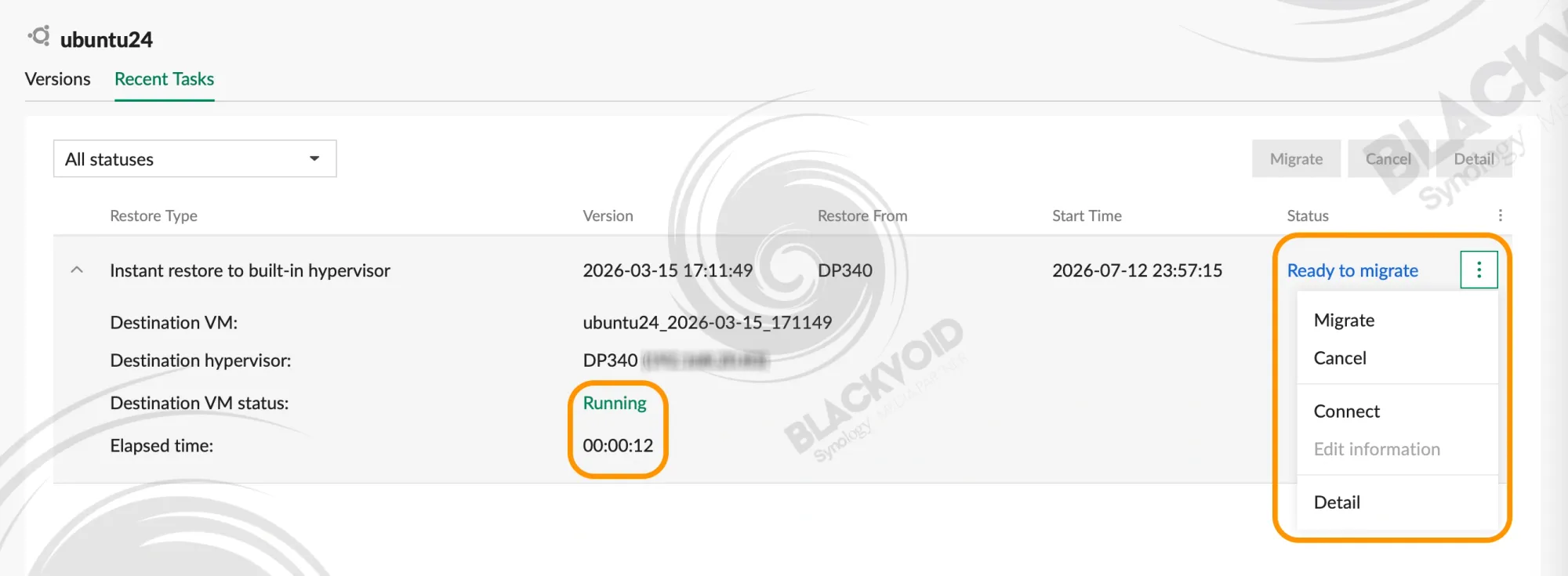
In any event, using a 5-step wizard, we can have a virtual machine restored from the backup in a matter of seconds with an after-the-fact migration step that will need to be executed for the VM to work properly and as fast as possible.
While we have said that this could be a disaster recovery process, it is not just that. This can also be a simple check to see if the VM and its backup version are working, so that when and if that time comes, we know that we can rely on the DP to deliver.
: Conclusion - The great, the good and the ..., annoying
With its current version 1.2, the APM platform offers a lot of options regardless of the appliance. Speaking of backups and restores as well as OS compatibility, the current release has also expanded to the latest version of Windows (and Windows servers), as well as macOS. The Linux kernel support is 6.14, which was EOL already last June.
Secure your data against AI-powered malware and scale your business with a purpose-built backup appliance
What does this mean exactly in terms of OS? Well, APM now officially supports Windows Server 2025 editions, as well as macOS 26, aka "Tahoe". It is interesting to see that while new macOS versions are working out of the gate upon release, it takes some months before Synology officially puts its stamp of approval on them.
Also, APM 1.2 supports Microsoft SQL Server 2025 and Oracle Database 23ai, as well as Windows Server Hyper-V 2025 and System Center Virtual Machine Manager 2025.
Speaking of APM versions, the upcoming 2.0 version that is currently in closed beta will bring support for a few more hypervisors, namely Proxmox and Nutanix, expanding on the existing Hyper-V and VMWare, as well as many more features like anomaly and malware detection, cross-platform recovery, Azure Blob storage support, and more.
With all the good that APM as a platform offers, there are a few annoyances that personally bother me. Mostly it's the logging. While the log center works fine, why does it not notify of the successful backup? Sure, it will flag any issues with a failed or a partial one, but why not a successful one as well?
What I mean by this is if a backup fails, we get a notification, great. But if a backup is successful, all we get is a pat on the back and a log entry with no notification. Why wouldn't we want to be notified about a successful task is beyond me, to be honest.
Speaking of notifications, APM supports only email notifications as its main and only channel. No webhook or push support. Not sure about you, but getting a notification via email never made much sense to me, particularly when there is an issue. Getting alerted about something should be immediate, not written in an email, but ok, that is just my opinion.
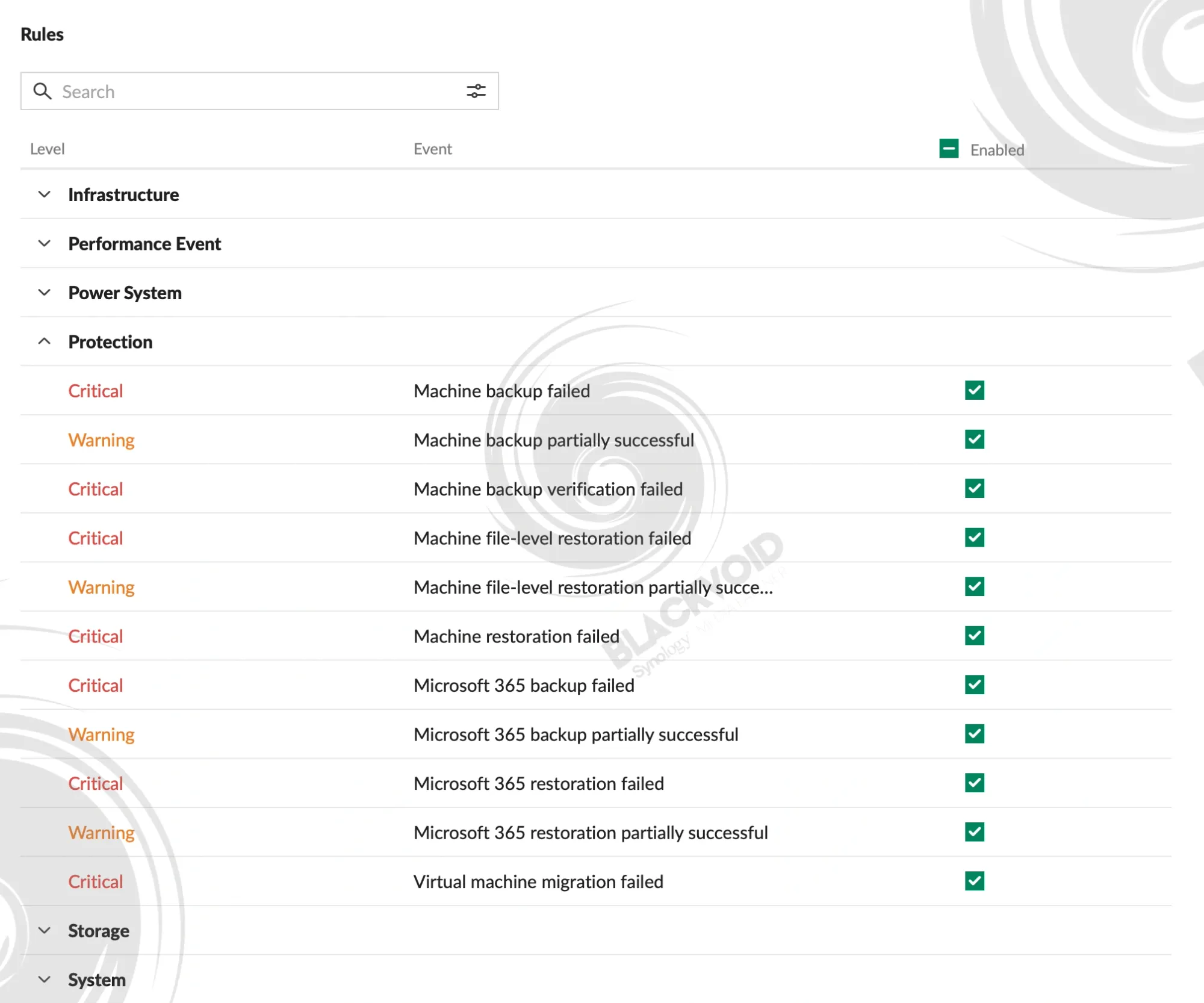
While sending logs to a syslog-compatible system (even inside Synology DSM's Log Center) is possible, our choice of that system needs to be one that works with push or webhook protocols in order to get the messages across. It is just odd that a backup system of this scale and capabilities has a very limited logging and notification system. Hopefully, future releases will get some updates on that front.
Looking at some info that Synology shared during this year's Computex expo, the future DSM OS will get direct support for various monitoring tools like Grafana, Elastic, or Datadog. This could also reflect on the APM side of things as well, but time will tell.
However, like all the other models in this lineup, the DP340 does not disappoint in doing all the crucial tasks that it was designed to do.

ActiveProtect delivers a robust backup solution grounded in decades of research and development, leveraging proven Active Backup platform technologies from its comprehensive suite. While the DP lineup targets enterprise rather than small office environments, it addresses a critical need in today's AI-driven landscape. ActiveProtect enables organizations to implement a 3-2-1-1-0 backup strategy with transparent pricing across all five current DP models, with no subscriptions or hidden fees required.